UGREEN NASync vs Synology for a First Home NAS: Open Hardware or the Polished OS

Henrik Voss
October 17, 2026
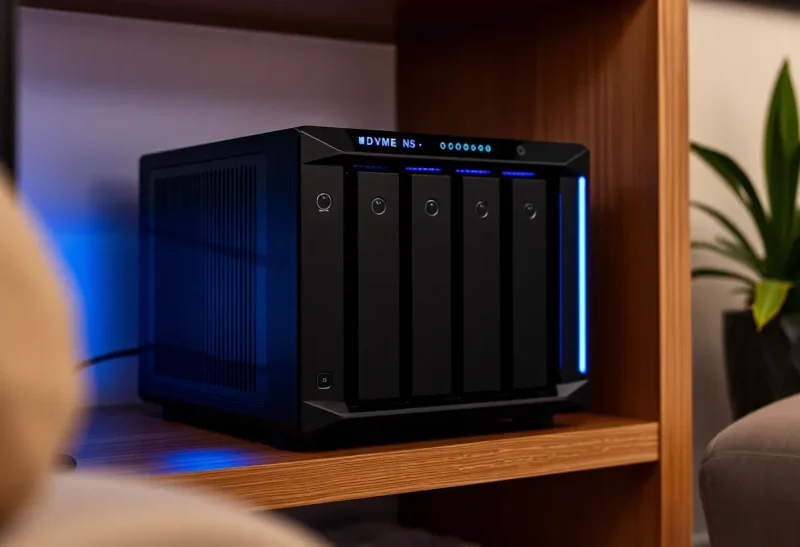
For years, the advice for a first home NAS was simple: buy a Synology. Its software, DSM, is polished, its apps cover photos, backups and file sharing, and it just works. Then UGREEN, better known for chargers and cables, launched its NASync range with noticeably stronger hardware for the money: newer Intel processors, faster networking and more NVMe slots. Suddenly the first-NAS question has a real alternative.
I keep family photos and project archives on a used Synology in a closet, with off-site copies in the cloud, and have tested a UGREEN NASync unit alongside it. The two make different promises. Synology sells software maturity on modest hardware. UGREEN sells strong hardware with younger software, and the freedom to replace that software entirely.
Hardware value or software maturity
Synology NAS units run DSM, a mature operating system with a polished web interface and a large set of first-party apps: Synology Photos, Synology Drive for file sync, Hyper Backup and Active Backup for backups, Surveillance Station for cameras, plus Docker through Container Manager on supported models. Its hybrid RAID (SHR) makes mixing drive sizes easy, and Btrfs snapshots protect against accidental deletion and ransomware. Hardware in many models is modest for the price, with older or low-power CPUs and gigabit networking on some units.
UGREEN NASync units run UGOS Pro, UGREEN’s own NAS operating system based on Linux, with apps for photos with AI recognition, file sync, backups, Docker and virtual machines on some models. The hardware is the headline: current Intel processors, 2.5-gigabit or 10-gigabit networking depending on the model, and multiple NVMe slots. UGREEN also allows you to install another operating system, such as TrueNAS or Unraid, which many homelab users do.
| UGREEN NASync | Synology | |
|---|---|---|
| Hardware for the price | Strong: newer CPUs, faster networking | Modest on many models |
| Operating system | UGOS Pro, younger | DSM, very mature |
| Apps | Good core set, growing | Extensive, polished first-party apps |
| Install another OS | Allowed; TrueNAS and Unraid are popular | Not supported |
| Mixed drive sizes | Standard RAID options | SHR makes it easy |
| Track record | Launched recently | Many years |
Setting up a first NAS
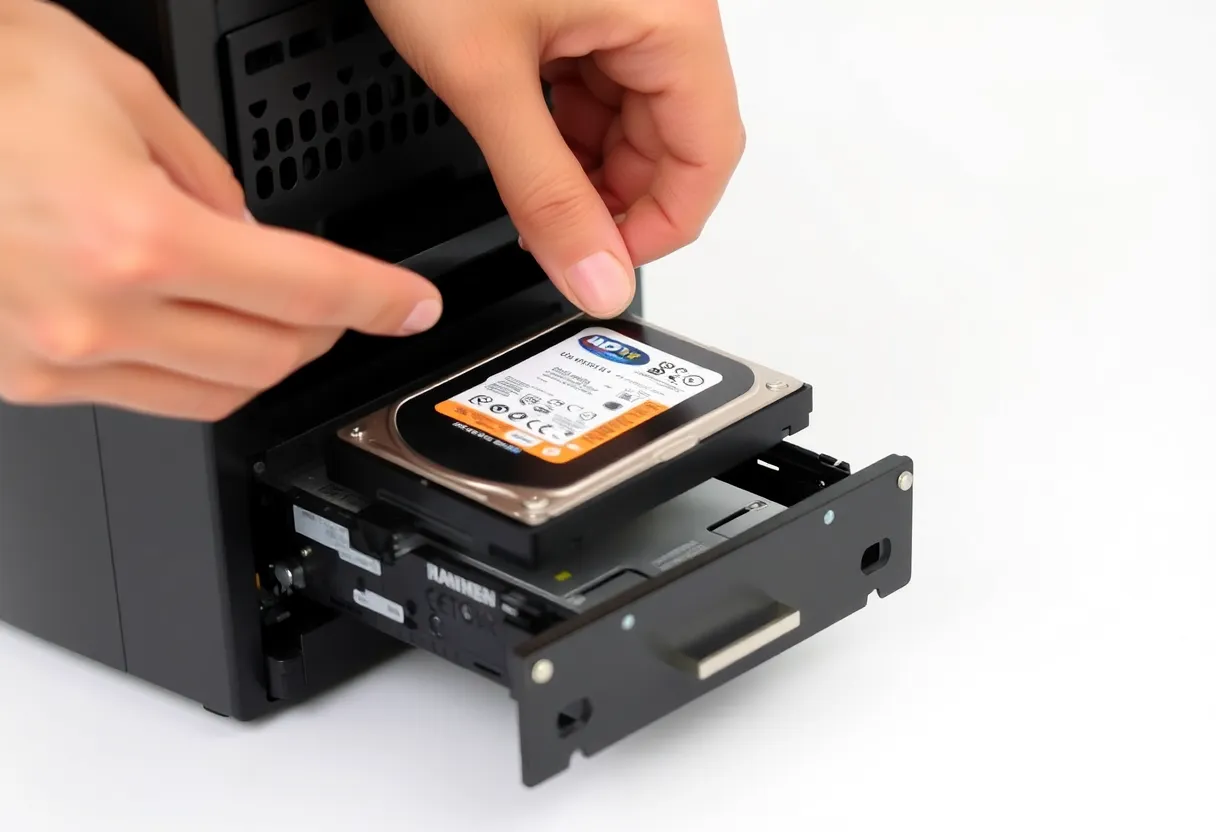
Synology’s setup is famously smooth. Insert drives, find the NAS in a browser, install DSM, create a storage pool with SHR, and you are guided through users, shared folders and apps. For someone who has never run a server, it is the gentlest introduction available. There is a reason “just buy a Synology” became the standard advice, as covered in setting up a home NAS with a used Synology.
UGREEN’s setup is also guided, through a web interface and a phone app, and is friendly for beginners. UGOS Pro covers storage pools, shared folders, users, photos and backups with a clean interface. It is less deep than DSM in settings and edge cases, but the everyday tasks are straightforward.
Performance and the hardware gap
This is where UGREEN shines. Its newer Intel processors handle Docker containers, virtual machines and hardware video transcoding for Jellyfin or Plex comfortably, thanks to Intel’s Quick Sync. Faster networking means large file copies, backups and video editing from the NAS are not stuck at gigabit speeds. NVMe slots can hold fast storage for apps and containers, or a cache.
Many Synology models in a similar price range use lower-power or older CPUs, and some lack hardware transcoding or ship with gigabit ports only, with faster networking as an add-on card on some models. For pure file storage and backups, that is fine. For running a lot of containers or a media server with transcoding, Synology’s hardware can feel limited for the money.
Drives and compatibility
Drive choice is worth checking before buying either. Synology introduced stricter compatibility rules for some newer models, favouring its own branded drives, and then adjusted the policy after customer pushback. Check the current compatibility list and policy for the exact model you are considering, especially if you plan to use drives you already own.
UGREEN units accept standard NAS drives from the major brands. Whichever you choose, use CMR NAS drives rather than SMR desktop drives in RAID arrays; the differences between two popular choices are in WD Red Plus vs Seagate IronWolf.
Apps for photos, backups and sync
Synology’s app suite is its moat. Synology Photos is a capable family photo app with phone backup and face grouping. Synology Drive provides file sync with desktop and mobile clients. Hyper Backup sends versioned backups to another NAS, a USB drive or cloud storage, and Active Backup backs up PCs and servers. These apps are mature, documented and supported together.
UGOS Pro includes photo management with AI features, file sync, backup tools and Docker. They work well for common tasks and are improving with each update, but they have a shorter history and fewer edge-case features. Many UGREEN owners use Docker to run open-source apps instead, such as Immich for photos or Kopia and restic for backups.
If you prefer open-source apps in containers anyway, the app gap matters less. If you want everything to come from one vendor, Synology is ahead.
Replacing the operating system
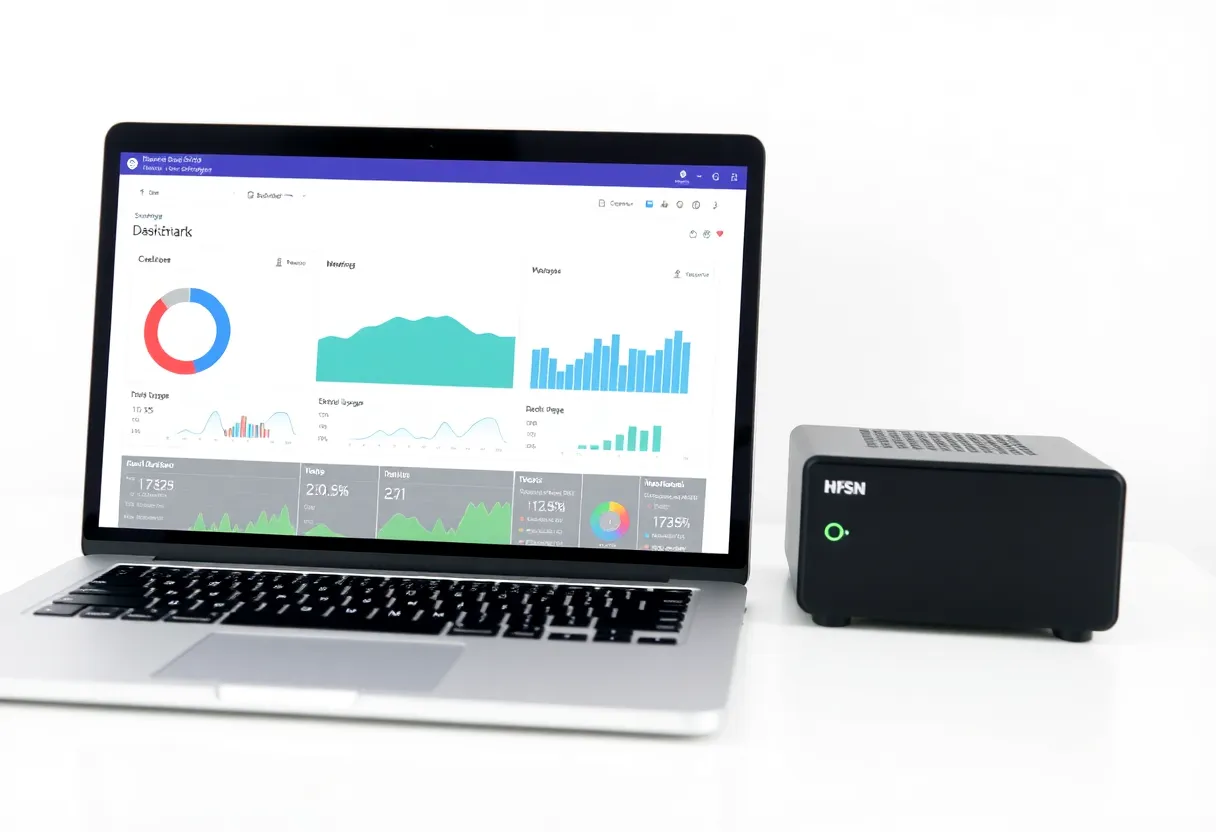
A big reason homelab users like UGREEN hardware is that you can install another operating system. TrueNAS SCALE brings ZFS with snapshots, scrubs and a strong app ecosystem; Unraid brings flexible mixed-drive arrays and an easy Docker interface. In effect, UGREEN sells well-built NAS hardware with an optional operating system.
Before doing this, check the current warranty position for your region, keep a copy of the original system if possible, and confirm drivers for the network and storage controllers in your chosen operating system. The trade-offs between those two systems are in Proxmox vs Unraid for a first home server and in the community’s long-running ZFS versus Unraid debates.
Synology’s hardware is designed for DSM only, and replacing it is unsupported and impractical for most users.
Noise, power and where it lives
A first NAS usually ends up in a living space, a home office or a hallway cupboard, so noise and power matter more than benchmarks. Most of the noise comes from the hard drives, not the enclosure: NAS drives click and hum during activity and spin-up, whatever box they sit in. Both brands let you spin drives down when idle, which saves power and noise but slows the first access.
UGREEN’s units use more capable CPUs, which can draw more power under heavy load, though idle power with drives spun down is modest. Synology’s low-power models are frugal at idle. In both cases, the drives dominate: each 3.5-inch drive typically adds several watts while spinning. Measure the whole unit at the wall once it is running your services, and remember it runs all year.
A first-week checklist for either
- Test drives before trusting them. Run an extended SMART test on each new drive and let the array finish its initial build before copying important data.
- Turn on snapshots for shared folders, with a schedule that keeps hourly copies for a day and daily copies for a few weeks.
- Set up notifications for drive failures, high temperatures and failed backups, by email or a push service.
- Create a backup job on day one to a USB drive or a cloud service, and restore one file to prove it works.
- Put the NAS on a UPS if you can, and configure it to shut down cleanly on low battery.
Updates, security and the long run
Synology has a long record of security updates and supports models for many years, with a published end-of-life schedule. DSM updates are generally smooth. This long-term support is part of what you pay for.
UGREEN is new to NAS software, so its long-term update record is still being written. Early updates have added features steadily. If you replace UGOS with TrueNAS or Unraid, updates come from those projects instead, which have their own long track records.
For either, avoid exposing the NAS’s admin interface directly to the internet. Use a VPN or mesh network for remote access, enable two-factor login, and keep snapshots so ransomware or mistakes can be undone. And remember that a NAS is not a backup by itself: keep another copy elsewhere, as discussed in Backblaze B2 vs a used Synology.
Which to buy for a first NAS
Choose Synology if you want the most polished, mature NAS software with a complete set of first-party apps, and your needs are mainly file storage, photos, sync and backups. You pay more for the hardware you get, but you buy years of refined software and support. Check drive compatibility for the specific model.
Choose UGREEN NASync if you want more performance for your money, for containers, media transcoding, virtual machines and faster networking, and you are comfortable with younger software or plan to install TrueNAS or Unraid. It is excellent hardware with real flexibility.
If you are unsure, think about the next three years rather than the first week. A household that will only ever store files and photos is well served by Synology’s software. A homelab that will keep adding containers, media and experiments will appreciate UGREEN’s hardware headroom.
Both are good first NAS choices. The question is whether you are buying an appliance for its software, or a capable box to run your own way.