Beelink vs Minisforum Mini PCs for a Homelab: Thermals, BIOS Updates and Support

Sam Chen
October 16, 2026
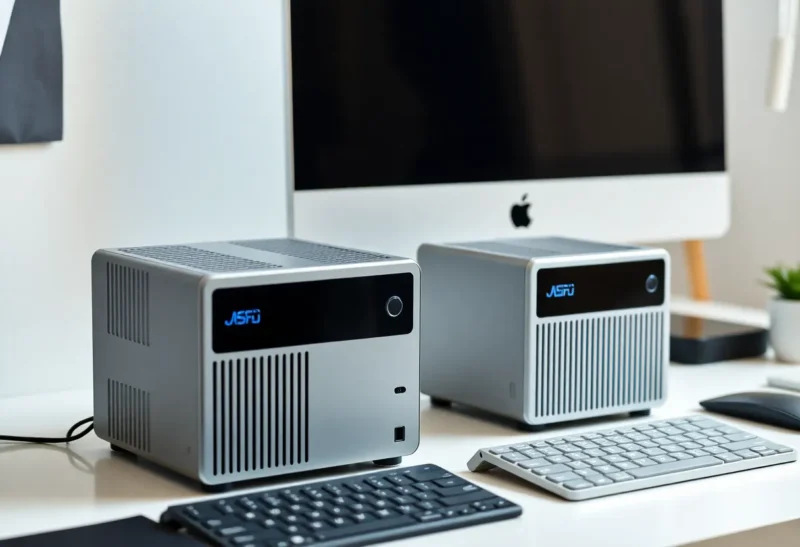
The mini PC has quietly become the default homelab server. A box the size of a paperback, drawing a few watts at idle, now runs Docker, Home Assistant, a media server, a firewall or a small Proxmox cluster. Two brands dominate the shopping lists and forum threads: Beelink and Minisforum. Both are Chinese manufacturers selling through their own stores and the big marketplaces, both cover budget Intel boxes through powerful Ryzen machines, and both get recommended, and complained about, in roughly equal measure.
I have owned several of each for home server duty. Comparing them as brands is a little artificial, since a specific model matters more than the logo, but there are patterns worth knowing before you buy: in what each brand tends to emphasise, how they handle heat and noise, and what happens when you need a BIOS update or a warranty claim.
Two brands, two personalities
Beelink is known for value and tidy, quiet designs. Its range runs from very affordable Intel N-series boxes, popular as first home servers and for Home Assistant, to Ryzen-based SER models with more cores and stronger integrated graphics. Several models include an internal power supply rather than a laptop-style brick, which makes them neat on a shelf.
Minisforum is known for pushing features: more network ports, faster networking, PCIe expansion, multiple NVMe slots and high-performance mobile CPUs. Its MS-series machines in particular, with options such as 10-gigabit SFP+ ports and a PCIe slot, have become homelab favourites for people building small clusters. It also sells motherboards with mobile CPUs for custom builds.
| Beelink | Minisforum | |
|---|---|---|
| Strength | Value, quiet, simple designs | Features and expansion |
| Budget range | Strong, many Intel N-series boxes | Fewer budget models |
| Networking | Mostly 1–2.5 GbE, dual ports on some | Up to multiple 2.5 GbE and 10 GbE on some models |
| Expansion | Usually one or two NVMe slots | Often multiple NVMe slots, sometimes PCIe |
| Typical noise | Generally quiet | Varies; high-power models can be loud under load |
| Price | Lower on average | Higher for the feature-rich models |
The budget box for a first home server
For a first server running Docker containers, Pi-hole, Home Assistant and a light media server, an Intel N-series mini PC is usually enough. These chips have four cores, very low idle power, and Intel’s Quick Sync video engine, which handles hardware transcoding for Jellyfin or Plex efficiently.
Beelink has been especially strong here, with models that are quiet, cheap and well reviewed. Minisforum also makes N-series boxes but focuses more on higher-end machines. If your budget is tight and the job is modest, Beelink’s budget models are often the natural starting point. Whether a box like this beats a NAS or a Raspberry Pi is covered in NAS vs mini PC for Docker containers and the best mini PCs for a home server.
A caution for both brands: some of the cheapest configurations ship with a single slot of RAM soldered or limited to one channel, and a small, slow SSD. Check whether memory can be upgraded and whether there is a second drive slot before buying.
Thermals and noise in a living room
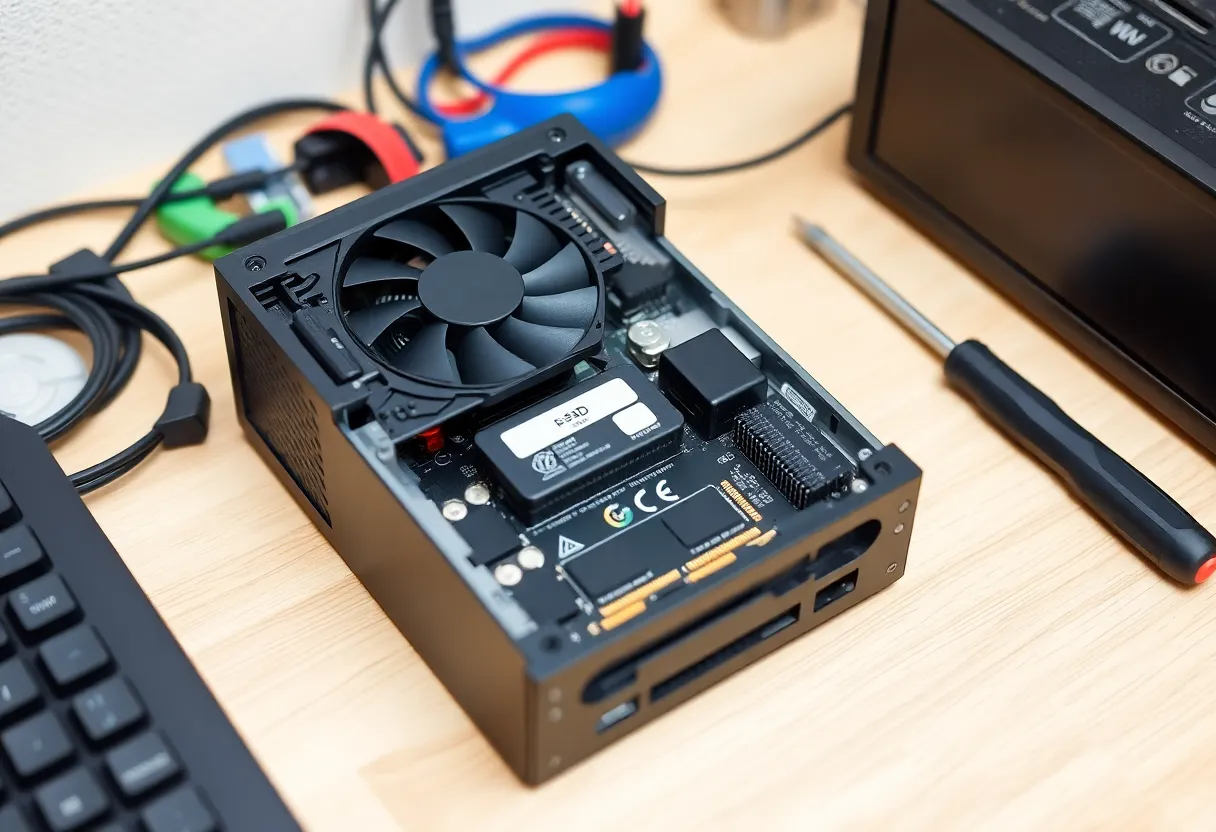
A home server often sits in a living room, a bedroom or a cupboard, so noise matters. In my experience, Beelink’s designs tend to be quiet at the idle and light loads typical of home servers, and its larger models use generous coolers.
Minisforum’s high-performance models pack fast CPUs into small cases, and some get loud under sustained load, such as long transcodes, compiling or virtual machines running flat out. Many offer BIOS settings to limit CPU power, which reduces heat and noise at a small performance cost, and that is often the right choice for a home server.
For both brands, the specific model and the CPU power limit matter more than the brand. Read reviews that measure noise under sustained load, not just benchmark scores, and place the box where it can breathe. A mini PC pushed into a closed cupboard will run hot and loud whatever its logo.
Networking and expansion for a homelab
This is where Minisforum often pulls ahead. Its homelab-oriented models offer several 2.5-gigabit ports, 10-gigabit SFP+ ports on some machines, multiple NVMe slots, and in some cases a PCIe slot for a network card or other expansion. For a Proxmox cluster, a router-plus-server box, or fast storage access, those features are hard to match in other mini PCs at the price.
Beelink’s models more often have one or two network ports and one or two NVMe slots. That is plenty for a single home server, and some models are popular as firewall boxes, but fewer of them suit people who want fast networking or many drives in one machine.
Check which network chips a model uses. Intel network chips are widely supported, including on FreeBSD-based firewalls, while some Realtek chips have weaker support on certain systems. This matters if you plan to run OPNsense, pfSense or a specific hypervisor.
BIOS updates and firmware support
Firmware support is a weak point for many mini PC brands, and both Beelink and Minisforum have mixed records. BIOS updates fix stability problems, add features such as better power controls, and patch security issues, but they are released irregularly and not every model gets them for long.
Before buying, look up the specific model on the manufacturer’s support pages and see whether BIOS updates have been published, how recently, and how they are installed. Some updates are delivered as files on a support site or through community forums rather than through a polished update tool. Also check whether useful settings, such as power limits, fan curves, power-on after power loss, and virtualisation options, are available in the BIOS. Power-on after power loss in particular is essential for a server that should restart itself after an outage.
Warranty and support
Both brands sell directly and through marketplaces such as Amazon. Warranty length and how claims are handled vary by region and by where you buy. Buying through a marketplace with an easy return policy often makes early problems much easier to solve than an international warranty claim with shipping to another country.
Owner reports on both brands include good support experiences and frustrating ones. Quality control issues, such as a noisy fan, a faulty port or a dead unit, are reported for both, as for most budget hardware. Test a new box thoroughly in the return window: run a memory test, stress the CPU for an hour, copy large files over the network and check drive health.
A first-week checklist for any new mini PC
Whichever brand arrives, these steps catch most problems while you can still return the box, and set it up properly for server duty:
- Update the BIOS first if a newer version exists on the support page, before installing your operating system.
- Set the server-friendly BIOS options: power on after power loss, virtualisation enabled if you will run Proxmox or VMs, and a sensible CPU power limit if the fan is loud.
- Replace or add storage if needed. The bundled SSD in budget models is often a low-end drive. For anything important, use a known-brand NVMe drive, and check its health with SMART tools either way.
- Run a memory test overnight, then a CPU stress test for an hour while watching temperatures and noise.
- Test every network port with a large file transfer at full speed, and leave a long transfer running to catch ports that drop under load.
- Check hardware transcoding if you will run a media server, by playing a file that forces a transcode and confirming the GPU is used.
- Measure idle power with your services running, so you know the yearly cost.
A box that passes all of this in its first week will very likely run quietly for years. One that fails any step should go back while returns are still easy.
Power use over a year
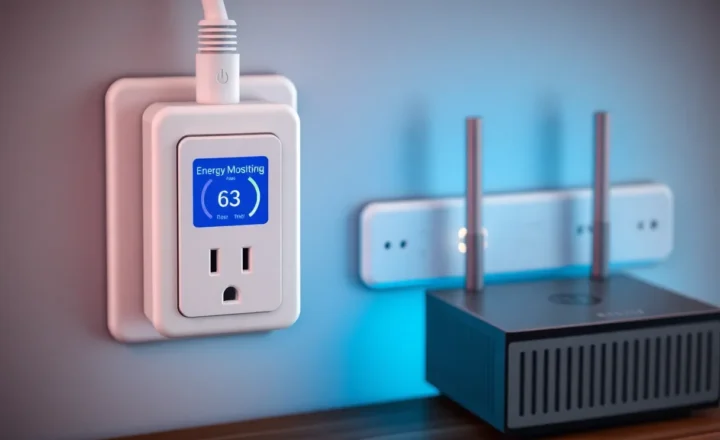
A home server runs all year, so idle power matters more than peak performance. Intel N-series boxes from either brand often idle at a few watts. Ryzen models usually idle higher, especially with more network ports, extra drives and fast networking enabled. Measure it yourself with a plug-in power meter once your services are running, and compare the yearly electricity cost with the price difference between models.
If you plan to run local AI models, neither brand’s typical mini PC is a substitute for a graphics card, though high-memory Ryzen models can run small models. The trade-offs of sharing one box between home server duty and local AI are in whether a home server and local AI can share one mini PC.
Buying by model, not by logo
If you want an affordable, quiet first home server for Docker, Home Assistant and media, start by looking at Beelink’s Intel N-series and entry Ryzen models. They are good value, generally quiet, and do these jobs well.
If you want homelab features, such as several fast network ports, 10-gigabit networking, multiple NVMe drives or PCIe expansion for a Proxmox cluster, Minisforum’s homelab-oriented models are often the best fit, as long as you check noise and set sensible power limits.
Whichever brand you consider, judge the specific model: memory upgradability, drive slots, network chips, BIOS update history, idle power, noise under load and the return policy where you buy. A good mini PC from either brand will run quietly for years. A poorly chosen one from either will remind you every day.