PocketBook InkPad Color 3 vs Bigme B751C: A Closed E-Reader or an Open Android Colour Tablet

June Solis
October 17, 2026
Colour e-ink has finally become good enough for everyday reading, and the 7-to-8-inch size has become the sweet spot for comics, magazines, cookbooks and highlighted non-fiction. Two devices in that class represent opposite philosophies. The PocketBook InkPad Color 3 is a dedicated e-reader with its own closed software, built to read well and last long. The Bigme B751C is a small Android tablet with a colour e-ink screen, built to run almost any reading app you can install.
I annotate a lot of PDFs outdoors and have compared colour e-ink panels in direct sunlight for highlights that survive noon light. These two are among the most common shortlist pairs for people who want colour without buying into Amazon or Kobo. Which one suits you depends mostly on one question: do you want a reader, or a tablet that reads?
A dedicated reader and an Android slab
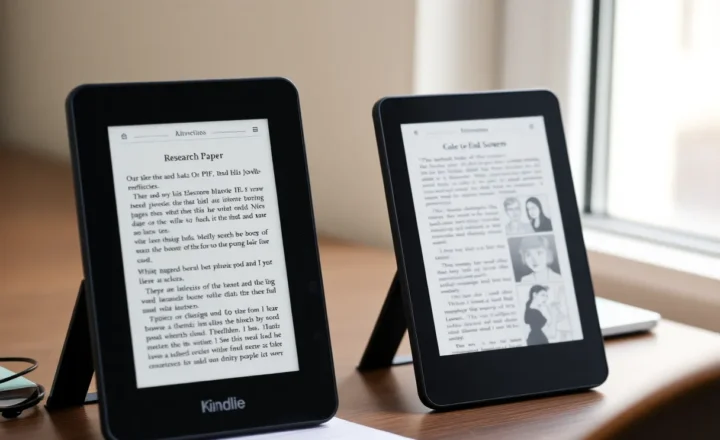
The PocketBook InkPad Color 3 is a 7.8-inch colour e-reader running PocketBook’s own Linux-based software. It reads a wide range of formats out of the box, including EPUB, PDF, DjVu, CBZ and CBR comics, and many others, without any extra apps. It has physical page-turn buttons, a front light with adjustable warmth, a speaker for audiobooks and text-to-speech, and water resistance for reading by the pool or in the bath. There is no app store.
The Bigme B751C is a 7-inch Android e-ink tablet with a colour screen, physical page buttons and the Google Play Store. You can install Kindle, Kobo, Libby, KOReader, Moon+ Reader, comic readers, news apps and note-taking apps. It has more processing power and memory than a typical e-reader, and Bigme’s own system settings let you tune refresh modes and colour per app.
Both use E Ink’s Kaleido 3 colour technology, which overlays a colour filter on a black-and-white panel. Black text is sharp, and colour is rendered at lower resolution, typically around half the black-and-white pixel density, with muted, pastel-like tones rather than tablet-bright colours. Exact specifications change between production runs and regions, so check the current spec sheet before buying.
| PocketBook InkPad Color 3 | Bigme B751C | |
|---|---|---|
| Screen | 7.8-inch Kaleido 3 colour | 7-inch Kaleido 3 colour |
| Software | PocketBook’s own reader system | Android with Google Play |
| Formats | Very wide, built in | Whatever your apps support |
| Store apps (Kindle, Kobo, Libby) | No | Yes, through Google Play |
| Page buttons | Yes | Yes |
| Water resistance | Yes | Not a selling point |
| Battery life | Weeks of reading | Shorter; depends on apps |
Reading books you already own
If your library is mostly DRM-free EPUBs, PDFs and comics, from Calibre, publishers that sell without DRM, or public-domain sources, the PocketBook handles everything without setup. Copy files over USB, email them to the device’s Send-to-PocketBook address, or sync through PocketBook’s cloud or Dropbox. Its reader supports good typography controls, dictionaries, highlights and notes, and its PDF handling includes zoom, margin cropping and column modes.
On the Bigme, you choose your own reader app. KOReader brings excellent PDF reflow and typography, and other apps bring other strengths; the trade-offs between two popular choices are in KOReader vs Moon+ Reader on Android e-ink. This flexibility is powerful but means you spend time picking and tuning apps.
For a sideloaded library, the PocketBook is simpler; the Bigme is more customisable.
Books from stores and libraries
This is where the Bigme pulls ahead decisively. If you have years of Kindle or Kobo purchases, or borrow from a public library through Libby, the Android apps give you access to those books directly. On the PocketBook, Kindle purchases are not available, and library borrowing depends on whether your library offers EPUBs with Adobe DRM, which PocketBook supports, rather than app-only lending.
PocketBook has its own book store in some regions, and supports Adobe DRM for purchased EPUBs from many stores outside Amazon. For readers in Europe, that covers a good part of the market. For readers deep in the Kindle ecosystem, it does not.
Running store apps on e-ink is not always elegant. The Kindle and Libby apps were designed for phones and LCD tablets, with animations and screens that can ghost on e-ink. Bigme’s per-app refresh settings help, but expect some rough edges.
Comics, magazines and colour highlights
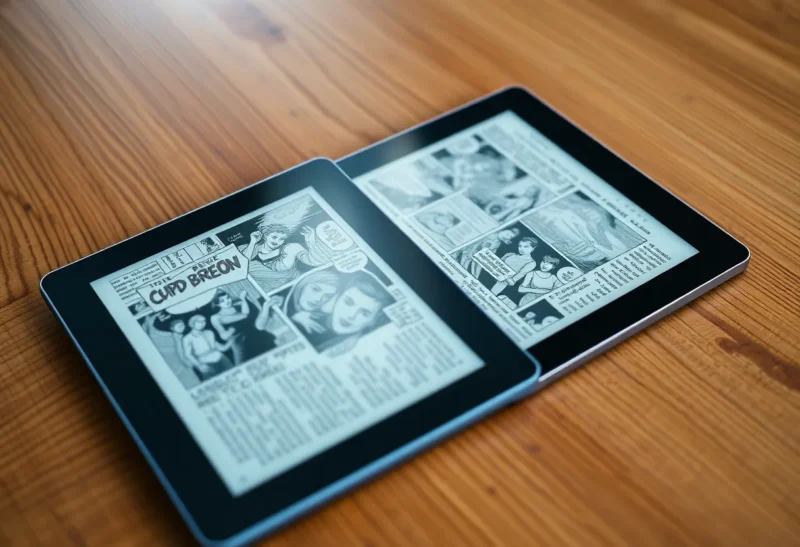
Colour is why you are looking at these devices. On both, comics are readable and enjoyable, with muted but recognisable colour. The PocketBook’s larger 7.8-inch screen gives more room to each page, which matters for comics and magazines. Its built-in reader handles CBZ and CBR files directly.
On the Bigme, you can install dedicated comic readers with panel-by-panel views, plus apps for magazine services. Its slightly smaller screen shows less per page, but app choice can compensate with better zoom and panel navigation.
For highlights in PDFs and books, colour helps you tell categories apart, for example yellow for key points and blue for references. On Kaleido 3, lighter highlight colours can look washed out, especially in bright sunlight, so choose strong colours. A deeper look at how highlight colours behave outdoors on two other colour panels is in Bigme Color vs Boox Color.
Battery, speed and daily feel
A dedicated e-reader’s software does very little in the background, so the PocketBook typically lasts weeks of regular reading on a charge, with Wi-Fi off. It starts quickly, turns pages instantly with the buttons, and never asks for updates to a dozen apps.
The Bigme, running Android, uses more power: background services, app updates, sync and a more powerful processor all cost battery. With careful settings, such as Wi-Fi off when reading, background apps frozen and a sensible sleep timeout, it can last many days, but it will not match a dedicated reader. In exchange, it is faster at heavy tasks such as opening large PDFs, switching apps and browsing.
Notes, browsing and distraction
The Bigme can do more than read. Depending on the model and accessories, it may support a stylus for handwritten notes, and you can install note apps, a browser, email and read-later apps. For some people, that is the point: one small device for reading, light writing and reference.
For others, it is the problem. The same browser and messaging apps that make it useful also bring distractions back onto a device meant for focus. The PocketBook’s closed system is limiting, but it keeps the device a reader, which many people find makes them read more.
Updates, longevity and privacy
PocketBook updates its readers’ software for several years, adding features and fixes through its own servers. Because the device is not running general-purpose apps, its security exposure is small. Its cloud services are optional.
Android e-ink tablets typically ship with an Android version that is not the newest, and receive system updates from the manufacturer less predictably than phones do. Apps from Google Play keep updating, which keeps store apps working but occasionally breaks e-ink-friendly behaviour. Using a Google account on the device also means the usual Google services and data sharing.
Settings that make each one better in the first week
Neither device is at its best out of the box. These changes made the biggest difference for me.
On the PocketBook:
- Turn on the warm front light in the evening and set it to change automatically, which makes long reading sessions easier on the eyes.
- Assign the page buttons the way you hold the device, and set a full refresh every few pages to clear ghosting on colour pages.
- Set up the Send-to-PocketBook email address, so articles and books sent from a computer or phone appear on the device automatically.
- For comics, open the reader’s display settings and try both the default and enhanced colour modes; some art looks better with more saturation, some with less.
On the Bigme:
- Set a per-app refresh mode: a fast mode for store apps and browsers, a clearer mode for reading apps.
- Freeze or disable background apps you do not use, and turn Wi-Fi off automatically when the screen sleeps.
- Increase contrast and colour saturation in the per-app settings for comic and magazine apps; Kaleido 3 colours benefit from a boost.
- Move distracting apps off the home screen, or do not install them at all.
Ten minutes of setup turns both from merely good into genuinely pleasant devices to read on every day.
A quick way to decide
Ask where your books come from. If you need Kindle, Kobo or app-based library borrowing, the Bigme B751C is the practical choice, because the PocketBook cannot run those stores at all. If your books are DRM-free files, Adobe DRM EPUBs or comics, the PocketBook InkPad Color 3 gives a simpler, longer-lasting, waterproof reading device with a bigger screen.
Then ask whether you want one device to do more. If yes, and you trust yourself with a browser in your hands, the Bigme. If you want a reader that stays a reader, the PocketBook.
If you mostly read black-and-white text and only occasionally want colour, also consider whether a monochrome reader would serve you better: black-and-white panels are sharper, brighter and often cheaper, and colour is a real trade-off rather than a free upgrade.
Either way, try to see colour e-ink in person if you can. Its muted colours delight some people and disappoint others who expect a tablet’s vivid display.