PocketBook InkPad vs Kobo Libra Colour: Sideloaded EPUB and PDF Reading Without a Store Lock-In

Kenji Arai
October 13, 2026
Most e-reader comparisons assume your books come from a store. Mine mostly do not. I read research papers, scanned reports, technical manuals, and EPUBs from publishers who sell without DRM. The store attached to the device is the part I use least, and the part every manufacturer most wants me to use.
That makes PocketBook and Kobo the two brands worth comparing. Both treat sideloaded files as first-class citizens rather than a reluctant exception. But they come from different directions. Kobo built a bookstore and then opened the doors. PocketBook built a file reader and added a store almost as an afterthought. Put the PocketBook InkPad line next to the Kobo Libra Colour and that difference shows up in nearly every workflow.
If your reading is mostly EPUB novels and non-fiction, plus library loans, the Kobo Libra Colour is the more polished device and the better value. Its EPUB rendering is excellent, OverDrive is built in, and it supports a stylus.
If your reading is heavy on PDFs, odd formats, or files that arrive from many places, the PocketBook InkPad is the better tool. It opens almost anything, handles PDFs with more options, and never asks you to sign in to anything.
The InkPad 4, the InkPad Color 3 and the Libra Colour
PocketBook’s InkPad line is its 7.8-inch range. The two current models are the InkPad 4, with a black-and-white screen, and the InkPad Color 3, with a Kaleido 3 colour screen. Both have physical page-turn buttons, a built-in speaker for text-to-speech and audiobooks, and IPX8 waterproofing. The Kobo Libra Colour has a 7-inch Kaleido 3 colour screen, page-turn buttons, 32 GB of storage, IPX8 waterproofing, and support for Kobo’s stylus.
Model names change faster than ecosystems, so if a newer generation is out when you read this, the hardware details may differ slightly. The software approach of each company is what this comparison rests on, and that has been stable for years.
| PocketBook InkPad (4 / Color 3) | Kobo Libra Colour | |
|---|---|---|
| Screen | 7.8-inch, black-and-white or Kaleido 3 colour | 7-inch, Kaleido 3 colour |
| Page-turn buttons | Yes | Yes |
| Native formats | EPUB, PDF, DjVu, FB2, MOBI, DOCX, RTF, CBZ/CBR and more | EPUB, KEPUB, PDF, MOBI (DRM-free), CBZ/CBR, TXT, HTML, RTF |
| PDF reflow | Yes | No (zoom and pan) |
| Adobe DRM (.acsm) on the device | Yes | Via Adobe Digital Editions on a computer |
| Built-in library borrowing | No | OverDrive |
| Stylus and handwritten notes | No | Yes (Kobo Stylus 2, sold separately) |
| Text-to-speech | Yes, built-in speaker | No |
| Account needed | No | Kobo account expected during setup |
Format support: PocketBook opens almost everything
This is PocketBook’s whole identity. Drop in an EPUB, a PDF, a DjVu scan of an old textbook, an FB2 file from a Russian-language archive, a Word document, a comic archive. It opens them all, with no conversion step and no “unsupported file” icon. For anyone with a library collected over years from many sources, that breadth removes a whole category of chores.
Kobo’s list is shorter but covers the formats most people actually own. EPUB is the main event, and Kobo renders it beautifully, especially in its own KEPUB variant, which Calibre can produce automatically. PDF works. Comics work. If your files are mostly EPUB, you will never notice what Kobo does not support. If you have a folder of DjVu scans or Word documents, you will notice on day one.
DRM is the quieter difference. Both support Adobe DRM, the protection used by most non-Amazon ebook stores and many library loans. But the PocketBook handles the whole process on the device: you sign in with an Adobe ID once, open the .acsm file a store or library gives you, and the book downloads. The Kobo needs Adobe Digital Editions on a computer to fulfil the loan first, then a USB transfer. It is not hard, but it is one more machine involved.
PDF reading: where the gap is widest
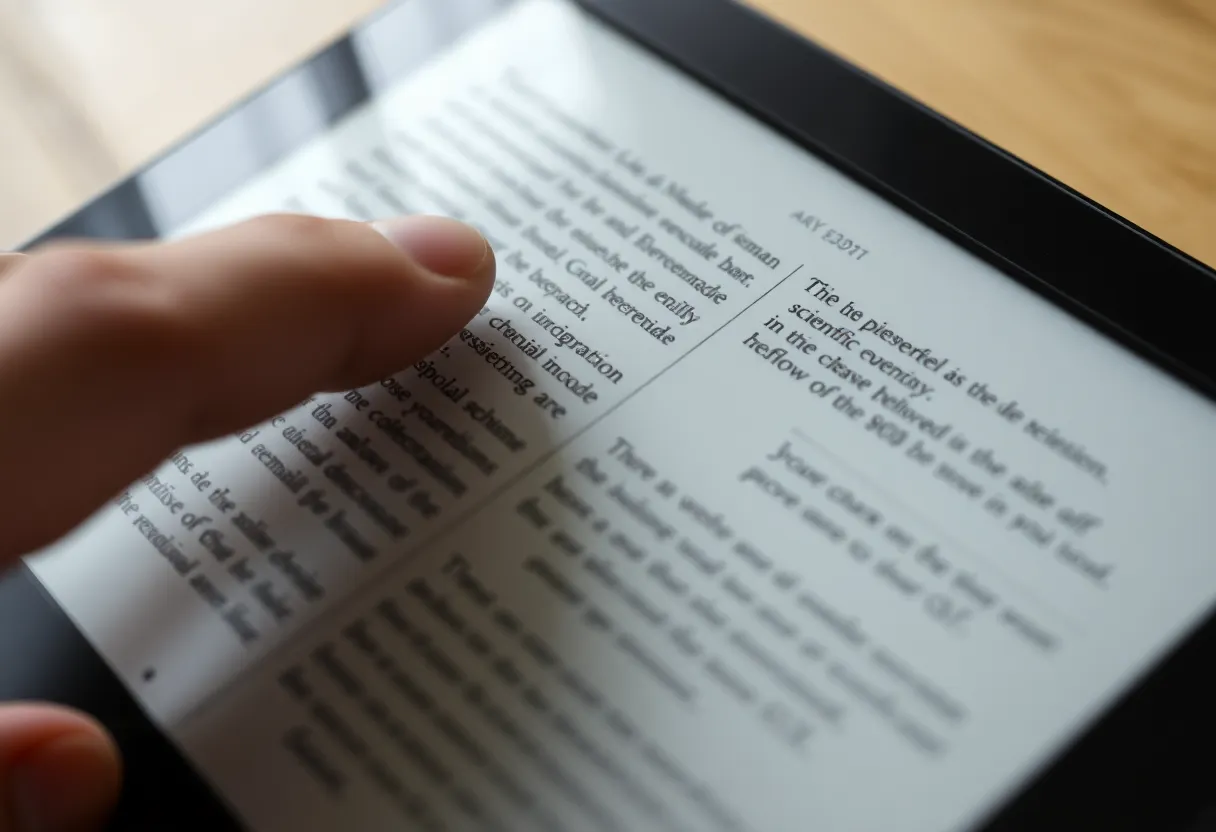
PDFs are the hard case for any e-reader. They are fixed-layout pages designed for paper, usually A4 or US Letter, and squeezing one onto a 7-inch screen means either tiny text or constant panning.
The PocketBook gives you more tools. Reflow extracts the text of a text-based PDF and re-lays it out like an EPUB, so you can choose your own font size. It is not perfect: tables, equations and figure captions often come out scrambled. But for prose-heavy reports it turns an unreadable page into a comfortable one. Margin cropping trims the white border that wastes a third of most academic PDFs, and column mode steps through two-column papers one column at a time. Between the three, most PDFs become readable on a 7.8-inch screen.
The Kobo’s PDF support is basic: pinch to zoom, then pan around the page. It works for occasional use, and the stylus lets you scribble on a PDF, which the PocketBook cannot do. But for reading a stack of papers, it is tiring. If marking up PDFs is the real job, rather than reading them, you are shopping in a different category, and it is worth asking whether a Boox or a Supernote handles markup better before you settle on either of these.
One honest caveat: neither device fixes scanned PDFs. A scan is just a picture of a page, so reflow has no text to work with. On both, scanned documents mean zooming and panning, and a larger screen helps more than any software trick.
Getting files onto the device
Both work well over USB with Calibre, and both appear as a plain drive you can drag files onto. The differences are in the wireless options.
PocketBook has several. Send-to-PocketBook gives the device an email address, so anything you email to it arrives on the reader. PocketBook Cloud syncs files and reading positions across devices and apps. Dropbox integration pulls in a folder. And it supports OPDS, the open catalogue standard, so you can browse a Calibre content server or a public catalogue such as Standard Ebooks from the device and download directly. If you run your own book server, that is the feature that matters most.
Kobo offers cloud-folder integration on recent models, Dropbox and on some devices Google Drive, which works well enough for a “drop files here” folder. It has no built-in OPDS support. You can get it by installing KOReader, but that is a project, not a setting.
Library books and stores
Here the Kobo pulls ahead clearly. OverDrive is built in. Add your library card once and you can search, borrow and place holds directly on the device, in any country where your library uses OverDrive. For a regular library borrower, that one feature can outweigh everything else in this article.
The PocketBook has no built-in library service. If your library lets you download a loan as an Adobe file, the PocketBook opens the .acsm link directly, which is convenient. But you find and borrow the book on a phone or computer first, and many libraries now steer borrowers to app-only reading where that option is hidden or missing.
As for stores: Kobo’s store is large, well integrated, and available in many countries, and Kobo Plus is there if you want a subscription. PocketBook’s own store is smaller and patchier by region. In practice, PocketBook owners buy DRM-free EPUBs wherever they like and sideload them, which is the point of the device.
Colour, screens and reading feel
Both colour models use E Ink Kaleido 3. Text renders at 300 ppi in black and white and colour at 150 ppi. Colour is muted, closer to a newspaper print than a tablet, and it works best for comics, children’s books, charts and highlights. If you mostly read novels, colour is a nice-to-have that slightly dims the screen, and whether you need colour e-ink at all is worth deciding before you pay for it. PocketBook gives you a choice of black-and-white or colour at the same size; on the Kobo side, colour is the Libra’s only option.
The PocketBook’s 7.8-inch screen is meaningfully bigger than the Kobo’s 7 inches, which helps most with PDFs. The Kobo is a touch smaller and lighter in the hand. Both have physical page buttons, and both are comfortable for long sessions.
Software polish favours Kobo. Its interface is cleaner, menus are simpler, and EPUB typography settings are well designed. PocketBook’s interface is functional and deeply configurable, but it shows its engineering roots: more settings, more menus, more ways to get lost. Power users tend to like it. Everyone else tends to find Kobo calmer.
Notes, audio and the extras
Two features split the devices cleanly:
- Handwriting. The Libra Colour supports the Kobo Stylus 2 for handwritten notebooks and for marking up books and PDFs. The PocketBook InkPad has no stylus support. If you want to annotate by hand, that decides it. And if handwriting is the main job rather than an extra, larger note-first devices are worth comparing too, as in Kobo Elipsa vs reMarkable Paper Pro.
- Audio. PocketBook InkPads have a built-in speaker and text-to-speech, so any EPUB can be read aloud without headphones, and audiobooks play directly. The Kobo plays Kobo audiobooks over Bluetooth only, with no speaker and no text-to-speech.
Both can run KOReader, the open-source reader app, if you want more control over typography or PDF handling than the stock apps give you. On both it installs without jailbreaking, though it takes some care to set up.
Matching the reader to your files
A PocketBook suits you if:
- A large share of your reading is PDF, especially reports and two-column papers.
- You own files in formats beyond EPUB, such as DjVu, FB2 or Word documents.
- You run a Calibre content server or another OPDS catalogue and want to browse it from the device.
- You want text-to-speech or a built-in speaker.
- You would rather not have an account tied to your reader at all.
The Libra Colour suits you if:
- Most of your reading is EPUB, and you care about how it looks.
- You borrow library books regularly and want to do it from the device.
- You want to write notes or annotate by hand with a stylus.
- You want the simpler, more polished software.
- You buy from a mainstream store and like having it built in.
Neither device locks your books away, which is why both are on this list instead of a Kindle. The question is which kind of freedom you will actually use. If your library is mostly EPUBs and library loans, Kobo’s polish wins. If your library is a messy folder of everything you have collected over a decade, the PocketBook is the one that will open all of it.