Emby vs Jellyfin for a Home Media Server: Paid Polish or Fully Free

Owen Brant
October 17, 2026
When people leave Plex, or decide never to start with it, the shortlist is usually Jellyfin and Emby. The two share an origin: Jellyfin began in 2018 as a community fork of Emby when Emby moved to closed-source development. Years later they look similar on the surface, with the same kind of library, posters, users and apps, but they have grown in different directions. Jellyfin is entirely free and open source. Emby is a commercial product with a free tier and a paid subscription, Emby Premiere, that unlocks many of its best features.
I moved a household’s media and audiobooks off Plex, ran Emby and Jellyfin side by side on the same library for several months, and asked the family which one they preferred on each TV. The answer was less obvious than the price difference suggests.
Free and open, or paid and polished
Jellyfin is a free, open-source media server. Every feature, including hardware transcoding, live TV and DVR, multiple users, parental controls and plugins, is available without payment or account. There is no central Jellyfin account or cloud service; your server is the whole system. Development is done by volunteers, and apps for different platforms are maintained by different community teams.
Emby is developed by a small company. The server is free to install and run, but Emby Premiere, available as a monthly, yearly or lifetime purchase, unlocks features such as hardware-accelerated transcoding, DVR, offline downloads to mobile devices, cinema-style intros and full use of some apps. Emby has an optional account system that helps with remote connections and app sign-in.
| Emby | Jellyfin | |
|---|---|---|
| Cost | Free tier; Emby Premiere for key features | Free, everything included |
| Source code | Closed | Open source |
| Hardware transcoding | Premiere | Free |
| Mobile downloads | Premiere | Free in official and third-party apps |
| TV apps | Broad, generally polished | Broad, quality varies by platform |
| Accounts | Optional Emby Connect | Local accounts only |
| Development | Small company | Volunteer community |
Apps on the TVs that matter
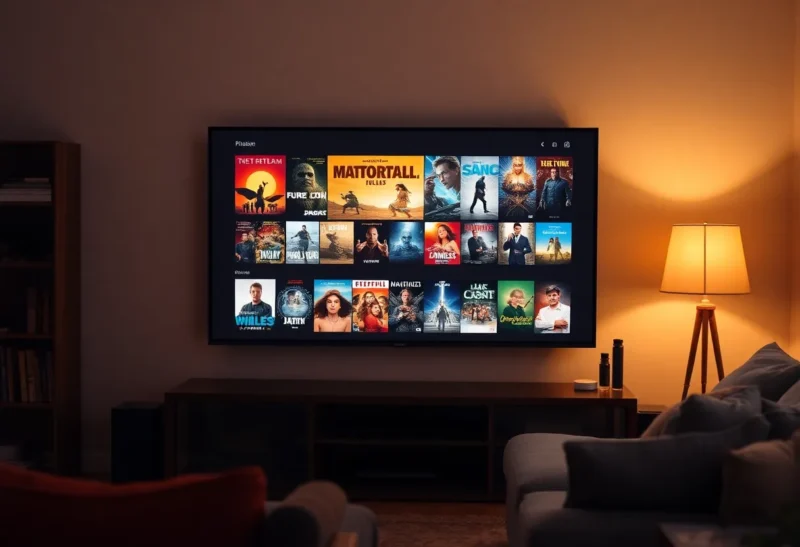
For most families, the server is invisible; the TV app is the product. This is where Emby has traditionally had an edge. Its apps for smart TVs, streaming sticks and game consoles tend to feel consistent and polished, with smooth navigation and reliable playback. Some require Emby Premiere for full use beyond a trial.
Jellyfin has official or community apps for Android TV, Fire TV, Roku, LG webOS, Samsung Tizen, Apple TV through Swiftfin, and a web client that works on almost anything. Many are excellent, especially the Android TV app, but quality varies by platform because each is maintained separately. Third-party players such as Infuse on Apple devices support both servers and are popular for their polish and format support.
Test the specific devices in your home. On our living room Android TV box, Jellyfin’s app was as good as Emby’s. On an older smart TV, Emby’s app was noticeably smoother. On iPhones and Apple TV, Infuse made the server choice almost irrelevant.
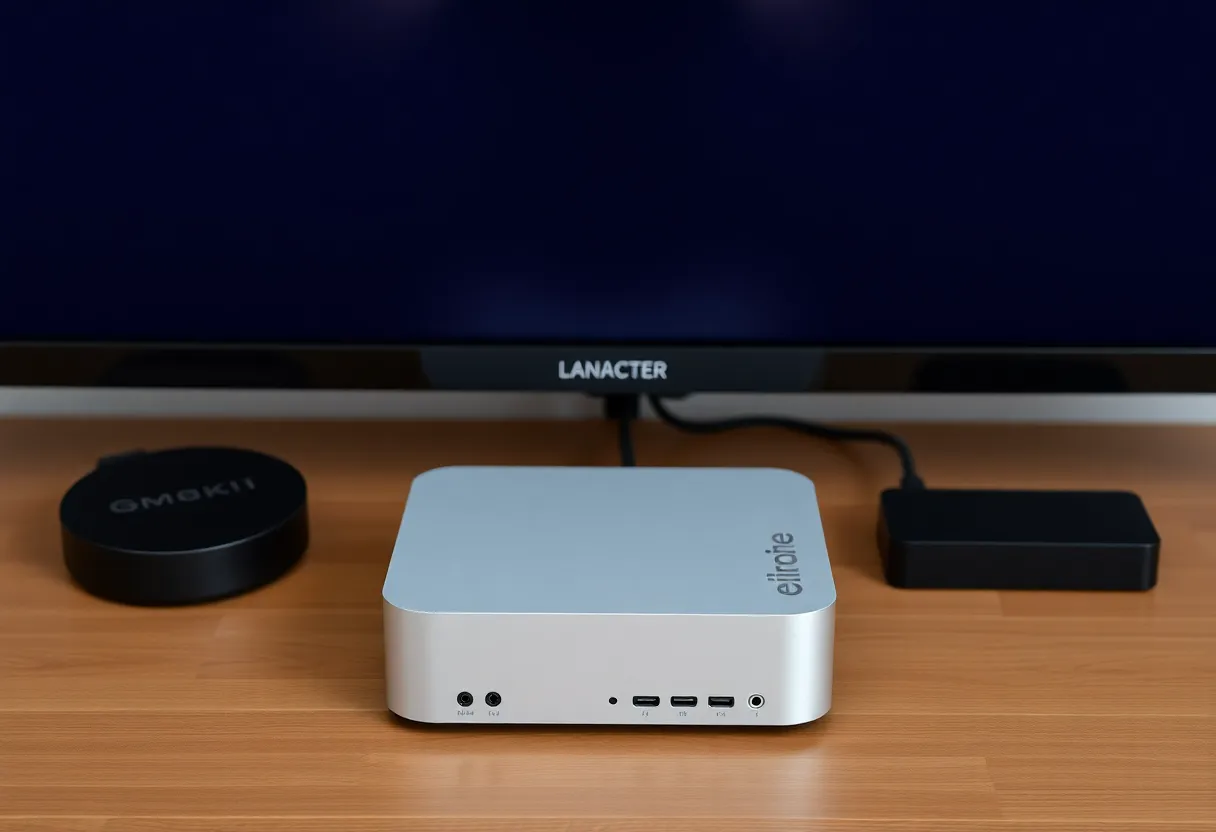
Transcoding on a mini PC
When a device cannot play a file directly, because of codec, bitrate or subtitles, the server converts it on the fly. Hardware transcoding with an Intel CPU’s Quick Sync, an NVIDIA graphics card or AMD graphics makes this efficient. In Jellyfin, it is free. In Emby, it requires Premiere.
This matters for anyone running a media server on a small mini PC. A modern Intel processor can handle several hardware transcodes at once, while software transcoding of 4K video can overwhelm it. Whether you need transcoding at all, or whether direct play covers your household, is covered in when Jellyfin on a mini PC needs a GPU.
Both use FFmpeg under the hood, and both handle tone mapping of HDR content to SDR screens with hardware support. In my testing, quality and performance were similar once configured.
Library management and metadata
Both organise movies, TV shows, music, audiobooks, photos and home videos, and fetch metadata and artwork from online databases. Emby’s metadata handling has a reputation for being slightly more reliable and its editing tools a little more refined. Jellyfin’s has improved steadily, and its plugin system adds metadata sources, subtitle downloads, intro skipping and more.
For music, both work, though dedicated music servers often serve large collections better; Jellyfin’s music support compared with Navidrome is in Navidrome vs Jellyfin. For audiobooks, many households end up running a dedicated tool such as Audiobookshelf alongside either server, because chapter handling and progress sync are better.
Remote access and sharing with family
Neither relies on a mandatory cloud service. You make the server reachable from outside your home with a reverse proxy, a VPN or a mesh network. Emby Connect accounts make it slightly easier for relatives to sign in to your server from their own devices. With Jellyfin, you share a server address and a local username, which works but requires a bit more explanation for non-technical relatives.
Both support multiple users with parental controls, library access per user, and watch progress per person. Jellyfin has a “Quick Connect” feature that lets a new device sign in by entering a code on an already signed-in device, which helps on TVs with awkward keyboards.
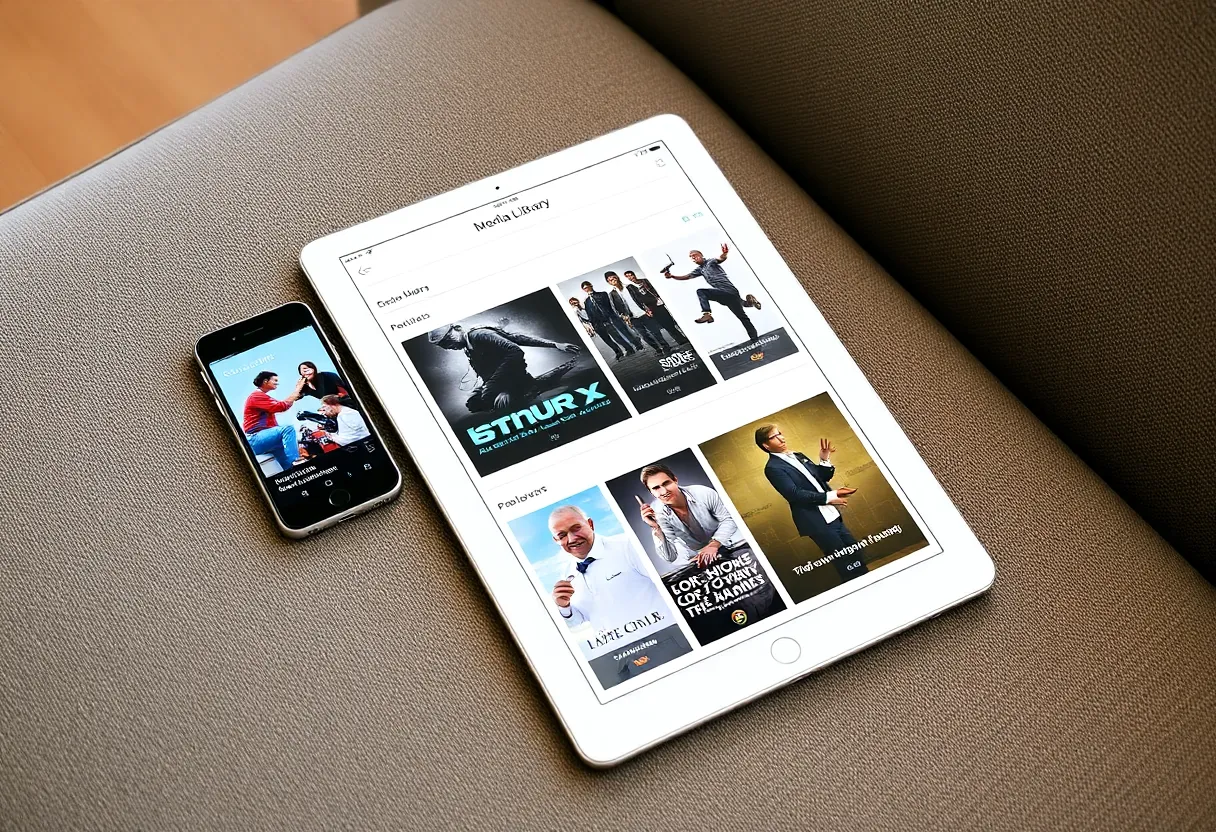
Live TV, DVR and downloads for travel
If you have a TV tuner, such as a network tuner box for over-the-air channels, both servers can show live TV with a programme guide and record shows. In Jellyfin, live TV and DVR are free. In Emby, the DVR is a Premiere feature. Both need guide data from a listings source, which may be free or paid depending on your country. In my experience Emby’s live TV interface was a little more polished, while Jellyfin’s did the job without cost.
Downloads for offline viewing matter to families who travel. Emby supports downloading to its mobile apps with Premiere, including converting files to a smaller size for phones. Jellyfin’s official mobile apps and third-party clients support downloads too, with varying polish; some players download the original file only, which can be large. If a long-haul flight with children is a regular event, test the download path before relying on it.
What it costs over five years
Jellyfin costs nothing beyond the hardware and electricity, which you pay with either server. Emby Premiere costs a monthly or yearly subscription, or a one-off lifetime price. For a household that plans to run a media server for years, the lifetime option often works out cheapest if you are sure you will stay with Emby. Compare that with your streaming subscriptions: for many families, either server replaces at least one paid service, which covers the cost quickly.
The hidden cost with Jellyfin is time: occasionally trying a different app on a TV where the official one is rough, or reading release notes before upgrading. The hidden cost with Emby is dependence on one small company’s decisions about pricing and features.
Privacy and longevity
Jellyfin collects no data and needs no account. Because it is open source and community-run, it cannot be changed overnight by a company’s business decisions, which is exactly why it exists. The flip side is that development depends on volunteers, and some apps move slower than others.
Emby is a commercial product with a long track record and a paying user base, which funds steady development. Its server and apps are closed source. People who left Plex over account requirements and policy changes often prefer Jellyfin for this reason, while others are happy to pay Emby for polish. The broader Plex question is in Jellyfin vs Plex in 2026.
Running them side by side first
You do not have to guess. Both can point at the same media folders in read-only mode, so you can run them in parallel for a few weeks:
- Install both in Docker on the same server, each with its own configuration folder and port.
- Mount your media folders read-only in both, so neither can change your files.
- Enable hardware transcoding in Jellyfin, and start an Emby Premiere trial so the comparison is fair.
- Install both apps on every TV and phone in the house, and ask each person which they reach for after a week.
- Check how each handles your awkward files: old AVIs, 4K HDR remuxes, image-based subtitles, multi-audio tracks.
Remove the one nobody uses. Watch history does not transfer easily between them, so decide before the family invests months in one.
Which to run
Choose Jellyfin if you want a completely free, open-source media server with hardware transcoding included, no accounts, and no company in the loop. For most homelabs, especially on mini PCs that depend on hardware transcoding, it is the default recommendation today.
Choose Emby if specific apps on your TVs or consoles work noticeably better, your family values a polished, consistent experience, and you are happy to pay for Premiere. It is a mature product that rewards its subscription with fewer rough edges.
Either is a solid escape from subscription streaming creep. The best test is a week of your own family pressing buttons on your own TVs.