Can I Run My Home Server and Local AI on the Same Mini PC?

Tobias Mensah
September 27, 2026
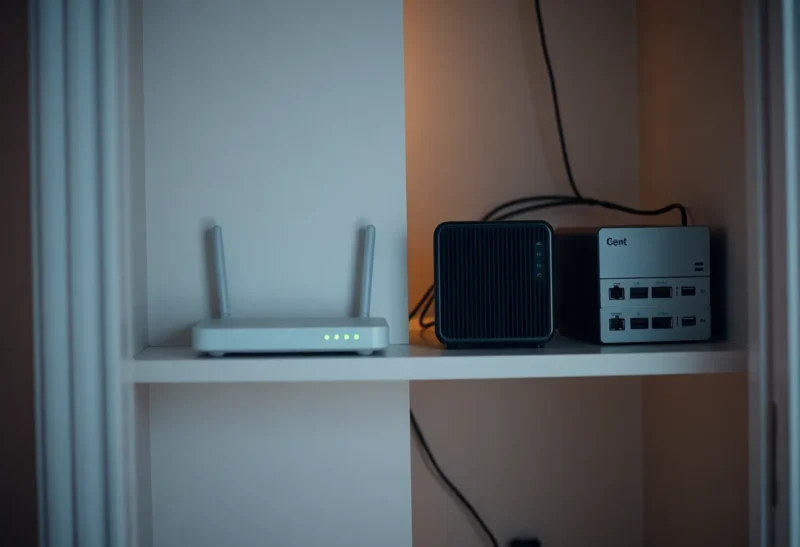
At 2:14 on a Tuesday morning in April, the Linux out-of-memory killer on my home server looked at the list of running processes, picked the biggest one it could find, and killed it. The biggest one was the virtual machine running Home Assistant. The hallway lights, which turn on at low brightness when someone gets up in the night, did not turn on. My partner walked into a door frame. I found out at breakfast.
Nothing had crashed in the usual sense. Three perfectly reasonable things had simply happened at the same time on one small computer: Immich was working through a backlog of face recognition on a few thousand newly uploaded photos, ZFS was caching as much of the disk as it was allowed to, and my teenager, awake when he should not have been, asked the local language model a question about his chemistry homework. The model loaded about 11 GB into memory. There was not 11 GB left.
So can you run your home server and local AI on the same mini PC? Yes. I still do. But the two workloads have very different personalities, and putting them on one box without deciding in advance who gets what is how you end up with a household that does not trust the lights.
The box and what lives on it
My server is a Ryzen 7 8845HS mini PC with 64 GB of DDR5 and two NVMe drives in a ZFS mirror, running Proxmox. For a plain home server it is honestly more machine than necessary, which is exactly the trade-off in the used office box, the N100, and when Ryzen is worth it. I bought the Ryzen because I knew I wanted to run language models on it, and eight full cores with two memory slots was the entry ticket.
Before the AI arrived, it ran:
- Home Assistant in its own VM
- Jellyfin, using the integrated Radeon 780M for transcoding
- Immich for the family’s photos, including its machine-learning worker for face and object search
- Paperless-ngx, Vaultwarden, a reverse proxy and a handful of smaller containers
All of that together averaged under 15 percent CPU and around 20 GB of memory. Home server workloads are mostly idle, with occasional bursts. Then I added Ollama running an 8B model for quick questions and a 14B model for the kids’ homework and my own writing.
Why AI is a bad roommate
A language model is the opposite of a typical home server service. Most services use a little of everything all the time. A model uses a large, fixed chunk of memory the moment it loads, and while it is generating, it saturates the memory bus completely. Those two traits cause three distinct problems.
1. It takes a lot of memory all at once
A 14B model at Q4 with an 8,000-token context wants around 11 GB, allocated in one go when the first question arrives. Nothing else on a home server behaves like that. Immich’s machine-learning worker comes closest, loading its own models when a job starts. Put both of those next to ZFS, whose cache on Linux will grow to half of system memory by default, and there is no slack left for the moment they all want memory at once. That is exactly what happened at 2:14.
The out-of-memory killer does not know that Home Assistant matters more than a homework question. It picks the process using the most memory, and a VM with 6 GB assigned is a very tempting target.
2. It saturates memory bandwidth, and you cannot pin bandwidth to a service
This one took me longer to understand. Text generation is limited by how fast the chip can read memory, so while the model writes an answer, it uses essentially all the bandwidth the system has. I had carefully limited Ollama to six of my eight cores, thinking that would leave the rest of the server comfortable. It did not, because the other services were not short of cores. They were short of memory access.
The visible symptom was Jellyfin. The integrated graphics that do Jellyfin’s transcoding share that same system memory. One Friday evening my daughter asked the 14B model to help with an essay while the rest of us were watching a film transcoded from a 4K file, and the film stuttered for as long as the model was writing. Home Assistant automations also got visibly slower during long generations: nothing broken, just a half-second delay on a motion-triggered light that is normally instant.

3. It makes the box loud and hot
At idle my mini PC is silent and draws around 12 watts. During a long generation it pulls about 60 watts and the fan becomes audible in the living room. For a box that lives by the television, that matters to people who never asked for a language model.
What I changed
After the door-frame incident I spent a weekend treating the AI as what it is: the lowest-priority tenant on a machine that exists first to run the house.
Write down a memory budget
I added up what each service actually needs at peak and gave every one of them a hard ceiling:
- ZFS cache: capped at 8 GB with the
zfs_arc_maxsetting, instead of the default half of RAM. For a home server with mostly sequential media reads, I noticed no difference in speed. - Home Assistant VM: 4 GB, fixed, with ballooning off so the host cannot squeeze it.
- Immich: a container memory limit, and its machine-learning job concurrency turned down to one.
- Ollama: one model loaded at a time (
OLLAMA_MAX_LOADED_MODELS=1), one request at a time (OLLAMA_NUM_PARALLEL=1), and models unloaded after five minutes idle. The container itself has a memory limit, so if the model and its context do not fit, Ollama fails instead of the house.
The budget adds up to less than 64 GB with room to spare for the host itself. That is the whole point: the sum is written down and it fits.
Tell the kernel what to kill first
Linux lets you adjust each process’s out-of-memory score. I made the Home Assistant VM and Vaultwarden very unattractive to the killer and made Ollama the most attractive. If memory runs out anyway, the homework question dies and the lights stay on. It has happened once since, and nobody noticed except the teenager, who had to ask again.
Use smaller, lighter models
I replaced the dense 14B with a mixture-of-experts model that stores more parameters but only uses about 3 billion of them per token. It needs more memory to hold, which the budget accounts for, but because each token reads far less data, it hammers the memory bus much less while generating. Jellyfin no longer stutters when someone asks a question during a film, and answers come faster too. For quick questions, the 8B covers most of what the family asks.
Schedule the heavy background jobs
Immich’s big machine-learning jobs, Paperless’s OCR runs and my own batch summarization scripts now run between 3 and 6 a.m., when nobody is watching anything and the teenager is, in theory, asleep. Interactive AI use during the day then only competes with light, bursty services.
Share the integrated GPU carefully
I tried passing the 780M through to a VM for Ollama and immediately lost hardware transcoding for Jellyfin, because a passed-through GPU belongs to one guest only. Running Jellyfin and Ollama as containers that share the GPU device on the host works better. In practice I run Ollama on the CPU for most requests anyway, since the integrated graphics sit on the same memory bus and speed things up less than you would hope.
The one thing I moved off the box
Even with all of that in place, I did one more thing: Home Assistant now runs on its own small, cheap, silent machine. The rest of the server can reboot for updates, run out of memory or get a new kernel without the lights noticing. The question of whether that dedicated box should be a used mini PC or a Raspberry Pi is its own decision; the point is that the service the household depends on at 2 a.m. no longer shares a kernel with an experiment.
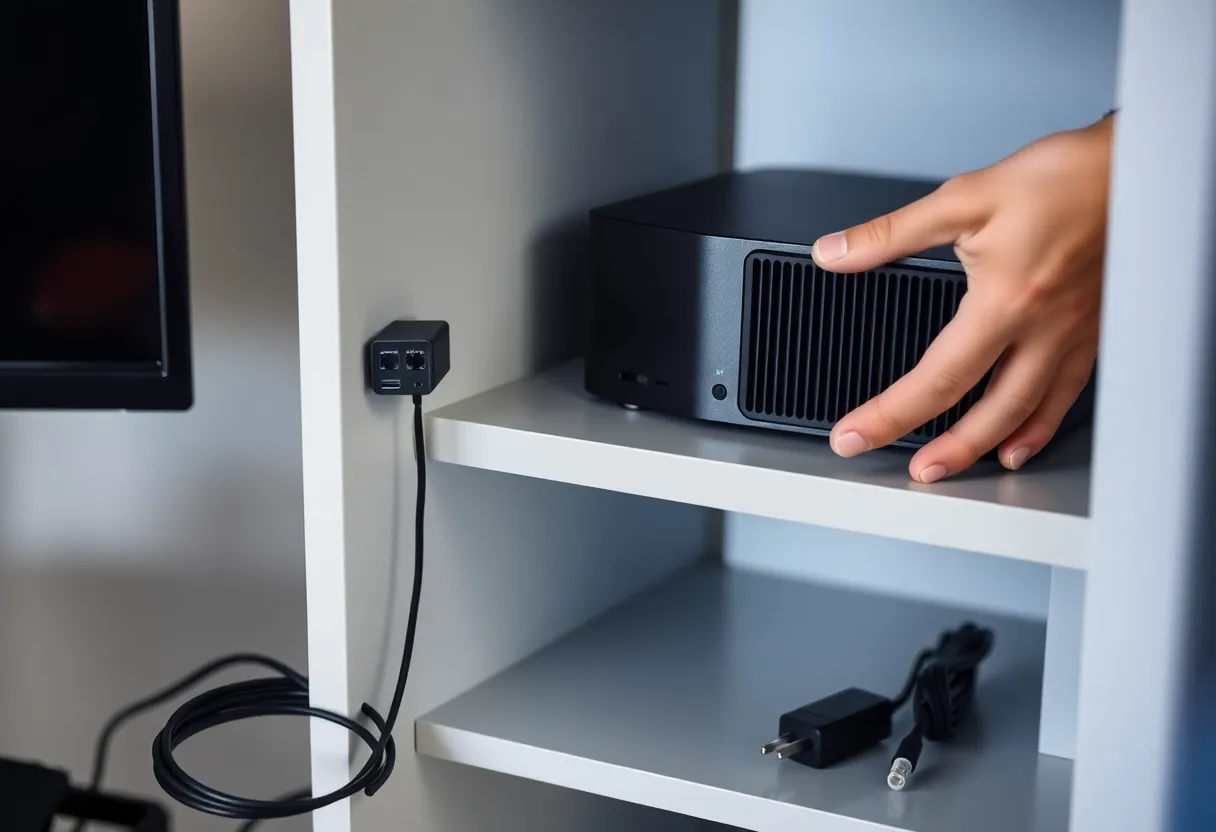
I did not move Vaultwarden or Immich. They are important, but a few minutes of downtime is an inconvenience, not someone walking into a door frame. That is the test I use now: if this service stopping at 2 a.m. would hurt someone or lock someone out, it does not share a box with a language model.
Should you do it?
Yes, if the box has enough memory and you treat the AI as a guest. My rules, in the order I would apply them:
- Get enough RAM. 32 GB is the realistic minimum for a home server plus an 8B model. 64 GB is comfortable for a server plus a mid-size or mixture-of-experts model.
- Write down a memory budget with hard limits for every heavy service, including the file system cache, and make sure the numbers add up to less than you have.
- Make the AI the first thing the kernel kills, and the things the house depends on the last.
- Prefer models that are light on memory bandwidth, especially mixture-of-experts models, if you stream media from the same box.
- Schedule heavy background jobs for when nobody is using the AI or the media server.
- Move anything safety-critical to its own hardware. For most households, that means Home Assistant.
My mini PC now runs everything it did before, plus two language models the family uses every day. It has not killed anything important since April. It just needed someone to decide, in advance, which of its tenants matters most.