A Zigbee Router That Is a Bulb You Turn Off at the Switch

Paul Riker
September 21, 2026
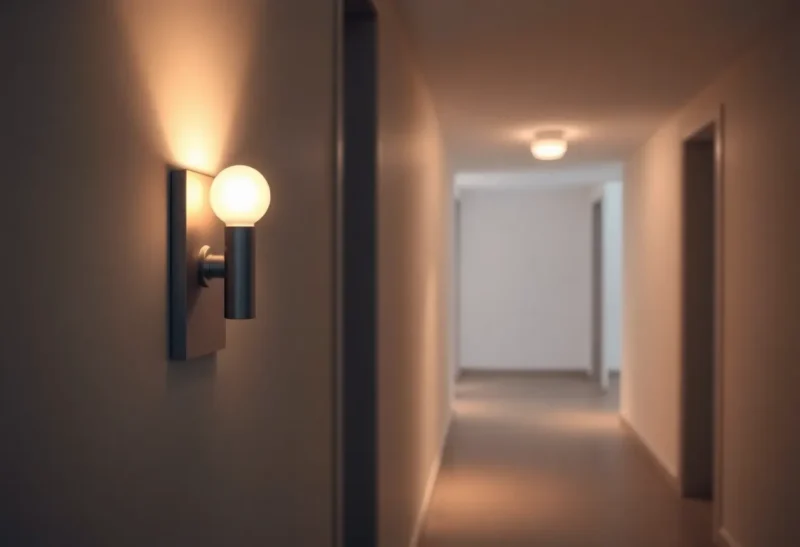
Smart bulbs make terrible dedicated routers when someone can kill them with a wall switch. A mesh that heals after a brownout is a different failure. This one is the design mistake: a light is carrying routes for the rest of the house, and a normal wall switch takes those routes down. The mesh learns to parent through the hallway pendant. At 11 p.m. a human does the normal thing—flips the switch—and a wing of sensors goes orphaned until morning. Home Assistant shows a mysterious outage. The bulb was never “broken.” It was powered down while still starred as infrastructure.
This is the household failure mode of using lighting loads as Zigbee routers, how to spot it on a map, and how to rebuild routing so lights can go dark without taking the mesh with them.
Routers need permanent power
Zigbee routers extend the mesh. They must stay powered to keep neighbor tables and children alive. A bulb on a switched circuit is only a router while the switch is on. The rest of the time it is a brick that used to be a parent.
People still do it because bulbs are already everywhere and smart plugs feel like extra clutter. The clutter is the feature: always-on plugs and in-wall routers exist so lights can be dumb switches again—or smart without being backbone.
Symptoms that point at switched routers
- Outages begin at bedtime or when “all lights off” happens at the wall
- Devices return when someone turns the hallway light on
- Map shows many children under a bulb in a switched fixture
- Problems concentrate in one wing after a particular switch flips
- Re-pairing helps until the next evening ritual
If your partner’s habit of killing power at the switch correlates with mesh pain, believe the correlation.

Why the mesh chooses the bulb anyway
During the day the bulb is a strong, mains-powered neighbor. End devices pick it. At night it vanishes. Children hunt for new parents slowly. Battery sensors look dead. You blame batteries.
Source routing and parent aging make this worse: paths learned through the bulb become stale in ugly ways. The fix is not more re-pairs. The fix is removing that bulb from the set of devices allowed to be critical routers—or making its power permanent.
Fixes that work in real apartments
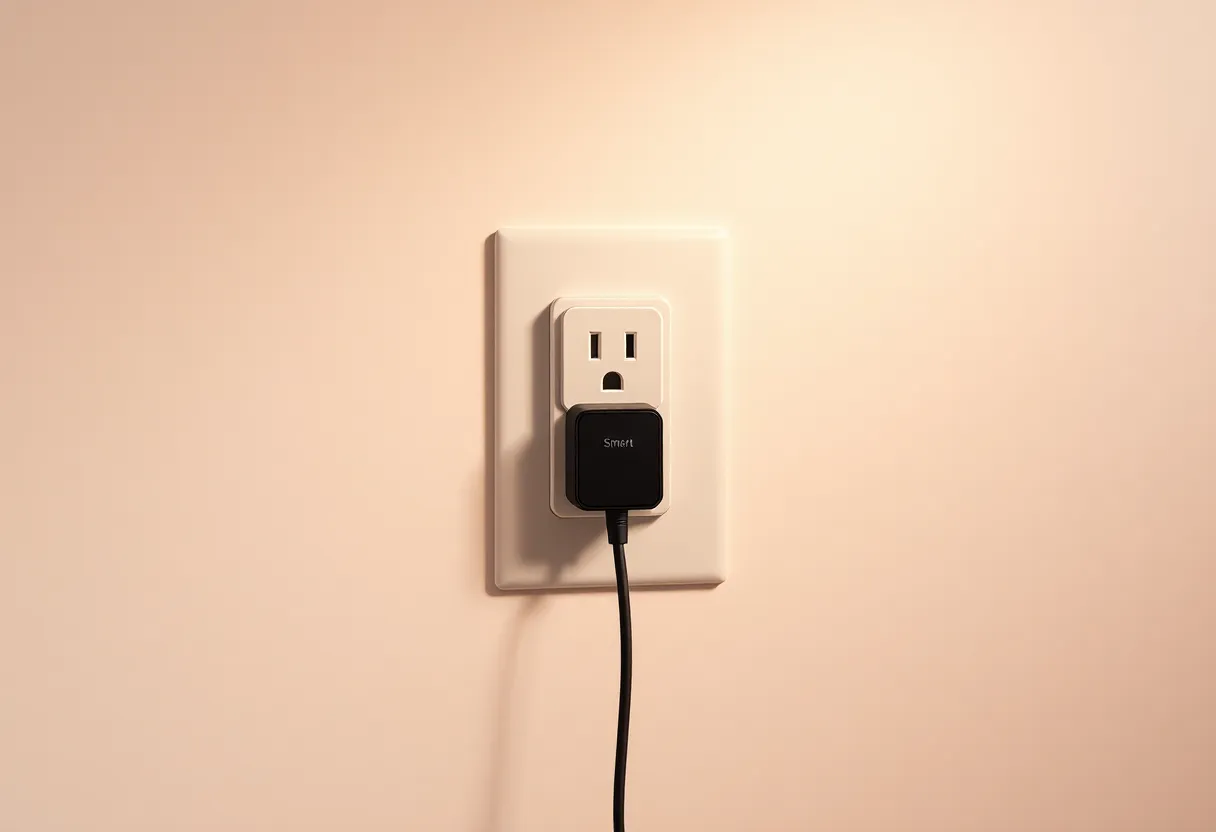
1. Always-on smart plugs as routers. Place them where the map is thin. Leave them powered. Do not put “mesh backbone” on decorative lighting circuits.
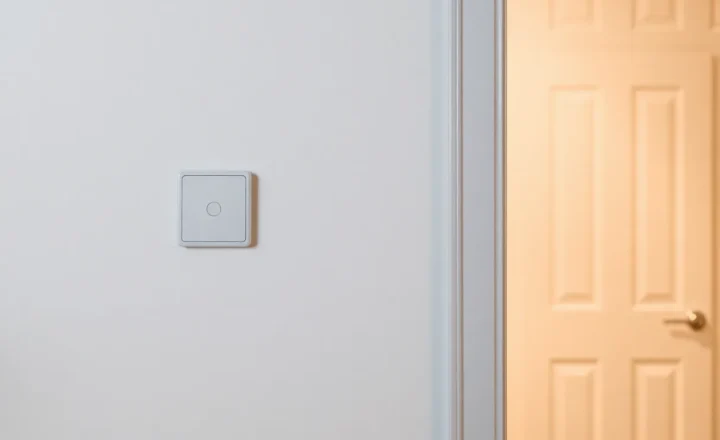
2. Convert wall switches correctly. If you want switch control, use proper zigbee switches/dimmers that keep the smart bulb powered, or use smart switches with dumb bulbs. Avoid smart bulb + dumb switch kill-power combos for any fixture that routes.
3. Demote bulbs. In stacks that allow it, discourage bulbs from routing—or accept they may route and ensure their circuit stays live. Some ecosystems offer “router” vs “end device” behavior more clearly on plugs than on bulbs.
4. Tape/educate. Temporary: label the switch “mesh—do not switch off.” Temporary becomes permanent frustration. Prefer hardware fixes.
5. Move the coordinator. Helps depth, does not fix a nightly powered-off parent.
How to audit tonight
- Open the mesh map.
- List devices with many children.
- For each, ask: can a wall switch kill its power?
- If yes, plan a always-on router within one hop of those children.
- After adding routers, force a heal / wait for re-parenting; confirm children move.
- Then allow the dangerous switch to be used normally and watch for a quiet week.
Groups and binds still matter
Even with good routing, binding a wall switch to a bulb group avoids cloud-round trips. That is separate from routing. You can have excellent binds and terrible nightly mesh deaths if the router role sits on a switched bulb. Fix roles first; polish binds second.
The “but it works most of the time” trap
Intermittent mesh pain trains you to ignore alerts. Switched routers produce intermittent pain by design. If availability charts show square waves matching sunset habits, you are not imagining it.
Decision guide
Never assign critical router duty to a bulb you willingly cut at the wall. Use always-on plugs or properly powered infrastructure for the backbone. Let bulbs be leaves that go dark.
A Zigbee router that is a bulb you turn off at the switch is not clever densification. It is a scheduled outage with warm white aesthetics.
Retrofit paths for common rooms
Hallway pendant everyone kills at the switch. Add a smart plug router in an always-hot outlet nearby—closet, above fridge, behind a cabinet. Leave the pendant as a leaf bulb or replace with dumb bulb + smart switch later.
Bedside lamps on switched outlets. Those outlets are hostile to routing. Do not put mesh backbone there. Use plugs only if the outlet is always hot.
Kitchen under-cabinet LEDs on a switched feed. Same rule. Pretty lights, terrible parents.
Garage openers and outbuildings. Use dedicated always-on routers; never rely on a lamp you kill when leaving the garage.
Talking to non-technical housemates
Do not explain source routing. Explain: “Some smart gadgets need constant power to keep the others online—like a Wi-Fi mesh node. The hallway bulb was doing that job, so flipping the switch was like unplugging Wi-Fi.” Offer the labeled always-on plug as the boring hero. People accept boring heroes.
If someone keeps killing a critical plug, move it somewhere less tempting. Social engineering beats more documentation.
After you add real routers
Give the mesh a day to re-parent. Then flip the old dangerous switch through a full evening cycle on purpose. If children stay online, you fixed it. If not, check whether another switched bulb still sits mid-path. Repeat the audit until no high-degree parent is switch-killable.
Update your map screenshot in the notes. Celebrate with dumb light habits again—turning lights off should not feel like sabotage.
Buying notes without a shopping spree
You need a few known-good mains routers, not twenty new bulbs. Prefer plugs or wall devices with solid Zigbee router reputations in your ecosystem. Avoid the cheapest no-name plugs if they flake; a flaky router is another false parent. Two excellent routers beat six mediocre ones.
Coordinator placement still interacts
A coordinator in a far closet forces deeper paths, which makes the mesh more dependent on mid-path bulbs. Centralize the stick on a USB extension while you remove switched routers from critical roles. Doing both in one week is fine; doing only the stick move and leaving switched parents in place often disappoints.
Think of switched bulbs as fair-weather friends. Fair-weather friends should not hold the only map to the bedroom sensors.
Automation false positives
Nightly “unavailable” automations that notify you will spam you if switched routers remain. Fix topology before you mute notifications. Muting teaches you to ignore real outages later.
If you must notify, notify on sustained unavailability after sunrise—when wall switches should be on again—rather than at 11:05 p.m. when darkness is intentional.
What success looks like
Success is boring: lights go off at the wall, sensors keep reporting, morning automations fire, nobody re-pairs anything. The map shows plugs and always-hot devices as high-degree parents. Bulbs sit at the edges with few or no children.
If bulbs still show big child counts after your changes, something is still advertising itself as a great parent while living on a kill switch. Hunt that device by name on the map until the story matches the wiring.
Print that success definition on a sticky note if you have to: wall off, sensors on. Until those two facts can be true at once, the mesh is still depending on a light fixture for infrastructure duty it was never meant to hold overnight.
Smart homes fail socially when normal human behavior breaks the network. Turning lights off is normal. Design for normal. Always-on routers are how you stop asking people to choose between darkness and connectivity—and how you stop debugging ghosts that were only ever a wall switch doing its job.
When friends ask why you have an ugly plug in the hallway closet, tell them it is a Zigbee cell tower. They will laugh. Then their bedroom sensors will work after 11 p.m. anyway. That laugh is cheaper than another Saturday of re-pairing bulbs that were never the root cause.
Keep one spare known-good router on a shelf for the next room you renovate. Install it before the pretty bulbs, not after the first outage. Infrastructure first, aesthetics second—especially when aesthetics come with a switch that can black out half your radio neighborhood every night.
Future renovations will try to tempt you again—another pretty pendant on a switched loop in a dead RF corner. Resist starring it as a router on day one. Give it leaf duty. Give the closet plug the boring job. Your sensors will keep their parents, and your wall switches will stop being accidental denial-of-service buttons for the smart home.
That is the whole lesson: leaves may sleep; routers must not.