Phone presence in Home Assistant vs a mmWave sensor at the desk: the lights that turn off while you sit there

Drew Morrison
September 23, 2026
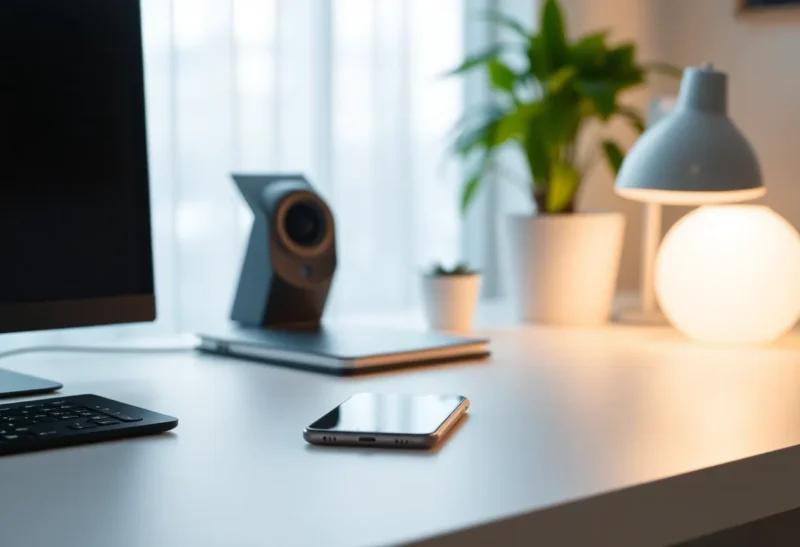
Phone presence is the classic Home Assistant party trick: when your handset leaves the house, the lights eventually follow. It works until you are still in the chair, the phone is charging in the kitchen, and the automation decides the room is empty. A mmWave sensor at the desk answers a different question—is a body still here?—and fails in different, sometimes creepier, ways. The lights that turn off while you sit there are usually a category error: you used a travel signal for a occupancy job.
I have shipped both. Phone tracking is excellent for “is anyone home?” mmWave (and good PIR-plus-logic) is excellent for “is this room still in use?” Pretending they are interchangeable is how you get cinematic blackouts mid-email.
What phone presence actually measures
Phone presence measures whether a device is considered home by Wi-Fi, Bluetooth, GPS geofence, or a combination. It is a proxy for a person. Proxies lie. Phones reboot. Wi-Fi sleepy radios snooze. You leave the phone on the counter. A guest has no tracked phone. A child tablet was never in the person entity. VPN and private MAC randomization create flapping that looks like teleportation.
As a house-level away signal, phone presence is still one of the best cheap tools available—especially with multiple people and a person entity that requires everyone gone. As a desk-level occupancy signal, it is the wrong instrument. Your phone’s relationship to your body is casual. Your desk’s lighting needs a tighter loop.
What a mmWave sensor at the desk measures
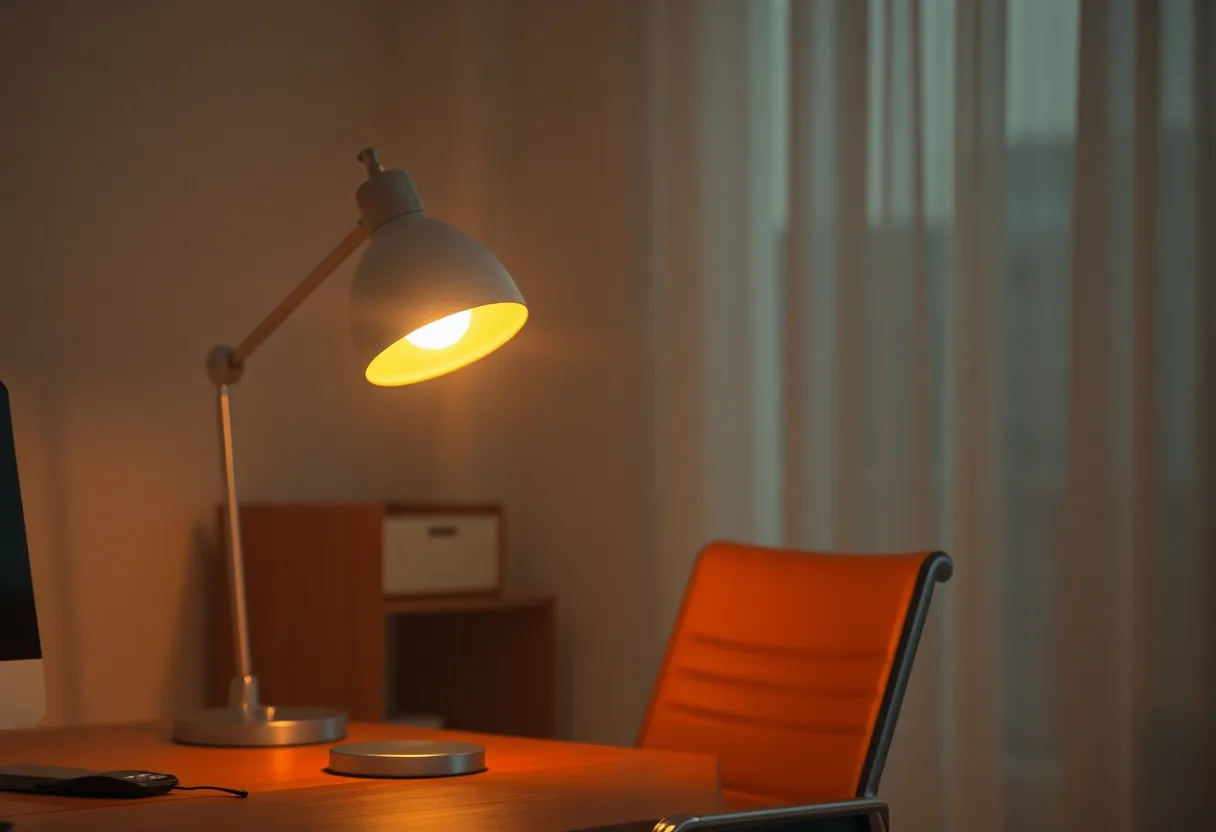
mmWave presence sensors detect micro-motion and can see a person who is sitting still in a way basic PIR often cannot. That is the feature that stops the “I sat still and the lights died” failure mode. Mounted well, a desk-aimed sensor can keep the zone occupied through reading and typing.
Costs and caveats: placement matters (angle, height, FOV). They can see through some materials and detect adjacent rooms if aimed poorly. Pets become “occupancy.” Firmware and integrations vary. Privacy optics matter to housemates even when the device is local—explain what it senses before it becomes a silent roommate.
mmWave is not magic presence for the whole apartment from one corner. It is a zone tool. Use it where the failure mode of false-empty is expensive: offices, bathrooms (carefully), living rooms with pause-heavy TV watching. Hallways and laundry rooms usually want dumb PIR and short timeouts instead of radar theater.
Integration footnotes that save weekends
In Home Assistant, prefer occupancy entities that hold “occupied” with a clear clear-delay rather than raw motion binary sensors wired straight to lights. Debounce flapping. Log the automations that fire when you are present so you can see which condition lied. If you use ESPhome mmWave boards, pin firmware versions after a good tune—surprise OTA sensitivity changes are a genre of rage.
Router-based device trackers can complement phones for home/away without replacing desk sensors. They still will not see a human whose phone is downstairs. Corroborate away with multiple signals when you automate anything security-adjacent; do not corroborate desk lighting with the phone at all.
The blackout failure mode (why your lights betray you)
Typical bad automation: “if phone not home, turn off all lights” mixed with “if office empty for 5 minutes, turn off office lights,” where “empty” was inferred from phone not on office Wi-Fi AP or from a PIR that never saw micro-motion. You sit still. PIR cools down. Phone is not the occupancy oracle. Blackout.
Fix the layers:
- House away: phone/person entities, maybe door/alarm corroboration.
- Room occupancy: mmWave/PIR/camera (if you accept cameras), not phone GPS.
- Timeouts: longer for desks; shorter for hallways.
- Manual overrides: a button that means “I am here, stop guessing” for meeting days.
Also separate “turn off” from “dim.” A gentle dim after stillness is less hostile than a hard cut while you stare at a spreadsheet.
When phone presence is the right tool
Use phones for arrival and departure narratives: thermostats to eco, cameras armed, robots allowed to run, music stopped when the last person leaves. Multi-person AND logic reduces false aways. Companion apps and router-based device trackers beat pure GPS for apartments where geofences chatter.
Do not use phone presence to decide whether the office lights should survive a deep work block. That is how you train yourself to disable automations entirely—the worst smart-home outcome. If you catch yourself toggling automations off every morning, the design failed. Simplify until you trust it again.
PIR versus mmWave without the forum war
Basic PIR is cheap and excellent for walk-through spaces. It underperforms for still occupancy. mmWave costs more and overperforms for still bodies, which is why desks love it. You do not need mmWave in every closet. You need it where stillness is normal and darkness is unacceptable. Start with one desk sensor. Expand only after the office stops gaslighting you.
Some people dual-mount PIR for entry and mmWave for hold. Entry turns lights on quickly; hold prevents idle-off. That pattern maps cleanly onto Home Assistant wait templates and occupancy groups. It is less glamorous than a single “AI sensor,” and it breaks less often.
When mmWave at the desk is the right tool
Use mmWave when false-off while present is the pain you actually have. Aim it at the chair zone. Combine with a illuminance sensor if you only want lights when dark. Consider a second cheap PIR at the door for walk-in entry while mmWave holds occupancy. That hybrid is boring and reliable.
If you share the office with a dog that naps in the FOV, tune sensitivity or aim higher. If the sensor sees the hallway, expect ghosts. Spend the mounting hour; it is cheaper than rewriting automations weekly.
Latency, privacy, and household politics
Phone presence can lag minutes depending on tracker. mmWave is near-real-time for the zone. For lights, lag feels personal. For “arm alarm when away,” lag can be unsafe in the other direction—too eager to arm. Match timeouts to risk.
Tell people what you installed. A mmWave sensor explained as “keeps the lights on while we work” lands better than a mystery puck on the shelf. Local processing helps the privacy story; unexplained hardware does not. If someone is uncomfortable with radar occupancy, respect that and fall back to switches or shorter PIR timeouts with manual overrides. Smart homes that ignore consent become arguments with LEDs.
Also watch for over-automation guilt. Not every lamp needs a sensor. A floor lamp with a switch can coexist with an automated desk lamp. Partial automation that people trust beats total automation they disable.
A layered blueprint that survives reality
- Person entities from phones for home/away.
- Per-room occupancy from mmWave/PIR for lighting and AV power.
- Explicit “movie mode” / “meeting mode” input booleans that suspend idle-off.
- Hard away routines that only run when home is empty—not when one phone flaps.
Test by sitting still for fifteen minutes with the phone in another room. If the lights die, your occupancy graph is still lying. Fix that before adding more fancy devices. Then test the opposite: leave the room with the phone still on the desk and confirm the lights eventually release. Stuck-on is annoying; stuck-off while present is how automations get deleted forever.
If you work on video calls, add a boolean helper tied to “meeting in progress” via calendar or a mute button automation. Cameras-on meetings are exactly when people sit still and hate the dark. Engineering for that weekday reality beats tweaking radar gain forever.
Decision rule
Phone presence answers “has this device (proxying a person) left the geofence?” A desk mmWave answers “is this zone still occupied?” The lights that turn off while you sit there happen when you feed the first answer into the second job. Keep phones for the house. Keep mmWave for the chair. Then the automation can be dramatic about empty homes without gaslighting the person who never left the seat.
If you only buy one upgrade this month and your pain is blackouts at the desk, buy the sensor for the desk—not another way to ping the phone. If your pain is “we left and everything stayed on,” fix person-based away. Same Home Assistant; different questions. Asking the wrong question with more sophistication still turns off the lights on your hands.
Write the automation names so future-you can read them: “office_occupancy_lights” versus “house_away_shutdown.” When a light misbehaves, the name should tell you which brain to debug. That small hygiene prevents the spiral where every presence entity gets rewired at midnight because the wrong layer failed.