An n8n “I got home” webhook vs an iOS Shortcut for the same lights: which one survives the next phone update

Callum Park
September 23, 2026
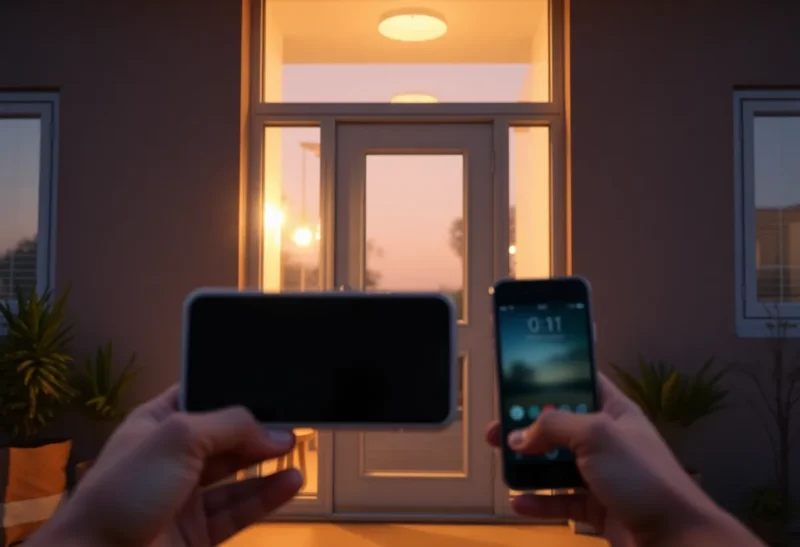
Both automations claim the same victory: you arrive, the lights greet you. One path is an n8n workflow sitting on a server that receives an “I got home” webhook and talks to Home Assistant, Hue, or whatever bridge you trust. The other is an iOS Shortcut—Personal Automation, Focus filter, NFC at the door, geofence—that hits an API from the phone itself. They feel equivalent on day one. They diverge the first time Apple ships an OS update that “improves” background execution, or the first time your n8n box is fine while the phone is not.
The useful question is not which logo is cooler. It is which control plane survives the next phone update—and which failures you are willing to debug at the front door with groceries in your hands.
What the iOS Shortcut path actually depends on
An iOS arrival Shortcut is a chain of Apple permissions: Location (Often), Automation enabled, Low Power Mode not strangling it, Focus modes not blocking it, and a network path from LTE/Wi-Fi to your home API. Geofence automations are famous for arriving late, not arriving, or arriving twice. NFC tags are reliable if you remember to tap. Bluetooth car automations fail when you walk home. Wi-Fi “connects to home SSID” automations fire when you are still in the lobby elevator RF soup.
When it works, the phone is the sensor and the actuator client. No separate presence stack required. When iOS changes background networking, Shortcut action availability, or local network permission prompts, your lights become an Apple release note. That is the survival question in the title. Phone-centric automations inherit phone OS politics.
There is also the household problem: your Shortcut does not run on your partner’s Android. Arrival lighting that depends on one person’s handset is a single-human system pretending to be a home system.
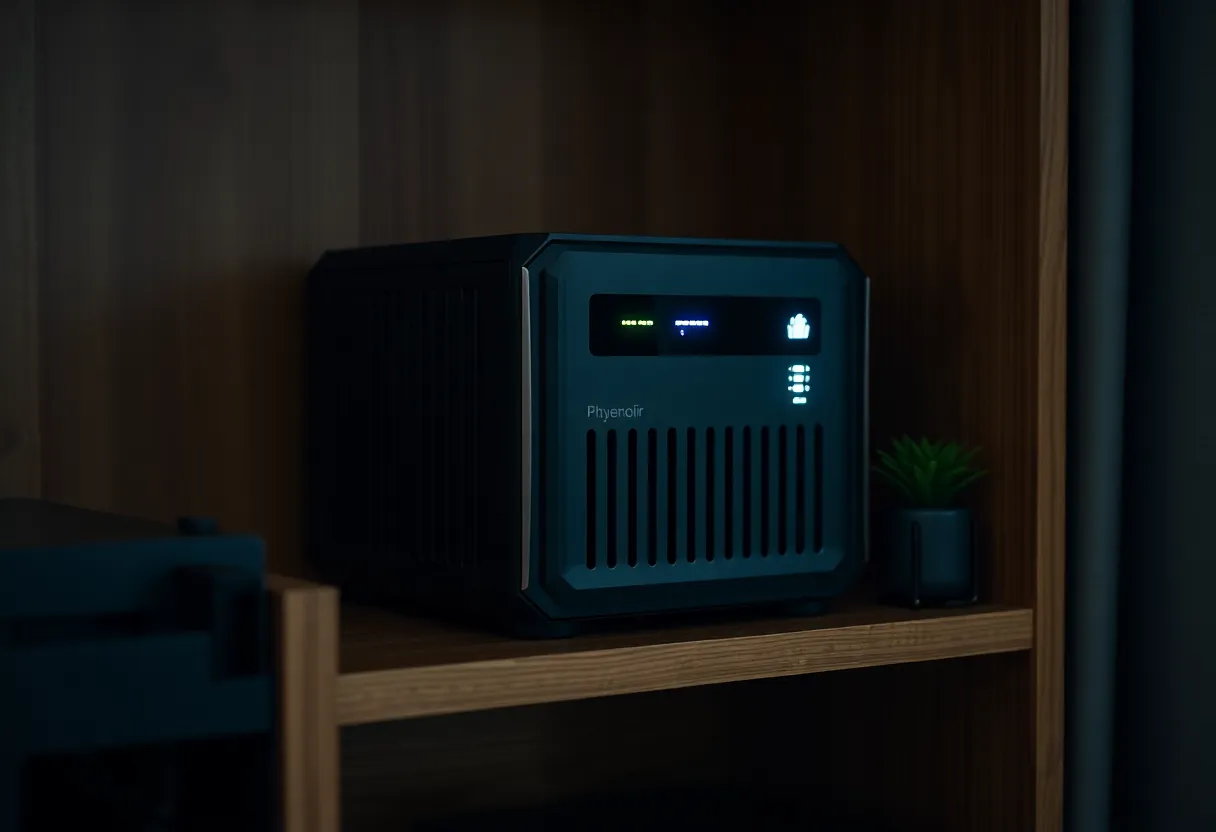
What the n8n webhook path actually depends on
n8n (or Node-RED, or a tiny FastAPI) receives an event and runs logic off-phone. The webhook might be fired by Home Assistant on person home, by a travel router, by a Shortcut that only posts a ping, or by a dedicated device tracker. The durable idea is: decisioning lives on infrastructure you control, not inside a mobile runtime Apple can reshape.
Survival looks better across phone updates if the phone is only a optional notifier. If Home Assistant already knows you are home via router presence, the n8n flow can ignore iOS entirely. If the webhook is only ever called by an iOS Shortcut, you have rebuilt the fragile path with extra hops—an n8n-shaped illusion of robustness.
n8n’s own risks are honest ops: disk full, Docker update, certificate expiry, reverse proxy oops, workflow disabled after import. Those failures are annoying. They are also debuggable without waiting for “Shortcuts background improvements” in a keynote. Keep a simple healthcheck on the n8n host. If the automation platform is down, you want a loud signal—not silent darkness that you blame on geofencing.
Where Home Assistant fits in the triangle
Many “n8n arrival” flows are really Home Assistant flows with extra steps. If HA already has person entities and light scenes, an HA automation may be enough. n8n earns its keep when you need branching across services HA talks to poorly, messy HTTP APIs, or shared logic with other household workflows. Do not introduce n8n only to turn on two bulbs HA can already handle—unless you are standardizing on n8n as the household glue on purpose.
Shortcuts can still call HA’s webhook or REST API directly. That collapses n8n out of the path. The survival analysis remains: silent iOS automation versus house-side presence. n8n is optional infrastructure; presence ownership is not.
Latency and the grocery-bag test
Good arrival lighting feels immediate—within a few seconds of the door. Geofence Shortcuts often cannot promise that. A home Wi-Fi association trigger can be closer. A mmWave/door sensor path through Home Assistant can be closest of all, with n8n optional.
Run the grocery-bag test: both hands full, dark entry, raining. If the automation needs unlocking a phone, confirming a prompt, or waiting for a lazy geofence, it failed the product test even if the workflow graph is pretty. Prefer door contacts and presence entities for the last meters. Use phone webhooks as a bonus, not the only key.
Security notes people skip
A public webhook URL that turns on lights is also a public webhook URL that turns on lights for strangers who find it. Use secrets, IP allowlists, Tailscale-only endpoints, or Home Assistant’s authenticated webhooks. Do not paste long-lived tokens into Shortcut dictionaries that sync through iCloud without thought. n8n credentials deserve the same care as production.
Shortcuts that call LAN addresses break on cellular; people then open the API to the world “temporarily.” Temporary becomes permanent. Prefer a VPN or a broker you intend to expose. Rotate tokens when a phone is lost. Treat the Shortcut JSON as a secrets store that happens to look like a convenience script.
Multi-person homes and the “whose phone?” problem
Arrival lighting for a household needs a definition of home that is not “my iPhone crossed a circle on a map.” HA person entities with multiple trackers, or a door sensor plus optional presence, scale to partners and kids better than one Shortcut. You can give each adult an NFC failsafe without making every light depend on every OS update on every handset.
Guests complicate Shortcuts further. You rarely want guest phones running your automations, and you rarely want lights that only work for the homeowner’s device. House-side logic avoids that class of awkwardness.
Which one survives the next phone update?
n8n (with non-phone presence inputs) survives better. Phone updates become irrelevant if arrival is detected by the house. The workflow keeps running when iOS is busy reinventing privacy toggles.
iOS Shortcuts survive poorly as the sole brain, especially geofence-based ones. They remain fine as a manual “I’m home” button or NFC tap—user-initiated actions break less often than silent automations.
Hybrid: Shortcut or HA companion posts a signed ping; n8n/HA decides. Even better: skip the ping and use router/HA presence, with a Shortcut only as override.
Maintenance comparison
- Shortcut-only: zero server, maximum iOS mystery, hard to share across people.
- n8n + HA presence: server care, excellent multi-person logic, survives phone churn.
- Shortcut → webhook → n8n: useful during migration; do not stop halfway.
If you already live in n8n for other home chores, putting arrival lights there reduces tool sprawl. If your entire smart home is “three Shortcuts and a prayer,” admit that until the first iOS beta weekend. Shortcuts are wonderful glue for personal rituals. They are a shaky foundation for household electricity that other people also need to trust.
One more failure mode: Focus modes and Driving automations that unintentionally suppress or double-fire arrival scenes. After any major iOS update, re-check automation lists, permission toggles, and whether “Ask Before Running” silently returned. That five-minute audit prevents a week of blaming n8n for an Apple checkbox.
A migration sequence that does not strand you
- Instrument real presence in Home Assistant (phones as person entities, plus router if possible).
- Drive lights from HA automations or n8n reading HA state—not from raw geofence.
- Keep an NFC Shortcut as a manual failsafe by the door.
- Delete the silent geofence Shortcut once the house path is boringly reliable.
Boring reliability is the goal. Clever graphs are optional. Document the failsafe on a sticky note near the door if anyone else lives there: “tap the tag” or “switch is still real.” Smart homes that remove the manual path eventually punish guests and future-you after a break/fix.
If you are migrating off a fragile geofence Shortcut, leave it running in parallel for a week with logging, compare timestamps against HA presence, then delete it in a ceremony. Parallel running prevents the night you discover the new path was never armed.
Decision rule
If the light must survive Apple’s next OS notes, do not let iOS be the only sensor. Put “I got home” logic on n8n/HA fed by house-side presence, and demote Shortcuts to intentional taps. If you refuse to run a server, accept NFC/manual Shortcuts and stop expecting silent geofences to be electricity. Same warm lights; different dependencies. Choose the dependency you can reboot yourself at 11 p.m.—not the one that needs a Settings app archaeology expedition after every update.
And when both systems work on day one, schedule a chaos test: toggle Low Power Mode, disable Precise Location, join a guest Wi-Fi, and update iOS on a spare phone. Whichever path still turns on the lamp is the one that deserves to own the front door. The other can keep its screenshots.