KOReader vs Moon+ Reader on an Android E-Ink Tablet: Page Turns, Refresh and EPUB Control

Rhea Calder
October 16, 2026
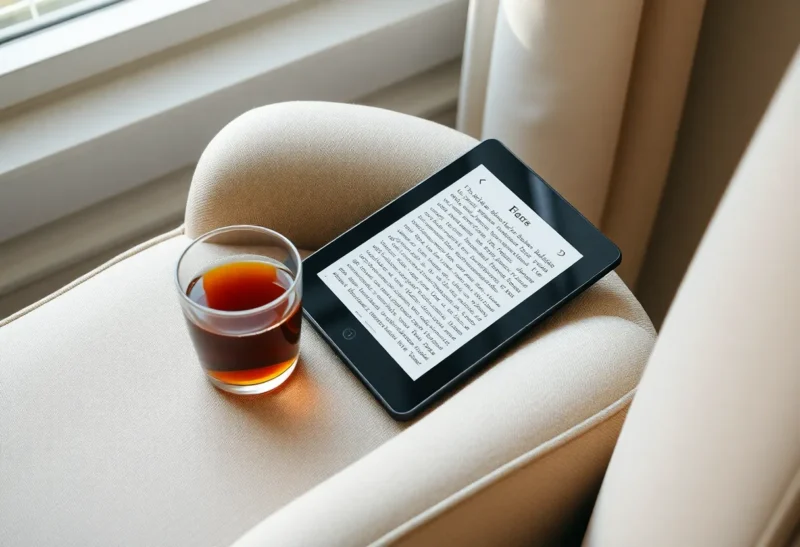
One of the best things about an Android e-ink tablet is that you are not stuck with the manufacturer’s reading app. You can install any reader from the app store or as an APK, and two names come up more than any others: KOReader and Moon+ Reader. Both are excellent with EPUB files, both are free to start, and both have loyal fans who will tell you the other one is wrong.
They come from very different places. KOReader was built for e-ink from day one and runs on Kobo, Kindle and PocketBook devices as well as Android. Moon+ Reader is a polished Android reading app built for phones and tablets, with settings that adapt it to e-ink. I test reading software on e-ink tablets for a living, mostly by reading until the battery gives up, and this is how they compare on an Android e-ink screen.
Built for e-ink, or adapted to it
KOReader is an open-source document reader designed around e-ink limits: no animations, careful screen refreshes, high-contrast rendering and controls that work with slow screens. It reads EPUB, PDF, DjVu, CBZ, FB2, MOBI and more, and it has an enormous range of settings for typography, margins, page layout and refresh behaviour. On Android it runs as an ordinary app with the same interface it has on other e-readers.
Moon+ Reader is a long-running Android ebook app with a free version and a paid Pro version. It reads EPUB, PDF, MOBI, FB2, TXT and many other formats, with themes, fonts, text-to-speech, highlights and cloud sync of reading positions. It was designed for LCD and OLED screens, but it has settings for e-ink: turning off page animations, using pure black-on-white themes and reducing screen refreshes.
| KOReader | Moon+ Reader | |
|---|---|---|
| Designed for | E-ink first | Phones and tablets, with e-ink options |
| Price | Free, open source | Free version; paid Pro removes ads and adds features |
| Interface | Dense, menu-driven | Familiar Android app |
| PDF handling | Excellent, including reflow of scanned pages | Good for simple PDFs |
| Progress sync | Self-hostable sync server | Through cloud storage such as Dropbox or WebDAV |
| Library and catalogs | File browser, OPDS, Calibre wireless | Shelves, folders, OPDS |
| Text-to-speech | Limited | Built in, using Android voices |
Turning pages on a slow screen
This is where KOReader’s origins show. Page turns are immediate, with no animation, and you can control how often the screen does a full refresh to clear ghosting, from every page to every few dozen pages. Tap zones are configurable, and on tablets with page-turn buttons, those buttons work as expected. Everything feels designed for a screen that redraws slowly.
Moon+ Reader can feel just as quick once set up correctly. Turn off page-flip animations, choose a plain white background, and disable features such as auto-scroll that redraw the screen constantly. The Android tablet’s own e-ink settings matter too: most let you pick a refresh mode per app, and a faster mode with some ghosting usually suits reading. Out of the box, though, Moon+ is set up for colour screens, and a newcomer may find it sluggish until they change those settings.
For long reading sessions, both end up comfortable. KOReader simply gets there without tuning.
Typography and EPUB control
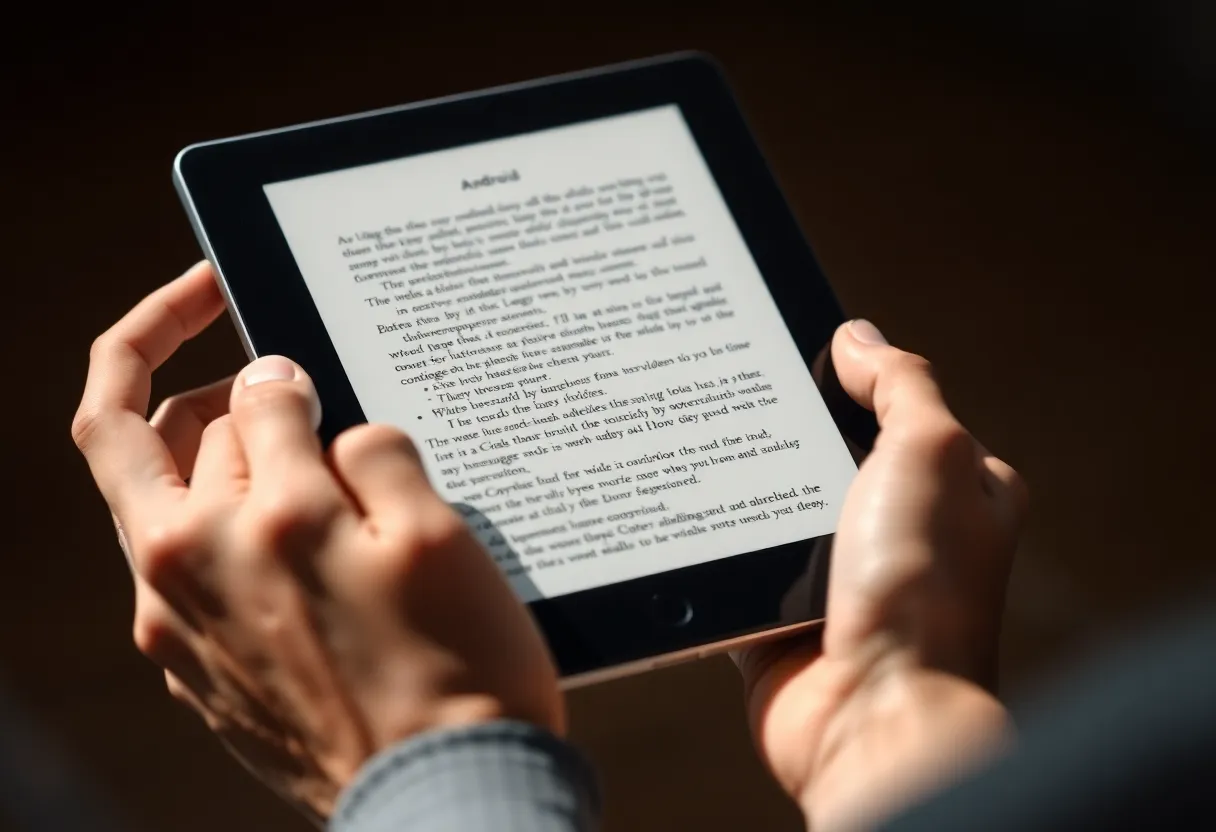
KOReader gives you control over almost everything: font, size, weight, line spacing, margins, hyphenation by language, justification, and the ability to override a publisher’s styles when an EPUB looks bad. Its style tweaks can fix common problems such as tiny fonts forced by the book’s CSS, odd paragraph spacing or images that overflow. You can also embolden text, which helps on lower-contrast e-ink panels.
Moon+ Reader offers a generous set of typography options too, with fonts, spacing, margins, indentation and hyphenation, plus easier presets. It respects the book’s styles more by default, with options to override them. For most well-made EPUBs, the difference is small; for badly made ones, KOReader’s tools are more powerful.
PDFs and scanned documents
KOReader is one of the best PDF readers available on any e-ink device. It can crop margins automatically, zoom to columns, and reflow text in PDFs so a page designed for A4 becomes readable on a seven-inch screen. Reflow also works on many scanned documents, splitting the page image into lines that rearrange to fit. For academic papers, manuals and old scanned books, this is a big advantage.
Moon+ Reader opens PDFs well and supports zooming and cropping, but it does not match KOReader’s reflow and column handling. If you read many PDFs, KOReader alone may justify the learning curve.
Syncing between tablet and phone
Many people read the same book on an e-ink tablet at home and a phone on the bus. KOReader has a progress sync feature that uses a sync server, either the public one or one you host yourself, so your position follows you across devices running KOReader. It works on Kobo and Kindle versions too, which is useful in mixed households.
Moon+ Reader syncs reading positions, bookmarks and highlights through cloud storage such as Dropbox, Google Drive or WebDAV, so the phone and tablet versions stay in step. It is a natural fit if you already use Moon+ on your phone.
Neither syncs with Kindle or Kobo’s own store apps, so books bought in those stores stay in their own reading apps unless you manage your library yourself.
Getting books onto the device
KOReader includes a file browser, support for OPDS catalogs, which lets you browse and download from a self-hosted library, and Calibre wireless transfer, which sends books straight from Calibre on your computer. A comparison of desktop Calibre and the self-hosted Calibre-Web server, both of which work well with KOReader, is in Calibre vs Calibre-Web for an e-reader library.
Moon+ Reader scans folders on the device and presents books on shelves with covers, and also supports OPDS catalogs. Its library view is more attractive and easier to browse than KOReader’s file-based approach.
Highlights, notes and dictionaries
Both support highlights and notes. KOReader can export them in several formats, including markdown and plain text, and to services such as Readwise and Joplin, which makes it a strong choice for people who keep reading notes in a knowledge base. It also supports offline dictionaries in common open formats and Wikipedia lookups.
Moon+ Reader’s highlights and notes are easy to use, can be exported and shared, and sync between devices. Dictionary lookup can use installed dictionary apps on Android, which is convenient if you already have one you like.
On some Android e-ink tablets, the vendor’s own reader has advantages for handwritten notes in PDFs, so it is worth keeping for that. The trade-off between a vendor reader and KOReader is covered in KOReader vs Boox NeoReader.
Battery life and background behaviour
E-ink tablets are bought partly for battery life, and the reading app can make a noticeable difference. An e-ink screen uses power mainly when it changes, so an app that redraws only when you turn a page is ideal.
KOReader behaves well here. It does very little between page turns, and it has its own settings to suspend after inactivity and to keep Wi-Fi off unless it is needed for sync or downloads. On many Android e-ink tablets, a few hours of KOReader reading barely moves the battery.
Moon+ Reader can be just as frugal with the right settings, but some of its features work against e-ink battery life: animated page turns, auto-scroll, a status bar clock that updates every minute, and background cloud sync. Turn off what you do not use. Text-to-speech, if you use it, keeps the processor and audio busy and drains the battery much faster, as it would with any app.
The tablet’s own power settings matter more than either app. Android e-ink devices often let you freeze background apps, turn off Wi-Fi automatically when the screen is off, and choose how quickly the device sleeps. Check that your reader is allowed to stay open, or you may lose your place each time the system closes it in the background.
Learning curve and daily comfort
KOReader’s interface is its biggest drawback. Menus are dense, settings are nested, and many features are discovered by accident. It rewards an afternoon of exploring, and once set up it rarely needs touching again. Some people never get comfortable with it.
Moon+ Reader feels like any well-designed Android app: you find what you need quickly, and settings are labelled clearly. It also adds features KOReader lacks or handles less well, such as good text-to-speech with Android’s voices, which some people use for listening on walks.
Which reader fits which reader
Heavy PDF readers, researchers and students should use KOReader. Reflow, column zoom and margin cropping make documents readable on small screens in a way no other app matches.
People who want the most e-ink-friendly experience with no tuning should also start with KOReader, and give it a patient first hour.
People who mainly read novels in EPUB, also read on a phone, and value a familiar, attractive app will be happier with Moon+ Reader. Turn off animations, pick a plain theme, and set the tablet’s refresh mode, and it becomes an excellent e-ink reader. The Pro version is inexpensive and worth it if you use it daily.
Both are free to try, and you can install both. Many people keep KOReader for PDFs and Moon+ Reader for fiction, which is a perfectly sensible arrangement.