Does a Shelly Plus need Zigbee if the Wi-Fi relay already works without a hub?

Drew Morrison
October 7, 2026
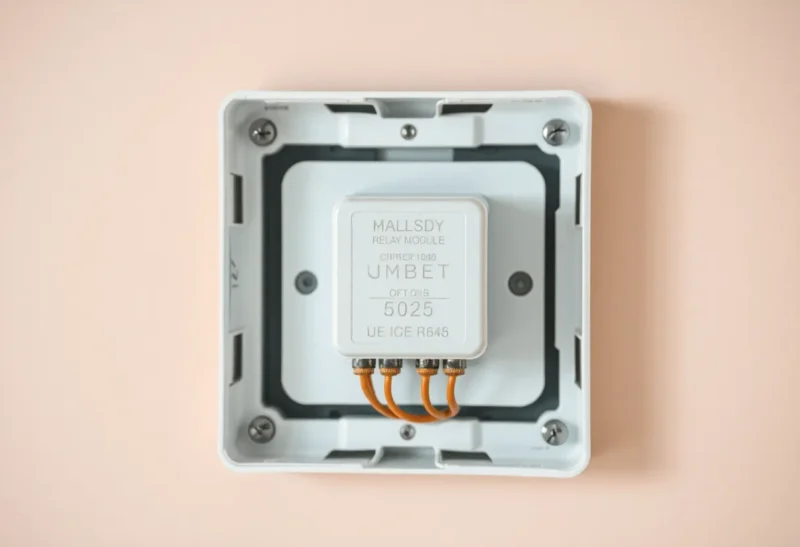
No. A Shelly Plus that already switches on Wi-Fi does not need Zigbee, and it does not need a hub. The Plus line is a 2.4 GHz Wi-Fi relay. Home Assistant talks to it on the LAN with Shelly’s RPC API, or you point its MQTT at a broker you run. Zigbee would be a different radio in a different product. Adding a coordinator does not finish a Shelly that is already clicking.
The “hub” people think is missing is usually a Shelly Cloud account the phone app asked for. That account is an outbound convenience so the app works away from home. It is not the path the relay uses to flip a load when you are standing in the room, and it is not Zigbee. Turn the cloud off after the local integration is up. The switch still works.
What “already works” is actually using
A Gen2 Shelly Plus exposes an HTTP and WebSocket RPC on its own IP. Switch.Set, the power meter on a Plus 1PM, the input state from the wall switch: all of that is a request to that IP. The Home Assistant Shelly integration opens that channel and keeps it. Discovery is mDNS or a hostname you type once. Nothing in that path is a Zigbee coordinator, a Hue bridge, or a Shelly-branded hub, because Shelly never shipped one for this hardware.
MQTT is the other local path. You give the device your Mosquitto address, a username, and a topic. The relay publishes state and subscribes for commands. That broker can be an add-on on the same machine as Home Assistant. It is still Wi-Fi between the Shelly and the access point, then Ethernet or Wi-Fi to the broker. Zigbee does not sneak into this just because MQTT is also how Zigbee2MQTT happens to talk to Home Assistant. Same bus, different devices. A Plus does not join a Zigbee network because you enabled MQTT.
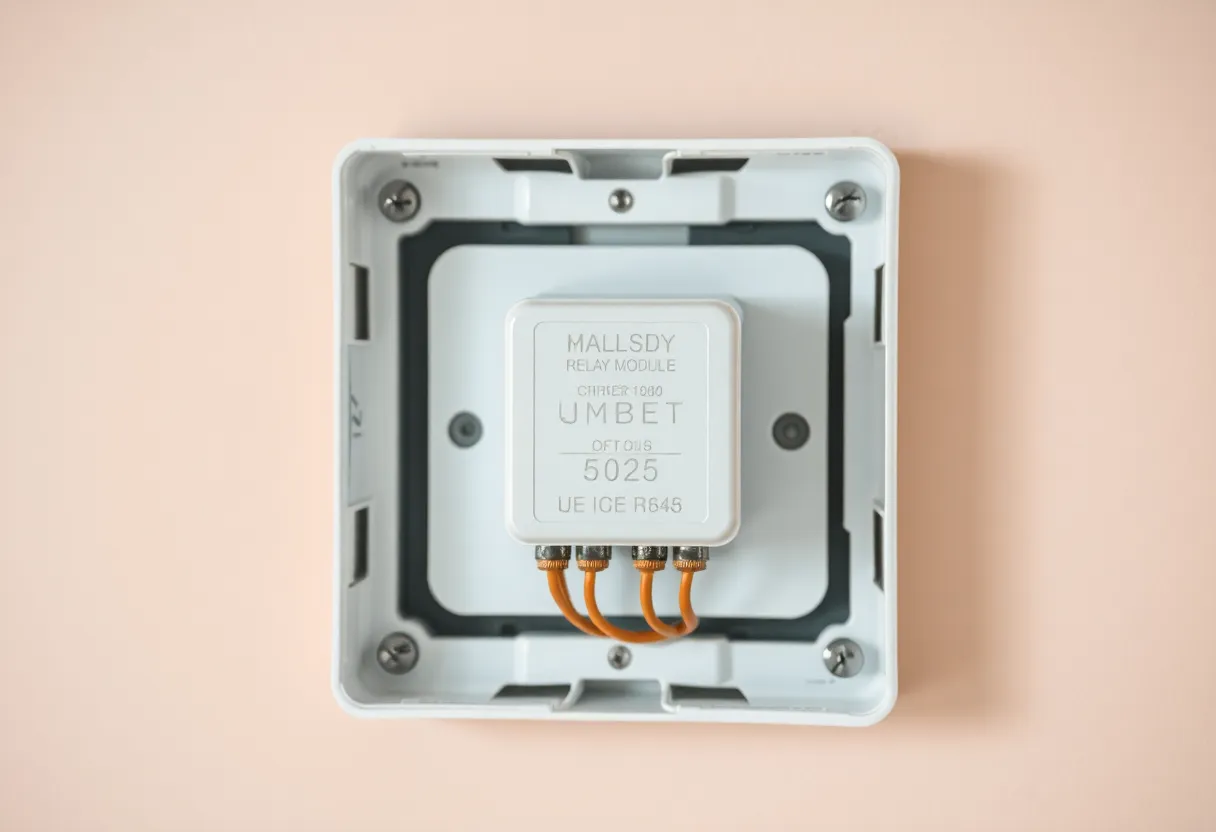
The wall switch is a third path, and it is the one that confuses outages. On the default button mode the input toggles the relay inside the module. Wi-Fi can be dead, Home Assistant can be updating, and the lamp still changes when a person flips the switch. That local click is why the device “works without a hub.” It is also why a dead access point does not always look like a dead light. Detached mode is the exception: the switch becomes a signal to Home Assistant and the relay moves only when software says so. If you detached it so a click could run a scene, you gave the click a dependency. That dependency is your Wi-Fi and your automations, still not a Zigbee mesh.
When the cloud app is the thing that works
The failure that sends people shopping for Zigbee is a phone app that works and a Home Assistant entity that does not. Shelly Cloud can reach the device because the device keeps an outbound connection to Shelly. Your server cannot, because the relay is on an isolated SSID, a guest network, or a VLAN that does not route to the box running Home Assistant. The app, away from home, is talking to Shelly’s servers, which are talking to the device. It feels like the product requires an account. It requires a route.
Put the Plus on the same LAN as Home Assistant, or route that IoT VLAN to the server on the RPC port and nothing else. Add the integration by IP if mDNS is blocked, which it often is on a VLAN. Confirm the entity toggles with the cloud disabled. If it does, you have the setup the question assumed, and Zigbee is a second project you do not need. If it does not, a coordinator will not punch a hole through client isolation. The device would still be a Wi-Fi client that cannot see your server. You would be debugging the same SSID with extra hardware on the desk.
Power readings are the same story. A Plus 1PM reports watts over RPC as fast as the integration polls or the websocket pushes. People compare that to a cloud energy graph that updates whenever Shelly’s servers feel like it, decide the local number is “not smart enough,” and go looking for a Zigbee energy monitor. The local number is the better one. It just does not live in the phone app’s history once you turn the cloud off. If you want history, the recorder in Home Assistant already has it.
The case where Wi-Fi is the wrong radio
Replace the approach, do not “add Zigbee” to this module, when the access point is the outage you keep having. A Plus in a metal consumer unit, a garage at the edge of a single router, or a flat full of mesh nodes that drop sleepy IoT clients: the relay clicks from the wall switch and then spends the evening unavailable in Home Assistant. Automations that were supposed to run when the input changed never see the input. A Zigbee relay with a mains-powered router in the next room fails differently, and sometimes less often, because it is not associated to an SSID that just band-steered it into a hole.
That is a new device. A Shelly Plus does not grow a Zigbee radio because the mesh in the rest of the house is healthy. Shelly’s Z-Wave products are the Wave line, a different box with a different inclusion. Some later Shelly generations added Matter over Wi-Fi, which is still Wi-Fi. None of that turns today’s Plus into a router for your Aqara sensors. If the reason you wanted Zigbee was “the bulbs need more mains routers,” a Wi-Fi Shelly does not count. It will not appear on the Zigbee map. It will not parent a battery sensor. Buy a plug that is actually a Zigbee router, and leave the Plus on the lighting circuit it already controls.
Crowding is the other honest reason to stop buying more of them. Every Plus is a 2.4 GHz station. Four of them are fine. Twenty of them, plus the cameras, plus the doorbell, on one cheap router, is how the channel gets full and the “works without a hub” story starts dropping associations at dinner. Zigbee is one answer. A better access point and a 2.4-only SSID with no band steering is the other, and it is the one that keeps the modules you already paid for. I would try the SSID before I rewired the apartment onto a coordinator.
What to turn off instead of buying a stick
Bluetooth on a Plus is a setup radio. It gets the device onto Wi-Fi from the phone when you cannot reach it yet. Once the integration is stable, Bluetooth is not your control path and it is not a substitute for Zigbee. Leaving it on does not make the relay more reliable. It gives you another pairing surface in a box behind a switch plate. Turn it off after provisioning if the firmware lets you, and do not confuse the Bluetooth icon in the app with a mesh you can hang sensors on.
Set a password on the device. Early Shelly firmware answered RPC from anyone on the LAN with no auth, which is fine on a flat trusted network for an afternoon and a bad permanent state if the SSID is shared with guests or a TV that runs whatever the last app installed. Home Assistant’s Shelly integration can store that password. Zigbee’s “security” is not the upgrade you are looking for here. A device password and a VLAN, or at least not the guest SSID, is the upgrade. The coordinator does not retroactively lock a Wi-Fi relay you left open.
Firmware is the other non-Zigbee chore. Shelly ships updates over the LAN or through the cloud. If you disabled the cloud, updates are a local action you do on purpose, not a background promise. Read the note before you apply one to a relay that is detached and running a scene, because a reboot mid-evening is a dark hallway, not a mesh repair. None of those updates add a Zigbee stack to a Plus that did not ship with one. If a changelog ever claims a new radio mode, that is a different hardware generation sitting in a different product page. Check the model printed on the module before you re-pair the house around a sentence in a release note.
Who should leave it alone
Leave it alone if the relay toggles from Home Assistant with the cloud disabled, the wall switch still clicks with Wi-Fi forgotten, and you are not asking this device to heal a Zigbee mesh. Leave it alone if the only missing feature is remote access from a phone on cellular. That feature is Tailscale, a tunnel, or Nabu Casa to the server, not a second radio in the wall. The Plus does not become more local by joining Zigbee. It is already local.
Change radios if the module is unavailable more days than it is wrong, the access point is not getting better, and the load is something you are willing to rewire. Buy a Zigbee or Z-Wave relay as a replacement, pair it to the coordinator you already run, and retire the Plus from that box. Do not run both in the same gang “just in case.” Two brains on one light is how the switch and the app disagree, and how a future you spends a Saturday finding the one that still has line power.