Yes. A reMarkable 2 or Paper Pro keeps taking notes on the tablet if Connect lapses. The pen, the notebooks stored on the device, PDF markup, and the USB web page the tablet serves over a cable do not check the subscription. What stops is the paid cloud: unlimited sync, the phone and desktop inbox, screen share, and handwriting-to-text, which reMarkable runs on its servers.
People hear “it works without Connect” and picture a tablet that shrugs. The morning the plan ends is narrower than that. Ink on the glass continues. The system you built around the cloud does not. If the phone app was where new pages entered your life, the lapse feels like the notebook died. It did not. The inbox did.
What still works on the tablet the morning the plan ends?
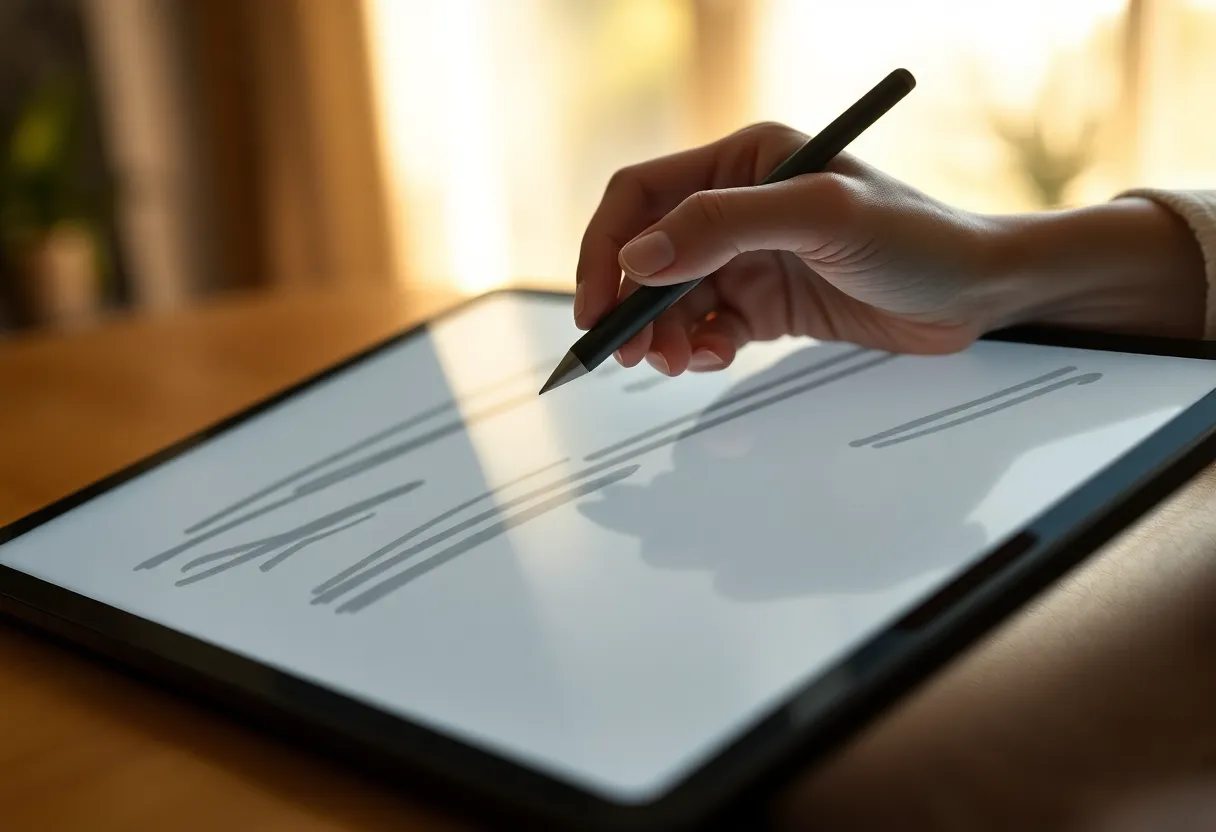
Open the Paper Pro, or the reMarkable 2, and write. A new page in an existing notebook does not ask for a card. Tags and the page overview on the device are local. A PDF you already copied onto the tablet still opens, and the pen still marks it. Sleep and wake do not phone the billing server before they show your last page.
I have let a plan sit expired on purpose for a week of meetings, because I wanted to know which habit was the subscription. The habit that survived was the one in my hand. The habit that broke was photographing a whiteboard into the phone app and expecting it on the tablet before I sat down. Those are different products. Connect is the second one. The glass is the first.
Firmware already on the device stays. You are not bricked, and you are not reverted to a demo mode that only draws in the margins. The home screen is still your notebooks. If a file is on the tablet, you can open it with the radio off, which is the same test as a lapse: the subscription is a server relationship, and the pen is not.
Which notebooks were never on the tablet?
This is the failure that makes the “yes” feel like a lie. Connect trains you to treat reMarkable’s cloud as the library. The phone capture inbox, the desktop app, and sync across two tablets all write to that library first. The tablet in your bag holds a cache of what you opened, not a guaranteed copy of every page you made in the year you paid.
When the plan lapses, unlimited cloud storage is what you lose. A thin free tier of recently used files is not the plan. It will not reconstruct a year of notebooks onto a new phone, and it will not keep every older notebook available the way Connect did. Pages that lived only in the cloud, because you created them on the phone or because the tablet had pushed them up and not kept them in local storage pressure, are the pages at risk. Pages you can see on the device when you turn Wi-Fi off are the pages you still have.
Do the check before you cancel, not after the invoice fails. Turn Wi-Fi off. Scroll the notebooks you care about. Open the old ones, not just today’s meeting. If a notebook is missing, it was a cloud object. Turn Wi-Fi back on while you still have Connect, let it download, then export. Cancelling first and hoping the free tier is sentimental is how people lose the offsite copy and keep only whatever happened to be cached.
What does the phone app stop doing?
The phone app is why a lot of people pay. A photo of a whiteboard, a typed scrap, a PDF you want on the glass tonight: that path is Connect. When the plan lapses, that inbox stops being a system of record. You may still open the app and see a stub of recent files. You should not plan a workday on the stub.
The desktop app follows the same cut. It is a window onto the cloud, plus a nicer way to drag files around. Without the plan, dragging your life through that window is the feature you paid for, and it is the feature that stops. Screen share, the mode that puts the tablet on a laptop display for a call, sits with those cloud features. It is not how the pen writes. It is how you show the pen to someone who is not in the room. A lapsed plan means you hold the tablet up, or you export a PDF.
Integrations that push a notebook into Drive, Dropbox, or OneDrive are part of the finished system, not part of the stylus. If your backup was “Connect copies it to Drive for me,” the lapse is also the end of that backup. Export while the plan is alive, or accept that the backup was rented.
Does handwriting-to-text survive the lapse?
No. Conversion runs on reMarkable’s servers. It needs an account, a connection, and the plan that includes it. On the morning Connect lapses, your handwriting stays handwriting. That is not a corruption. The strokes are on the page. The text layer you used to select and copy is the part that required the server.
If you needed a meeting turned into words, convert it before the plan ends, or accept that you will retype from the page. Clean print converts better than a fast scrawl. Neither one converts locally on a reMarkable the way it does on a Boox or a Supernote. Waiting until you are on a plane, or until the card has already failed, does not move that job onto the device. The ink was always the durable copy. The text was a convenience you rented.
How do you move one notebook off the tablet with no plan?
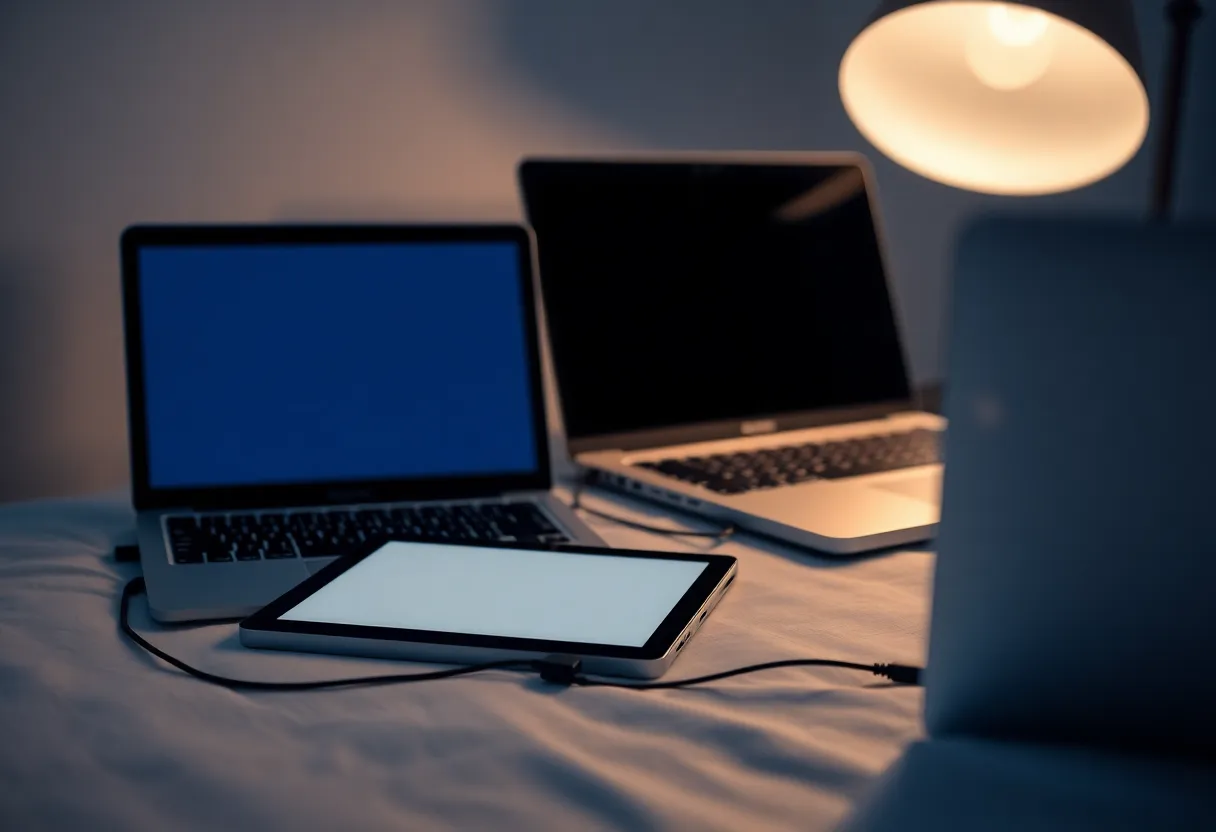
Use the cable. Plug the reMarkable into the laptop. It serves a small web page over that USB link, in the browser, with no internet and no Connect check. Download the notebook as a PDF, or upload a PDF you want to mark up. That page is the transfer that matches a lapsed plan. It is clumsy next to the desktop app. It also does not expire when the card does.
Export from the tablet’s own share flow can still produce a PDF or a PNG of pages while you are paid up, and a local export to the USB page remains the path after you are not. Do not expect a clean text file of your handwriting. You get a picture of the page that is good enough to file, to mail, and to read next year. That is the same export you should have been making while you were paying. The lapse does not invent a better format. It removes the excuse that the cloud was holding it for you.
If you have two reMarkable tablets and only one still holds the notebooks, the cable is how you get PDFs onto the laptop, not how you clone the live notebook format onto the empty tablet. Syncing the native notebooks between devices is the cloud’s job. Without Connect, each tablet is its own pile. Plan for that before you let the second device go empty.
Who can let Connect lapse without wrecking the week?
Let it lapse if the tablet is a single journal and a stack of PDFs you load from the laptop. You write at the desk or in the room, you do not capture through the phone, and you already copy PDFs off once a week. The fee, on the order of sixty dollars a year in the plan people actually resent, buys you almost nothing in that life. The Paper Pro or the reMarkable 2 is still a good pen. You just stopped renting the inbox.
Do not let it lapse if the phone app is how documents get onto the glass, if you switch between a desk tablet and a smaller reMarkable and expect the same notebook, or if someone else reads your pages through the cloud. Those workflows are the product Connect sells. Cancelling them on a Tuesday and expecting the glass to impersonate them is how a meeting starts with a missing deck.
Also do not cancel on the same day you need a conversion, a screen share, or a notebook you have not opened on the device in months. Download and export first. Then cancel. The order is the whole trick. The pen will still be there tomorrow. The cloud copy of the notebook you have not touched since spring might not.
What should you do the day before the card fails?
Assume the lapse sticks, even if you mean to resubscribe. Cards fail on trips. People “pause for a month” and the month becomes the quarter where the only copy was the phone.
- On Wi-Fi, while Connect is still active, open every notebook you would be angry to lose. Opening it is what pulls it onto the device.
- Export those notebooks to PDF through the app or the USB page, and put the PDFs somewhere that is not reMarkable’s cloud. A laptop folder counts. A drive you control counts. The phone’s camera roll of screenshots does not.
- Convert any pages you actually need as text. Do it now. After the lapse, the server will not do it for you.
- Turn Wi-Fi off and confirm the notebooks still open. That is the set you keep if the plan dies tonight.
- Then let it lapse, or pay. Paying is reasonable if the inbox is real. Pretending you will rebuild the inbox from memory is not.
A reMarkable with a lapsed Connect plan is a notebook with a cable. It is a good notebook. It is a bad cloud. If you wanted the cloud, the charge is the price of that want, and skipping it means you go back to files. The pen does not quit. The story that the pen was the whole product was the part that lapsed.