What fails first when an Aqara battery sensor is three rooms from the coordinator?

Ines Volk
October 7, 2026
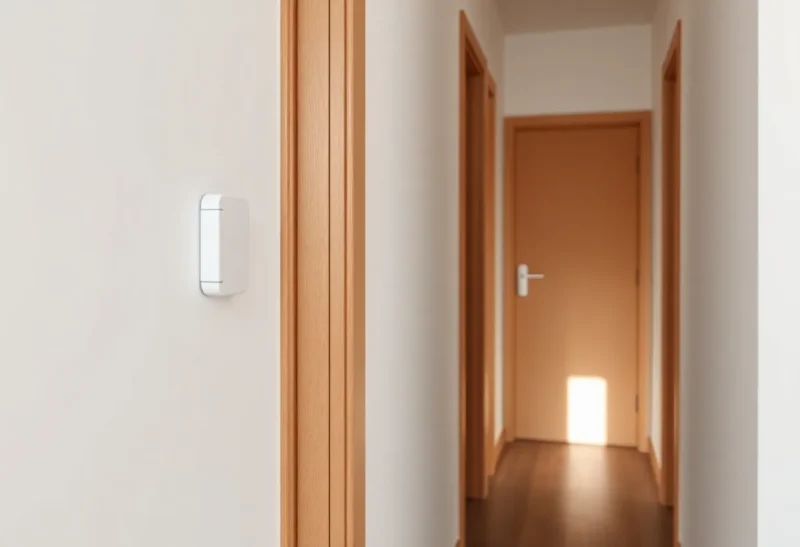
The automation misses the event first. The door opens, or the motion happens, and Home Assistant does not see it, or sees it late. The sensor is still on the map. The battery percentage has not crashed yet. An Aqara end device three rooms from the coordinator is a weak link that spends its energy on retries, and the first thing you notice is a scene that did not run, not a device that fell off the network.
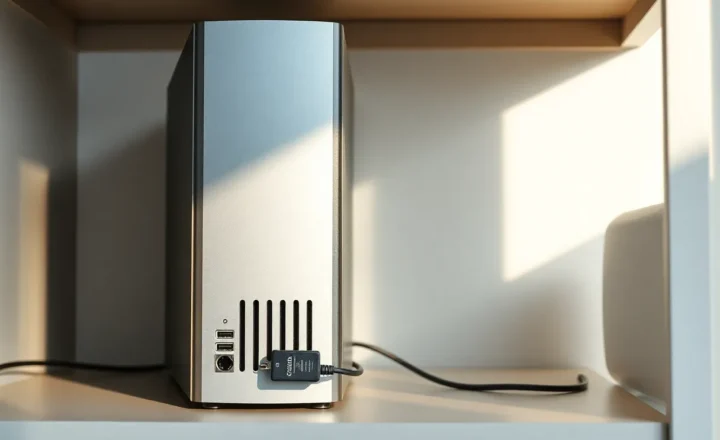
The coordinator in a closet, two walls and a hallway away, is a bad parent. Aqara contact and motion sensors are sleepy end devices. They do not route for anyone. They send a short report and go back to sleep. If that report has to cross three rooms in one hop, it often does not land. A mains-powered router in the room between them is the fix. A new stick is not.
The order it actually fails
Missed or late state is first. You open the door and the light automation does not fire. You open it again and it fires a second late, or the contact flips to open after you have already shut it. The log looks like a flaky automation. The trace shows the trigger never happened. That is the radio, not the YAML. People replace the automation twice before they look at link quality.
Retries are second, and they show up as battery. Each missed report is another transmit. An Aqara sensor that should last a year starts looking tired in a couple of months, or the battery entity drops in jumps because the reports that would have updated it are the ones that failed. A sudden battery collapse is often the same weak hop, not a bad cell. If you change the battery and the misses continue, you have proved it.
Dropping off the network is last. The device stays in Zigbee2MQTT or ZHA, last seen stretches, and only then does it go unavailable. By the time the map says unavailable, the automation has been quietly wrong for days. Interviewing it again, or re-pairing it to the same far coordinator, restores the name on the map and the same weak hop. It will miss again tonight. Re-pairing is not a shorter hallway.
Why three rooms is the ugly distance
One wall is a normal hop. Three rooms usually means two or three walls, a bathroom, or a mirror, and no mains router in the middle because the middle is a hallway with a bulb on a switch. The sensor joined the coordinator because the coordinator was the only parent awake when you paired it at the desk, then you carried the sensor to the far door. It kept that parent. End devices are loyal. Distance does not force a new parent just because you walked.
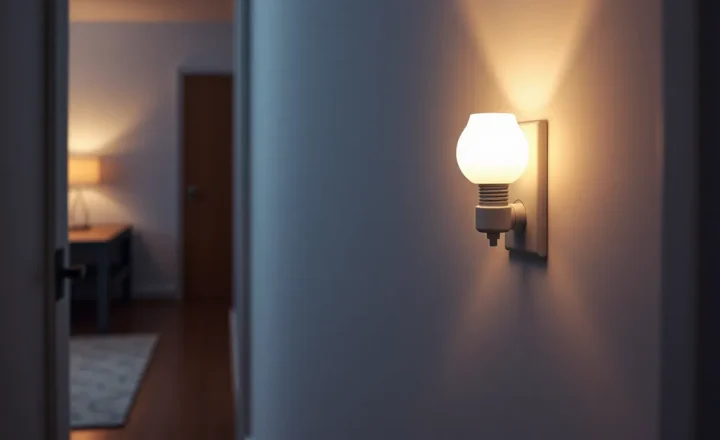
Aqara sensors are picky about parents and about routers that are not Aqara. Some firmwares behave better on a near, always-on plug than on a far coordinator, and some drop a parent that speaks a slightly different dialect. The practical test does not require that lore. Put a mains router in the middle room, power it from an outlet nobody switches off, and re-pair the sensor there, next to the door, with the coordinator’s join window open. If the map then shows the plug as parent, the misses should stop. If they do not, the plug is not actually in the middle, or it is a bulb you can turn off, which is not a router you can trust.
USB 3 noise and a coordinator buried behind a metal PC make three rooms feel like five. An extension cable that gets the stick into the open, away from the case, is a real improvement and it is still not a router in the far room. Do the cable. Then do the plug. Skipping the plug because the stick “should reach” is how the same door sensor stays a ghost.
What not to do first
Do not buy another Aqara sensor and pair it in the same spot. You will have two ghosts. Do not change Zigbee channel as the first move unless the whole house is bad, not one far door. Do not blame ZHA versus Zigbee2MQTT for a floor plan. The stack will not move a wall. Do not raise the transmit power in a dream of a firmware setting and call it done. The frame still has to be heard at the parent, and the parent is too far.
Look at last seen and at the automation trace for one door cycle. If the sensor entity does not flip when the door does, you are done diagnosing. The failure is the hop. A router in between, then a re-pair at the door, is the repair. After that, the battery graph is allowed to be boring, and the light is allowed to turn on the first time.
Link quality numbers are a hint, not a verdict. A sensor can show a middling LQI and still miss the one report that mattered, because it was asleep when the door moved and the retry window was shorter than the interference. Watch the entity, not the badge. Flip the door ten times with the automation in front of you. If two of the ten never arrive, the hop is already failing, even if the device never goes unavailable. That ratio is the bug. A router in the middle should take it to zero misses, not to a prettier icon.
Pair the router before you blame the battery tab. A fresh cell in the same far spot will look heroic for a week and then resume the same misses, because the radio work did not change. Write down the parent name after the re-pair. If the parent is still the coordinator, the sensor did not move, and another battery will not move it. Power-cycle the sensor once at the door so it looks for a parent again. Then stop touching it. Extra interviews wake it up and spend the cell you just installed.
How to prove the hop and then stop
Stand at the door with the Home Assistant history open. Open and close once. Wait the sensor’s usual beat. If the entity did not change, that miss is the failure this question is about. Do it in the evening, when the rest of the apartment is using Wi-Fi, not at noon in an empty flat. A sensor that works in a quiet test and misses at dinner is still a far sensor. The interference did not create the distance. It spent the margin the distance had already used up.
The middle router has to stay powered when the hallway light is off. A smart bulb on the hallway switch is the device people try first, and it is off at the exact hour the door automation matters. Use a plug that is not on a switched strip. After it has been up for a few minutes, re-pair the Aqara sensor at the door, not at the coordinator. Confirm the parent in Zigbee2MQTT or in ZHA’s device view. Parent equals the plug. Then repeat the ten door flips. You are finished when those flips all arrive, not when the map looks busy.
Temperature and leak sensors from the same brand fail in the same order, only slower, because they report on a schedule instead of on a door edge. A missed hourly report is easier to ignore than a missed door. The door is the one that trains you to notice. If the contact sensor three rooms away is late, the leak sensor in that same room is not a better radio. It is the same hop with a duller symptom. Fix the hop once. Do not buy a closer coordinator for each room. One mains router in the middle covers the sensors that share that end of the apartment.
Leave the channel and the stack alone until that router has had a day. If the misses stop, you have the answer. If they do not, then look at whether the sensor is still parented to the closet, whether the plug is actually a router, and whether a microwave or a USB 3 port sits on the path. Those are second causes. The first cause, three rooms and no router, is common enough that it should be the first thing you change. The automation will tell you when you got it right. It will run the first time the door opens. Until that happens, more sensors in the same far room only add more missed events. One router, then silence. If the closet stick still shows as the parent tomorrow, the re-pair did not take, and the misses you see are the old hop wearing a new battery. Check the parent before you order anything else. The hallway is the part that was too long. Shorten it with a plug that stays on, and the sensor can go back to being a door instead of a project.