Is ESPHome worth flashing if the plug already runs Tasmota?

Ravi Patel
October 7, 2026
Usually no. If the plug already runs Tasmota, toggles from Home Assistant, and reports power when it has a meter, flashing ESPHome does not make that relay more local. Both firmwares are local. Flash ESPHome when you need something Tasmota is bad at on that chip: a sensor the template never exposed, on-device logic you are tired of writing as rules, or an ESP32 you want as a Bluetooth proxy. Do not flash it because the Tasmota web page looks old.
The expensive part already happened. Someone got custom firmware onto a device that shipped with a cloud app. Replacing a working firmware with a different working firmware is how that device ends up needing a serial adapter, in a socket you can no longer reach, with the relay stuck in the wrong position.
What you already have
Tasmota on a plug speaks Wi-Fi, runs a small web UI on the device, and publishes MQTT. Home Assistant’s Tasmota integration, or MQTT discovery, turns that into a switch entity and, on a metered plug, a power sensor. Templates map the GPIO: which pin is the relay, which pin is the button, which pin is the HLW8032 or BL0937 that counts watts. Rules can toggle the relay when the button is pressed even if Home Assistant is down. That last sentence is the one people think they are buying ESPHome to get. They already have it.
The broker is the piece that feels like a hub. It is not a cloud. Mosquitto on the same machine as Home Assistant is a local hop. ESPHome’s native API removes that hop, which is nicer and slightly faster, and it matters if this plug is the last MQTT citizen and you want the broker gone. It does not matter if Zigbee2MQTT, a few other Tasmota devices, and a doorbell are staying on MQTT anyway. You would be running both, plus a new YAML repo, for one socket.
Updates are the other non-reason. Tasmota OTA from its own web UI is boring and that is a compliment. ESPHome OTA is also boring once the device is adopted. Neither update path is a reason to switch. The first ESPHome flash is not an update. It is a partition change, and on a lot of ESP8266 plugs it does not fit until you step through a minimal intermediate binary. That step is where people brick a plug that was fine at lunch.
What ESPHome would actually change
ESPHome puts a YAML file in charge of the pins and compiles a firmware that talks to Home Assistant’s native API. No discovery topics, no SetOption dance, no template string you paste and then forget. Entities show up because the device was adopted. For a drawer of identical plugs, that is a real improvement if you are already living in ESPHome for everything else. For one plug, it is a new dialect.
The wins that justify the flash are specific. An ESP32 plug or relay board you want to use as a Bluetooth proxy for Xiaomi or SwitchBot sensors: Tasmota is the wrong tool, ESPHome does this well, and an ESP8266 cannot do it at all. A device with an odd sensor, an LD2410 on a UART, an I2C environment chip the Tasmota template never grew a driver for: ESPHome’s component list is why you switch. On-device automations you can read six months later, instead of a compressed Tasmota rule, are a reason if that logic has to survive Home Assistant being updated. A plain relay is none of those.
Power metering is not automatically better after the flash. The calibration you already did in Tasmota, the voltage and current offsets that make the watt number match a kill-a-watt, do not travel. ESPHome will boot with a confident wrong wattage until you calibrate again. If the only complaint was that the number seemed a bit high, fix the calibration where it is. Flashing does not know how your particular shunt behaves.
The flash that costs you the working plug
Copy the template off the Tasmota console before you touch anything. Module type, GPIO list, the power-on state of the relay. That page is the map. ESPHome will not read it back after you overwrite the flash. If the relay is on GPIO12 and you guess GPIO5, you now have a device that boots, joins Wi-Fi, and operates the wrong pin, which on a ceiling rose can mean a light you cannot turn off without a breaker. Write the template down on paper. Then decide if the new feature is worth that risk.
Recovery is serial. A USB adapter, the right 3.3 volt rail, and pads you may have to open the housing to reach. A plug that is still on Tasmota can be recovered from its own web UI or from a serial flash if you know the pins. A plug that took a bad ESPHome image and never joins Wi-Fi is serial-only. Do this on the bench, on an extension lead, with the housing open, not on the last evening before guests. If you cannot open it, you do not flash it. Order a second plug, flash that one, and keep the Tasmota unit until the new one has survived a week.
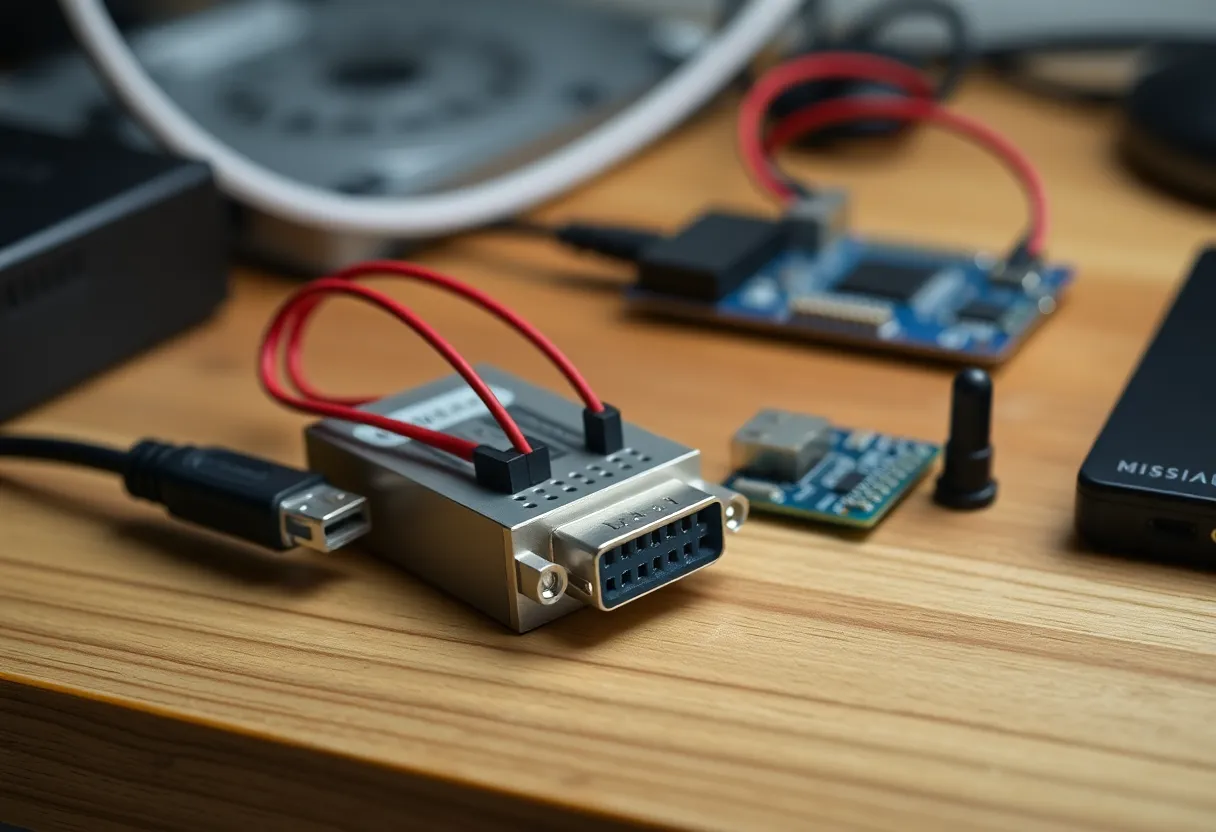
Watch the relay state through the first boot. Set the ESPHome switch to restore the previous state, or to always start off, on purpose. The default you did not think about is how a heater plug comes back on after a brownout and stays there because Home Assistant, which used to force it off, has not adopted the new node yet. Tasmota’s PowerOnState was doing that job. You just deleted it. Decide the failure position before the firmware does.
The Home Assistant side of the swap
Entities do not rename themselves across a firmware change. The Tasmota switch is one entity ID. The ESPHome node arrives as a new device with a new entity. Every automation, script, dashboard card, and energy dashboard entry that pointed at the old switch now points at nothing. If you flash first and notice second, the evening routine fails and you will blame the relay. Make the list before the flash. After adoption, point the automations at the new entity, or use a template switch with a stable name so the next firmware is not another hunt through YAML.
MQTT discovery will also leave a ghost. The broker still has the old birth messages until something clears them, and Home Assistant can show a dead Tasmota device next to the live ESPHome one for days. Delete the old device, clear the retained discovery topics, and do not “just hide” the ghost. Hidden ghosts come back after a restart and toggle the wrong idea of the plug. This bookkeeping is half the job. The compile is the other half. People budget for the compile.
If the reason you wanted ESPHome was a cleaner dashboard, stop. A Tasmota entity and an ESPHome entity look the same on a Lovelace card. The card does not know which firmware clicked the relay. Spend the afternoon on the card if the card is the complaint. Spend it on firmware only if the device cannot do the thing, not if the thing looks slightly different in the integration list.
A fleet is a different question than one plug
Ten identical plugs, all on Tasmota, all behaving, are still not a mandatory migration. They are a weekend you will underestimate. One ESPHome pilot on the bench, then a second in the wall, then the rest only if the pilot was actually better. “Actually better” means a feature you used, not a satisfying devices page. If the pilot’s only improvement is that you prefer the logs, stop the migration. The other nine can stay. Mixed fleets are ugly and they work. A mixed fleet with one bricked plug in a ceiling is worse than ugly.
New purchases can go the other way without touching the old ones. The next board you solder is ESPHome if that is the language you want to keep. The plug already in the wall does not owe you consistency. Consistency is a preference. A relay that still clicks during a Home Assistant upgrade is a property. Do not trade the property away for the preference unless the missing feature is one you can point at.
Who should leave it on Tasmota
Leave it if the entity toggles, the button still works with Home Assistant stopped, and you are not adding a sensor or a Bluetooth proxy. Leave it if the rest of the house is MQTT and this would be your only native-API device. Leave it if the plug is installed somewhere you need a ladder to reach. The firmware you have is the local control you wanted when you left the vendor app. ESPHome is a better home for new devices and for weird pins. It is a downgrade in safety for a plug that already behaves.
Flash it if you can name the missing feature in one sentence, you have the GPIO map in your hand, and the device is on the bench with a serial adapter in the drawer. Flash a spare, not the one that runs the fridge alarm. After it has been adopted and the wattage has been checked against a meter, then you can retire the Tasmota unit. Until that afternoon, the plug that already works is the one that should stay in the wall.