The Real Tradeoffs of Using a Chromebook as Your Only Computer

Chris Walsh
July 7, 2026
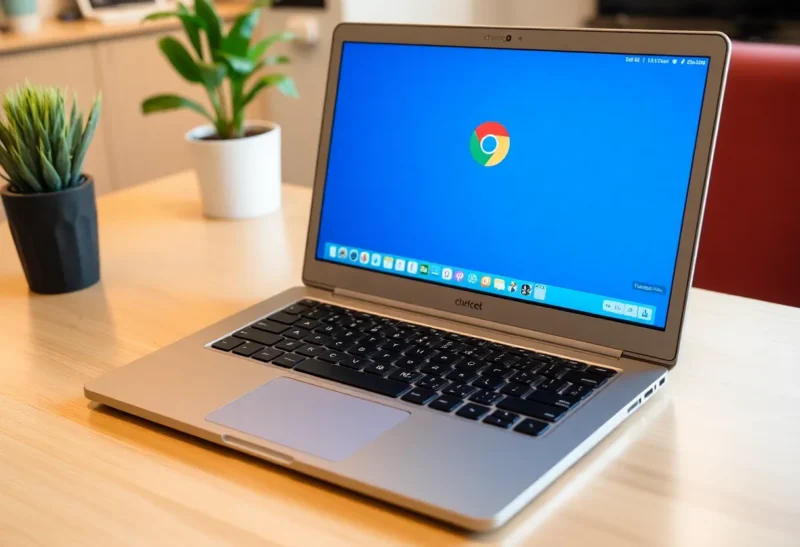
Chromebooks exist in an interesting position in the laptop market: genuinely excellent for a specific set of use cases, genuinely limiting for others, and often misrepresented in both directions. The “Chromebook is just a browser” dismissal overlooks how capable web applications have become; the “Chromebooks are perfect for most users” generalization overlooks the specific workflows where Chrome OS genuinely can’t substitute for a full operating system. The honest picture is use-case-specific, and understanding the actual tradeoffs helps clarify both who a Chromebook serves well and where it creates friction.
What Chrome OS Actually Is Now
Chrome OS has evolved significantly beyond its “browser in a box” origins. Modern Chrome OS supports: web applications (which now cover a very large fraction of what most people actually use a computer for), Android apps through the Google Play Store (adding a large library of mobile apps running natively), Linux applications through a containerized Debian environment (giving access to the full Linux application ecosystem for technical users), and Microsoft 365 through either the web versions or Android apps. The platform is meaningfully more capable than its reputation implies, and for users whose workflow lives primarily in web applications, the Chrome OS web platform gap from Windows or macOS is much smaller than it appears.
The Linux container support is particularly important for technical users: VS Code, development tools, Python environments, Docker containers, and command-line workflows all work on modern Chromebooks through the Linux environment. A developer who works primarily in a browser-based development environment (GitHub Codespaces, Gitpod, cloud IDEs) or who is comfortable in Linux can build a functional development environment on a Chromebook. Google’s own Pixelbook and Lenovo’s premium Chromebooks are marketed partly at this technical use case.
Where Chromebooks Create Real Friction
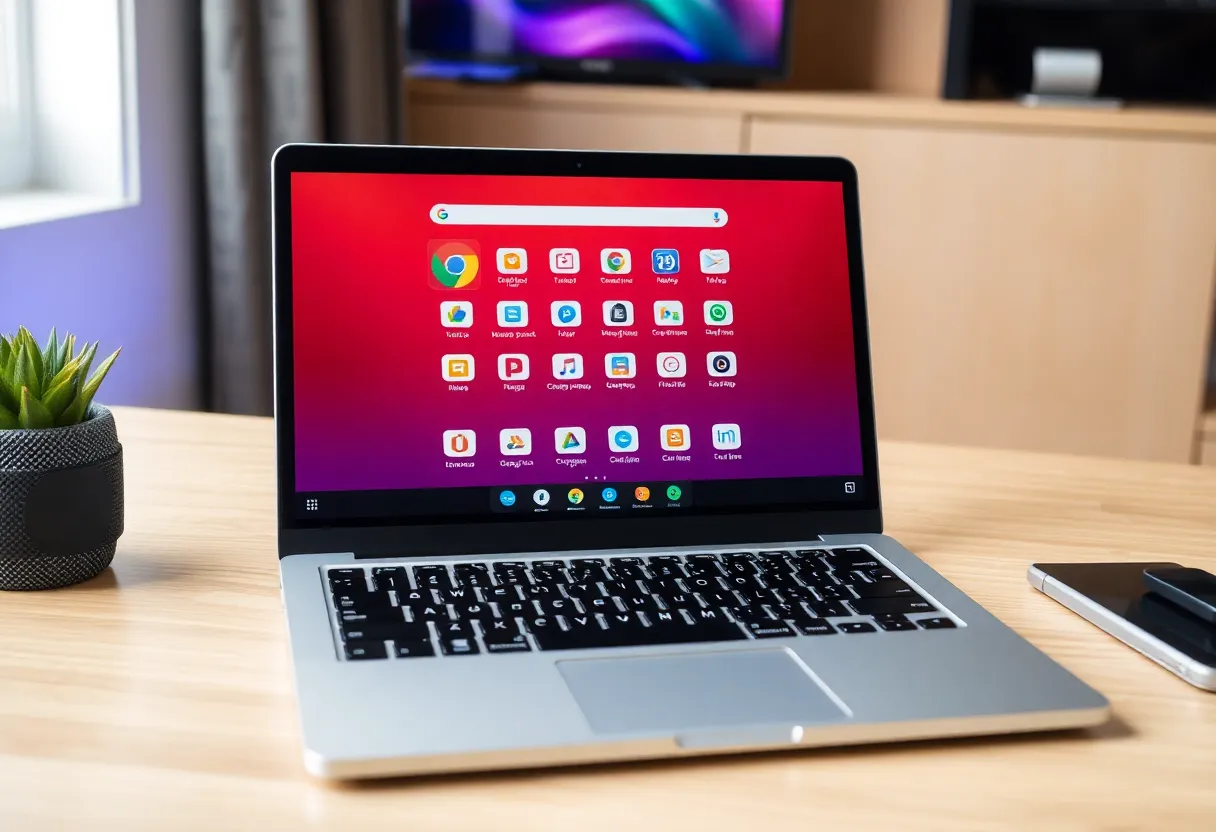
The workflows where Chromebook friction is genuine and not addressed by web app equivalents:
Professional creative software. Adobe Creative Cloud desktop applications (Photoshop, Illustrator, Premiere, After Effects, Lightroom Classic) do not run on Chrome OS. Adobe offers Photoshop for the web (with limited functionality) and Lightroom web, and Android versions of some apps are available, but the full professional feature set requires Windows or macOS. Professional video editing in DaVinci Resolve or Final Cut Pro, 3D modeling in Cinema 4D or Maya, professional audio production in Logic Pro or Pro Tools — none of these run on Chrome OS. For professional creative work, a Chromebook is not a substitute.
Local processing-intensive tasks. Machine learning model training, video rendering, large dataset processing, and other compute-intensive local workloads benefit from having the full resources of a Windows or macOS system running native applications. While these workloads increasingly run in the cloud, users who need to run them locally (for speed, privacy, or offline capability) find Chrome OS’s virtualization overhead and the limitations of the Linux container performance less than ideal compared to native Windows or macOS performance.
Software installation flexibility. Windows and macOS allow installing any application from any source. Chrome OS requires applications to come from the web (PWAs), Google Play Store, or the Linux container. Enterprise software, specialized industry applications, proprietary corporate tools, and older software that has no web or Android equivalent may simply not be available on Chrome OS. For users in industries with specialized software requirements — architecture, engineering, finance, healthcare — the application availability constraint is often a hard blocker.
Gaming. While Google Stadia is gone and cloud gaming alternatives (Xbox Cloud Gaming, NVIDIA GeForce NOW) work on Chromebooks through the browser or Android apps, native PC gaming — Steam, game mods, emulation with specific configuration — is significantly limited. Android gaming works but the performance and control scheme differs from desktop gaming. Chromebooks are not gaming computers.
The Offline Limitation (and How Much It Still Matters)
Chrome OS’s original design dependency on an internet connection has improved significantly: Google Docs, Sheets, and Drive work offline and sync when connectivity resumes; many Android apps work offline; the Linux container operates independently of internet connectivity. The platform is no longer as connectivity-dependent as it was in the early Chromebook era.
The offline limitation that remains meaningful: cloud-dependent services that don’t have offline modes (some web apps, streaming services) and workflows that require accessing large local file repositories without cloud sync. For most productivity users with reliable internet, offline capability is rarely a practical constraint. For users who frequently work in connectivity-limited environments (on planes, in rural areas, on construction sites), the offline capability question is worth investigating for specific applications before committing to Chrome OS.
The Value Proposition
Chromebooks offer genuine value at the budget end ($200–400 for functional, durable machines from Acer, Lenovo, and HP) that is difficult to match with Windows laptops in the same price range. At budget PC price points, the compromises of Chrome OS are often better than the compromises of a poorly-built budget Windows laptop: Chrome OS runs efficiently on modest hardware, updates are automatic and seamless, the security model is more resistant to malware than Windows, and the user experience is consistent. For students, light office users, and users whose workflows live primarily in Google Workspace or web applications, a Chromebook is a legitimate choice at the right price point, not a compromise.
At premium price points ($600+), the case for a Chromebook over a comparably-priced Windows laptop or MacBook is less clear, because at those prices the operating system flexibility of Windows or macOS becomes more valuable relative to the Chrome OS ecosystem constraints. The sweet spot for Chromebook value is in the $200–400 range for users who have genuinely evaluated their software requirements and confirmed the web application ecosystem covers them.