The Real Trade-offs of Choosing a Mechanical Keyboard Layout for RSI Prevention

Owen Finch
July 9, 2026
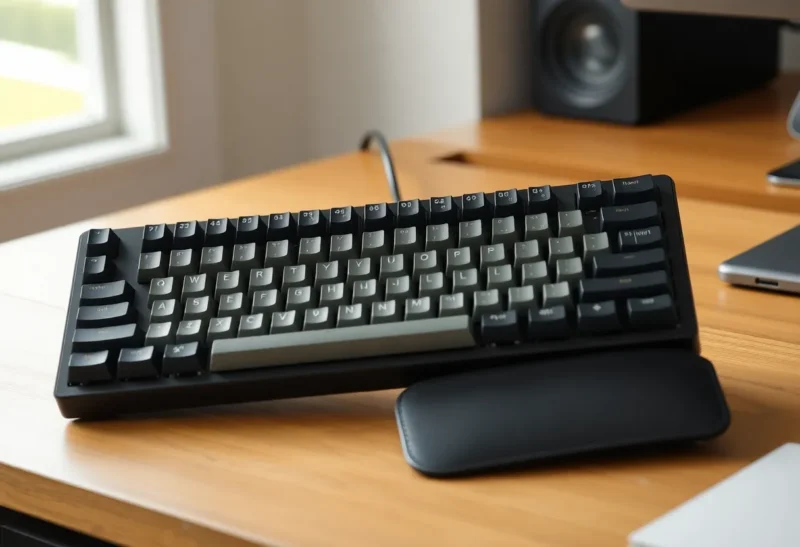
Somewhere between the first wrist twinge and a formal diagnosis, a lot of people end up in the same rabbit hole: keyboard forums, ergonomics subreddits, and a bewildering menu of “ergonomic” layouts that all claim to solve repetitive strain injury better than the rest. Split keyboards. Columnar stagger. Ortholinear grids. Concave keywells. Tenting. Each community is convinced their approach is the obvious answer, and the actual evidence is far messier and more individual than any single forum thread admits.
This isn’t a story about which keyboard is “best.” It’s about what the actual mechanisms of typing-related strain are, which layout changes address which mechanisms, and why the honest answer to “what should I buy” is usually “it depends on which specific thing is hurting.”
What’s Actually Straining in RSI
Repetitive strain injury from typing isn’t one condition — it’s a cluster of related but distinct problems, and different keyboard layout changes address different ones. Carpal tunnel syndrome involves compression of the median nerve at the wrist, often worsened by wrist extension (bending the wrist upward) sustained over long periods, which is exactly the posture a flat, low-profile keyboard with no palm support tends to encourage. Ulnar deviation — bending the wrist sideways toward the pinky — happens on a standard keyboard because the key columns are staggered for old typewriter mechanics, not human hand anatomy, forcing your wrists to angle inward to reach certain keys comfortably. And a separate category of tendon-related strain in the fingers and forearm comes from repetitive stretching to reach keys that are simply too far from a relaxed hand position, independent of wrist angle entirely.
A layout change that fixes one of these can do nothing for another, which is the root of most of the confusion in enthusiast forums, where people report wildly different results from the same keyboard because they were dealing with different underlying problems to begin with.
Split Keyboards: Solving Ulnar Deviation Directly
Split keyboards — where the two halves separate entirely, letting you position each hand at shoulder width or angle them outward — directly address ulnar deviation and shoulder rotation, because they let your wrists stay straight relative to your forearms instead of angling inward to meet in the middle of a single unified board. This is the change with the most consistent ergonomics research behind it: studies on split and adjustable-angle keyboards going back to the 1990s found reduced wrist extension and ulnar deviation compared to standard keyboards, and several found modest reductions in reported discomfort during extended typing sessions.

The trade-off is real, though: fully split keyboards take longer to adapt to than almost any other ergonomic change, because your hands are now doing two independent jobs instead of one coordinated one, and the adaptation period — commonly reported as several weeks to a couple of months for touch typists — comes with a temporary drop in typing speed and, for some people, a temporary spike in frustration-driven bad posture as they compensate. For someone already dealing with acute pain, that adjustment period is a genuine cost worth weighing against the long-term benefit.
Columnar Stagger and Ortholinear: Solving Finger Stretch, Not Wrist Angle
Columnar stagger — where keys are arranged in straight vertical columns offset to match natural finger length, rather than the diagonal stagger of a standard keyboard inherited from mechanical typewriter linkages — and ortholinear layouts, where keys sit in a perfect uniform grid, both target a different problem: the awkward diagonal finger reaches a standard keyboard requires, particularly for the pinky and ring fingers reaching for keys like B, N, or the bottom row.
Neither of these layouts does much for ulnar deviation on its own unless combined with a split design, which is why many ergonomic keyboards combine columnar stagger with a split frame rather than treating them as separate features. Used alone, a non-split ortholinear board mostly helps people whose specific complaint is finger and tendon strain from awkward reaches, not wrist or forearm pain from angle — which is a meaningfully different population than the carpal-tunnel-prone group that split keyboards target most directly.
Tenting and Concavity: Addressing Forearm Rotation
Tenting — angling the two halves of a split keyboard upward like a tent, so your palms face more toward each other than straight down — addresses forearm pronation, the rotation of the forearm that happens when you hold your hands flat and palms-down for extended periods. Sustained pronation is a known contributor to forearm and elbow strain, and a moderate tenting angle (often cited in the 10–20 degree range as a starting point, though optimal angle is individual) lets the forearm rest in a more neutral rotation.
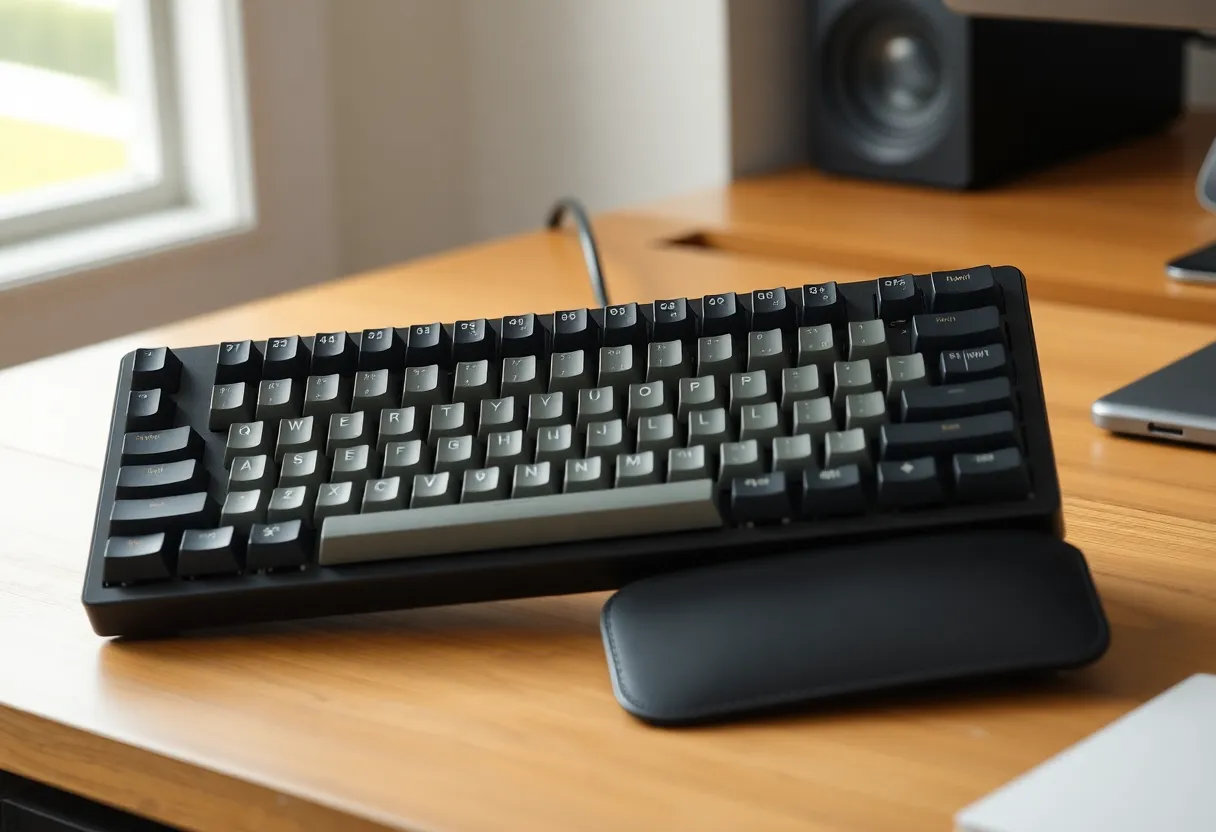
Concave keywells — where each finger’s column of keys curves downward slightly rather than sitting on a flat plane — extend this idea further by letting fingers reach neighboring rows through a shorter, more natural arc of movement rather than a straight up-down motion. These features stack well with split and columnar designs but represent the deepest end of the adjustment curve; a fully tented, concave, columnar split keyboard is about as far from a standard keyboard’s motor pattern as it’s possible to get, and the relearning curve reflects that.
Why “Just Buy the Most Ergonomic One” Is Bad Advice
The instinct to buy the most aggressively ergonomic keyboard available — maximum split, maximum tent, full columnar stagger, minimal key count — makes sense if you assume more ergonomic features always equal less strain. In practice, it ignores two things that matter more than feature checklists: which specific mechanism is actually causing your pain, and how much adaptation cost you can tolerate given how acute your symptoms already are.
Someone with early-stage, mild wrist discomfort who’s mostly trying to prevent things from getting worse can often get most of the benefit from a modest split keyboard with a gentle learning curve, paired with better desk and chair positioning — often the more consequential factor that keyboard shopping distracts from entirely, since typing on a perfect ergonomic keyboard at the wrong desk height still produces bad wrist angles. Someone already managing a diagnosed condition like carpal tunnel syndrome or tendinitis is in genuinely different territory, where a physical therapist or hand specialist’s specific guidance matters more than any keyboard’s marketing copy, and where the adaptation period of a dramatic layout change might need to be managed carefully rather than pushed through.
What’s Worth Doing Before Spending on Hardware
Ergonomics research consistently points to a few cheaper interventions that matter as much as or more than keyboard shape: keeping the keyboard low enough that shoulders stay relaxed and elbows sit near 90 degrees, avoiding a wrist rest that encourages resting weight on the wrist while typing (as opposed to only during pauses), and — the one most people skip — actually taking regular micro-breaks rather than typing continuously for hours, since sustained repetitive motion without recovery time is a bigger risk factor in most of the research than any specific key arrangement.
None of that makes layout choice irrelevant. It makes it one variable among several, and the honest recommendation is closer to “start with the smallest change that plausibly addresses your specific symptom, and only go further if it isn’t enough” than “buy the most extreme ergonomic keyboard you can find and hope it fixes everything at once.”