A Third Monitor at the Desk: When the Extra Panel Becomes Neck Pain

Nora Steinberg
September 18, 2026
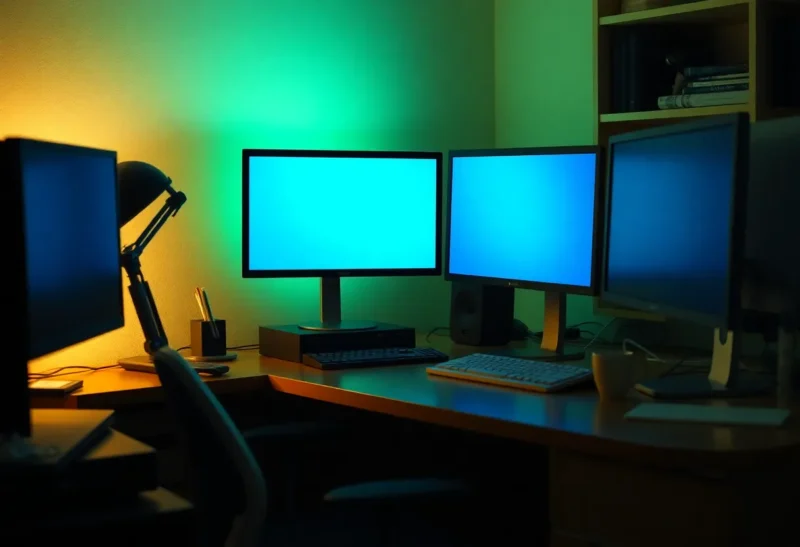
I added a third monitor because two were “not enough.” The third was a leftover 24-inch 1080p Acer from 2017, parked to the right on a stack of books because the desk was only 140 cm wide. Slack lived there. Then a calendar. Then a camera preview. Then I started waking up with a neck that felt like I had slept in a car. The extra panel had become a place I turned my head 50 degrees, twenty times an hour, to see a badge I could have had as a hotkey.
A third monitor is not automatically a posture problem. A third monitor on a shallow desk, off-axis, at the wrong height, running the thing you glance at most — that is a posture problem with a DisplayPort cable.
What the neck is actually doing
Human factors writing gets mystical about “neutral.” The useful version is boring. The head is happy looking a little down, not craned up, and not held in a twist. A primary 27-inch at arm’s length, top of the panel near eye height or slightly below, is a setup I can sit in. A third panel that lives past the shoulder line asks for rotation. Rotation all day is a tax. I have paid it for chat.
The evidence on monitor count and pain is messy because people who buy three monitors also sit longer, game longer, and forget breaks. I will not pretend a paper told me three is illegal. I will tell you what changed when I unplugged the Acer for two weeks: the glances went to a keystroke, the twist went away, the “I need three” feeling lasted three days.
Treat the extra panel like a reach. If you cannot touch the far bezel without leaning, you will twist. If you can, you still might twist because Slack is a slot machine. Hardware cannot fix a slot machine. It can stop putting the slot machine at 50 degrees.
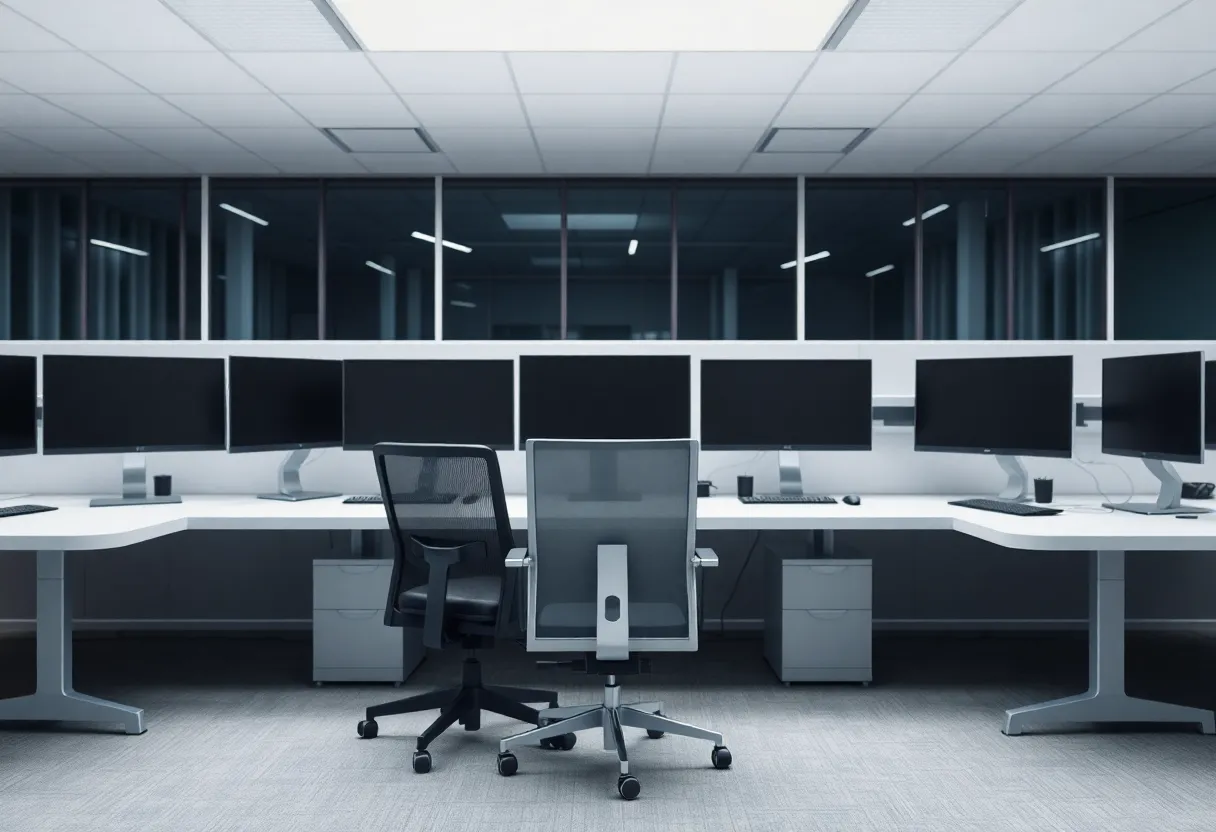
When the third panel earns its keep
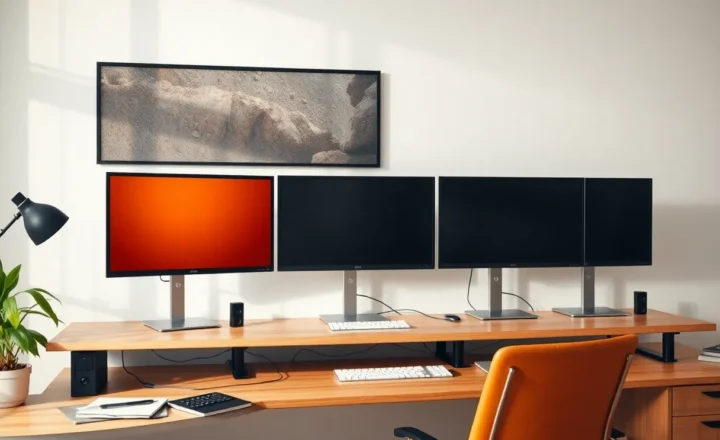
A coder who keeps a running app, an IDE, and a spec visible without tabs — and who has a desk deep enough to put all three in a shallow arc, not a straight line — can be fine. I have used a 27 + 27 + a small 15-inch USB-C portable (ASUS MB16, similar) as a reference under the primary, not out to the side. Below-the-primary is a glance down, which the neck likes more than a glance out.
A trader or a dispatcher with real simultaneous fields may need the real estate. That is a job. It is also usually a deeper desk and a chair that turns. A dining table against a wall is not a trading pit.
A designer who wants Figma, a full-page reference, and a Slack/email strip will try three 27s. I have seen that work on a 180 cm desk with arms that bring the side panels in at 20 degrees. I have seen it fail on a 120 cm IKEA Linnmon where the third panel was behind a plant.
The portable monitor as a third is the least bad extra if you travel or if the desk is small. It sits on the laptop riser or below the main. It is not a 27 you turn into like a barn door.
When it is just Slack with a backlight
If the third monitor’s exclusive residents are chat, mail, and a music player, you bought a notification surface. Windows will badge it. Your eyes will hunt it. The hunt is the twist. I moved Slack to a virtual desktop and a shortcut. The third panel had nothing left that needed persistence. I sold the Acer.
Streaming a movie on the third while working is the other trap. You will look. You will keep looking. The neck will follow the plot. I like movies. I like them on a TV that is not in my work arc.
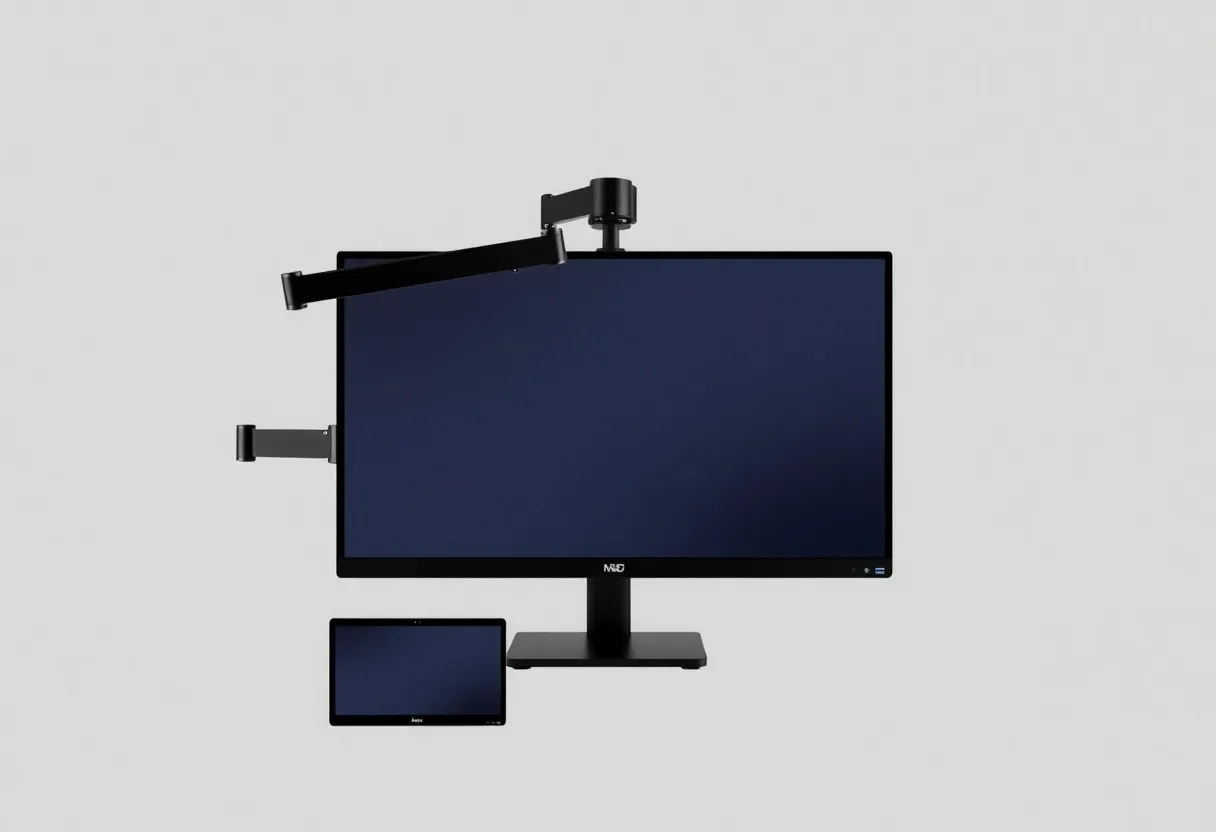
Height, distance, and the book stack
Books under a monitor are how the third panel ends up higher than the primaries. Then you look up and out. That combination is rude to a cervical spine that already sits at a laptop six hours. Arms (Ergotron-style, or the Amazon clones that droop in six months) exist to put the extra panel at the same eye line, pulled inward. If the arm cannot pull inward because a wall is there, you do not have space for three. You have space for two and a laptop.
1080p on a 24 next to 1440p on a 27 is a PPI jump. The cursor changes size. You lean in to read Slack. Leaning in on a twisted neck is how a “quick glance” becomes a slouch. Match the extra panel or do not use it for text you read.
Blue light modes and “ergonomic” flicker-free marketing will not save a bad angle. I use a bias light behind the main panel at night. I do not use it as permission to add a third glowing rectangle in the periphery.
Laptop plus two plus “just one more”
The worst three-screen setup I keep seeing is: open laptop, 27 in the center, 24 off to the side. The laptop is already a height and PPI mismatch. People then raise the 27 and leave the laptop low, so the eyes bounce between a docked clamshell they did not close and a panel they have to look up to. Close the lid. Use a real stand or a closed-clamshell dock (CalDigit, Lenovo, a cheap USB-C hub that actually drives two displays). If the laptop must stay open for a webcam, put the camera on a cheap Logitech at the top of the primary and close the lid anyway.
USB-C video bandwidth is the other reason a “third” appears. A laptop that can only drive two external displays will make you keep the lid open as the third. That is a dock problem, or a DisplayLink dongle problem, not a neck problem yet — until the lid sits at 30 degrees off your midline. I have used DisplayLink (ThinkPad docks, some Anker hubs) for a third output. The lag is real. The neck tax is realer if that output is the chat screen.
Breaks beat another panel
A five-minute walk does more for a neck than a third bezel. I say this as someone who bought the bezel. Timers are uncool and they work. The people who look fine on three monitors in photos are often standing, or they have a chair that turns, or they are 24. I am not 24. I set a cheap interval and I look at something farther than 70 cm. The third monitor trains the opposite: more rectangles in the same 70 cm.
If you already have pain, adding glass is the wrong experiment. Lower the primary, pull it closer, check whether you are perched on the chair’s edge to reach a mouse that lives on the far side of three widths of plastic. I have moved a mouse pad to the center and “cured” a shoulder that I had blamed on the Acer.
What I do instead of a third 27
A 32-inch 4K as a single, plus a laptop closed or used as a stand. Virtual desktops for chat. A 27 + portrait 27 for docs, which is two panels with less twist if the portrait sits just off center. A portable 15 under the main for a camera preview or a log.
If I truly need three persistent views, I buy the desk first. Depth matters more than width. A 80 cm deep desk lets the side panels sit closer in angle. A 60 cm deep desk makes every extra inch of glass a farther twist. I measured. I felt silly. I still measure when someone asks me to “just add one.”
Chair rotation is the other cheat. A chair that turns lets you face the third panel for a real task, then face the primary again. A cheap dining chair does not turn. Then the neck turns instead.
Pain is not a badge of a serious setup
I like maximal desks in photos. I like them less in clinics. If your third monitor is the reason you foam-roll your upper traps every night, the panel is not a productivity tool. It is a peripheral you are wearing with your spine.
Unplug it for a week. Put the contents on a hotkey or a virtual desktop. If the work suffers, bring the panel back on an arm, in an arc, at the same height, with a job that is not Slack. If the work does not suffer, you found the extra panel’s actual job: it was lighting a corner of the room and charging your neck.
Two good monitors and a boring break habit have beaten three monitors and a book stack in every desk I have had to sit at for a year. The third can be right. It is right less often than the cable in the box wants you to believe.