Scrutiny vs a Green SMART Dashboard: Disks That Fail After the Check

Keira Lund
August 25, 2026
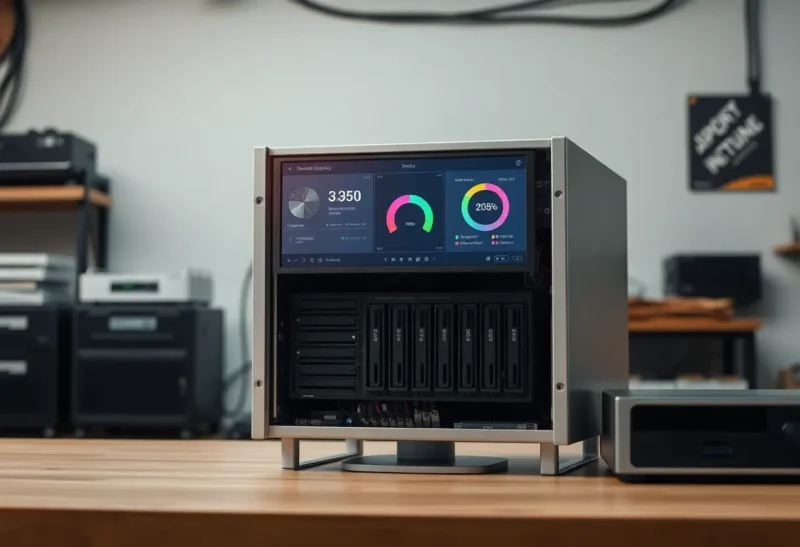
SMART passed this morning. The dashboard is a garden of green. Tonight the disk clicks and ZFS starts a resilver you did not schedule. Scrutiny, smartctl, TrueNAS widgets, and Unraid’s happy faces all measure attributes and thresholds. They do not measure the Tuesday the firmware decides to die. A green SMART check is a passing grade on a test the drive wrote. Some drives fail the course after the exam.
I have replaced disks that never went red. I have kept disks that flickered yellow and then sat quiet for two years. The skill is not worshipping the badge. It is pairing a slope with a spare already on the shelf and a copy already off the chassis. Without those, Scrutiny is a hobby page. With them, it is a shopping list with dates.
Vendors know you want green. Thresholds are not written for your family photos. They are written so the factory can ship. A “pre-fail” attribute can still be in spec while your pool is already unhappy. Read the raw reallocated count, not only the normalized 100. Scrutiny’s history is how you see raw climb while the word Passed stays printed. That climb is the sentence. Passed is the adjective.
Scrutiny is a nicer front end for collecting those exams over time. I run it. I still do not believe a green badge is a backup. Restore drills are how you prove the second copy; a green SMART page is how you delay buying the first spare. This is about what the check cannot see, and why a second copy still wins.
What SMART is good for
Reallocated sectors climbing. Pending sectors. Temperature that cooks rust in a closet. Power-on hours that make a used enterprise disk a story. Scrutiny graphs those so you see a trend, not a one-shot smartctl -a you forget. Trends are why Scrutiny beats a cron that emails a wall of text you never read.
A dash of yellow on “reallocated went from 0 to 12” is a buy-the-replacement week. That is the win. Act on slopes, not on a single Passed. Put the spare on the shelf when you see +5, not when you see +50. Shipping times are part of the failure. A green week you spend waiting for a courier is a week you hoped the slope would pause. Slopes do not pause for logistics.
Label the shelf spare with the interface: SATA vs NVMe, 3.5 vs 2.5, host-managed SMR you refused. The wrong spare is a green dashboard of a different kind: you were prepared for a story that did not happen. I have opened a box of the wrong form factor during a resilver. The graph was not the problem. The closet was.
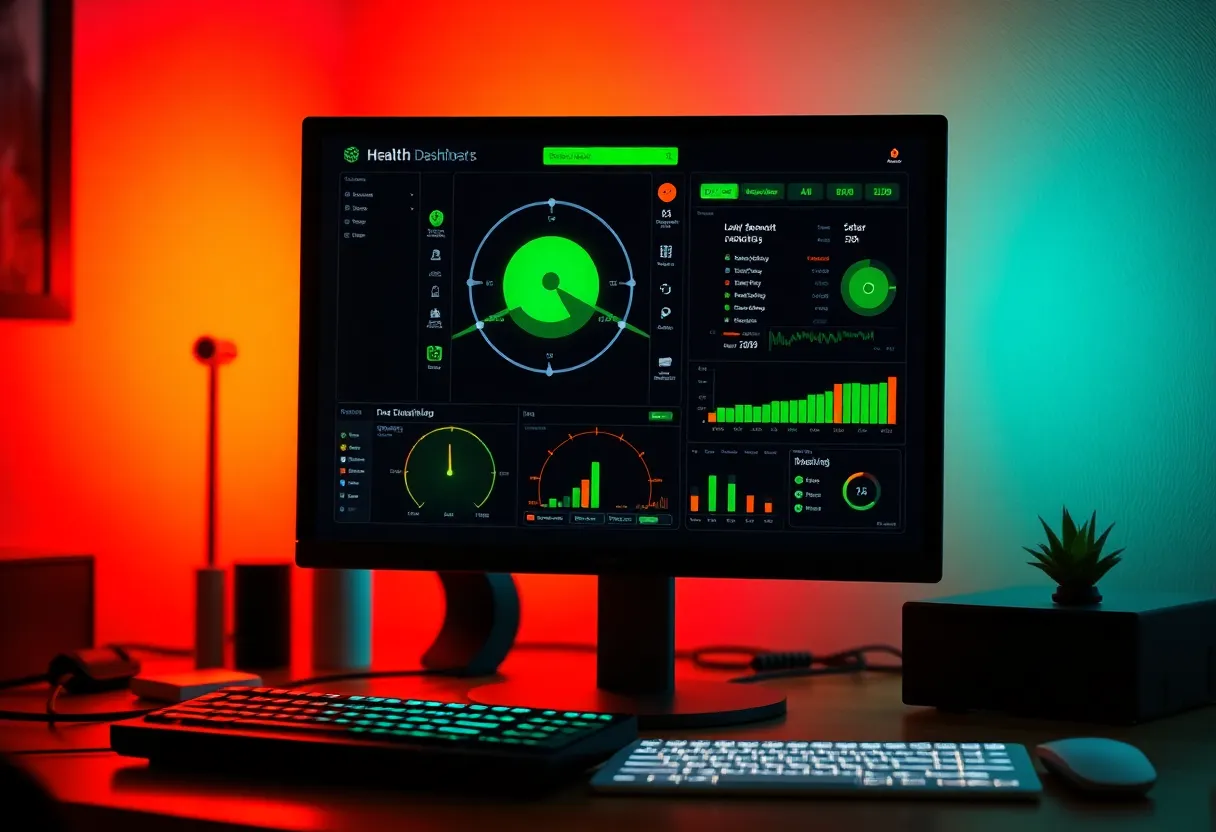
What stays green until it is not
Sudden electronic death. Cable/backplane that looks like a disk. USB bridges that lie about attributes. SMR weirdness that is not a SMART attribute you watch. Controller bugs. A disk that passes short tests and fails the first long test you were too busy to run. Scrutiny will not invent a long test you did not schedule.
USB enclosures are professional liars. If your backup rust lives in a dock, treat SMART as entertainment. The dock is the failure domain. I still glance at the numbers. I do not postpone a second copy because the dock said Passed.
NVMe has a different attribute culture. People apply HDD folklore to SSDs and panic at percentage used, or they ignore it until the drive is read-only. Scrutiny helps if you learn the device class. A green SSD badge is not “this QLC can take another backup storm.”
Short tests versus long tests versus hope
A short SMART test is a handshake. A long test is a walk of the platters and it takes hours on a 20 TB disk. If you only ever short-test, you have a green dashboard of handshakes. Schedule long tests on a rotation so the household is not without a disk on a Saturday you needed. Stagger them in a RAID. Two long tests at once is how you invent slowness and blame Linux.
Scrutiny can collect the results. It cannot sit the hours for you. If the long test never runs, you have a pretty short-test museum.
Alerts that you will actually hear
Pipe Scrutiny (or smartctl parse) into ntfy/Pushover the way you do disk space. A weekly digest of slopes is better than a firehose of raw attributes. I want “realloc +8 this week” not “ATTRIBUTE 5 VALUE 100.” If the digest is empty every week, you still need the offsite copy. Silence is not health. Silence is no news.
Do not let a green widget live only on the NAS UI you open when you remember. That is the dashboard that fails after the check because you checked in January.
ZFS and friends will not wait for your widget
Checksum errors in ZFS can show up before SMART flips to failing. The pool is a second opinion. If you only watch Scrutiny and never zpool status, you have the wrong favorite child. I want both. A green SMART and a rising checksum count is a cable or a disk that SMART has not admitted yet. Believe the checksums. They are your data talking.
mdadm, Unraid parity, Btrfs: same idea. The filesystem or RAID layer sometimes screams first. SMART is late or silent. Scrutiny does not replace dmesg and the pool UI. It sits beside them. If you only have time for one page, open the pool. Then open Scrutiny to see whether to blame silicon or a path.
Notifications from the NAS OS (“disk failing”) and from Scrutiny can duplicate. Good. Duplicate is how you notice. If they disagree, investigate; do not pick the greener story because it is comforting.
The hierarchy that actually saves data
SMART/Scrutiny is a hint to buy a disk. RAID is a hint to survive one disk. A backup is a copy in another failure domain. A restore drill is proof. People invert this and buy more SMART tooling when they need a second rust disk in a drawer. I would turn off Scrutiny before I would turn off restic. I will not turn off restic.
If Scrutiny pages and you have no spare and no backup, you have a monitoring system and a future story. Buy the spare when the slope starts, not when the click starts.
Cables, power, and the disk that was innocent
A bad SATA cable produces errors that look like a dying disk. Scrutiny will show a scary page. You will buy a drive. You should have reseated a cable. Swap one variable at a time: cable, port, power, then disk. Homelabs with cheap backplanes learn this twice a year. The green dashboard last week was real. The path to the disk changed.
Spin-up storms after a power blip can make a healthy disk look late to SMART. Give the pool a minute. Then look. Paging yourself for every blip trains you to ignore the slope that matters.
Used disks with 50,000 hours can pass every test and still be in the last chapter. Scrutiny will show the hours if you look. A green badge next to a huge hour count is not a paradox. It is a used disk. Budget replacement by hours and by role, not by badge color alone.
When a green dashboard is still worth it
Many disks. You will not remember which one ran hot. Scrutiny is a roster. One USB backup disk. Scrutiny is optional; the second copy is not. A TrueNAS pool you already ignore. Add Scrutiny if it makes you open the page. If you will not open the page, spend the energy on the restore drill instead.
The close
Scrutiny makes SMART historical and visible. Disks still fail after a passing check. Believe slopes enough to buy steel. Do not believe green enough to skip a copy. The dashboard is a hint. The click is the exam the drive graded itself out of.
If you install one thing after this, install a long-test rotation and a restic dest that is not the same chassis. Scrutiny can wait until those two exist. I have the opposite of a vendor to sell you. The green page is optional. The second copy is not. When they argue, fund the copy. Graph the disk later. The click does not read your dashboard. It reads physics. Physics does not care that this morning’s check passed. Neither should your backup budget.