Graceful Shutdown on a Power Cut: Getting NUT to Stop the NAS, Proxmox and Docker in the Right Order

Gareth Cole
October 20, 2026
Buying a UPS for a homelab is the easy part. The battery keeps everything running through a flicker or a short outage. The hard part is what happens during a long outage: the battery runs down, and unless something tells your machines to shut down cleanly, they all lose power at once. Databases get interrupted mid-write, virtual machines crash, and the NAS that everything else mounts disappears from under them.
Network UPS Tools (NUT) is the standard open-source way to solve this. One machine talks to the UPS over USB, and every other machine listens over the network and shuts down in an order you choose. This guide covers how to get the order right: containers and virtual machines first, the hypervisor next, the NAS last, and everything back up when power returns.
How NUT works in a homelab
NUT has three parts:
- A driver that talks to the UPS, usually over USB. Most consumer UPS units work with the generic USB HID driver.
- A server (upsd) that publishes the UPS status on the network, on port 3493 by default.
- A monitor (upsmon) on every machine that should react. The machine with the USB cable runs upsmon as the “primary”; every other machine runs it as a “secondary” client.
When the UPS reports that it is on battery and the battery is low, or when a timer you set expires, the primary tells the secondaries to shut down, waits for them, then shuts itself down. Optionally, it then tells the UPS to switch off its outputs, so that when mains power returns, the UPS turns back on and machines with “power on after power loss” enabled boot automatically.
Many NAS systems include NUT already. Synology DSM, TrueNAS and Unraid can act as a NUT server for other machines, and Home Assistant has a NUT integration for monitoring.
The order matters
A typical homelab has dependencies: virtual machines and containers store data on the NAS over NFS or SMB, the hypervisor hosts those virtual machines, and the NAS holds the data everything else uses. Shutting them down in the wrong order causes exactly the problems you bought the UPS to avoid.
| Order | What | Why |
|---|---|---|
| 1 | Containers and virtual machines | Stop applications and databases while their storage is still available |
| 2 | Hypervisor hosts and Docker hosts | Power off once their guests are down |
| 3 | The NAS | Last, because everything else depends on its shares |
| 4 | UPS outputs off (optional) | So power returns cleanly and machines boot in the right order |
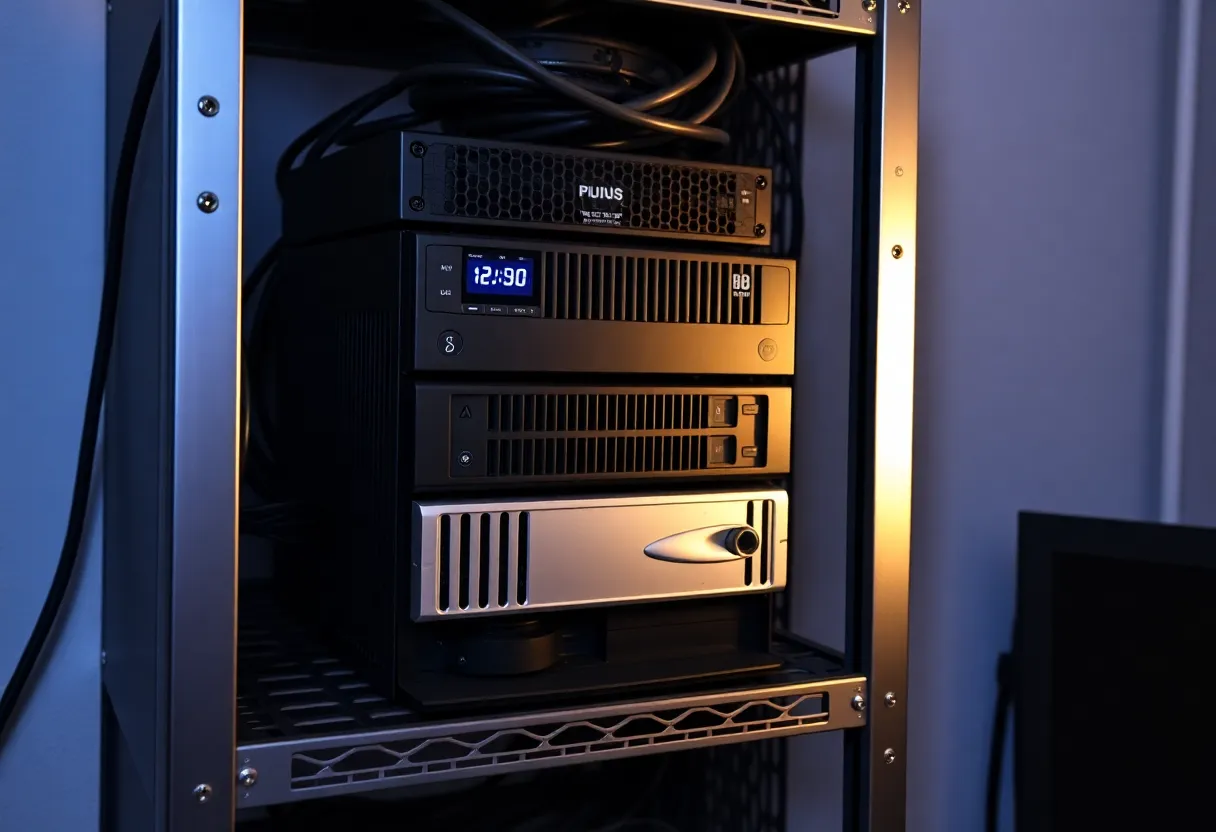
The NAS is usually the best NUT primary: it is the last thing that should shut down, it often has NUT built in, and it sits near the UPS anyway.
Setting up the primary
On a NAS with built-in UPS support, connect the USB cable, enable UPS support, and turn on the option that lets other devices on the network read the UPS status. Add the IP addresses of the machines that will connect. Some NAS systems use well-known default credentials for network clients; where you can, change them, and in any case restrict access to your own machines’ addresses.
On a Linux server, install the NUT package, configure the driver for your UPS in ups.conf, set NUT to network server mode, define a monitoring user in upsd.users, and point upsmon at the local UPS as the primary. The command upsc followed by your UPS name shows its live status, including battery charge, estimated runtime and load. If that works, the rest is configuration.
Proxmox hosts and their virtual machines
Install the NUT client on each Proxmox host and configure upsmon as a secondary pointing at the primary. When NUT triggers a shutdown, the host runs its normal shutdown, which stops guests first.
Make sure guests actually stop cleanly:
- Install the QEMU guest agent in virtual machines and enable it in the VM options, so Proxmox can request a clean shutdown rather than relying on emulated power-button signals.
- Set shutdown timeouts per guest in the start and shutdown order settings. Large databases may need more than the default time.
- Use the start/shutdown order so that, for example, a VM running a database stops after the applications that use it.
If you run Proxmox Backup Server or virtual machines that depend on NAS storage, the host must shut down before the NAS. That happens naturally if the NAS is the NUT primary. Backing up those VMs in the first place is covered in Proxmox Backup Server vs restic.
Docker hosts and databases
On a plain Linux Docker host, install the NUT client as a secondary. During system shutdown, Docker stops containers by sending them a stop signal and waiting a short default period, ten seconds, before forcing them off. For most containers that is plenty. For databases, give them longer with a stop grace period in your Compose files, such as a minute, so they finish writing and close cleanly.
If containers keep data on NFS or SMB shares from the NAS, the host must shut down before the NAS, which the primary-secondary order ensures. Containers with data on local disks are less sensitive to order, but still benefit from a clean stop.
When to start shutting down
NUT can trigger shutdown in two ways. The default waits for the UPS to report low battery. That is simple, but the UPS’s own low-battery threshold may leave too little time for everything to shut down, especially on an older battery.
The better approach for most homelabs is a timer: shut down after the UPS has been on battery for a set time, for example five minutes, whatever the charge. Short flickers and brief outages do not cause shutdowns, and long outages leave plenty of battery for an orderly sequence. NUT’s scheduling helper, upssched, handles this: start a timer when the UPS goes on battery, cancel it if power returns, and trigger shutdown if it expires.
Work out the time needed: measure how long your slowest machine takes to shut down, add a margin, and make sure the UPS’s runtime at your actual load covers it comfortably. Whether the UPS’s output waveform suits your NAS power supply is a separate question, covered in UPS pure sine vs simulated sine for a NAS.
Getting everything back on
A clean shutdown is only half the job. When mains power returns, you want the homelab to come back without someone pressing buttons.
- Enable “restore on AC power loss” or “power on after power failure” in each machine’s BIOS, set to “power on”.
- Let the UPS switch its outputs off at the end of the shutdown sequence. NUT can send this command from the primary. When power returns, the UPS turns its outputs back on, and machines boot. Without this step, machines that shut down while mains was still out may stay off even after power returns, because they never saw power disappear.
- Delay the clients. The NAS should be up before machines that mount its shares. Proxmox’s start delays, systemd dependencies on mounts, or Docker restart policies with health checks all help.
Windows PCs, Macs and other devices
Not everything in a home network runs Linux. A few other common cases:
- Windows machines can run a NUT client through community ports such as WinNUT, which listens to the NUT server and shuts the PC down. Useful for a desktop that hosts game servers or Blue Iris.
- Macs can use NUT through Homebrew, or rely on a directly connected UPS if they are the only device on it.
- Home Assistant reads UPS status through its NUT integration, which makes it easy to send phone notifications, flash a light when the house goes on battery, or turn off non-essential devices to stretch runtime.
- Network devices such as the router, switch and access points usually cannot run a client. Keep them on the UPS so the shutdown signal can travel, and let them lose power last when the battery runs out.
Testing without waiting for a storm
Test the whole chain at a quiet time. First, check that every client can see the UPS status with upsc from that machine. Then trigger a forced shutdown from the primary, NUT supports a forced-shutdown command for exactly this, and watch each machine go down in order. Finally, check that everything comes back when power returns.
A more realistic test is to unplug the UPS from the wall with the timer set to a short value, such as one minute, and watch the sequence happen. Restore the timer afterwards. Repeat the test once a year and after replacing the UPS battery, since runtime changes as batteries age.
Common mistakes
- Only the NAS shuts down. The NAS has UPS support built in, so it shuts itself down, but the servers that depend on it keep running and crash a few minutes later. Every machine needs a NUT client.
- Network gear not on the UPS. If the switch loses power, clients cannot hear the shutdown signal. Put the switch and router on the UPS too.
- Default shutdown on low battery with an old battery. Runtime estimates become unreliable as batteries age. Use a timer.
- No alerts. Have NUT or Home Assistant notify you when the UPS goes on battery, so you know about outages even when you are away.
Set up once and tested, NUT turns a power cut from a risk into a non-event: everything stops in order, and comes back by itself.