Matter over Thread vs Matter over Wi-Fi: When the Border Router Isn’t the Weak Link

Amina Colette
August 25, 2026
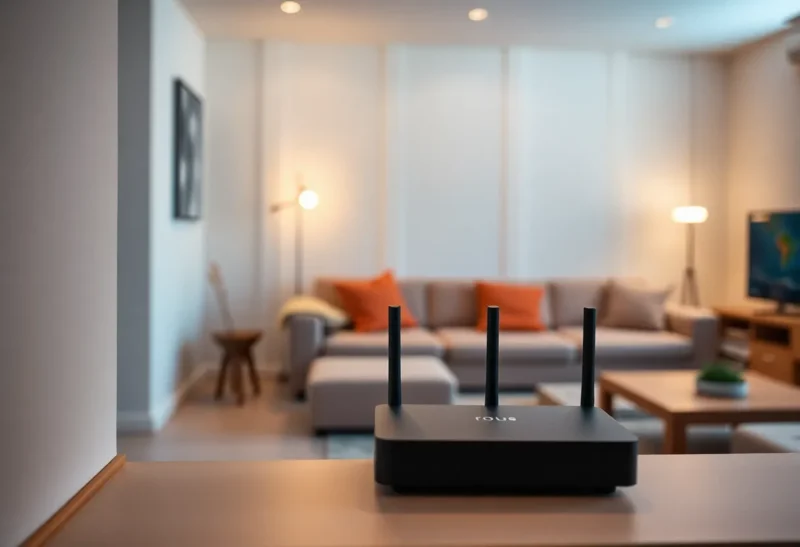
Matter marketing talks like the QR code is the hard part. The hard part is which radio the device uses after commissioning. Matter-over-Thread and Matter-over-Wi-Fi share a data model and a pairing dance. They do not share a failure mode. People buy a second Thread border router because a Wi-Fi bulb drops, or they blame Home Assistant because a Thread lock cannot hear a lonely BR behind the TV. The border router is sometimes guilty. Often it is just the named object in a mesh or a 2.4 GHz fight that started years earlier.
If you are choosing new Matter gear in 2026, pick the transport for the room, not for the logo on the box.
Two transports, one pairing ritual
Matter-over-Wi-Fi is a Wi-Fi STA that speaks Matter. It eats airtime, needs your SSID, and dies when the AP does. Commissioning still wants IPv6 and a controller. After that, it is another 2.4 GHz client with a prettier standard.
Matter-over-Thread is an 802.15.4 mesh. Battery sensors are happier. Mains devices can route. You need at least one border router that bridges Thread to your LAN, and you need enough routers so a far bedroom is not a star. Apple TV, HomePod, some Nest, some HA radios, and a pile of “Matter hub” products all want to be that BR. Two BRs can be failover theater or two opinions about a dataset. Placement still wins.
The controller (HA, Apple Home, Google) is a third moving part. People swap BRs when the controller lost the fabric. Read the logs before you buy silicon.
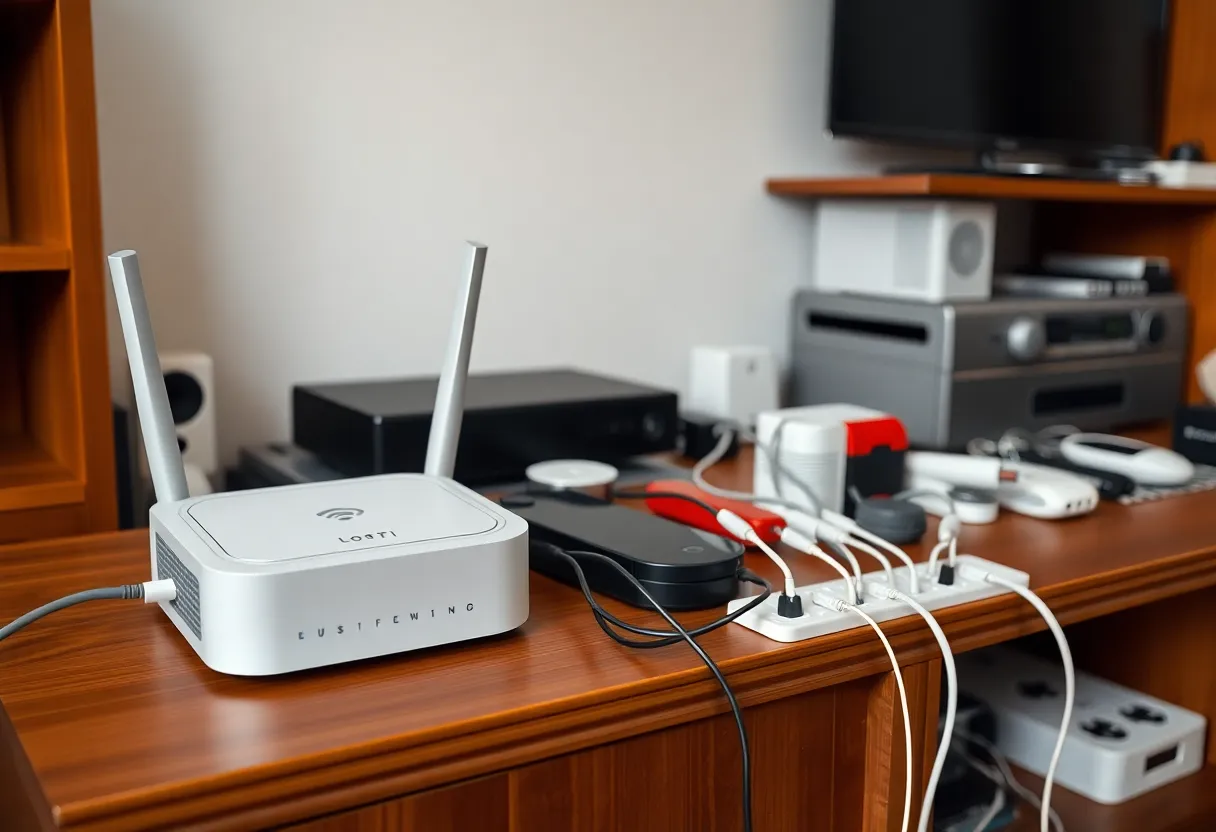
When Wi-Fi Matter is the weaker link, and it is not the BR
Your 2.4 GHz is already a dump: mesh APs, Zigbee on a colliding channel, USB 3 next to a stick, neighbors. A Matter Wi-Fi bulb is one more client. It will look offline when the AP steers it badly or when the SSID is 5 GHz-only and the device only speaks 2.4. No Thread BR will fix that. An IoT SSID with a stable 2.4 channel and no band steering will.
Power-saving Wi-Fi stacks on cheap bulbs still sleep through commands. That is not Thread. That is a vendor firmware. Matter did not abolish cheap Wi-Fi radios.
DHCP and IPv6 RA issues take out Matter-over-Wi-Fi in ways that look like “Matter is beta.” The device is on the AP and cannot finish IPv6. Thread devices can look healthier on a broken v6 LAN if they still talk in-mesh, then fail when they need the BR. Different symptom, same homework: IPv6 has to work on the LAN the controller uses.
When Thread’s weak link is not the BR either
A single BR in a metal TV cabinet is a classic. Move it. If the bedroom still dies after you put a BR in the hallway and you have three mains Thread routers, the BR was not the story. You are short on routers, or you have a 15.4 interferer, or the device joined and then the parent left.
Credentials and fabrics are software. A device commissioned to Apple and not shared to HA will look like a radio problem in HA. Re-commissioning is not a new BR. Multi-admin is better than it was and still a weekend if you skip the sharing step.
Powered Thread routers that sit on lamp switches are the Zigbee lamp problem in a new standard. The mesh loses a parent when someone wants darkness. The BR is fine. The topology is not.
A practical split for one apartment
Battery sensors, buttons, locks that advertise Thread: Thread, if you will place two BRs or one BR plus enough mains routers, and you will not put the only BR in a rack closet. Mains bulbs and plugs: I still often pick Zigbee or Thread depending on what mesh I already operate. A third Matter-over-Wi-Fi bulb mesh on the same 2.4 band is how you invent new ghosts next to Zigbee channel 15.
If you have no Thread mesh yet and you only want four Wi-Fi Matter plugs, do not start a Thread fabric for purity. Use Wi-Fi Matter on a dedicated IoT SSID. Add Thread when you buy the first battery device that needs it, and buy a BR you can place in the open.
If you already run a dense Zigbee mesh, adding Thread is a second 15.4 network. Plan channels. Two 15.4 stacks plus 2.4 Wi-Fi is an apartment physics problem, not a Matter problem. The BR will take the blame in the forum post.
Commissioning failures that waste BR money
Phone not on the same LAN. Guest VLAN. AP isolation. IPv6 off. Thread commissioning that needs BLE proximity while you stand in the wrong room. A QR that already belongs to another fabric. These fail before RF. I commission next to the device, on the IoT SSID, with v6 confirmed, then I walk away. If it dies after I walk away, then I look at mesh and APs.
Home Assistant’s Matter server vs Apple as first controller is a relationship. Pick a first fabric on purpose. Sharing later is cheaper than three BRs and a pile of factory resets.
Failover: what the spec promised versus the living room
Two Thread BRs can keep a mesh reachable if they share the network correctly. They do not make Wi-Fi Matter survive an AP reboot. They do not make a starved Thread mesh grow routers. People buy a second Apple TV as a BR and leave both in the same cabinet. That is redundancy of a bad placement.
For Wi-Fi Matter, failover is a second AP and sane roaming, or a single strong 2.4 radio. For Thread, failover is a second BR in a different room plus mains routers. Name the layer you are redundant about.
Airtime math people skip
A Wi-Fi Matter strip that reports power every few seconds is a chatty STA. Ten of them on a busy 2.4 AP will make a Zigbee mesh on the same band look cursed. Thread sensors that check in slowly are cheaper on Wi-Fi airtime because they are not on Wi-Fi. That is the actual reason to prefer Thread for a pile of batteries, not a CSA slide.
The reverse is also true. A Thread mesh with too few routers and too many sleepy end devices will drop the one lock you care about. Adding Wi-Fi Matter bulbs will not thicken Thread. Adding mains Thread routers will. People mix transports in one room and then A/B test the controller app. Test one radio family first.
OTA for Matter devices is still a vendor story. A BR update can sit beside a device OTA that bricks a lock until you factory reset. Schedule those on a Saturday. Do not stack a Home Assistant Matter server update, a BR firmware flash, and a device OTA on a work night. The forum will say Thread is unreliable. Your calendar was unreliable.
Ethernet Matter exists and is the boring hero for a wired AP or a PoE gadget. If you can wire it, you skip both 2.4 fights. That device will still need IPv6 and a controller. It will not need a second BR in the cabinet.
When I still blame the border router
One BR, far from the devices, firmware stuck, or a BR that went to sleep with the TV. A BR on a guest VLAN. A BR whose Ethernet is in a port that does not pass IPv6. Those are BR problems. Replace or move after you prove them. Do not start there because a Wi-Fi plug blinked.
The close
Matter-over-Thread lives or dies by 15.4 topology and a BR that can see the LAN. Matter-over-Wi-Fi lives or dies by your 2.4 SSID and IPv6. The border router is the weak link only when the mesh already had parents and the LAN already had v6. Otherwise you are shopping for a name to put on an old apartment radio problem.
Pick the transport that matches the devices you already have, place radios in the open, and commission on a network that can finish IPv6. Then buy a second BR if you still need one. The QR code will wait. The channel map will not.
I keep a one-page note: IoT SSID name, 2.4 channel, Zigbee channel, Thread channel if I know it, where the BR sits, and which fabric I commissioned first. When something flakes, I read the note before I open a shopping tab. The weak link is written down more often than it is sitting in a new box from a marketplace seller who printed “Matter certified” on a Wi-Fi plug that never needed Thread at all.