UPS Pure Sine vs Simulated Sine for a NAS: The Waveform the VA Sticker Hides

Marcus Feldmann
September 21, 2026
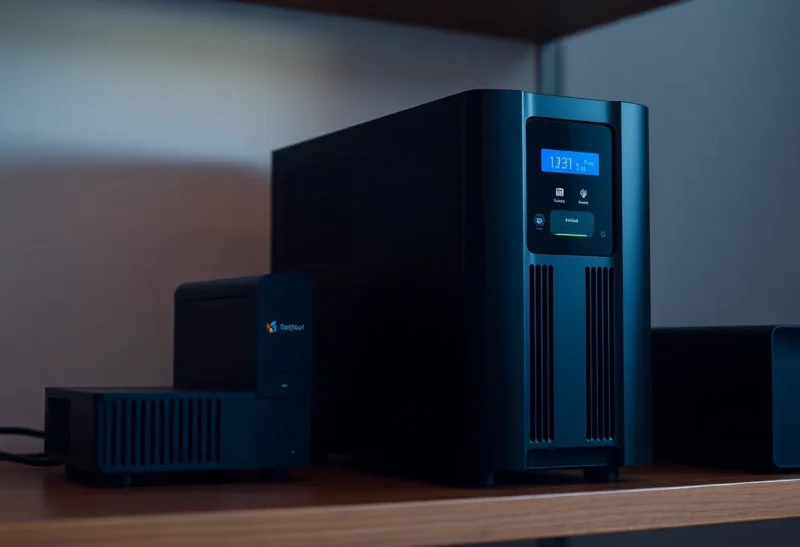
Homelab UPS shopping collapses into VA ratings and “runtime minutes” tables. Those numbers matter, but they hide a quieter specification: output waveform. Pure sine versus stepped approximate (simulated) sine decides whether your NAS power supply, external drives, and network gear stay polite when the mains fail—or whether they buzz, run hot, refuse to charge, or drop offline during the handoff you bought the UPS to survive.
This is not another generic sizing guide. It is about the shape of the power your disks drink when the grid blinks.
What the waveform claim means
Mains power is a smooth sine wave. A pure sine UPS tries to recreate that shape from the battery inverter. A simulated or “stepped approximation” UPS builds a blockier waveform that averages toward a sine. Many computers tolerate the approximation. Some active PFC power supplies, sensitive audio gear, and certain NAS/SMPS designs tolerate it poorly—especially at the moment of transfer and under load.
Marketing rarely leads with this. Boxes shout joules and outlets. The waveform is a footnote until your chassis fans spike every blackout or your NAS logs unclean shutdowns that coincide with tests you thought succeeded.
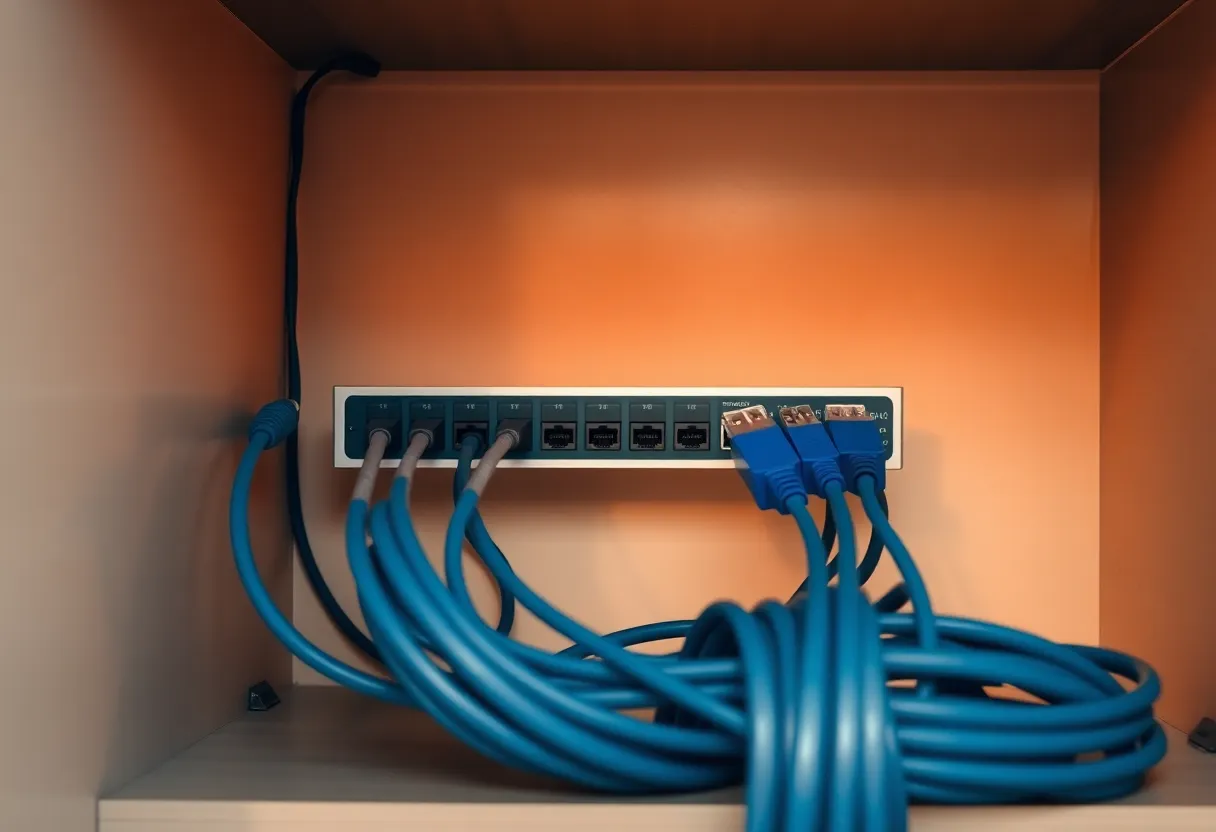
Why a NAS cares more than a desktop
A NAS is always on, often packed with drives that hate abrupt power loss, and frequently paired with a cheap external USB supply, a router, and a mini PC on the same UPS. During an outage you need clean enough power for minutes—not just a graceful Windows dialog. Simulated sine that makes a gaming PSU shrug can make a dense multi-bay unit complain: coil whine, PSU protection trips, or irregular behavior on wake.
APFC (active power factor correction) supplies are the usual villains in forum lore. Not every NAS uses a finicky APFC design, and not every simulated sine UPS is equally ugly. The pattern is statistical: if you run storage you care about, pure sine is the lower-drama default. If you only protect a single Pi and a switch, simulated sine may be enough and cheaper.
What VA stickers hide
VA (volt-ampere) capacity is not the same as watts, and neither tells you waveform quality. A high-VA simulated sine unit can look “bigger” than a smaller pure sine unit while being the wrong tool for your PSU. Buyers compare the big number, take the cheaper waveform, and discover the mismatch during the first real outage—exactly when you cannot shop again.
Transfer time and AVR behavior also hide beside the sticker. A UPS that switches slowly or lets voltage sag oddly may drop disks even with a pretty sine. Waveform is necessary, not sufficient. Still: if you only remember one non-size spec for a NAS UPS, remember pure sine.
How to decide without a lab
- Protecting a multi-bay NAS, mini PC server, or gear with known APFC sensitivity: prefer pure sine.
- Protecting a simple router, Pi, and modem: simulated sine is often acceptable if runtime and outlets fit.
- Mixed loads on one UPS: design for the pickiest device—the NAS—not the average.
- If you already own simulated sine and outages are clean in practice, do not panic-replace; monitor temperatures and logs during the next test.
Test with a controlled pull of the wall plug while watching the NAS console and listening for unusual PSU noise. A five-minute drill teaches more than a spec sheet argument.
Runtime still matters—but after waveform
Once waveform is acceptable, size for graceful shutdown, not for movie night through a hurricane. Automate NAS shutdown on low battery. Pure sine that lasts forty seconds is still a gift if the OS parks the heads cleanly. Simulated sine that lasts twenty minutes is a worse gift if the PSU browns out at transfer.
Separate surge strips from battery-backed outlets mentally. Plugging a laser printer into the battery side wastes runtime and can trip the inverter. Keep the NAS and its close dependencies on battery outlets; keep junk loads elsewhere.
When simulated sine is the rational buy
Budget constraints are real. If the pure sine unit that fits your watts costs double and your load is a single SBC, buy simulated sine and spend the difference on better disks or offsite backup. Waveform purity does not replace backups. It reduces one class of power-event drama.
Also rational: a simulated sine UPS for a workstation you only need to save a document, while the NAS gets a smaller pure sine unit of its own. Two right-sized boxes beat one compromised shared UPS.
Line-interactive vs online: do not confuse the axes
Topology (standby, line-interactive, online double-conversion) is a different axis from waveform. You can find line-interactive pure sine units aimed at home offices, and you can find cheaper stepped-approx boxes in the same form factor. Read both lines on the spec sheet. Online UPS units often output pure sine by nature of the design, but they cost more and run warmer. Most homelab NAS builds are well served by a quality line-interactive pure sine unit sized honestly—not by an enterprise online unit bought out of anxiety.
If a retailer buries waveform under “simulated sine wave output” in the fine print, believe them. That is not the same product as “pure sine wave output,” no matter how similar the photos look.
Decision rule
Ask: what is the pickiest PSU on this battery string?
If it is a NAS or an APFC server brick, pay for pure sine before you chase a flashier VA number. If it is a humble Pi and a switch, simulated sine can be enough. The VA sticker sells capacity. The waveform decides whether that capacity is usable when the lights flicker.
Buy the shape of power your storage will accept, then size the minutes. Doing it in the other order is how homelabs learn electronics the expensive way.
Label the UPS with the waveform type when you install it. Future you—or a roommate who “upgrades” outlets—will not remember which box was the picky one. A strip of tape that says “pure sine – NAS only” prevents a clever rearrangement from putting the laser printer on the battery and the disks on the wall.
Power quality is unglamorous until the array resilvers because of a blip you thought you had covered. Waveform is part of that coverage. Treat it like filesystem choice: boring, consequential, and worth getting right once.
If you are replacing an aging UPS, migrate one critical string at a time. Move the NAS to the new pure sine unit, confirm a plug-pull test, then decide what else deserves a battery outlet. Dumping every charger and lamp onto the new box recreates the overload problem the VA sticker was supposed to prevent—and it can make even a pure sine inverter sound unhappy.
Listen during the test. Buzzing transformers, clicking relays that never settle, or a NAS that reboots at transfer are data. So is a silent handoff where disks keep humming and the UPS reports on battery without drama. Trust the quieter story.
Homelab culture loves maximizing runtime charts. Maximize clean handoffs first. Minutes are useless if the waveform makes the PSU quit at second one.