When Should You Stop Self-Hosting and Pay for a VPS?

Nina Foster
September 27, 2026

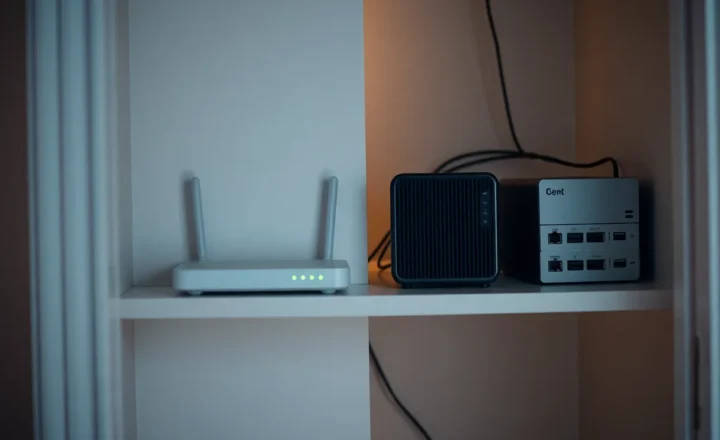
For three years I hosted the Matrix server for a small open-source project out of my flat. About forty contributors, a handful of rooms, bridges to IRC for the old-timers. It ran on the same mini PC as my photo library and my partner’s recipe app, in a cupboard next to the boiler. I was proud of it. It cost almost nothing, and it was a nice little statement about owning your community’s infrastructure.
Then a winter storm knocked out power to our street for nine hours on a Sunday, which happened to be the day before a release. The UPS lasted forty minutes. Contributors in three time zones found the chat dead with no explanation, because the status page I’d set up was also in the cupboard. Someone opened a GitHub issue titled “Is the project abandoned?” By the time the power came back, half the release discussion had moved to a Discord server I hadn’t agreed to.
The next week I moved the Matrix server to a €6-a-month VPS. My photo library stayed exactly where it was. That split, deciding which things belong in the house and which don’t, is the actual question behind “should I stop self-hosting.” Most of the time, the answer isn’t to stop. It’s to stop hosting some things at home.
First, what paying for a VPS does and doesn’t change
A VPS, or virtual private server, is a slice of a machine in someone else’s data center. You get a Linux box with a public IP address, a fixed amount of CPU, RAM, and disk, and a monthly bill, usually somewhere between €4 and €20 for the sizes a hobbyist needs.
Here’s what people sometimes miss: moving to a VPS is still self-hosting. You still install the software, apply updates, configure the firewall, set up backups, and fix it when it breaks. What you stop managing is the physical layer: power, cooling, the internet connection, the hardware, and the fact that the server lives in your home.
If what you actually want is to stop administering things, a VPS isn’t the answer. A managed service is. Paying for hosted Nextcloud, Bitwarden, or a Matrix provider means someone else patches it at 3 a.m. That’s a different decision, and it’s a perfectly respectable one.

Signs a service has outgrown your house
Over the years I’ve moved several things from home to a VPS, and a few back. The reasons fall into a handful of patterns.
Other people depend on it
This is the biggest one, and it’s what my Matrix story is really about. When a service is only for you, an outage is an inconvenience you fix when you get around to it. When a community, a client, or your extended family depends on it, every power cut, ISP hiccup, router firmware update, and “I’ll just reboot the server” becomes their problem too.
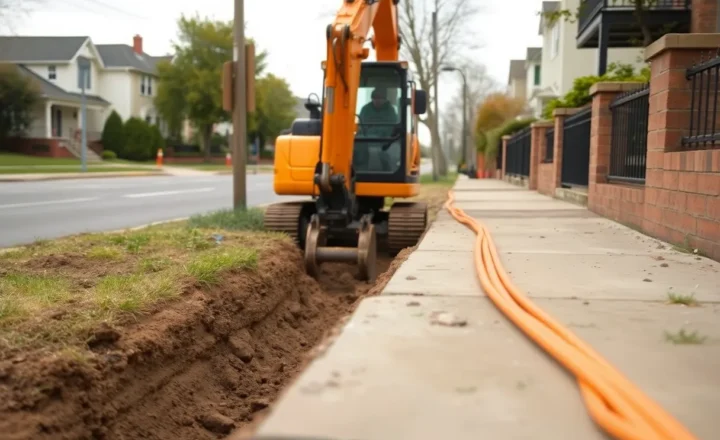
A home connection has single points of failure everywhere: one power circuit, one ISP line, one router, one person who knows how it works. A decent VPS provider has redundant power, redundant network links, and staff on site. It still goes down occasionally, but far less often, and not because a neighbour’s excavator hit a cable.
It needs to be public and your home connection fights you
Some things only make sense on the public internet: a website, a Fediverse instance, a Matrix homeserver, a webhook receiver, an API for a side project. Serving those from home means exposing your home IP, forwarding ports, and trusting your router’s firewall.
Increasingly, it means fighting your ISP too. Many newer connections put customers behind carrier-grade NAT, where no port forward will ever work. If you’ve already set up a tunnel or a VPS relay because your ISP has you behind CGNAT, it’s worth asking whether the service itself should just live on the VPS rather than bouncing every request back to your house.
There are also terms of service. Plenty of residential internet contracts technically forbid running servers. Few ISPs enforce it for a personal photo library. A busy public service is more likely to get noticed.
Your upload speed is the bottleneck
Home connections are usually asymmetric. You might have 500 Mbps down and 50 up, or much less on cable and DSL. For you streaming your own media from outside the house, that’s fine. For thirty people loading images in a chat server, or a blog post that gets shared somewhere busy, your upload becomes the ceiling. Even a cheap VPS usually has a symmetric gigabit link or close to it.
I’ll just say it: don’t run a mail server from home. Most ISPs block outbound port 25 on residential lines, residential IP ranges are on spam blocklists by default, and you usually can’t set the reverse DNS record that receiving servers check. Even on a VPS, self-hosted email is a serious commitment. From home, it’s close to impossible to do well.
You’re spending your time on the house, not the service
This one is subtle. Keep a rough log for a month of the time you spend on your homelab. If most of it is the service itself, like upgrading, configuring, and using it, that’s the hobby working as intended. If most of it is house problems, like the UPS battery, the ISP changing your IP, a flaky switch, or the cupboard overheating in summer, a VPS removes exactly that category of work.
Signs a service belongs at home
The other direction matters just as much. There are things a VPS is bad at, and I’d push back on anyone who says “just put it all in the cloud.”
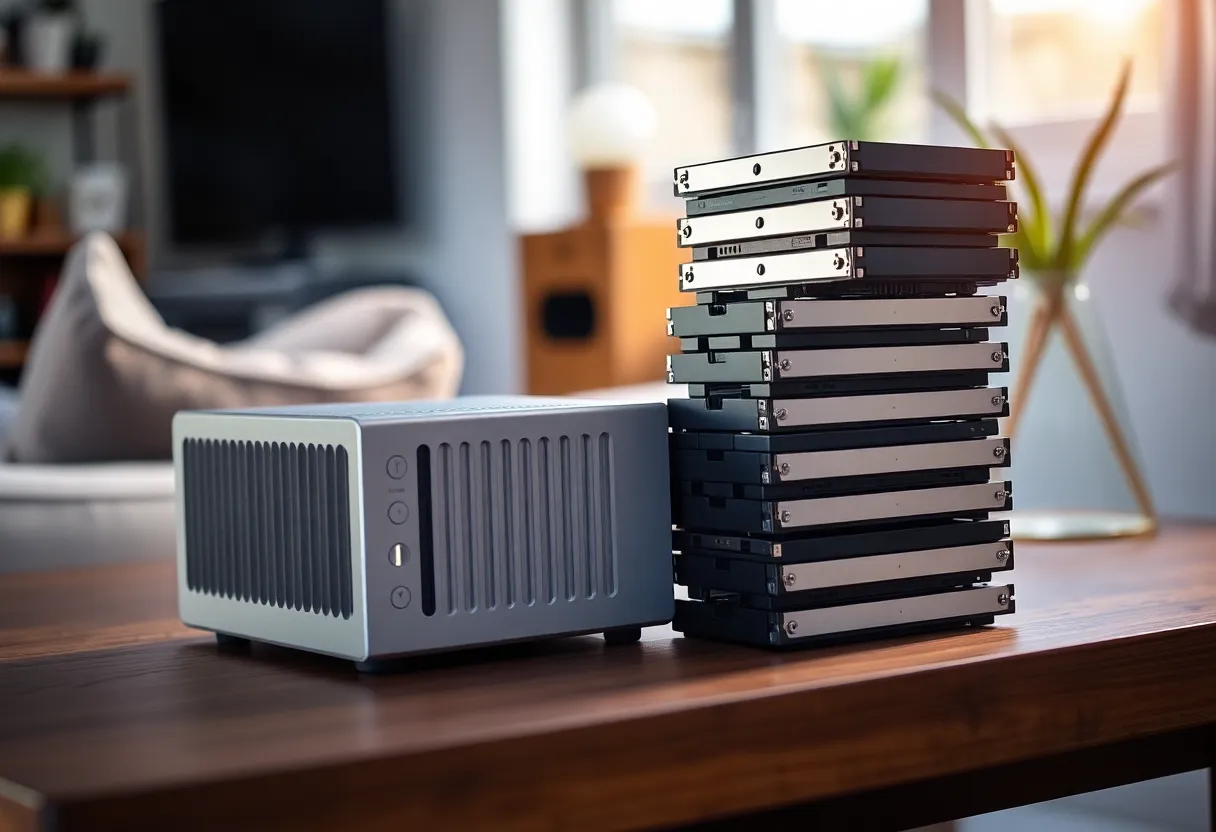
Anything with lots of storage. This is the big one. A 12 TB hard drive costs a couple of hundred euros once. A terabyte of block storage on a typical VPS provider costs more per month than a lot of people’s entire homelab electricity bill. Photo libraries, media collections, and file archives almost always belong at home, with an offsite backup somewhere cheap.
Media servers. Jellyfin or Plex need storage, and transcoding needs real CPU or a GPU. Both are expensive on a VPS and cheap at home.
Home automation. Home Assistant has to be in the house. Your Zigbee coordinator, local integrations, and automations that turn on the lights need to work when the internet is down. Putting it on a VPS would be backwards.
Private, personal data you’d rather keep physically. Some people want their documents, photos, and password vault on hardware they can touch. That’s a legitimate preference, not paranoia.
Things only you use, mostly on your own network. Your recipe app, your RSS reader, your dashboard. If they go down for a day, nobody else notices. The home server is fine.
Learning. If you self-host to learn about hardware, networking, and storage, a VPS hides exactly the parts you’re trying to learn.
The hybrid that most people end up with
After the Matrix move, my setup settled into a shape I see a lot of experienced self-hosters converge on.
At home: photos, media, documents, Home Assistant, the password manager, backups of everything. Private, storage-heavy, or physically local things.
On a small VPS: the Matrix server, the project’s website, an uptime monitor that watches the home server from outside, and a WireGuard endpoint. Public, shared, or needs-to-be-up-when-the-house-isn’t things.
Connecting them: a WireGuard tunnel from the home server to the VPS. When I need to publish one home service publicly, the VPS forwards it down the tunnel, so my home IP stays hidden and CGNAT doesn’t matter. When the house is offline, the VPS notices and tells me.
The VPS is a 2 vCPU, 4 GB box. Matrix with a few bridges fits comfortably, and the whole thing costs less per month than a single streaming subscription.
The costs people forget
Moving to a VPS has trade-offs I’d want someone to tell me about first.
- You’re now running an internet-facing server. It gets scanned constantly from the minute it boots. Disable password SSH logins, keep it patched, run only what you need, and have a firewall. Automatic security updates are worth turning on.
- Backups still matter. VPS providers are not your backup. Snapshots from the provider are nice, but they live in the same account and the same company. Keep a copy somewhere else, possibly your home server.
- Providers can close your account. Rarely, but it happens: a billing issue, an abuse report, a policy change. Keep your configuration in version control so you can rebuild elsewhere in an afternoon.
- Costs creep. Four euros becomes eight when you need more RAM, then there’s block storage, then backups, then a second box. Check your statement every few months.
- Where the data lives. Pick a provider and region you’re comfortable with legally, especially if you’re hosting other people’s messages or personal data.
How I’d decide, service by service
Don’t ask “should I stop self-hosting?” about your whole setup. Ask it about each service, with three questions:
- Who notices when it’s down? If it’s people outside your house, lean VPS.
- Does it need to be public? If yes, and especially if your home connection makes that hard, lean VPS.
- How much storage and local hardware does it need? If a lot, or if it has to touch devices in your house, lean home.
If a service scores “VPS” on the first two and “home” on the third, like a public photo gallery with terabytes of images, the hybrid is your friend: keep the files at home and put a small front end on the VPS.
And if you find yourself dreading every update, no longer enjoying any of it, and keeping things running purely out of obligation, it’s fine to pay someone to run it for you. Self-hosting is a choice, not a vow. I still host most of my own stuff. I just stopped pretending a cupboard next to a boiler was a data center for forty people.