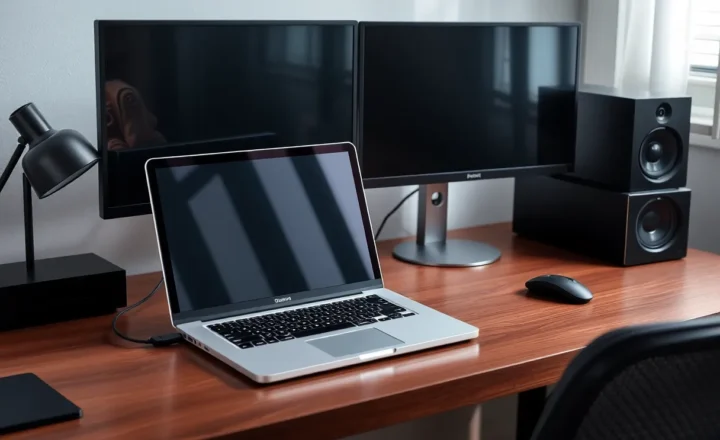
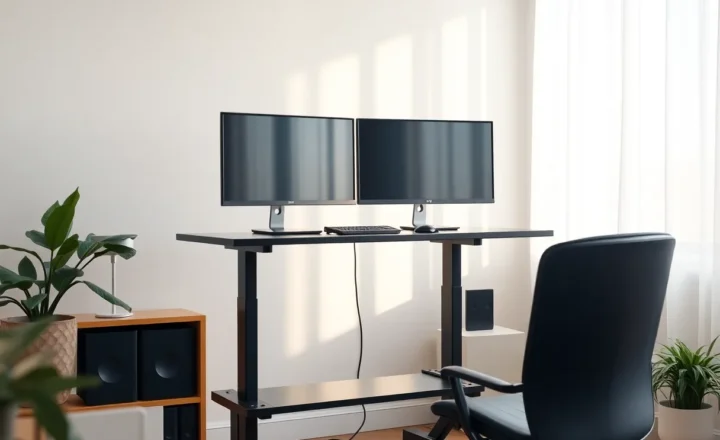
Two monitors on a dining table vs one screen you can clear for dinner: the office that is not its own room

Amara Osei
September 23, 2026
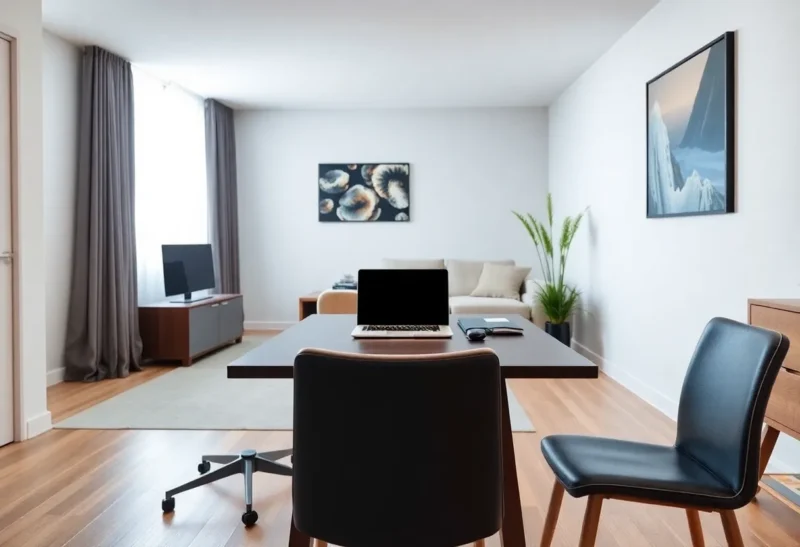
Not every “home office” is a room. For a lot of people it is the dining table between breakfast crumbs and dinner plates. That forces a real hardware choice: permanently park two monitors on the table because work needs space, or keep a single screen (often just the laptop) that you can clear when the table has to become a table again.
Productivity Twitter loves multi-monitor setups. Apartment life loves surfaces that reset. The conflict is not about which layout ships more code. It is about whether your living space can still host humans after 6 p.m.
This is the office that is not its own room — and how to pick a display strategy that matches the furniture’s second job.
What two monitors buy you on a dining table
Two external panels (or laptop + one wide external) reduce window thrash. Reference on one side, work on the other. Spreadsheet and browser. Video call and notes. The cognitive win is real for people who already think in parallel surfaces.
On a dining table, that win comes with physical debt. Stands eat depth. Cables drape toward the floor where feet and mopping happen. The “desk” never fully becomes dinner without a teardown ritual: unplug, stack, hide, hope you remember the input tomorrow.
Dual monitors also claim visual ownership of the room. Guests see a workstation, not a dining room with a laptop. That social cost matters more than FPS in shared apartments.

What one clearable screen buys you
One screen — laptop alone, or laptop plus one portable monitor that folds flat — optimizes for teardown time. Close lid, slide into a bag or sideboard, wipe the table, eat. The ritual can be under a minute.
You pay in window management. Virtual desktops, good tiling, and ruthless tab hygiene substitute for physical acreage. Many people discover they were using the second monitor as a junk drawer, not as a workflow.
The clearable setup also protects posture only if you still raise the laptop somehow during work hours — a foldable stand that packs away beats a permanent arm bolted to the table edge.

The real metric: teardown minutes, not monitor count
Ask how many minutes it takes to make the table dinner-ready and how many minutes to restore work mode. If dual monitors take fifteen minutes each way, you will “just eat at the coffee table” forever and resent the setup. If a single portable display docks in thirty seconds, you will actually clear the surface.
Households with kids or roommates raise the stakes. A permanent dual-monitor dining fortress becomes a conflict object. A clearable kit becomes a courtesy.
Hybrid patterns that respect both jobs
- One fixed ultrawide on a quick-release arm swung against the wall at dinner — if your table sits against a wall and the arm is rated for the swing. Not every table geometry allows this.
- Laptop + 15–16″ portable USB-C monitor that packs in a sleeve beside the router cupboard.
- Dual monitors on a rolling cart parked beside the table during work, wheeled to a closet at night — ugly, effective, keeps the wood free.
- Work from laptop daytime, dock to a living-room TV for rare spread-out sessions — awkward camera angles, fine for spreadsheets.
Permanent dual monitors on the dining surface only win if dinner never needs that surface — takeout on the sofa is already your culture, and everyone agrees.
Ergonomics without a dedicated room
Dining chairs are not task chairs. Monitor height will be wrong. External keyboard and mouse that pack into one pouch matter more than a second panel. A laptop riser that collapses flat matters more than matching bezels.
Lighting and glare change as the sun moves across a multipurpose room. Two glossy panels can be unusable at 4 p.m. One matte laptop screen is easier to angle. Bias lights and desk lamps still help, but they are more gear to clear.
Cable discipline is half the product. A single USB-C to a portable monitor beats a nest of HDMI, power, and USB that must be re-threaded nightly. If your dual-monitor dream requires a dock that sleeps weirdly, you are stacking failure modes on a table that also hosts soup.
When two monitors are still the right call
You work long hours with constant reference layouts (design, trading, support multi-chat). The household agrees the dining table is a desk until further notice. You have wall space for arms or a cart. Teardown is rare because dinner happens elsewhere.
In that case, commit: cable raceways, a mat that defines the “desk zone,” and storage for placemats elsewhere. Half-committing — dual monitors plus nightly full teardown — burns willpower twice.
When one clearable screen is the right call
You share the table with meals most nights. You hate visual clutter in the main room. Your work fits in one focused window plus virtual desktops. You move between café, office, and home and already live out of a bag.
Then buy better window tools and a portable panel only if you truly need pixels — not because a blog said dual monitors are mandatory for “real” work.
A weekly honesty check
For one week, track: nights you actually cleared the table, nights you ate around the monitors, and how annoyed anyone else was. If you never clear dual monitors, you do not have a dining table. You have a desk with chairs that pretend. Either rename the room’s job or change the hardware.
If you clear a single screen every night without drama, you already have the answer. Do not add a second panel as a treat until the teardown math still works.
Software that substitutes for acreage
Virtual desktops, spaces, and a consistent “comms” desktop separate from “deep work” recover some dual-monitor benefits without claiming oak. Full-screen the call app on one space; keep docs on another. Learn your OS’s move-window shortcuts until they are muscle memory. A second monitor often exists to avoid learning those shortcuts.
Portable monitors with USB-C video+power in one cable reduce the teardown tax enough that some households can run laptop + one portable as a soft dual setup and still clear for dinner. The moment you need a second brick and an HDMI adapter, you are back in docking land on furniture that also hosts gravy.
Noise matters in a multipurpose room too. Mechanical keyboards and coil whine travel farther when the “office” is the dining room. Headphones and quieter input devices are part of the same clearable kit conversation — not separate hobbies.
Storage is part of the display decision
Where do the monitors go when they leave the table? If the answer is “the floor beside the radiator,” you will stop clearing them. Budget a cupboard, a cart with doors, or under-sofa bins that fit the portable panel and the laptop stand. The storage plan is the product; the panels are accessories.
Power outlets behind dining furniture are often scarce. Dual monitors plus laptop plus lamp trip power strips into spaghetti. A clearable single-screen kit that needs one wall wart is easier to make safe around mopping and toddlers. Extension cords under rugs are how multipurpose rooms collect hazards.
Heat and food are underrated enemies. Steam from pasta beside electronics is a long-term grime problem. If dinner and dual monitors coexist tightly, expect sticky stand feet and a layer of aerosolized oil on bezels. That is another quiet vote for packing the gear away before cooking starts — not after.
Talk to the household before you buy the second panel
A dining-table office is a shared policy, not a personal preference disguised as gear. Ask who needs the table at what hours, whether weekend guests are common, and whether “we’ll just eat on the couch” is acceptable indefinitely. Buy hardware that matches the negotiated policy. Renegotiate when someone starts a new job with heavier screen needs — do not silently expand the fortress.
If you live alone, you still negotiate with future you who wants a clean apartment on Sunday. Teardown friction is how dual monitors become permanent room décor. Put a recurring calendar block called “clear the table” for the first week of a new setup until the habit sticks — then delete the block if the ritual is automatic.
Bottom line
Two monitors on a dining table optimize for work sprawl. One clearable screen optimizes for a home that still eats together on the same wood. Neither is morally superior. The office that is not its own room needs a display plan that includes dinner as a requirement, not an afterthought.
Pick the setup you will actually reset — because the best productivity upgrade in a small apartment is often the empty table at 7 p.m. Pixels are cheap. Shared surfaces are not. When in doubt, default to the clearable kit and rent dual-monitor sprawl at a coworking day pass on the weeks you truly need it.