Readwise Reader vs Instapaper on E-Ink: Sending Web Articles to a Kobo, Kindle or Boox

Jonas Pike
October 14, 2026
The best thing an e-reader does for the web is take it away. A long article that you would skim on a phone, between notifications, becomes something you actually read on e-ink: no ads, no autoplay, no tabs. The trick is getting the article from your browser onto the device, ideally without emailing yourself links or copying text by hand.
That is the job of a read-later service. For years the default answer was Pocket, partly because Kobo built it right into its e-readers. Pocket shut down in 2025, and a lot of e-ink readers have been looking for a replacement since. The two most common answers are Instapaper, the veteran that does one thing simply, and Readwise Reader, the newer, more ambitious app built around highlighting and notes.
I worked as a librarian before I started reviewing tools, and I still read far more saved articles than books. I have used both services with a Kindle, a Kobo and a Boox. How well each works depends heavily on which e-reader you own.
It depends on the e-reader in your hand
If you want to save articles and read them on your e-reader with as little fuss as possible, use Instapaper. It is simple, inexpensive, and has the broadest set of ways to reach e-ink devices.
If you read to take notes, highlighting heavily and sending those highlights into Obsidian or another notes app, use Readwise Reader. It is a subscription service, and it shines most on a Boox tablet, where you can run its Android app directly.
A veteran saver and a read-everything app
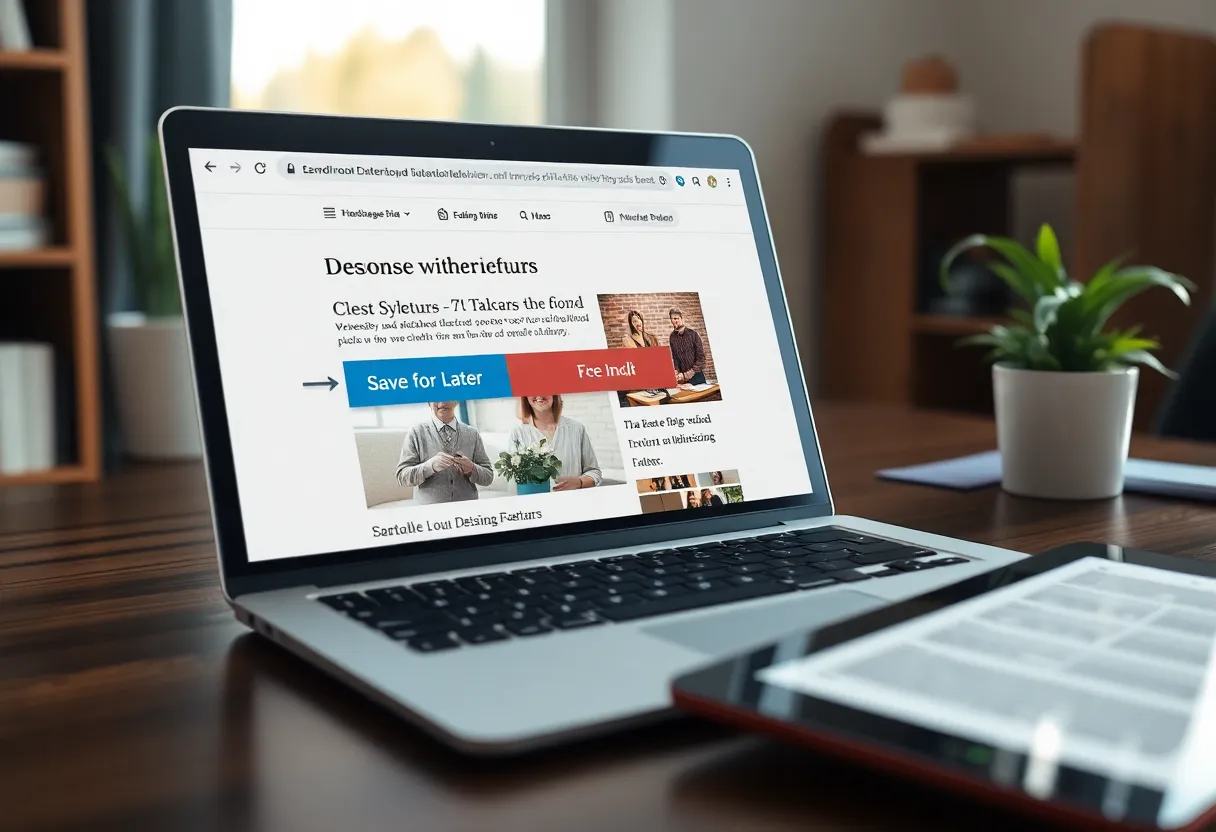
Instapaper saves web articles and strips them down to clean, readable text. You save with a browser extension, a share sheet on your phone, or an email address. It has a free tier and a paid Premium plan with extras such as full-text search, unlimited notes and text-to-speech. It has been doing this since 2008 and has stayed deliberately focused.
Readwise Reader is a read-everything app from the company behind Readwise, the highlight-syncing service. It saves articles, but also newsletters (through a dedicated email address), RSS feeds, PDFs, EPUBs, and video transcripts. Highlighting and note-taking are central, and highlights flow into Readwise, which can sync them to Obsidian, Notion, Logseq and other tools. It is a paid subscription that includes the main Readwise service.
| Instapaper | Readwise Reader | |
|---|---|---|
| Focus | Saving and reading articles | Reading everything, highlighting, notes |
| Price | Free tier, cheap Premium | Paid subscription |
| Saves | Web articles | Articles, newsletters, RSS, PDFs, EPUBs, transcripts |
| Highlights and notes | Yes, simpler | Central feature, with export to notes apps |
| Kindle | Delivery to Kindle supported | Through Send to Kindle workarounds |
| Kobo | Best placed after Pocket’s shutdown; check your firmware | No native integration |
| Boox (Android) | Android app | Android app, the best experience |
How each reaches your e-reader
This is the question that matters, and the answer is different for each brand.
Kindle. Kindles cannot run third-party apps, so articles have to be sent to them as documents. Instapaper has long offered automatic delivery to a Kindle: it can send your unread articles as a periodic digest to your Send to Kindle address, so a fresh “issue” appears on the device on a schedule. Check which plan includes it, because features have moved between free and paid over the years. Readwise Reader does not centre the Kindle in the same way. You can get articles there through Amazon’s own Send to Kindle tools, but it is a workaround rather than a built-in flow. For Kindle owners who just want articles on the device, Instapaper is the smoother path.
Kobo. Kobos are the most locked-down here: they show read-later articles only through whatever service Kobo builds into its firmware. That used to be Pocket. Since Pocket closed, Kobo has been moving its built-in read-later support to Instapaper on recent firmware, which makes Instapaper the natural choice for Kobo owners. Check what your device and firmware version support before you commit. Readwise Reader has no native path onto a Kobo.
Boox and other Android e-ink tablets. Here you can install either app from the Play Store, and the comparison becomes about the apps themselves. Readwise Reader is the stronger experience: it has a display mode tuned for e-ink screens, and highlighting with a finger or stylus on a 10-inch Boox is genuinely pleasant. Instapaper’s Android app works well too, and is simpler and lighter.
Reading experience
Both do the basic job well: they strip ads, menus and clutter, and present the article as clean text. Both handle most news sites and blogs, and both occasionally struggle with paywalled or heavily scripted pages.
Instapaper’s reading view is calm and minimal, with good typography and a few font and size options. Whether an article is read on a Kindle, in the Kobo integration or in the Android app, it looks consistent and uncluttered.
Readwise Reader’s reader is more powerful. It handles more content types, shows a table of contents for long pieces, and offers more ways to organise what you have saved: a library, a feed for RSS and newsletters, and triage tools for deciding what to read later and what to archive. That power has a cost: it is a busier app, with more to learn, and on a small e-ink screen the extra controls can feel crowded.
Highlights, notes and the second brain
This is where the two diverge most.
In Instapaper, highlights and notes are useful but simple. You can highlight, add notes on Premium, and export them. For people who highlight occasionally, it is enough.
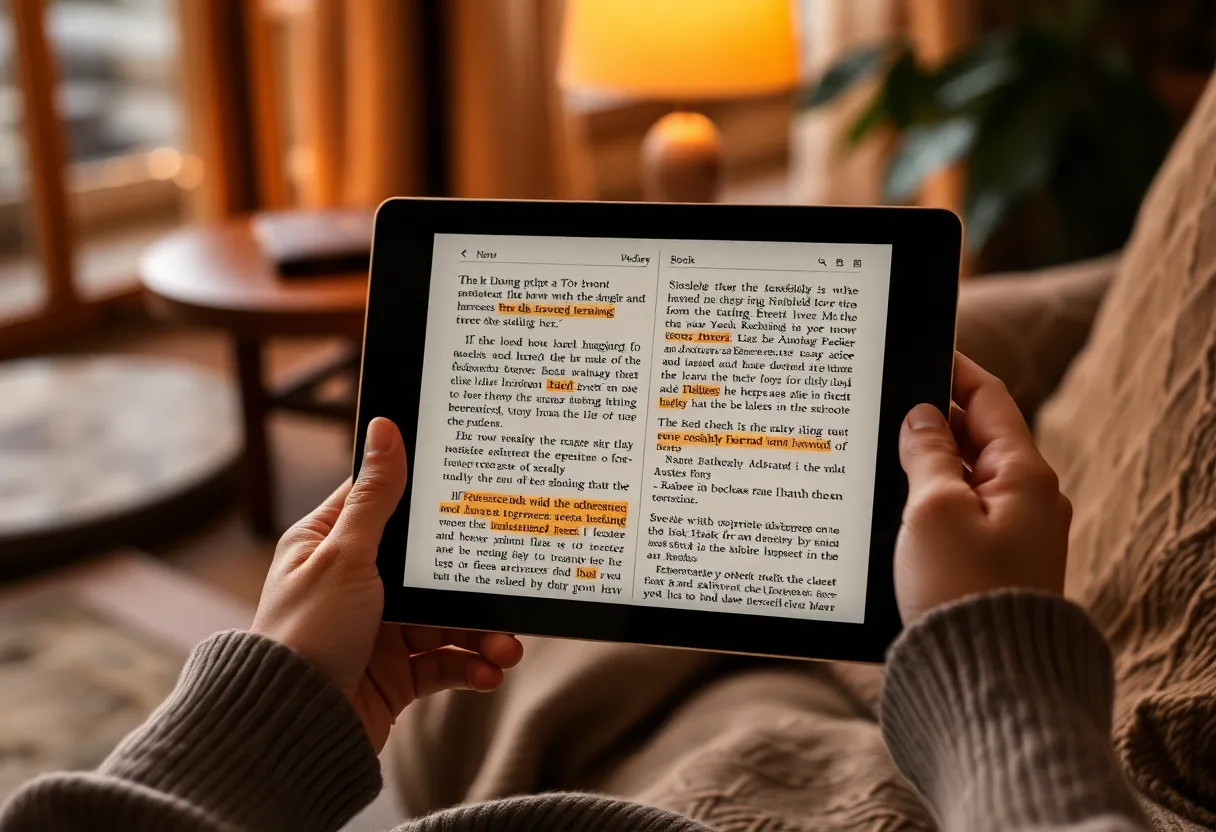
Readwise Reader is built around highlights. Every highlight can carry a note and tags, and everything flows into Readwise, which sends highlights to your notes app automatically and resurfaces them in daily reviews. If you use Obsidian or Logseq as a knowledge base, this is a real workflow: you read an article on your Boox, highlight three paragraphs, and those highlights appear in your vault with a link back to the source. If you are already deciding between those two notes apps for an e-ink device, the trade-offs in Logseq vs Obsidian on a Boox apply directly to where your highlights end up.
There is one catch for Kindle and Kobo users: highlights you make on those devices, in an article delivered as a document, do not flow back to the read-later service. They stay in the device’s own notes. Readwise can import Kindle highlights from books, but for articles the cleanest highlight workflow is to read them inside the app, which means a Boox or a phone.
A routine that actually sticks
Whichever service you choose, the hard part is not the software. It is the habit. Read-later lists have a way of turning into guilt lists: hundreds of saved articles, none of them read. A few rules keep the pile manageable:
- Save freely, read in one sitting. Pick a regular slot, such as a morning coffee or a train ride, and read on the e-reader then, rather than trying to keep up throughout the day.
- Archive without guilt. If an article has sat unread for a month, archive it. It was interesting when you saved it, and that moment has passed.
- Let delivery do the work. On a Kindle, a scheduled digest means the articles are simply there when you pick up the device. On a Boox, keep the app on the home screen so it is one tap away.
- Move highlights out regularly. Highlights only help if you see them again. Whether that is Readwise’s daily review or a weekly look at your notes, make it routine. The broader question of getting e-ink notes into Obsidian applies to article highlights as much as handwritten notes.
A read-later service on an e-reader works best as a small, regular ritual, not an archive of everything you meant to read.
Cost and longevity
Instapaper is cheap: the free tier covers basic saving and reading, and Premium is modestly priced. Readwise Reader is a full subscription that costs considerably more, justified if you use the highlighting and Readwise sync, and hard to justify if you just want articles on an e-reader.
Pocket’s shutdown is a reminder that read-later services can disappear. Both of these have been around for years, and both let you export your saved articles and highlights. Export your highlights periodically, whichever you use, so a service closing never takes your notes with it. If you would rather not depend on any company, Wallabag is a self-hosted read-later server, and KOReader on a Kobo or Boox can download articles from it directly. It takes setup, but nothing can shut it down except you.
Matching the service to your device
Instapaper is the natural pick when:
- You read on a Kindle and want articles delivered automatically.
- You read on a Kobo and want the built-in read-later experience Pocket used to provide.
- You mostly want to read, not build a note system.
- You want a free or inexpensive option.
Readwise Reader is worth the subscription when:
- You read on a Boox or another Android e-ink tablet.
- You highlight heavily and want highlights in Obsidian, Logseq or Notion automatically.
- You also want newsletters, RSS and PDFs in the same place.
- The subscription is worth it for the note-taking workflow alone.
The deciding factor is usually the device in your hand. On a Kindle or Kobo, Instapaper fits the way those e-readers work. On a Boox, Readwise Reader turns the tablet into a proper reading desk. Pick the service that matches your e-reader, and the habit of reading the web on e-ink tends to stick.