My neighbour Pavel knocked on my door in March with a question he had clearly been rehearsing. His son had moved out and left behind a 2019 gaming tower: an eight-core Intel i7-9700K, 32 GB of DDR4 and an RTX 2080 Super with 8 GB of video memory. Pavel wanted to run local AI models for his small accounting practice, mostly drafting client letters and summarizing documents. He had been reading about new mini PCs that are “built for AI” and wanted to know whether to sell the tower and buy one, or just use what was sitting in the spare room.
I have built and tuned PCs for readers for a long time, and my instinct was to say “keep the tower, a real GPU beats a mini PC.” That instinct was half right. We spent two Saturdays testing the tower against two mini PCs I had on loan, and the answer turned out to depend on a single number: how big a model he actually needed.
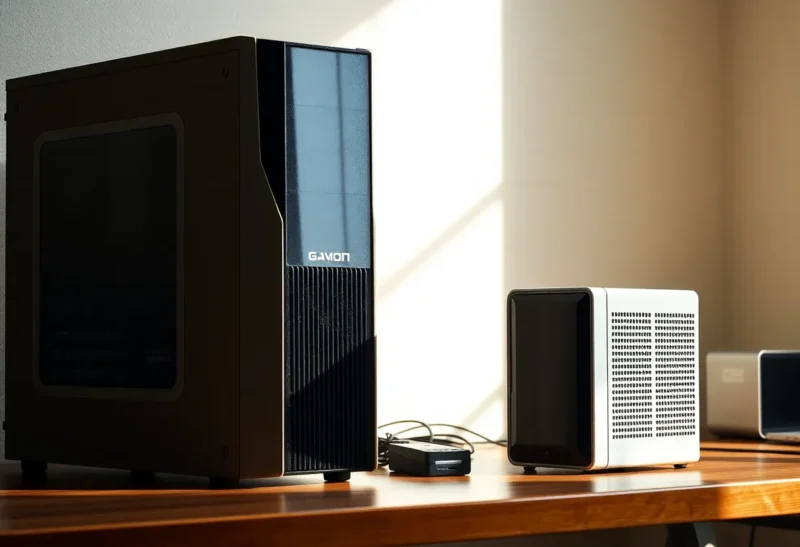
The three machines on the table
- The old gaming PC: i7-9700K, 32 GB DDR4-3200 in dual channel, RTX 2080 Super (8 GB GDDR6, about 496 GB/s of memory bandwidth). Resale value, if Pavel sold it, maybe $400–500.
- The budget mini PC: a Ryzen 7 8845HS box with 64 GB of DDR5-5600 and the built-in Radeon 780M graphics. About $650 configured. Memory bandwidth roughly 90 GB/s, shared between the CPU and the integrated GPU.
- The expensive mini PC: a Ryzen AI Max+ 395 (“Strix Halo”) box with 128 GB of LPDDR5X, of which a large share can be assigned to the integrated GPU. About $2,000. Memory bandwidth around 256 GB/s.
That bandwidth figure matters more than anything else on the spec sheet, because generating text is mostly a matter of reading the model’s weights from memory for every token. The faster the memory, the faster the words come out. The amount of memory decides what fits at all.
Round one: small models, and the old card wins easily
We started with an 8B model at Q4, about 4.9 GB, which fits comfortably inside the 2080 Super’s 8 GB. This is the class of model that handles letter drafting and short summaries well.
- Old gaming PC: around 75–80 tokens per second. Pasting a two-page document and getting the first word back took about a second.
- Budget mini PC: about 13–15 tokens per second on the integrated GPU. The same two-page paste took eight or nine seconds before the reply started.
- Strix Halo mini PC: about 40 tokens per second, with the paste processed in two or three seconds.
For small models the old tower was not just competitive, it was the fastest machine in the room by a wide margin. Six-year-old graphics memory is still much faster than new system memory. If Pavel’s work stayed at the 7–8B level, selling the tower to buy either mini PC would have made his AI slower.
Round two: the model that did not fit
Then Pavel tried the thing he actually cared about. He had a folder of messy client correspondence and wanted clear summaries with the key figures pulled out. The 8B model kept missing numbers and occasionally invented a date. A 14B model did the job properly, and a 32B model did it well.
A 14B model at Q4 is about 9 GB. It does not fit in 8 GB of video memory. The runtime copes by keeping some layers on the graphics card and running the rest on the CPU from system RAM, and the whole thing then moves at something closer to the speed of the slow part. The tower dropped to around 12–15 tokens per second on the 14B. On a 32B model, with most of it on the CPU, it managed 3–4 tokens per second.
The mini PCs, with no separate video memory to overflow, just loaded the models into their large shared pool:
- Budget mini PC: about 7 tokens per second on 14B, about 3 on 32B. Roughly tied with the tower once the tower was spilling, and slower on long pastes.
- Strix Halo mini PC: about 20 tokens per second on 14B, around 10 on 32B, and it could even load a 70B model at Q4 and produce around 5 tokens per second. The tower could not usefully run 70B at all.
So the picture flipped. Once the model outgrew 8 GB, the old card’s speed advantage mostly disappeared, and the expensive mini PC pulled well ahead.
The mixture-of-experts result
One more test changed the conversation. Mixture-of-experts models like Qwen3 30B-A3B store around 30 billion parameters but only use about 3 billion for each token. At Q4 the file is about 18 GB, so it needs the memory of a big model but runs with the speed of a small one. On the Strix Halo box it produced well over 40 tokens per second, and its summaries of Pavel’s letters were nearly as good as the dense 32B. On the budget mini PC it managed around 20, which was genuinely usable. On the tower, split between an 8 GB card and system RAM, it landed in the low twenties.
For a small office that wants a capable model without paying for a huge graphics card, an MoE model on a mini PC with plenty of shared memory is the most interesting option of the three.
The things benchmarks do not show
Software friction
The tower has an NVIDIA card, and almost every local AI tool is built and tested on NVIDIA first. Ollama, LM Studio and llama.cpp all worked on it immediately. The AMD mini PCs worked too, through llama.cpp’s Vulkan backend or AMD’s ROCm, but we hit a couple of snags: one runtime version did not see the full shared memory until we changed the graphics memory allocation in the BIOS, and another update briefly fell back to CPU without telling us. Nothing was unsolvable. It was the kind of afternoon a non-technical accountant would not have enjoyed.
The flip side is age. NVIDIA’s newer CUDA toolkits have started dropping support for the oldest architectures; version 13 no longer builds for Pascal-generation cards like the GTX 10 series. Pavel’s 2080 Super is a Turing card and is fine for now, but if your old gaming PC has a GTX 1070 or 1080 Ti, expect tool support to thin out over the next couple of years.
Noise, heat and the electricity meter
Under load the tower was loud: the 2080 Super’s fans ramped up on every long paste, and in a small office that matters. At idle it drew around 75 watts at the wall; the mini PCs idled at 10–15. Pavel wanted the machine left on around the clock so his staff could use it from their own desks, evenings included, and at that point idle draw becomes a line in the budget, because a box left on to wait for questions costs more waiting than it does answering them. At his rate of about 30 cents per kilowatt-hour, the gap between the tower and a mini PC worked out to around $13 a month.
The age of everything else
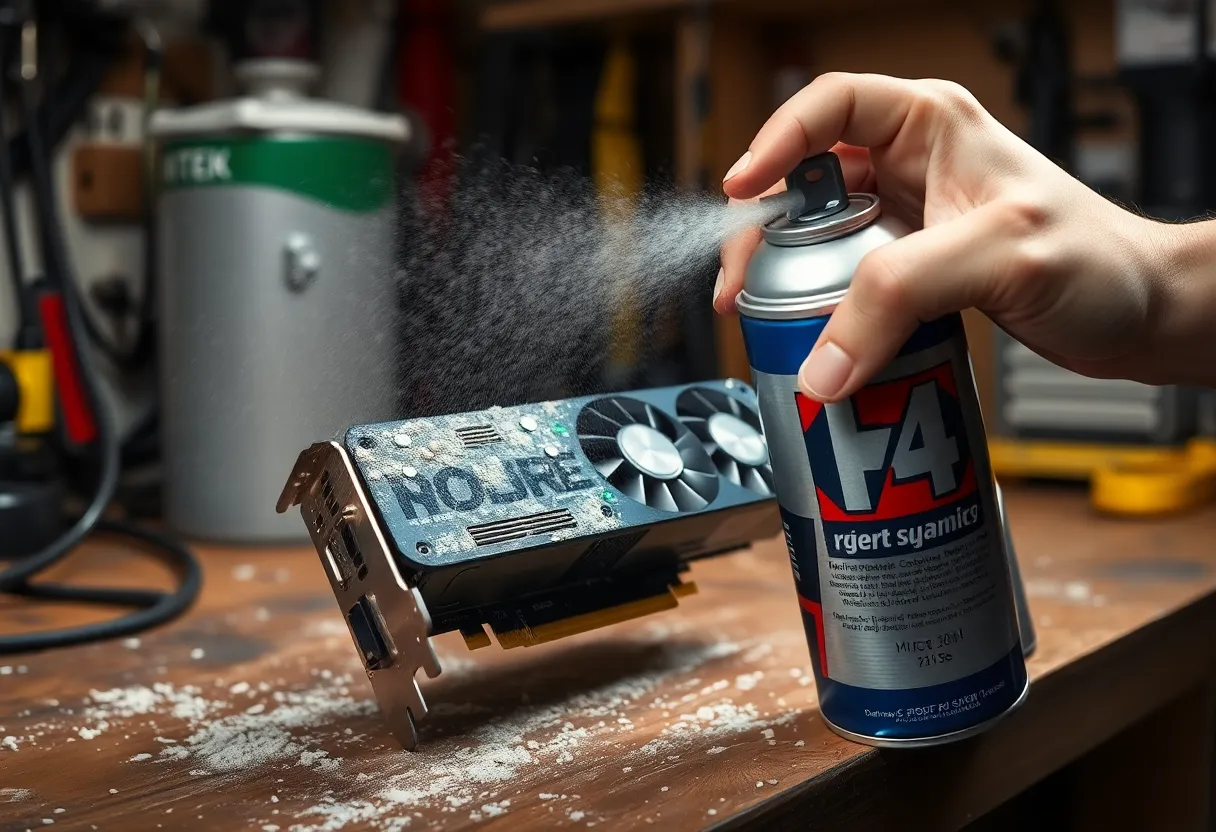
A gaming PC from 2019 has a power supply, fans and a pump or cooler that are six years into their life. Pavel’s had been cleaned exactly never. We pulled a small felt mat of dust out of the GPU cooler before the tests, and the card ran ten degrees cooler afterwards. None of that is a reason to throw it away, but it is part of the honest comparison against a new box with a warranty.
The upgrade path
The tower has one real advantage the mini PCs cannot match: a PCIe slot. A used 16 GB or 24 GB graphics card would turn it into a much stronger AI machine than either mini PC for anything up to 32B, and it would still cost less than the Strix Halo box. The mini PCs are what they are on the day you buy them. That said, dropping a used high-end card into an old case means checking the power supply, the physical clearance and the power connectors, and that is its own project.
What Pavel decided, and how I would decide
Pavel kept the tower for now and bought nothing. His reasoning was sensible: he tested a 14B model on it at 12–15 tokens per second, found it fast enough for summarizing letters one at a time, and would rather spend the money on nothing until he knows how much his staff actually use it. If usage grows, he will either drop a used 24 GB card into the tower or buy a Strix Halo-class mini PC, and by then he will know which of those he needs.
If you are in the same position, here is the rule we arrived at:
- Your jobs fit in your old card’s video memory (roughly: 8 GB card, 7–8B models; 12 GB card, up to 14B): keep the gaming PC. It is faster than a new mini PC and costs you nothing.
- You need 14–32B models, want low noise and low idle power, and would rather not open a case: a mini PC with a lot of fast shared memory, meaning the Strix Halo class, is the better machine. It is also the only one of the three that runs a 70B model at a usable speed.
- You were considering a budget mini PC with ordinary DDR5: for AI specifically, it is not an upgrade over a gaming PC with an 8 GB or larger card. It is a power-saving move. It is excellent as a quiet always-on box for small models and MoE models, and poor as a replacement for a real GPU.
- You are comfortable with a screwdriver: before buying a new machine, price a used graphics card with more memory for the tower you already own.
The old gaming PC is not obsolete for local AI. Its graphics memory is still fast. There just is not enough of it, and the moment your model outgrows it, the new mini PCs start to make sense.