How Much Electricity Does Running a Local LLM Use?

Tom Gallagher
September 27, 2026
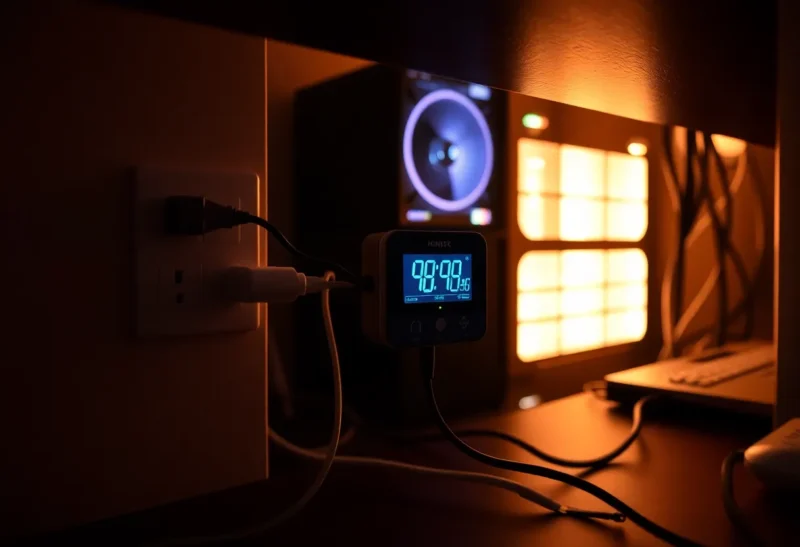
I spent three years reading industrial energy meters for a living, so when I started running language models at home the first thing I bought was not a bigger graphics card. It was a $25 plug-in power meter, the kind that sits between the wall socket and the power strip. I wanted to know what a local AI habit actually costs in kilowatt-hours before I believed any forum post about it.
The answer surprised me in two directions. Generating text used less energy than I expected, even on a power-hungry card. And the number that dominated my monthly total had almost nothing to do with the model. It was the machine sitting there waiting for me to ask it something.
This is what I measured on three machines, how to turn watts into a per-answer figure you can reason about, and the two settings that cut my AI-related electricity by more than half without making anything slower in a way I could feel.
The three machines
All figures are measured at the wall, for the whole machine, not the component power numbers software reports. Wall power includes the power supply’s losses, the motherboard, fans and drives, and it is the number your electricity bill sees.
- The desktop: a Ryzen tower with a used RTX 3090 (24 GB), running 8B and 32B models at Q4.
- The mini PC: a recent Ryzen mini PC with 32 GB of DDR5 and no discrete GPU, running models on the CPU and integrated graphics.
- The Mac: a Mac mini with an M4 Pro and 48 GB of unified memory, borrowed from a friend for a week.
What they draw
There are three states that matter: idle with nothing loaded, idle with a model loaded and ready, and actively generating. Here is what the meter showed, rounded:
| Machine | Idle, desktop only | Idle, model loaded | Generating (8B) | Generating (32B) |
|---|---|---|---|---|
| Desktop, RTX 3090 | 62 W | 85–110 W | 290 W | 370 W |
| Mini PC, CPU only | 9 W | 9 W | 55 W | 65 W |
| Mac mini M4 Pro | 6 W | 6 W | 45 W | 60 W |
Two things jump out. First, the desktop’s generating figure is well under what the card’s 350-watt rating plus the rest of the system would suggest for most of a reply. Text generation is limited by how fast the card can read its memory, not by how hard its cores work, so the GPU often runs below its full power limit while producing tokens. It spikes to the limit briefly when it reads a long prompt, which is compute-heavy.
Second, look at the desktop’s “idle, model loaded” column. That range is the first surprise I want to explain properly, because it is where most of the waste lives.
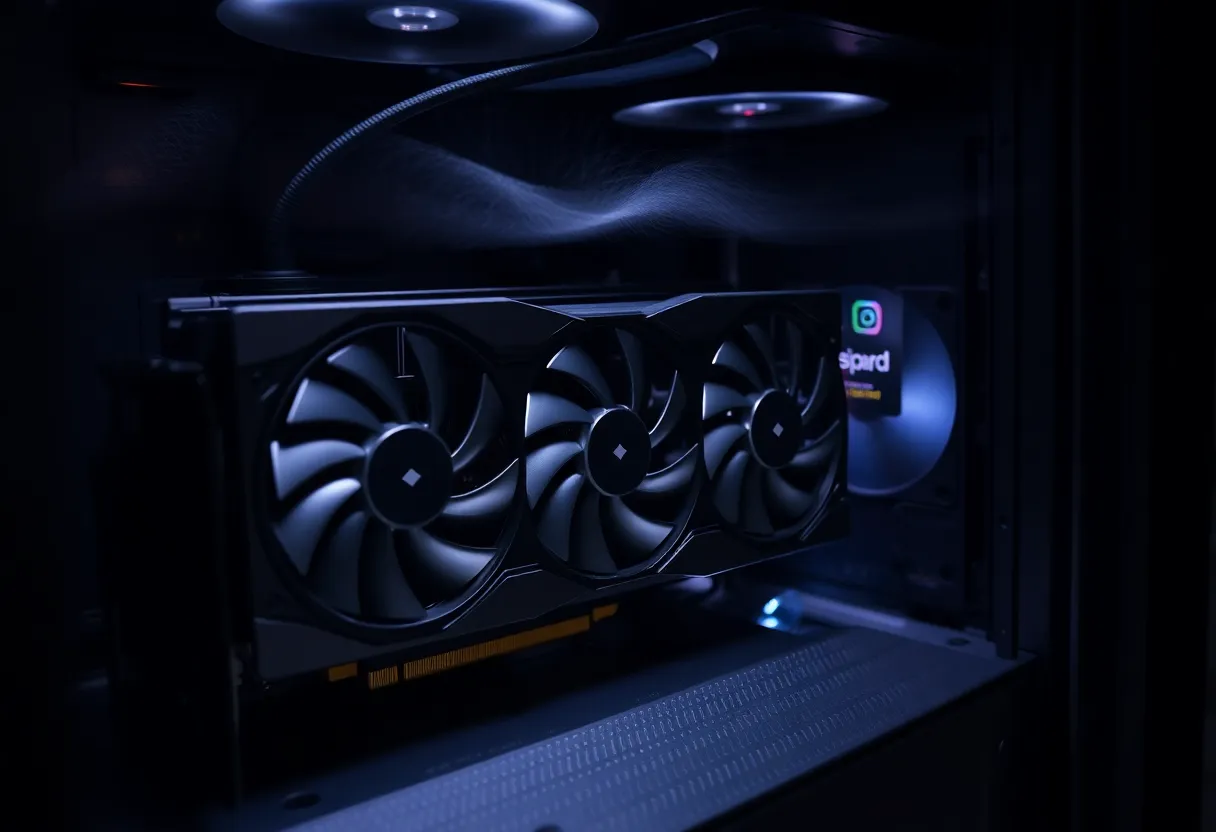
The card that would not go to sleep
With nothing loaded, the 3090 idled at around 20 watts and the whole desktop at 62. After I ran a prompt and left the model loaded, the card sometimes stayed in a higher power state instead of dropping back down, and the whole machine sat at 85 to 110 watts doing nothing. On NVIDIA cards this is a known quirk: an application holding a compute context can keep the card from reaching its lowest idle state, and multiple monitors or high refresh rates make it worse.
Ollama helps here by default. It unloads a model from memory after five minutes without a request (the keep_alive setting), and once the model is unloaded the card drops back to its low idle. Some front ends and other runtimes keep the model resident indefinitely because it makes the next response start faster. That convenience cost me about 35 extra watts around the clock, which is roughly 25 kWh a month for nothing.
I now let the model unload after ten minutes. The first reply after a break takes a few extra seconds while the weights load from the SSD. I stopped noticing within a day.
Turning watts into energy per answer
Power in watts is only half the picture. What you pay for is energy: power multiplied by time. A fast, power-hungry machine that finishes quickly can use less energy per answer than a slow, frugal one, or more. So I measured a standard job: a 300-token prompt and a roughly 500-token answer, about the size of a typical chat exchange.
- Desktop, 8B model: around 100 tokens per second, so the whole exchange took about 6 seconds at roughly 290 W. That is about 0.5 Wh per answer.
- Desktop, 32B model: around 30 tokens per second, about 18 seconds at 370 W: 1.9 Wh.
- Mini PC, 8B on CPU: about 12 tokens per second plus a few seconds reading the prompt, around 45 seconds at 55 W: 0.7 Wh.
- Mac, 8B: about 40 tokens per second, around 13 seconds at 45 W: 0.16 Wh.
- Mac, 32B: about 12 tokens per second, around 45 seconds at 60 W: 0.75 Wh.
For scale, one watt-hour is running a 10-watt LED bulb for six minutes. Even the most expensive case above, the 32B on the 3090, is about eleven minutes of that bulb per answer. At $0.30 per kWh, fifty 32B answers a day come to about 95 Wh, or roughly 2.9 kWh and 85 cents a month.
For a sense of efficiency, Google published a figure in 2025 of about 0.24 Wh for a median Gemini text prompt in its data centres. My 3090 running a 32B model uses several times that per answer. That is not a moral judgement; data centres run custom hardware at high utilization, and my card spends most of its life waiting. But it is worth knowing that local inference is not automatically the greener option per answer. The Mac comes closest.
The idle bill is the real bill
Now the part that changed how I run things. Suppose you leave the machine on all day so the model is always available. Idle power, multiplied by 24 hours, multiplied by 30 days:
- Desktop at 62 W idle: 45 kWh a month, about $13.40.
- Desktop at 100 W with a model stuck loaded: 72 kWh a month, about $21.60.
- Mini PC at 9 W: 6.5 kWh a month, about $1.95.
- Mac mini at 6 W: 4.3 kWh a month, about $1.30.
Compare those to the generation figures. Fifty 32B answers a day on the desktop cost 85 cents a month in energy. Leaving that desktop on to be ready for those answers costs $13 to $22. The waiting costs fifteen to twenty-five times more than the working.
That is the single most useful thing my meter taught me. If you use a local model a few dozen times a day, the question is not how efficient your GPU is. It is how much your machine draws while you are not using it, and whether it needs to be on at all.
What heavy use looks like
Chat is light. Some uses are not. A coding agent that runs for hours, sending large contexts and generating continuously, or a batch job summarizing thousands of documents overnight, keeps the machine near full load for long stretches.
I ran a local coding agent against a real project for a working week to see. The desktop spent roughly four hours a day generating or reading prompts, at an average of about 340 W, plus idle time around it. That came to around 1.6 kWh a day, or roughly 35 kWh over a month of workdays, about $10.50. Real money, but not frightening, and it is the upper end for a single person.

The two settings that halved my number
1. Power-limit the graphics card
Because generation is limited by memory speed rather than raw compute, a GPU running at its full power limit is spending a lot of watts on headroom it barely uses while producing text. On NVIDIA cards you can lower the limit with one command (nvidia-smi -pl followed by a wattage, run with administrator rights) or with the slider in tools like MSI Afterburner.
I dropped the 3090 from 350 W to 250 W. Generation speed on the 32B model fell from about 30 tokens per second to about 28. Prompt reading, which is compute-heavy, slowed more noticeably, perhaps 15 percent on long pastes. Wall power while generating fell from 370 W to about 285 W. The card also runs cooler and quieter, which I did not expect to care about and now do.
2. Stop paying for readiness
The desktop now sleeps after 20 minutes of inactivity and wakes when I touch the keyboard or when another device on the network sends a wake-on-LAN packet. For always-available small jobs, like the script that tags my notes, I moved the work to the mini PC, which idles at 9 watts and runs an 8B model on its CPU perfectly adequately for background tasks. The big card only wakes up when I want the big model.
Between those two changes, my measured AI-related electricity fell from about 60 kWh a month to under 25.
Heat is part of the bill
Every watt a computer uses ends up as heat in the room. In winter, that heat offsets some of what your heating would have supplied, so the true cost of those watts is partly cancelled out, especially if you heat with electricity. In summer, the reverse happens: if you run air conditioning, it has to remove the heat, adding roughly a third to a half of the computer’s consumption on top, depending on the system. The same month of agent work costs noticeably more in July than in January.
The short answer
A single chat answer on a local model uses somewhere between a fifth of a watt-hour and about two watt-hours, depending on the machine and model size. For normal personal use that adds up to a dollar or two a month in electricity. Heavy agent use might reach $10 to $15.
The number that really matters is idle draw. A gaming desktop left on all day to host a model can use more electricity waiting than a busy user spends on actual answers. Measure your machine at the wall, let the model unload, power-limit the card, and let the big box sleep. The meter costs less than a month of the waste it finds.