Can You Run a Useful Local LLM Without a GPU?

Nico Alvarez
September 27, 2026
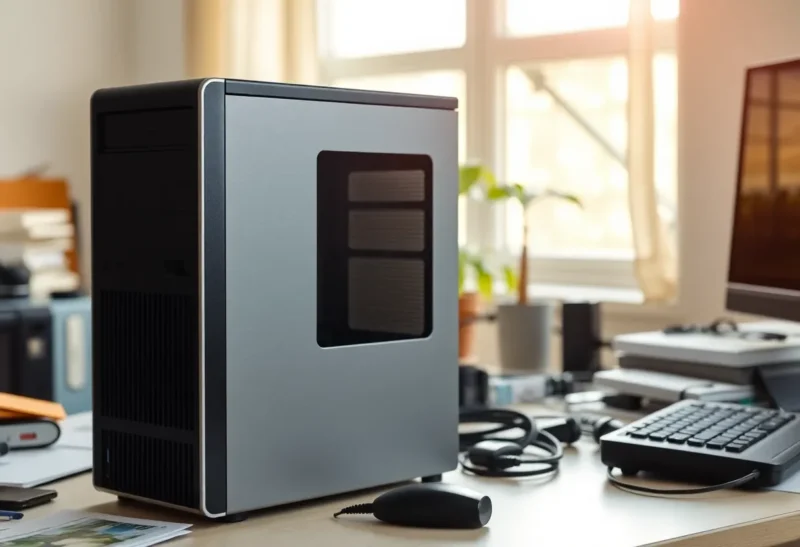
Last winter I bought a used office desktop for $140 with the specific intention of proving a point. It had an eight-year-old six-core Intel chip, 32 GB of DDR4 that the seller had thrown in because he could not be bothered to pull it, and no graphics card at all. The plan was to make it my household’s everyday chat machine and stop hearing that local AI means a $1,500 GPU.
The point half survived. The box is still running, still answering questions, and I use it every day. But the first week taught me exactly which jobs a CPU-only model is good at and which ones make you want to throw the keyboard, and the dividing line was not where I expected it to be. It was not about how clever the model was. It was about how long I had to wait before the first word appeared.
So yes, you can run a useful local LLM without a GPU. Here is what “useful” means on a processor alone, and the two numbers that decide whether it will feel like a tool or a punishment.
Why a CPU can do this at all
When a model generates text, it produces one token at a time, and for every token it has to read essentially all of its weights from memory. A 4.9 GB model means roughly 4.9 GB of memory reads per token. The arithmetic the processor does on those weights is modest by comparison. That makes text generation mostly a memory bandwidth problem, not a raw compute problem.
Graphics cards win because their memory is enormously fast: a mid-range card reads several hundred gigabytes per second. Ordinary desktop RAM is much slower. But “much slower” is not “useless,” and you can estimate the ceiling with one division:
memory bandwidth ÷ model size ≈ best-case tokens per second
My old box has dual-channel DDR4-2666, which is about 42 GB/s in theory. Divide by a 4.9 GB 8B model at Q4 and the ceiling is about 8.7 tokens per second. In practice you get perhaps 60 to 70 percent of the theoretical figure, so I see 5 to 6 tokens per second. A newer machine with dual-channel DDR5-5600 has roughly 90 GB/s, and the same model runs at around 12 to 14 tokens per second.
For context, people read at roughly four to six words per second, and a token is about three quarters of a word. Five tokens per second is close to reading speed. For a chat reply you read as it streams, that is fine. It is not fast. It is not painful either.
The number nobody warns you about: prompt processing
Generation speed was acceptable from day one. What nearly made me give up was something else.
Before a model writes anything, it has to read your whole prompt. This step, called prompt processing or prefill, works on all the input tokens at once, and unlike generation it really is compute-bound. GPUs chew through it at thousands of tokens per second. My six-core CPU manages somewhere around 40 to 80 tokens per second for an 8B model, depending on the quantization.
That difference is invisible when you type a two-line question. It is brutal when you paste something. The first real job I gave the box was summarizing a 3,000-token meeting transcript. I pressed enter, watched nothing happen, got up, made tea, and came back to find it had just started writing. It took close to a minute to read the transcript before producing a single word, and then another minute to write the summary.

That is the real dividing line for CPU-only local AI:
- Short input, any length of output: works well. Questions, rewriting a paragraph, drafting an email from three bullet points, explaining an error message.
- Long input: works, but you wait in proportion to what you paste. Summarizing documents, asking questions about a long code file, or a chat that has grown to thousands of tokens all get slower to start.
Two things help. Runtimes like llama.cpp and Ollama cache the processed prompt, so in a continuing conversation only the new message has to be read, not the whole history every time. And splitting a long document into chunks you feed one at a time keeps each wait short, even if the total time is similar.
What actually runs well on a CPU
Without a graphics card, your ceiling on model size is no longer VRAM. It is system RAM, and 32 GB is cheap. That sounds like freedom, but bandwidth still sets the speed, so bigger models get proportionally slower. Here is how it plays out on my DDR4 box and on a friend’s DDR5 mini PC, both at Q4:
- 3–4B models: around 12–15 tokens per second on DDR4, well over 20 on DDR5. Quick, pleasant, and good at classification, short rewrites and simple extraction. Not much of a conversationalist.
- 7–8B models: 5–6 on DDR4, 12–14 on DDR5. The sweet spot. This is where a CPU-only assistant starts to feel like an assistant.
- 12–14B models: about 3 on DDR4, 7 or so on DDR5. Noticeably better answers, noticeably slower. Fine for a question you can wait on, tiring for back-and-forth.
- 24–32B dense models: 1–3 tokens per second. They load in 32 GB, they give good answers, and you will stop using them within a week unless you run them as batch jobs overnight.
The mixture-of-experts shortcut
The best thing to happen to CPU-only inference in the last year is the popularity of mixture-of-experts models. A model like Qwen3 30B-A3B stores about 30 billion parameters but only uses around 3 billion of them for each token. You still need the RAM to hold all of it, roughly 18 GB at Q4, but each token only reads a small slice, so it generates at something closer to the speed of a small model while answering more like a mid-size one.
On the DDR5 mini PC, that model runs at roughly 15 to 20 tokens per second on the processor alone, faster than a dense 8B on the same machine and considerably smarter. On my DDR4 box it is around 8 to 10. If you are building a CPU-only setup today, an MoE model is the first thing I would try. The catch is that prompt processing does not get the same discount, so the waiting-for-the-first-word problem stays.
The mistakes that halve your speed
Single-channel memory
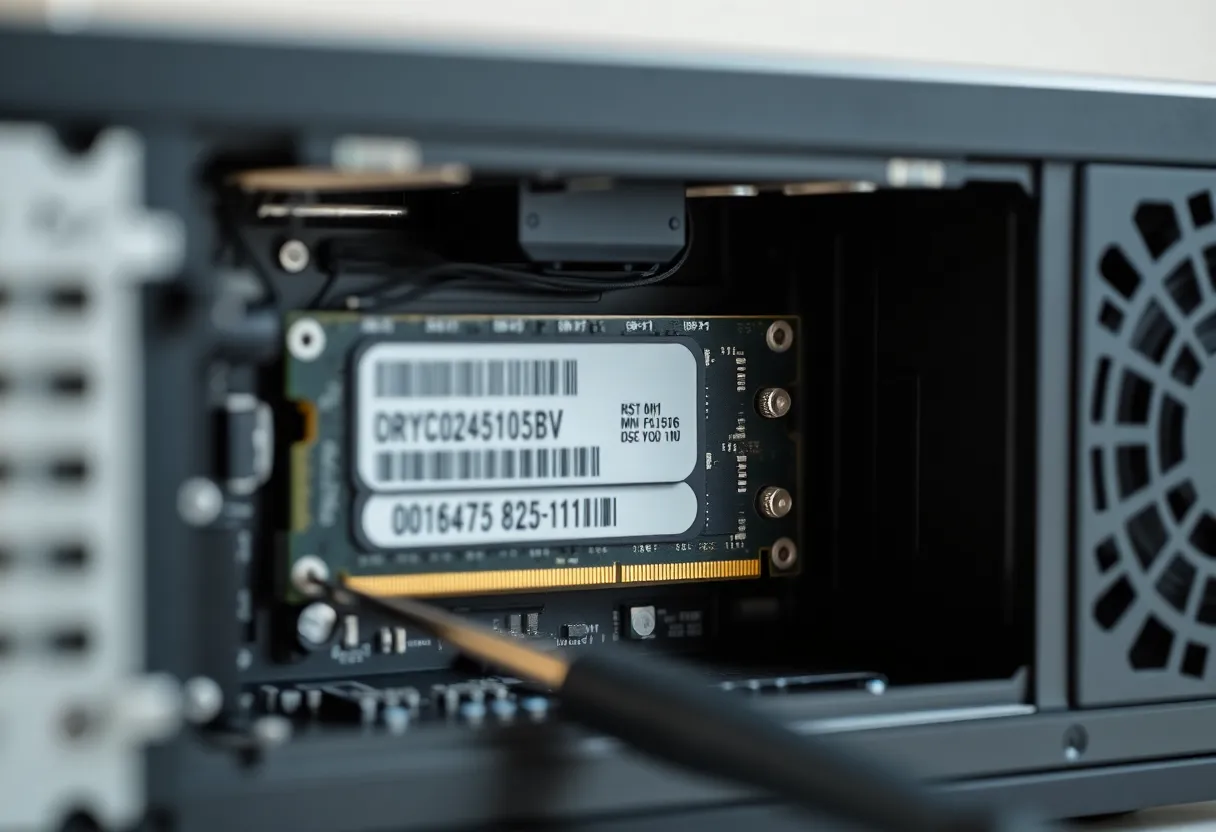
This is the big one, and it bit my friend before it bit me. His mini PC shipped with one 16 GB stick in one of its two slots. Everything worked; it was just running on half the memory bandwidth, and so the model ran at half speed. Adding a matching second stick nearly doubled his tokens per second overnight. Cheap laptops and mini PCs often ship this way. Open the case or check the memory configuration before you blame the model.
Too many threads
More cores feel like they should help. For generation they mostly do not, because the memory bus is already saturated at around six to eight cores. Setting the thread count to every logical thread, including hyperthreads, often makes things slightly slower. I get my best results with the thread count set to the number of physical cores. Prompt processing does benefit from more cores and from newer instruction sets like AVX-512, which is one reason recent AMD chips handle long pastes better than my old Intel.
A context window you do not need
Some front ends default to large context windows. On a CPU box, a bigger window means more memory for the cache and, worse, the temptation to paste more. I cap mine at 8,000 tokens for chat and raise it only for a specific job.
Swapping to disk
If the model plus its context plus the rest of the system does not fit in RAM, the operating system starts paging to disk, and speed falls off a cliff. Without a GPU, system RAM is all you have, so it is worth knowing how much RAM each model class actually needs before you pull a bigger model and wonder why the disk light is on.
What my CPU box does every day
After the first week, I stopped trying to make the old desktop do everything and gave it the jobs it is good at:
- Household questions. Short prompts, short answers, an 8B model. The kids use it for homework explanations. Nobody has complained about speed.
- Rewriting and tone. Paste a paragraph, ask for it shorter or friendlier. A paragraph is a few hundred tokens, so the wait is a few seconds.
- Tagging and sorting. A small script sends each new note or bookmark title to a 4B model and asks for a category. Nobody is watching it, so the speed does not matter at all.
- Overnight summaries. Longer documents go into a folder, and a script summarizes them with a 14B model while we sleep. The wait that was unbearable interactively is irrelevant at 3 a.m.
What it does not do: coding assistance inside an editor, where the model needs to read large files and answer quickly; long back-and-forth conversations over a pasted document; anything where I need the answer in the next five seconds and the prompt is long. For those jobs I use something with a graphics card, or a cloud model.
Should you try it?
If you already own a computer with 16 GB or more of RAM, you should absolutely try CPU-only inference before buying anything. Install Ollama or LM Studio, pull an 8B model at Q4, and ask it the kind of questions you actually ask. If you have 32 GB, also try a 30B-class MoE model. Within an evening you will know whether your jobs are short-input jobs, which a CPU handles fine, or long-input jobs, which it handles slowly.
If you are buying a machine specifically for CPU-only AI, prioritize memory bandwidth over core count: dual-channel DDR5 at a decent speed, both slots filled, and 32 GB so an MoE model fits. That will do more for you than an extra four cores.
My $140 box did not prove that local AI needs no GPU. It proved something narrower and more useful: a processor alone is enough for short, everyday prompts and for anything that can run while nobody is waiting. The GPU earns its money the moment you start pasting.