Should You Buy More RAM or a Better GPU for Local AI?

Lena Kovacs
September 27, 2026
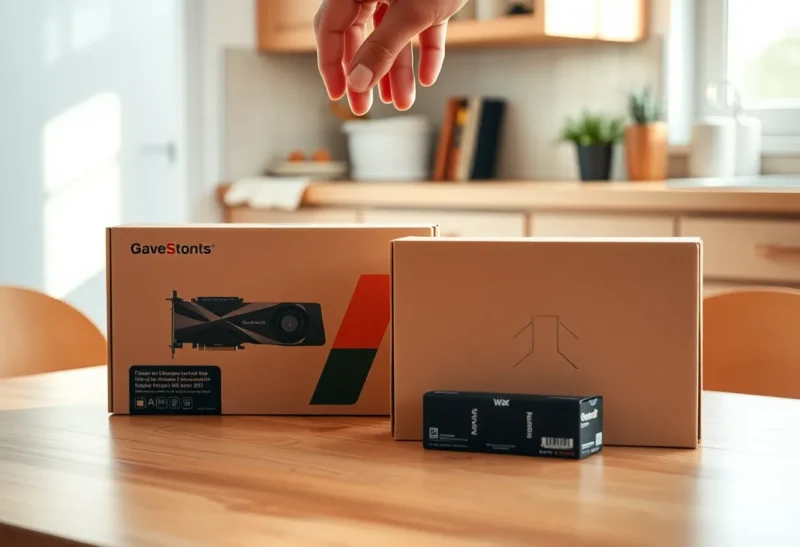
In June I had two browser tabs open with items in the cart. One was a 64 GB DDR4 kit for about $170. The other was a 16 GB RTX 5060 Ti for about $450. My desktop is a Ryzen 5 5600 with 16 GB of RAM and an RTX 3060 with 12 GB of video memory, and I had set myself a budget of roughly $500 to make it a better machine for running local language models. I could afford one of the two comfortably. Both, not really.
Most of the advice I found boiled down to “VRAM is king, buy the GPU.” That is true in a specific sense and misleading as shopping advice. What I actually needed to know was which part was holding my setup back for the jobs I do, and which purchase would change the result I could see. Working that out took an evening of testing on the hardware I already had, and it led me to the cheaper cart. Here is the reasoning, so you can run the same check before you spend anything.
Two parts, two different jobs
The cleanest way I have found to think about it:
- System RAM decides whether a model can run at all. It is where the model lands if it does not fit on the graphics card, where it is staged while loading, and where your operating system and every other app live. Not enough RAM means the computer starts paging to disk, and everything grinds.
- Video memory decides whether a model runs fast. A model that fits entirely on the graphics card generates text at the speed of the card’s memory, which is several times faster than system RAM. Any part that does not fit runs from system RAM at system RAM speed, and that slow part sets the pace for the whole model.
So RAM is the enabler and the GPU is the accelerator. The question is which of those you are short of. If you are not yet sure what size of model you want, work that out first: the memory each model class needs is the input to everything below.
The four symptoms, and what each one is asking for
Symptom 1: the model will not load, or the whole computer freezes
This was my situation with a 32B model at Q4, about 20 GB. My card holds 12 GB, so roughly 9 GB had to sit in system RAM. My system RAM was 16 GB, with Windows and a browser already using about 7. The model technically loaded, then Windows started paging to disk and my mouse cursor started stuttering.
That is a RAM problem, and no graphics card under 24 GB would have fixed it. A 16 GB card would still have left several gigabytes of that model needing system memory I did not have.
Symptom 2: it loads fine but generates slowly
If a model loads without the system struggling but produces only a few words per second, the model is almost certainly split between GPU and CPU, and the CPU half is dragging the rest down. Adding more RAM will not speed that up; the RAM is already big enough, it is just slow. What speeds it up is getting more of the model, ideally all of it, onto the graphics card. That is the case for a card with more video memory. If you want to understand why a partly offloaded model is so much slower than half speed, that is the mechanism that makes this symptom so pronounced.
Symptom 3: it fits and is fast, but you want it faster
If your model already fits entirely in video memory, a faster card of the same capacity helps, but less than you might expect. Generation speed tracks memory bandwidth: my 3060 has about 360 GB/s, the 5060 Ti about 448 GB/s. That is roughly a 25 percent improvement on a model that already fits. Nice. Not transformative, and not what I would spend $450 on.
Symptom 4: it is fine until you paste something long
Long pastes grow the model’s context cache, which takes memory. On a card that is nearly full, a longer context can push part of the model off the GPU. On the system side, very long contexts plus a big model can exhaust RAM. Check which one you are hitting before buying. Often the cheapest fix is a setting: store the cache in 8-bit, which roughly halves it.
What each purchase would have bought me
Before buying, I estimated each option on the models I actually use. Here is how it came out for my machine.
Option A: 64 GB of RAM, about $170
- 32B dense model: goes from “freezes the computer” to running, split between card and RAM, at about 3 to 4 tokens per second. Usable for a question I am willing to wait on. Not for conversation.
- 30B mixture-of-experts model (Qwen3 30B-A3B class): this was the surprise. These models store about 30 billion parameters but only use around 3 billion per token. With the attention layers on the 3060 and the experts in system RAM, they run at roughly 15 to 20 tokens per second on my DDR4. With 16 GB of RAM they did not fit at all.
- Everyday headroom: the 14B model I use most stops competing with the browser and Docker for memory.
Option B: RTX 5060 Ti 16 GB, about $450
- 14B model: already fitted on the 3060; about 25 percent faster, and room for a much longer context entirely on the card.
- 24B model at Q4 (about 14 GB): now fits on the card with a modest context and runs at a good speed. On the 3060 it had to split.
- 32B dense: still does not fit in 16 GB. Still splits, somewhat faster than on the 3060 because less of it sits in RAM, but still slow. And with 16 GB of system RAM, still fighting the operating system for memory.
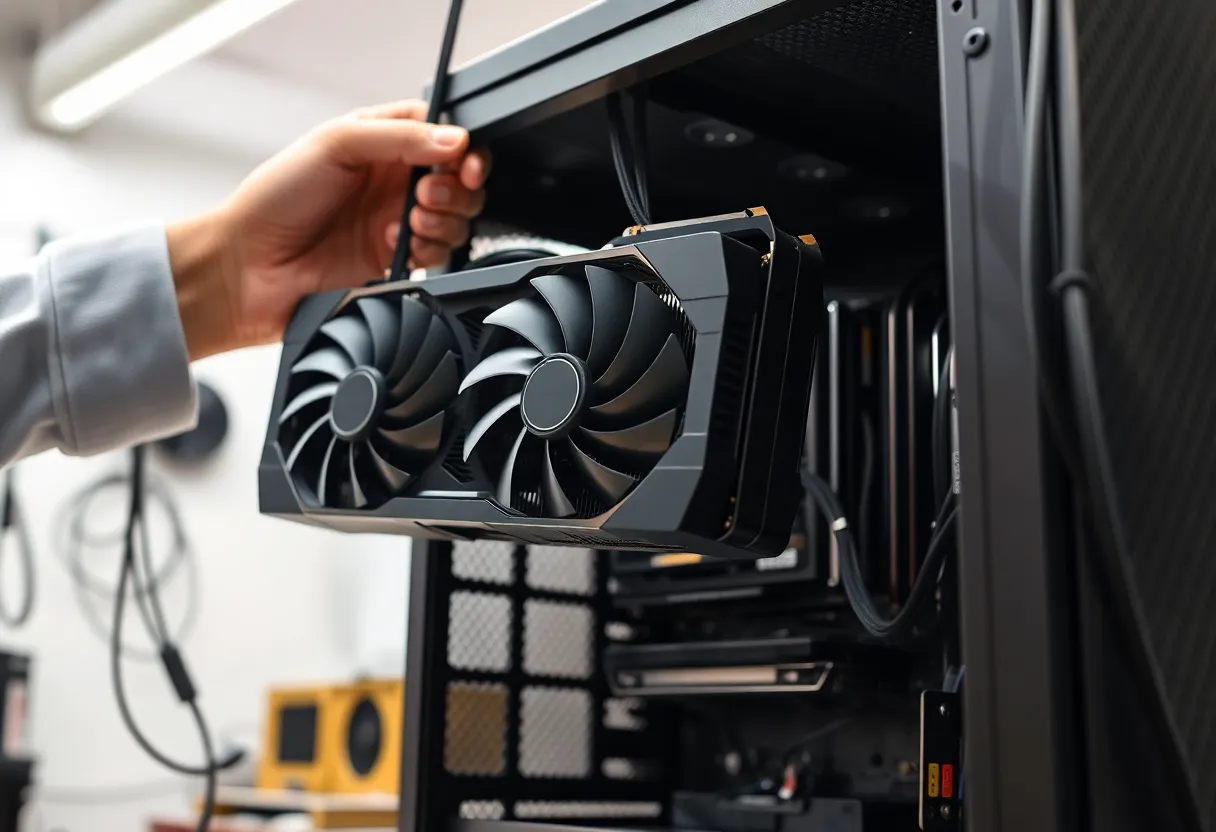
Option C: a used RTX 3090 24 GB, about $750–850
Outside my budget, but it has to be on the list because it is the only option that makes a 32B dense model genuinely fast: it fits entirely on the card and generates at around 30 tokens per second. It also needs a power supply of 750 watts or more, three slots of space and a case long enough for it. And with 24 GB of video memory, you also want at least that much system RAM for comfortable loading, so on my machine it would have needed the RAM upgrade too.
The checks before you click buy
For a RAM upgrade
- Buy a matched kit of the full capacity rather than adding sticks to what you have. Mixed kits often refuse to run at their rated speed, or at all.
- Two sticks beat four. On many platforms, especially DDR5, filling all four slots forces the memory to run slower, which directly lowers the bandwidth your CPU-side model layers get. 2 × 32 GB is better than 4 × 16 GB.
- Check your board’s maximum and the CPU’s supported memory speeds.
- Prices have moved. Memory prices rose sharply over the past year as data-centre demand soaked up supply. A RAM upgrade is still the cheaper of the two here, but by a smaller margin than it would have been in 2024.
For a GPU upgrade
- Only video memory capacity moves you to a new class of model. A faster card with the same memory makes the models you already run a bit faster. A card with more memory lets you run bigger ones fast.
- Check the power supply’s wattage and connectors, the case length, and the slot width.
- Stick with NVIDIA if you want the least friction in local AI software. AMD and Intel cards work with more effort, and their price per gigabyte of video memory can be attractive if you are comfortable with that.
What I bought, and what happened next
I bought the RAM. The deciding factor was symptom 1: my problem was not that things were slow, it was that anything above 14B was unusable, and a 16 GB card would not have fixed that for the 32B class I was curious about.
A month later, the result was not what I had expected. I thought I would use the 32B dense model for important writing and put up with the speed. I barely touched it. The mixture-of-experts model, which the RAM upgrade made possible, turned out to be fast enough for conversation and good enough for almost everything I had wanted the 32B for. The GPU upgrade went from “next month” to “maybe next year.”
How to decide for yourself
- Load the model you want to run on the machine you have, even if it runs badly, and watch Task Manager or your system monitor.
- If system memory hits the ceiling and the disk starts working, buy RAM first. It is cheaper, and nothing else helps until that is fixed.
- If system memory is fine but the model is split between GPU and CPU and too slow, buy a card with more video memory, enough to hold the model and its context. A faster card with the same memory will disappoint you.
- If the model already fits on the card, keep your money unless 20 to 30 percent more speed is genuinely worth the price to you.
- Before buying a big card for dense models, try a mixture-of-experts model with more RAM. It may make the expensive purchase unnecessary, as it did for me.
“VRAM is king” is correct about speed. It is incomplete as a shopping rule, because a king cannot help you if the model will not load in the first place. Find out which symptom you have, then buy the part that treats it.