Best Mini PCs for a Home Server: The Used Office Box, the N100, and When Ryzen Is Worth It

Jesse Cole
September 27, 2026
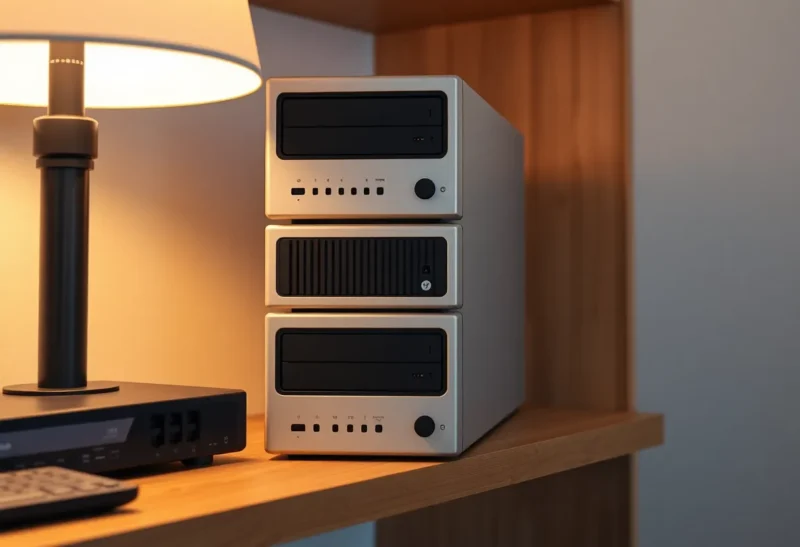
Every few months someone asks me which mini PC they should buy for a home server, and every few months I give roughly the same answer: probably not the one with the best-looking product page. The best home server mini PC is usually a boring beige-and-black box that spent four years under a desk in an accounting office, or a cheap new machine with a chip nobody writes breathless reviews about. The expensive ones are great, but most people buy them for workloads they do not have.
This guide is about picking a small computer that will sit in a closet, run Docker or Proxmox, serve some media, host a few apps, and not need attention. I have bought, flashed, and retired more of these than I would like to admit, and the lessons are less about benchmark charts and more about RAM slots, drive bays, network chips, and whether the BIOS lets you boot after a power cut.
What a home server mini PC actually needs
Before any model names, here is the checklist I run through. A machine that fails two of these is not a good server, no matter how fast it is.
- Socketed RAM, ideally two slots. Containers and VMs eat memory long before they eat CPU. A box with 8 GB soldered to the board is a box you will replace in a year. Two SO-DIMM slots let you go to 32 or 64 GB later for the price of a couple of laptop sticks.
- At least two internal drives. One NVMe for the OS and containers, and one more slot, either a second M.2 or a 2.5-inch SATA bay, for data or a mirror. Single-slot machines push you toward USB-attached storage, which works until a cable gets bumped.
- A decent network chip. Intel NICs are the safe bet on Linux and Proxmox. Many cheap boxes use Realtek chips that work fine, but occasionally need an extra driver or misbehave under a hypervisor. Know which one you are getting.
- Hardware video transcoding if you run Plex or Jellyfin. Intel Quick Sync is the path of least resistance. It lets a tiny CPU transcode several streams without breaking a sweat.
- “Restore on AC power loss” in the BIOS. A server that stays off after a power blip until someone presses a button is not a server. Nearly every business desktop has this setting; some consumer mini PCs bury it or omit it.
- Tolerable noise. These boxes live in hallways and living rooms. A fan that whines under light load gets unplugged.
Notice what is not on the list: the fastest CPU you can afford. For most home servers, the processor sits nearly idle most of the day. Memory, storage layout, and reliability decide how the box feels a year later.
Option one: the used 1-liter business PC
If I had to recommend one category without knowing anything else about you, it would be this. Lenovo ThinkCentre Tiny, Dell OptiPlex Micro, and HP EliteDesk or ProDesk Mini machines are corporate desktops about the size of a hardback book. Companies lease them by the thousand and dump them on the refurb market every three to five years. That means lots of supply, low prices, and years of community documentation.
The sweet spot right now is the Intel 8th to 10th generation models: a Lenovo M720q or M920q, a Dell OptiPlex 3070, 5070, or 7070 Micro, or an HP EliteDesk 800 G4 or G5 Mini. Typical features across that range:
- Two DDR4 SO-DIMM slots, happily running 32 GB and usually 64 GB.
- One or two NVMe slots, plus a 2.5-inch SATA bay on many configurations.
- Intel UHD 630 graphics with Quick Sync, which handles H.264 and HEVC transcoding well.
- Intel Ethernet on most models.
- Business BIOS options: power-on after AC loss, wake-on-LAN, boot order locks.
A few specific quirks worth knowing. The Lenovo M720q and M920q have a PCIe slot that becomes usable with a riser card, which is how people add a 2.5 or 10 GbE card or a second NIC for a router VM; that alone has made them cult favorites. Some M920q configurations with vPro processors support Intel AMT, giving you remote power and console control without a KVM. HP’s Mini models often offer a “Flex IO” port option that can take an extra network or display module if you find the right part.
Prices move constantly, but a six-core model with 16 GB of RAM and a small SSD is commonly well under the price of a new budget mini PC. Budget for a RAM upgrade and a better NVMe drive, and check whether the listing includes the power brick; those proprietary adapters are cheap to find but annoying to be missing.
Downsides: they are several years old, so the fan may need cleaning and the thermal paste may be tired. The iGPU lacks AV1 decode. And the business aesthetic is, charitably, practical.
Option two: a new Intel N100 or N150 box
The Intel N100 and its successor, the N150, created a whole category of cheap, quiet, low-power mini PCs from brands like Beelink, GMKtec, Minisforum, and a long tail of names you have never heard of. The chip has four efficiency cores, a very low power envelope, and a modern iGPU with Quick Sync, including AV1 decode.
For a home server that mostly runs containers, a media server, and some light automation, an N100 box is a very good fit. It will transcode several 4K streams through Quick Sync, sip power, and often run with a quiet fan or no fan at all. Some models ship with dual 2.5 GbE Intel i226 ports, which makes them popular as small router or firewall boxes too.
The catches are real, though, and product pages rarely lead with them:
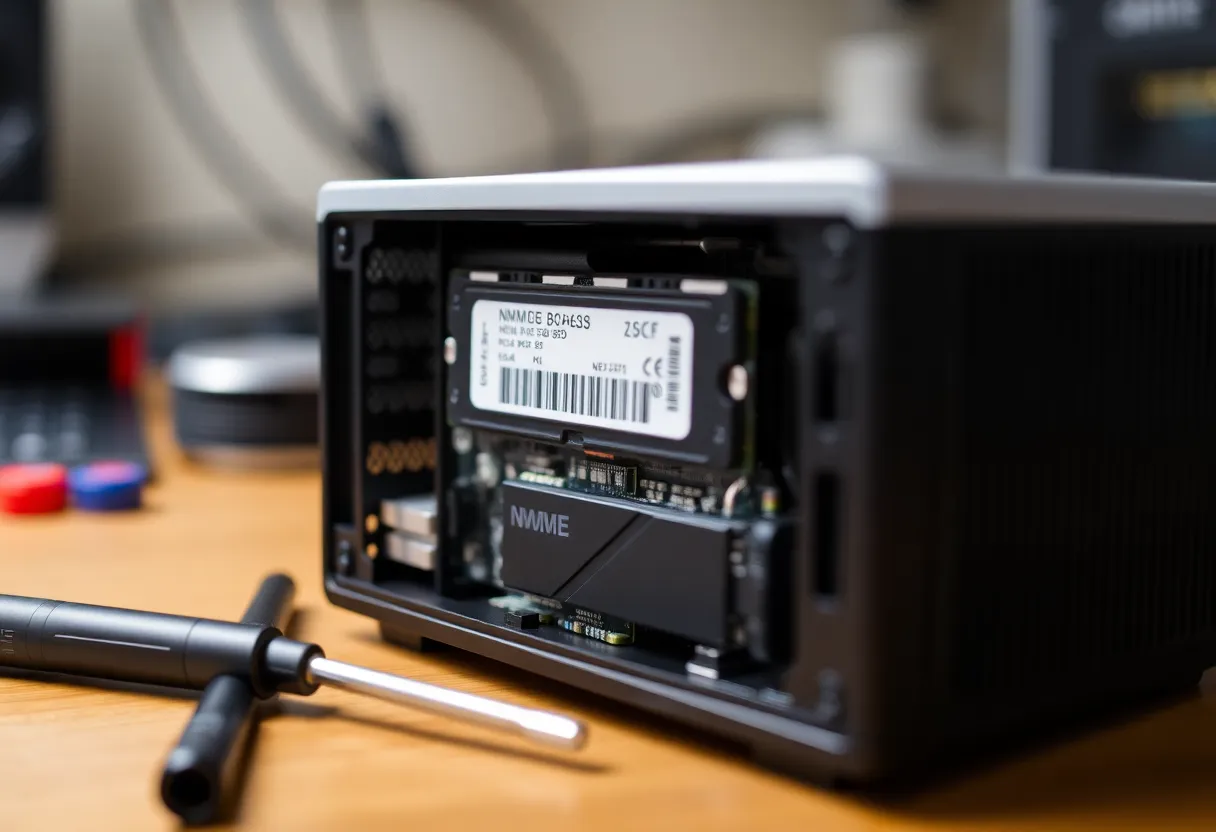
- Memory limits. The N100 supports a single memory channel. Many boxes have one SO-DIMM slot, and Intel officially lists 16 GB as the maximum. Plenty of people run 32 GB successfully, but you are relying on community reports, not the spec sheet. Some cheaper models solder the RAM; avoid those.
- Few PCIe lanes. The chip has limited lanes, so storage is often one M.2 slot (sometimes running at reduced speed) plus a 2.5-inch bay, or just one slot. Read the listing carefully.
- eMMC traps. The very cheapest boxes boot from soldered eMMC storage. It is slow and wears out. Skip anything without a real M.2 slot.
- BIOS roulette. Consumer mini PC firmware is inconsistent. Check owner forums that the model you want has an auto-power-on setting and that it survives firmware updates.
- Four small cores. Fine for a dozen containers, tight for several VMs or anything that compiles code regularly.
If your home server is Docker plus Jellyfin plus a handful of apps, an N100 or N150 box with a real M.2 slot and a socketed stick of RAM is probably the most sensible new purchase you can make.
Option three: Ryzen mini PCs when you need real cores
Mini PCs built around AMD Ryzen mobile chips, from the older 5000-series up to recent 7000 and 8000-series parts, are in a different league for compute. Six or eight full-size cores with SMT, two DDR4 or DDR5 slots that can take 64 GB or more, and often two NVMe slots. Some higher-end models add USB4 or OCuLink for external expansion.
This is the right category if you run several VMs at once, host game servers, do CI builds, run a local language model on the CPU, or just want headroom for five years of scope creep. It is the wrong category if you mostly run a media server, for one reason: AMD’s hardware video encoding works in Jellyfin through VA-API, but Intel Quick Sync is better supported and generally produces better results for transcoding. Plex in particular has historically been Intel-first. If transcoding is central to your server, lean Intel.
Ryzen boxes also cost noticeably more and tend to run louder under sustained load, since they are basically laptop chips with desktop-level thermal ambitions in a small case. Pick a model with good reviews for fan behavior, and prefer ones with Intel or well-supported Realtek NICs.
What about Intel NUC?
Intel handed its NUC line to ASUS in 2023, and ASUS continues to sell NUC-branded machines. Older Intel NUCs from the 8th through 11th generation are common on the used market and make fine servers, with two SO-DIMM slots, an NVMe slot, and often a 2.5-inch bay on the taller models. They usually cost more than an equivalent used business PC, but some people prefer the smaller footprint. Newer ASUS NUCs are premium machines priced accordingly; buy them if you like them, not because the name implies a server pedigree.
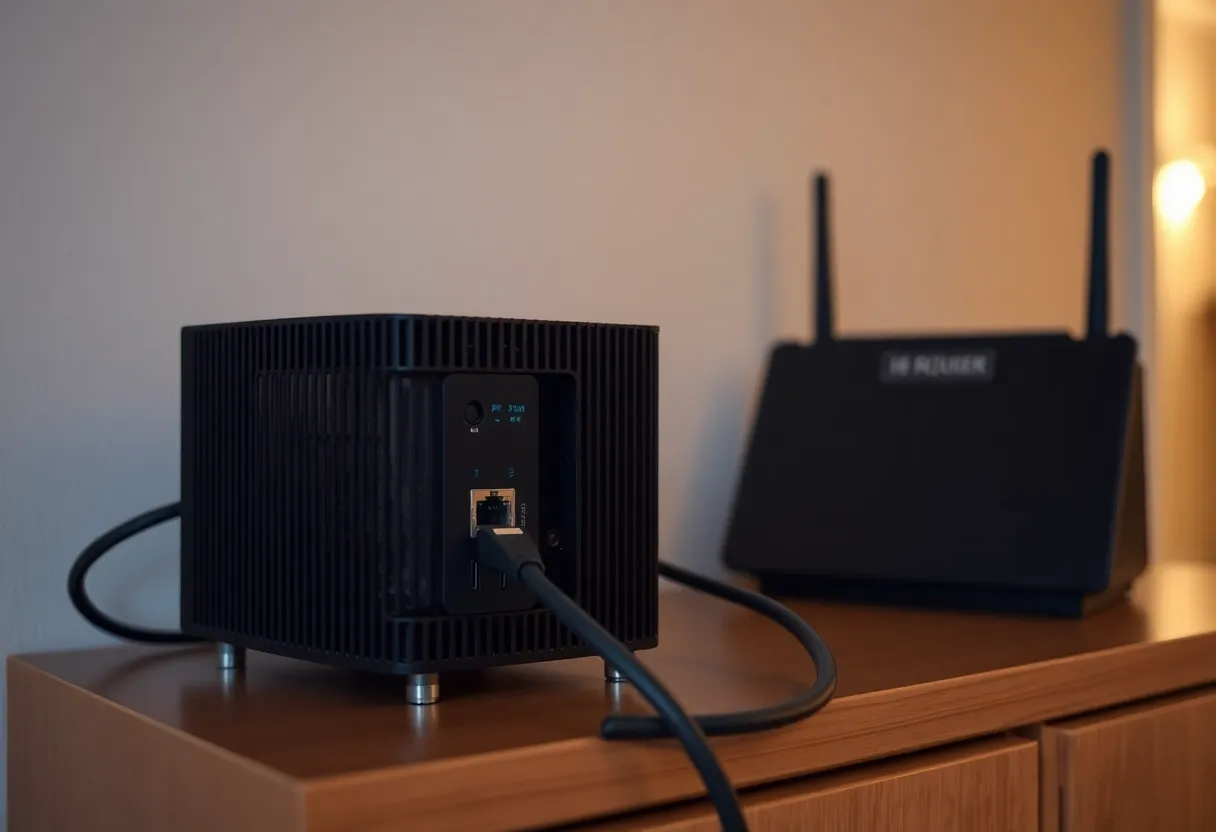
Storage: the part that decides whether it is a server or a hobby
The biggest limitation of any mini PC is drive count. A one-liter box will hold two, maybe three internal drives. That is enough for an OS drive plus a mirror, or an OS drive plus one big SSD. It is not enough for a four-disk array.
If your plans include tens of terabytes of media or ZFS with redundancy across several spinning disks, you have three honest choices: pair the mini PC with a separate NAS, attach a USB or eSATA enclosure and accept the reliability trade-off, or buy a small tower instead. USB enclosures have improved, but a flaky USB bridge chip under a filesystem that expects stable disks is one of the more common ways people lose a weekend. If you go that route, use a well-reviewed enclosure with a known-good chipset and put it on a UPS along with the PC.
People sometimes ask whether a Raspberry Pi with an NVMe hat could handle this role more cheaply. For a storage-first build, that trade-off is covered in detail in the comparison of a Raspberry Pi 5 NAS against a used mini PC; the short version is that once you add the hat, case, power supply, and storage, the price gap narrows fast.
My picks by use case
First home server, general purpose: a used Lenovo M720q or M920q, Dell OptiPlex 7070 Micro, or HP EliteDesk 800 G4 Mini with a six-core i5, upgraded to 32 GB of RAM and a 1 TB NVMe drive. It runs Docker or Proxmox comfortably, transcodes through Quick Sync, and costs little enough that a mistake is cheap.
Media server that must be quiet: an N100 or N150 box with a socketed RAM slot, a proper M.2 slot, and a 2.5-inch bay. Put the OS on NVMe and media on an SSD or a NAS share. AV1 decode is a nice bonus if your library is heading that way.
Router plus services on one box: an N100 or N150 model with dual Intel 2.5 GbE ports, or a Lenovo Tiny with a riser and a dual-port NIC. Be honest with yourself about whether you want your internet connection to depend on the same box you tinker with.
Proxmox with several VMs: a Ryzen 7 mini PC with 64 GB of RAM and two NVMe drives. Mirror the VM storage. This is the machine that lets you run a Windows VM, a few Linux guests, and a container host at once without swapping.
Tight budget, just learning: the cheapest used business mini PC with socketed RAM and an NVMe slot you can find. Older 6th and 7th generation models work fine for learning Docker. Upgrade later when you know what you actually run.
Things I check on every purchase
- Open the listing photos and confirm the number of RAM slots and M.2 slots. Do not trust the title.
- Search the exact model plus “Proxmox” or “Linux NIC” to find driver complaints.
- Confirm the power brick is included, and note the connector type.
- On arrival, update the BIOS, enable power-on after AC loss, disable any unnecessary boot devices, and clean the fan.
- Run a memory test overnight before trusting it with data. Refurbished RAM does occasionally arrive bad.
- Label the box with its hostname. Future you, holding three identical black boxes, will be grateful.
The boring answer is usually right
Most people overbuy their first home server. They picture a rack of VMs and end up running Jellyfin, a password manager, a photo backup, and a reverse proxy, which a used office PC handles without noticing. Start with a machine that has socketed RAM, two drive slots, an Intel NIC, and Quick Sync. Upgrade memory before you upgrade the CPU. Add a separate box for storage when your data outgrows two drives.
The flashy mini PC with the glowing lid and the benchmark chart will still be available when you genuinely need more cores. By then you will know exactly what you are buying it for.