A bias light behind the monitor vs the ceiling light on a video call: what the camera does to your face

Nate Osborn
September 23, 2026
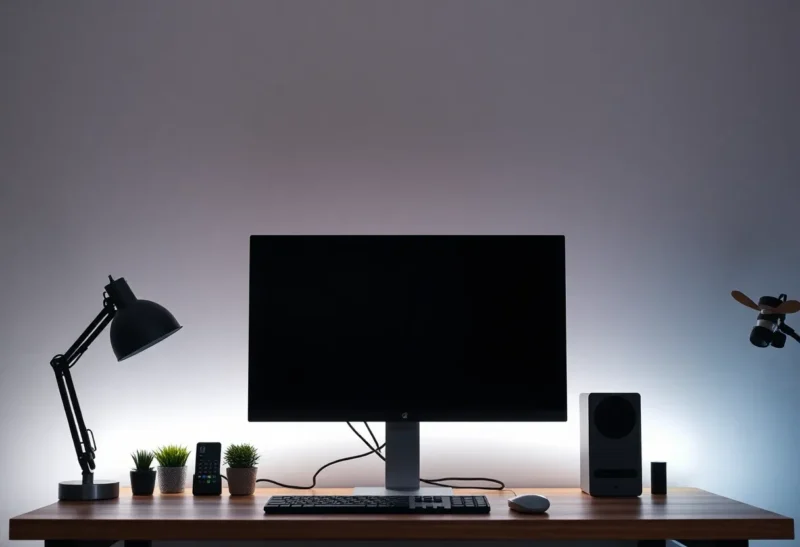
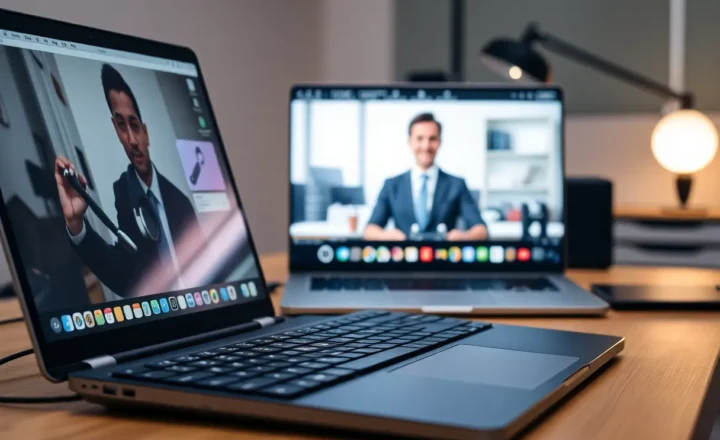
On a video call, your face is a product the camera manufactures. It does not see “you in a nice room.” It sees a small sensor fighting auto-exposure, auto-white-balance, and whatever light happens to hit your forehead and eye sockets. That is why the same person looks fine in person under a ceiling fixture and looks exhausted or shiny on Zoom.
Two common fixes compete in home offices: a bias light behind the monitor, and simply turning on the overhead ceiling light. They solve different problems. One is mostly about the screen and your pupils. The other is about putting photons on your face. Confusing them is how you end up with a glowing wall and a raccoon-mask webcam image.
What the webcam is optimizing for
Laptop and monitor webcams are tiny. They need light. When the room is dim, they raise gain (noise), lengthen exposure (motion smear), or both. When one region is bright — a window behind you, a lamp in frame — they expose for the bright patch and crush your face into shadow. Auto-exposure is not rude; it is doing math on a bad scene.
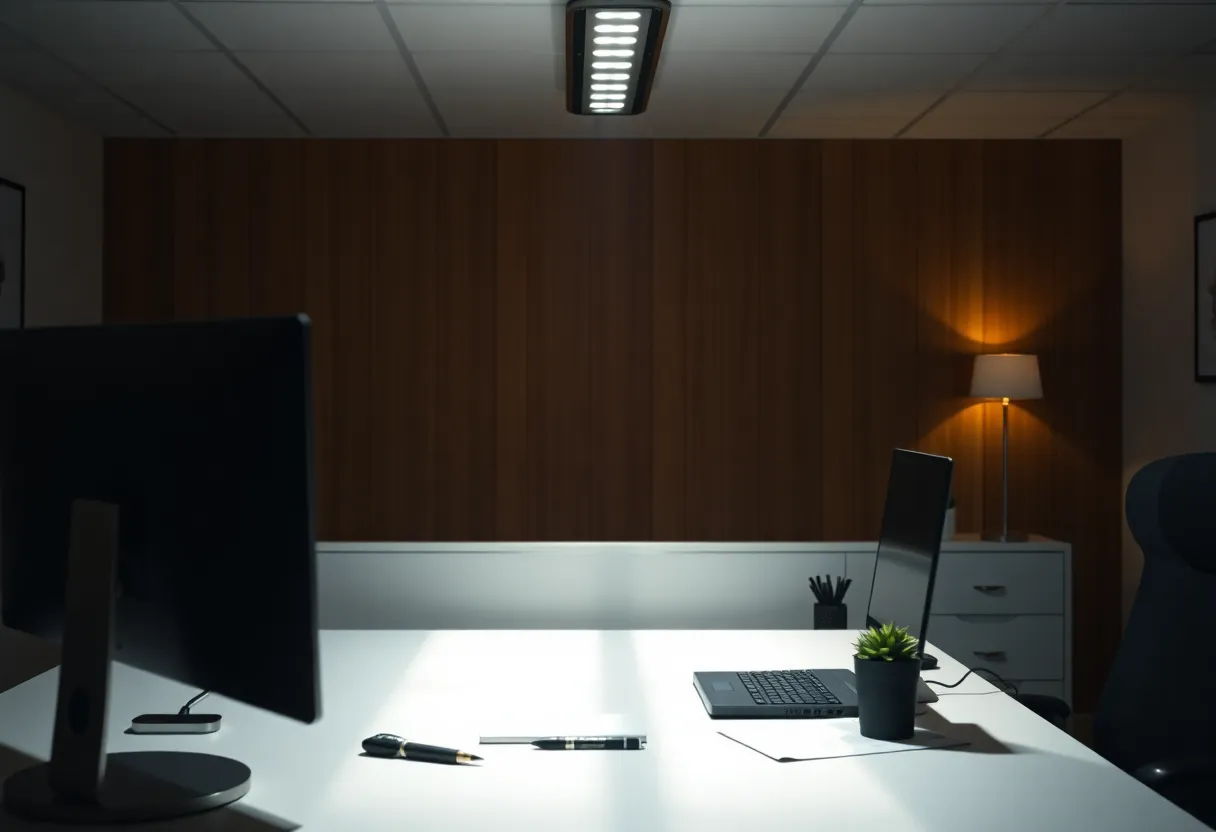
Ceiling lights often sit above and slightly behind the plane of your eyes. They light hair and forehead well and leave eye sockets dark. That is the classic “skull lighting” look on calls. A bright overhead also creates specular shine on foreheads and glasses while the camera still underexposes the midtones of your cheeks.
Bias lights sit behind the display, washing the wall with soft luminance. Their original job in enthusiast setups is comfort and perceived contrast while you watch the screen — less pupil strain jumping between a bright panel and a black room. For video calls, that wall wash can help the camera’s metering by raising overall scene brightness without blasting your face from above. It is not a key light. It will not sculpt cheekbones. It can stop the webcam from thinking the universe is a cave.
Ceiling light on a call: what it actually does
Turning on the overhead is the fastest way to dump light into the room. Sometimes that is enough: a dark cave becomes a usable room, the webcam drops gain, and noise falls. If your ceiling fixture is diffuse and not directly above your scalp — a nearby floor lamp pointed at a wall counts as “ceiling energy” in spirit — you can look acceptable.
When the fixture is a bare bright disk above the desk, the camera does something meaner. Your forehead becomes a hotspot. Eye sockets stay dark. The background may look evenly lit while your face looks tired. People blame “bad webcam” for geometry. Move the light or move your chair and the same camera improves.
Color temperature fights you too. A warm ceiling bulb against a cool monitor makes skin look odd as white-balance hunts. Matching approximate color temperature across lights and display helps more than buying a new camera.
Bias light: what it fixes and what it does not
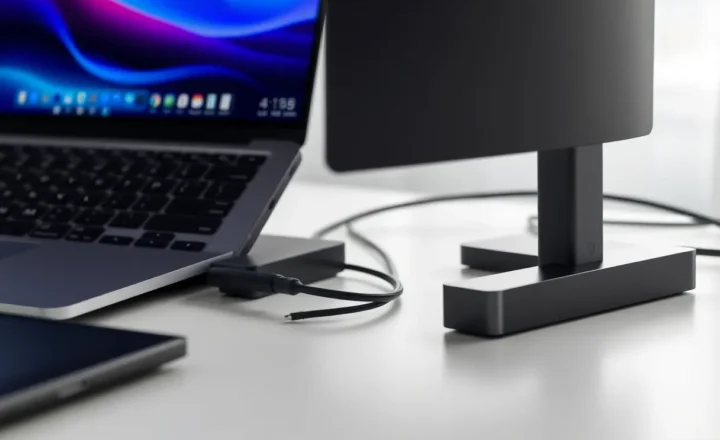
A bias light (LED strip behind the monitor, bias light kits, a lamp bouncing off the wall behind the screen) raises the luminance behind and around the display. Benefits on calls:
- The camera sees a brighter average scene, so it may use less gain
- The edge of the monitor silhouettes less harshly against a black void
- Your pupils are happier between screen and room, so you look less strained even when the image is only moderately better
What it does not do: replace a key light aimed at your face. If your face is still underlit relative to the wall glow, auto-exposure can expose for the bright wall and underexpose you — especially if the strip is punchy and the wall is white. Bias lighting that is too strong behind you becomes a backlight problem with extra steps.
Dial the strip so the wall is gently luminous, not a second sun. Sit so the light is behind the monitor from the camera’s view, not shining into the lens. Matte walls behave; glossy paint can flare.
The combination that usually wins
Think in three layers, the way a cheap documentary crew would:
- Key light — soft light in front of you, slightly off-axis (desk lamp with a shade, cheap softbox, window to the side). This shapes the face.
- Fill / ambient — enough room light that sockets are not caves. A dimmed ceiling light or bounced lamp can do this if it is not your only source from straight above.
- Bias / background wash — behind the monitor, low level, for the screen and metering.
If you can only pick one change today: put soft light on your face, not more light on the ceiling alone, and not bias alone. If you can pick two: face key plus modest bias. Ceiling-only is the emergency mode when guests arrive and the cave must become a room in five seconds.
What the camera “does to your face” in practice
Harsh overhead: deep eye sockets, shiny forehead, possible double chin emphasis from top-down shadows under the jaw. Skin texture looks worse because specular highlights advertise pores.
Dark room + bright screen: your face underexposed, screen rectangle dominating metering, ghostly look, heavy noise. Bias light helps the metering story here more than the ceiling often does, because it raises the region the camera already stares at (the desk tableau) without putting a spotlight on your scalp.
Strong bias, no face light: silhouette risk, bright halo behind the monitor, face still muddy. People install RGB strips, crank saturation, and wonder why they look like a podcast guest in witness protection.
Soft front light + mild bias: even skin, visible eyes, quieter noise, background that does not fight the subject. This is the boring winning setup.
Practical dial-in checklist
- Disable HDR theater tricks on the webcam if they crush midtones oddly; test both ways.
- Sit facing a window if you have one; never put the bright window behind you for important calls.
- Raise the laptop or camera to eye level so overhead shadows are less dramatic.
- Dim the ceiling rather than kill it if you need residual fill.
- Set bias to neutral white near your display’s white point; party RGB is for after the standup.
- Check yourself in the call preview with the exact lighting you will use — not with every lamp on “for the photo.”
When ceiling light is the right answer
Quick all-hands in a room that was pitch dark. Shared office with one switch. You have no desk lamp and the bias strip died. Turn on the overhead, scoot a few inches forward so the light is less top-down, and angle a notepad as a pathetic bounce card if you must. Imperfect photons beat noisy underexposure.
Also: some people look fine under diffuse overheads (large panels, indirect cans). If your ceiling already behaves like soft ambient, you may not need a strip for calls at all. Bias remains a comfort feature for long screen hours.
When bias light is the right answer
Evening coding sessions that turn into surprise calls. You already live in a dark room by preference. The overhead makes you look like a security-camera still. A modest wall wash plus a small desk lamp beats flooding the room with can lights that annoy everyone else in the house.
Bias also helps if your monitor is very bright and the room is very dark — not only for the camera, but so you are not squinting between contrast extremes while pretending to listen.
Bottom line
A bias light behind the monitor and a ceiling light both put energy into the scene, but the camera cares where that energy lands on your face. Ceiling fixtures often carve sockets and shine foreheads. Bias lights help metering and comfort; they are not facial key lights. For calls, soft light in front of you does the real work; bias is a supporting actor; overhead is the blunt instrument when you need any light now.
If you change one thing before the next standup, move light onto your face from the front-ish and keep the wall behind the monitor gently alive. Let the ceiling be optional fill — not the hero.
Hardware that is good enough
You do not need cinema gear. A desk lamp with a fabric shade, a $20 LED panel on a mini stand, or a clamp light bounced into a wall will beat most ceiling cans. Bias can be a simple USB LED strip stuck to the back of the monitor, set to a calm white. Avoid strips that only do saturated rainbow modes with no white.
If you wear glasses, watch for lamp reflections in the lenses. Raise or lower the key light until the hotspot leaves the camera’s view of your eyes. Bias light rarely causes glasses glare; frontal key lights do.
Built-in laptop webcams forgive lighting upgrades more than they forgive bad angles. Fix light first, then consider an external camera. A mediocre sensor in good light beats a fancy sensor in a cave with a disco strip behind the monitor.