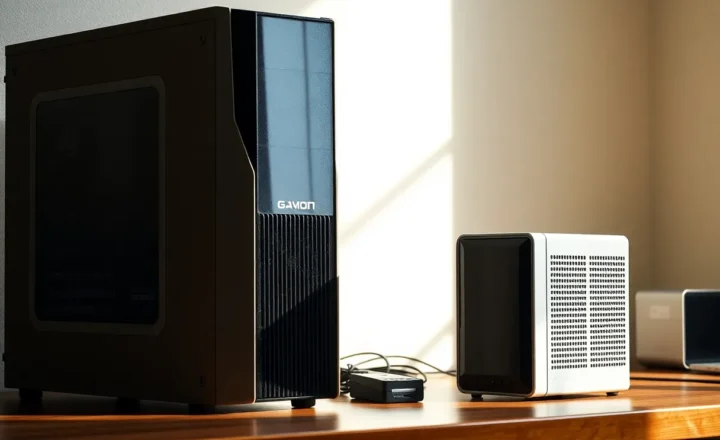
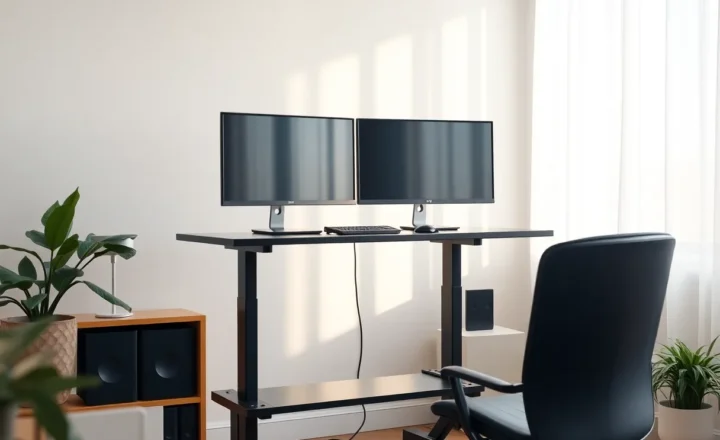
A docked laptop vs a mini PC on the same two monitors: which computer you leave on all day

Marcus Feldmann
September 23, 2026
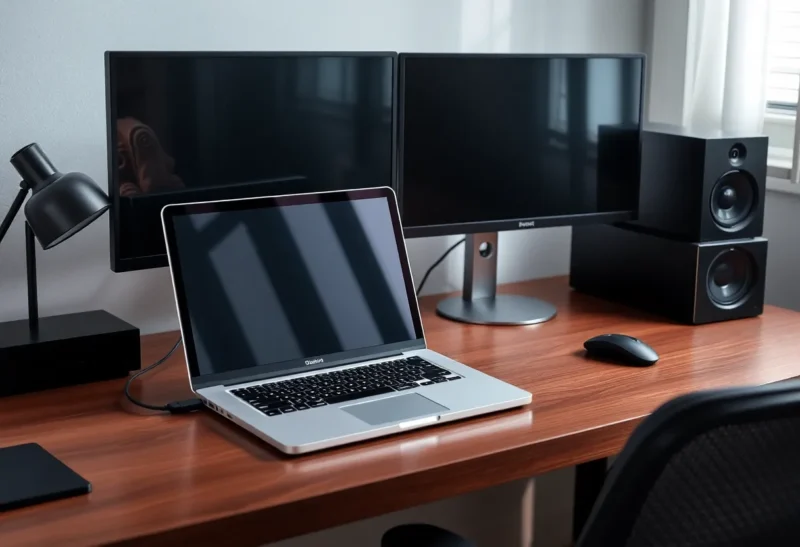
Two monitors do not care what lives under the desk. You do. A docked laptop means one machine for the couch, the flight, and the desk—if the dock behaves. A mini PC means a machine that stays home and stays on, while the laptop becomes a thin client you stop treating as a workstation. The decision is less about peak CPU and more about which computer you are willing to leave powered all day without turning your bag into a heat sink.
I have run both patterns on the same monitor pair. The docked laptop wins when travel is real and sameness of environment matters. The mini PC wins when the desk is a utility and the laptop is a temporary window into it. Mixing the patterns without choosing is how you end up with two half-maintained systems and a dock that only works on Tuesdays.
What “docked laptop” actually optimizes
One disk image. One set of apps. One browser profile that already knows your tabs. Undock, close the lid habits aside, and the same machine is in the meeting room. That continuity is the feature. You are not syncing a project between a home tower and a travel slab unless you choose to.
The costs show up in thermals, ports, and sleep philosophy. A laptop under a desk in clamshell mode is a portable computer asked to be a desktop: sustained compiles, multi-monitor display engines, and a dock chipset in the path. Fans spin. Throttling appears in afternoon Zoom stacks. Thunderbolt/USB4 docks help until a firmware update, a bad cable, or a single HDMI handshake ruins your morning.
Leaving a docked laptop on all day also means battery chemistry living at a desk. Modern laptops manage this better than myths suggest, but “always plugged, always warm” is still a different life than “sleeps in a bag.” If the laptop is your only computer, you accept that. If it is not, you might be burning a portable for desk duty it does not love.
What a mini PC on the same monitors optimizes
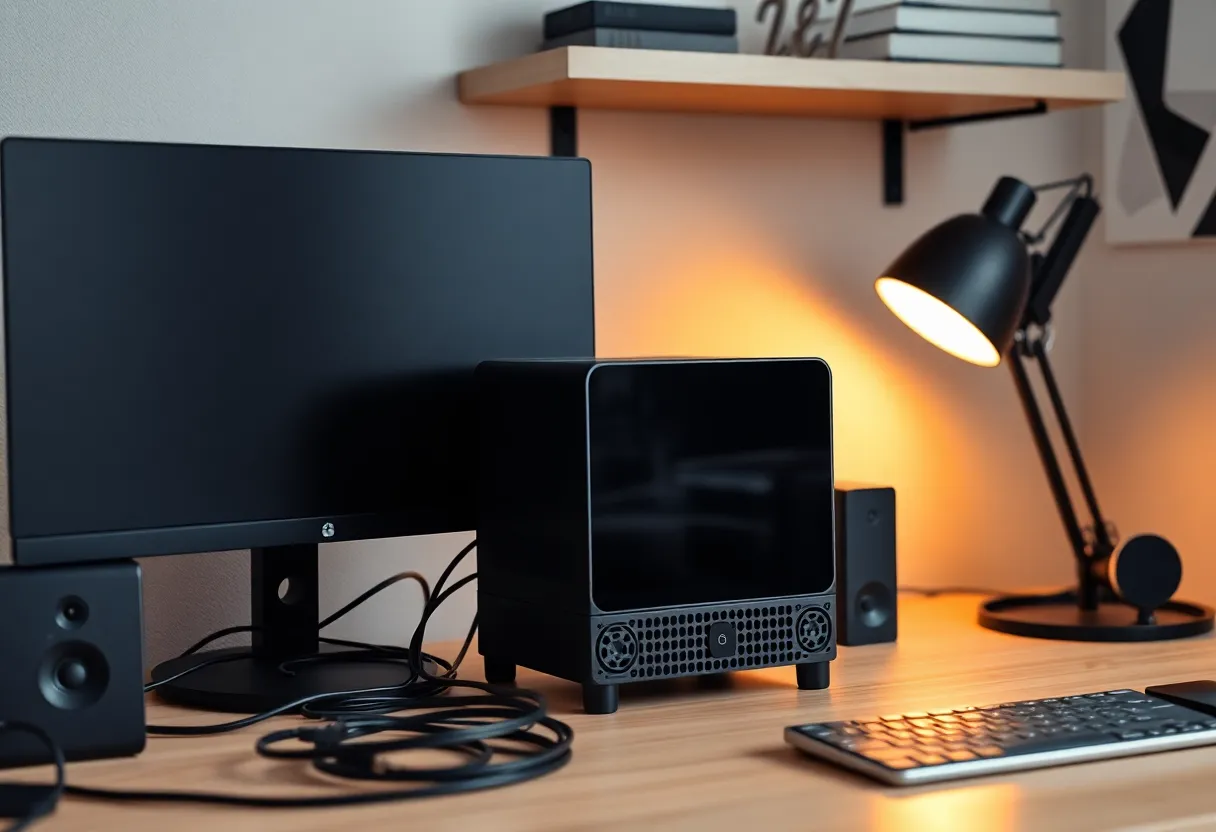
The mini PC is a dedicated desk brain. It can stay awake for downloads, local LLMs of modest size, Home Assistant side duties, or simply the comfort of never waiting on undock/redock theater. Monitors, keyboard, and mouse stay wired to something that does not travel. The laptop, if you still own one, becomes SSH, RDP, browser, or a cold spare.
You gain thermal headroom relative to a thin ultrabook under load—within the limits of small chassis—and you gain a cleaner “desk always works” story when the laptop is elsewhere. You lose the single-environment dream unless you invest in sync: cloud dotfiles, containerized dev, remote desktop into the mini PC, or disciplined git habits.
Mini PCs also fail like desktops: a bad Windows update overnight, a power blip, a fan full of dust. Leaving one on all day is normal. Just give it a UPS if your lights flicker, and decide whether overnight on means overnight risk for unfinished work sitting unsaved in flaky apps. Schedule updates. Reboot on purpose weekly if the OS is the kind that accumulates weirdness. Always-on without maintenance is how mysterious Monday slowdowns become folklore.
Developer workflows tip the scale
If your job is containers, local Kubernetes experiments, or compile-heavy monorepos, a mini PC (or a real desktop) often earns the desk. If your job is docs, tickets, and light editing, a docked ultrabook is plenty and a second machine is clutter. Language tooling that wants long-lived language servers also prefers a machine that does not disappear mid-afternoon when you undock for a standup down the hall.
Remote development muddies the binary: a thin laptop into a mini PC over Tailscale can feel like one environment with two bodies. That is a valid third pattern—just budget network dependency. When the home connection dies, the “desk brain” is stranded. Keep a local fallback editor toolchain on the laptop if deadlines are real.
The all-day question (the real title)
Which computer should stay powered?
- Leave the mini PC on if the desk is infrastructure: file shares, agents, compile servers, always-logged chat, local services. The laptop sleeps in a drawer until travel day.
- Leave the docked laptop on if it is the only machine and you need instant wake into the same session. Accept heat and dock quirks as taxes.
- Leave neither “on” all day if you can sleep/hibernate cleanly and your work does not need background jobs. Many people confuse “always on” with “always ready.” Sleep is ready enough.
Always-on is a workload requirement, not a personality. Downloads, self-hosted tools, and long jobs want a machine that does not disappear into a backpack. Writing email does not.
Display and dock reality checks
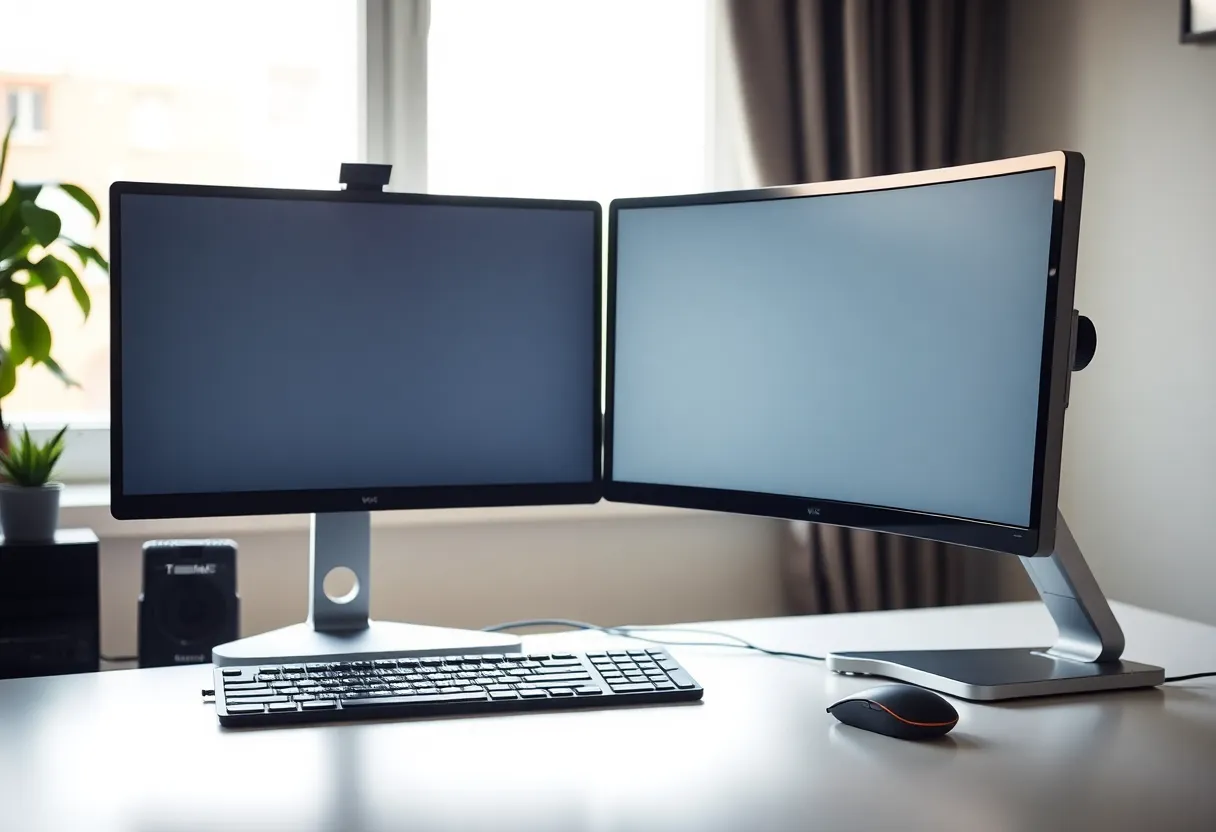
Two 4K monitors punish weak docking paths. Count lanes and ask whether your laptop’s USB4/Thunderbolt implementation is first-class or marketing. Mini PCs with native DisplayPort/HDMI outputs often make multi-monitor boring—in the best way. If your docked setup already flickers when you bump a cable, do not add righteousness; fix the link or change architecture.
Peripherals that want USB stability (cameras, DACs, hardware keys) also vote. Some docks share bandwidth poorly under multi-display load. A mini PC with enough native ports can remove a whole failure class.
Noise, power, and the room
A warm laptop under the desk is audible in a quiet room. A mini PC can be quieter or louder depending on the scrapheap special you bought. Measure your tolerance. Power draw differences for light office work are often smaller than people think; the bigger bill is opportunity cost and annoyance, not kilowatt drama. Still, a laptop battery living at 100% plug forever is a different maintenance story than a mini PC PSU.
Security and “one machine” discipline
One laptop means one disk to encrypt and one device to wipe when you leave a job. Laptop-plus-mini-PC means two patch surfaces and a temptation to forward SSH keys into the always-on box. If you split, treat the mini PC as a server: updates, least privilege, maybe separate browser profiles. Do not casually leave password managers unlocked on an always-on desktop that housemates can wake.
Corporate laptops complicate mini PCs further. MDM may prefer you stay docked to the managed device. A personal mini PC beside a work laptop can be clean separation—or a compliance argument. Know which world you are in.
When I recommend docked laptop
Travel weekly, need identical tooling on the road, already own a powerful laptop, and your dock is stable. Keep the laptop as the primary. Use sleep aggressively. Consider a cooling stand if clamshell under load is your life. Do not buy a mini PC “for fun” until the docked path is actually painful.
When I recommend mini PC
The desk is where heavy work happens, the laptop is light or aging, you want always-available local services, or docks have already wasted enough mornings. Put the mini PC on the monitors. Remote in from the laptop when you wander. Sync with git and one cloud for documents—not twelve ad hoc folders.
If you need both travel performance and desk performance, a strong laptop still wins as a single box. The mini PC pattern is for when the desk deserves a resident computer and the portable can be thinner.
A practical migration path
Week one: use the docked laptop as today. Note every dock failure and thermal complaint. Week two: borrow or buy a cheap mini PC and live on the same monitors via a KVM or simple cable swap. Week three: keep whichever machine you spontaneously leave as the desk default. Your behavior is the benchmark. Marketing is not.
Cable the winner permanently. Demote the other to travel or spare. The failure mode to avoid is dual primaries—two machines half-updated, two chat clients, and a brain that never knows where yesterday’s download landed. Label the power strips. Future-you at 9:05 a.m. should not invent archaeology.
Also decide lid and display policy explicitly. Clamshell docked laptop needs a reliable external display wake path. Mini PC needs a known power-on-after-outage setting in BIOS if you want it to return without a crawl under the desk. These are small checkboxes that prevent large curses.
Decision rule
Leave on all day the computer that owns the desk’s jobs. If that is travel-shaped, dock the laptop and stop pretending a second box will simplify life. If that is infrastructure-shaped, give the monitors a mini PC and let the laptop be a lid again. Same two displays; different contracts with heat, sleep, and where your shell history lives. Choose the contract you will still respect when a cable starts acting up at 9:05 a.m.