A Vertical Monitor for Logs vs a Second Landscape Panel: What the Extra Screen Is For

Nate Osborn
September 21, 2026
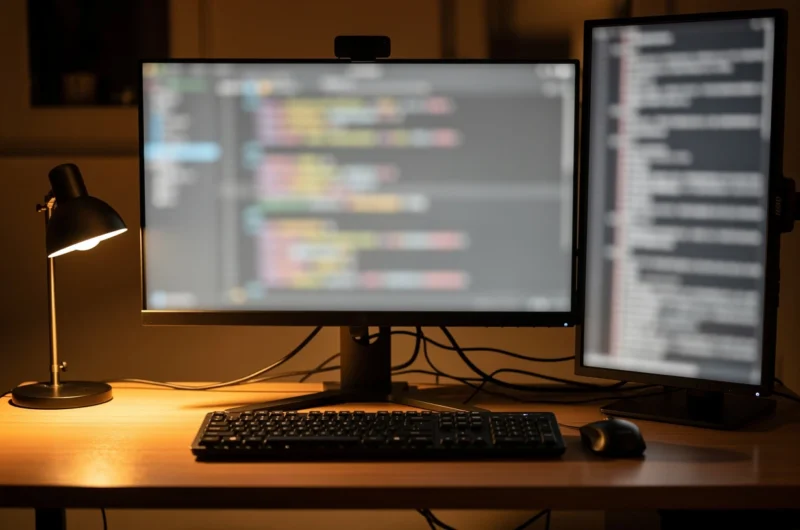
A second screen is not automatically “more productivity.” It is a place you put something so the primary panel can stay on the thing you are actually editing. The fork most developers under-specify is orientation: a vertical monitor parked on logs, docs, and chat versus another landscape panel that invites a second IDE window, a browser, and slow focus decay. Both can work. They are for different jobs.
This is not about ultrawide-versus-dual debates you have already seen on this site. It is about what the extra panel is for when the main screen already holds the editor—and whether that panel should stand tall or stretch wide.
What a vertical panel is actually good at
Portrait orientation matches long, skinny information: stack traces, Docker logs, journalctl tails, CI output, and markdown docs with narrow line lengths. You see more lines without scrolling past the moment that mattered. For homelab operators and backend folks, that is the whole feature. The secondary screen becomes a status wall, not a second workspace competing for attention.
A 24- or 27-inch panel rotated 90 degrees with a decent arm is enough. You do not need 4K for logs; readable text and enough vertical pixels matter more than sharpness bragging rights. Many people reuse an older 1080p display in portrait and keep the nicer landscape panel for code. That split is often smarter than buying two matching 1440p screens and then wondering why Slack lives beside the editor all day.
Vertical also disciplines window chrome. You are less tempted to tile three landscape app windows into a collage. Chat goes above, logs below, or docs full-height. The geometry pushes you toward “reference” rather than “second primary.” When a build fails, you glance left (or right), scroll a few hundred lines without losing your place in the editor, and return. That glance pattern is the product you are buying.
Terminal multiplexers help, but they still fight landscape: you end up with tiny panes or constant scrolling. Portrait gives the multiplexer room to breathe without turning the main editor into a postage stamp.
What a second landscape panel invites
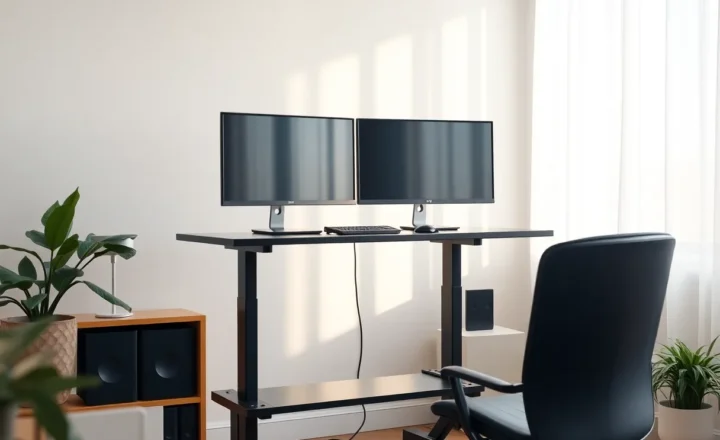
A second landscape monitor is for parallel work surfaces: design comps beside implementation, a full browser for QA, a database GUI with wide result grids, video timelines, or a second editor when you truly compare two large files side by side. Landscape matches how most apps assume you will use them. Spreadsheets and wide dashboards hate portrait.
The failure mode is focus. Two landscape screens make it easy to keep Slack, email, and a news site permanently visible. Your eyes flick. Your editor never owns the field of view. You paid for screen real estate and spent it on ambient interruption. Coders who already struggle with context switching often feel worse after adding a matching landscape panel—and then blame the job, not the layout.
If your second landscape mostly hosts “the other half of the IDE,” ask whether a single larger panel or an ultrawide with disciplined regions would hurt less. Spreading the IDE across two screens can help when the file tree, editor, and preview genuinely need width. Spreading attention across two primaries usually does not. The tell is whether you can name a weekly task that requires width—or whether you only wanted the desk to look like a trading floor.
Designers and frontend engineers often win with dual landscape for a reason: their artifacts are wide. Backend and ops folks often lose with the same setup for a reason: their artifacts are tall, and the wide second screen fills with chat instead.
Logs versus layout: pick the job
Choose vertical when the secondary content is tall: logs, terminals, long diffs, issue threads, reading panes. Choose second landscape when the secondary content is wide: browsers at full site width, design tools, data grids, multi-column boards.
Homelab and ops work skews vertical. Frontend and design-heavy days skew landscape. Full-stack solo builders often need both across the week—which is why a rotatable arm beats buying a permanent orientation you will resent on Thursdays.
A practical pattern: main 27-inch 1440p or 4K landscape for the editor; secondary older panel on an arm that flips between portrait for log days and landscape for browser-QA days. One extra screen, two postures. If you only ever rotate it once and leave it, you still learned which orientation matched your real workload.
Another pattern: vertical for logs at the office-at-home desk, and a travel laptop alone on the road. Do not assume every environment needs the same dual-screen religion. The point is to relieve a constraint, not to maintain a brand identity as someone with many monitors.
Ergonomics that decide whether you keep it
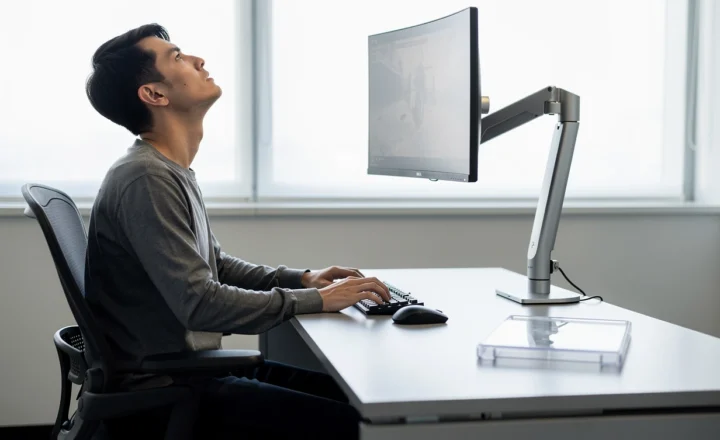
Portrait panels on stock stands are often too low or too close. Arms matter more here than for landscape. Top of the vertical screen should not force a constant chin-up; place the densest log region near eye height, not at the ceiling. If you feel neck fatigue within a week, the orientation is not the only problem—the height is.
Scaling also bites. A 27-inch 4K in portrait can look tiny unless OS scaling is sane. A 1080p 24-inch in portrait is frequently the sweet spot for terminals: large enough glyphs, enough rows, less GPU and cable drama. Mixed DPI between a sharp primary and a soft secondary is manageable if each screen has a clear role; it is miserable if you drag the same window between them all day.
Cable and GPU limits sneak in. USB-C docks that barely drive one 4K may hate a second panel. Prefer a secondary that is “good enough” over a matching 4K pair that forces hub upgrades and intermittent black screens.
When the extra screen should stay dark
If you write prose, deep algorithms, or anything that needs uninterrupted attention, the best second-screen setting is off. Vertical logs are still a temptation to stare at noise. Park the log panel, glance on demand, do not leave a rainbow of scrolling stack traces in peripheral vision all afternoon.
Same rule for landscape: hide chat behind a hotkey. Visibility is not the same as availability. An always-visible Slack window trains you to treat every message as an interrupt. An always-visible log stream trains you to treat every line as a crisis. Both are optional anxiety machines.
Some people keep the second screen on a separate virtual desktop or use an OS feature to pause updates on the secondary. Whatever the mechanism, give yourself a mode where only the editor exists. Hardware should support that mode, not fight it.
A week-long test before you buy
Before spending money, rearrange what you already have. Rotate a spare monitor if the stand allows. Put logs there for three workdays. Put a browser there for two. Note which days felt calmer. Note neck and eye strain. Note whether you actually used the second landscape for wide work or for chat.
If you do not own a spare, borrow or buy used with a return path. The wrong orientation is expensive mainly because pride keeps it on the desk after you already know it is wrong.
Decision rule
Ask what you repeatedly shove beside the editor today. If it is tall text, buy or rotate for vertical. If it is wide canvases, buy landscape. If it is Slack, fix notification habits before you fix hardware.
The extra screen is for a job. Name the job first. Orientation is just how you hire the panel to do it without stealing the editor’s stage.
Vertical for logs is a specialist tool. A second landscape is a generalist surface. Specialists feel limiting until you notice how often your real bottleneck was scrolling a terminal—not missing another browser window. Generalists feel powerful until your attention is the resource that ran out. Pick the constraint you are trying to relieve, not the desk photo you are trying to imitate.
If you still cannot decide, default to a rotatable arm and an honest secondary panel. Flexibility beats a matching pair you will resent every time the work changes shape.
One more signal from real desks: if your primary is already ultrawide, a vertical secondary often complements it better than a third landscape. The ultrawide already gave you width; the portrait panel gives you height for the streams that never fit cleanly in a horizontal strip. Conversely, if your primary is a modest 24-inch laptop clamshell setup, a second landscape may simply be the first time you have enough room to see a browser and an editor together—and that is a layout problem, not a logs problem. Match the missing dimension, not the Instagram setup.