E-Ink Monitor vs a Second LCD for Writing: When a Paperlike Panel Slows You Down

Nate Osborn
September 18, 2026
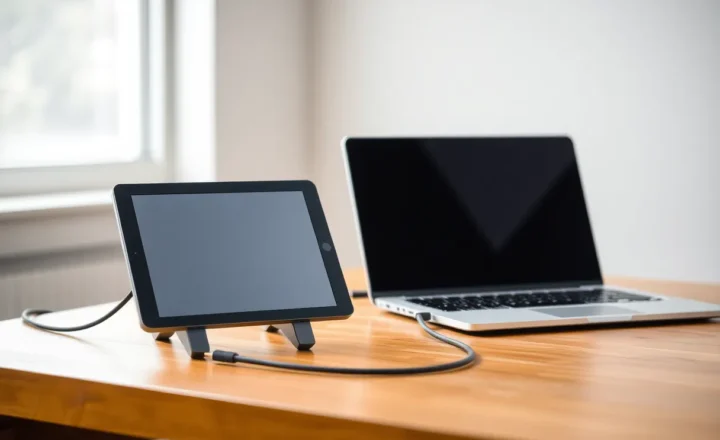
The second screen for writing is a solved problem until you buy an e-ink monitor. A used IPS is a hundred dollars and a DisplayPort cable. A Dasung Paperlike, a Boox Mira, or one of the newer 25-inch panels is a rent payment, a HDMI handshake, and a hope that “paper” will make you type like a monk. Some days it does. Some days the panel is the reason a paragraph takes twenty minutes, because the cursor is a ghost and the browser chrome is a smear you have to wait on.
I calibrate LCDs for a living and I still wanted the paperlike slab. I wanted less glare and less of the twitch that a bright second monitor puts in the corner of my eye while I draft. I got that. I also got a writing surface that punishes anything that is not a slowly changing page of text. If your “writing” includes research tabs, a Slack glance, or an IDE that syntax-highlights as you type, the e-ink monitor is not a calmer LCD. It is a different device that happens to sit on a VESA arm.
What the paperlike panel is good at
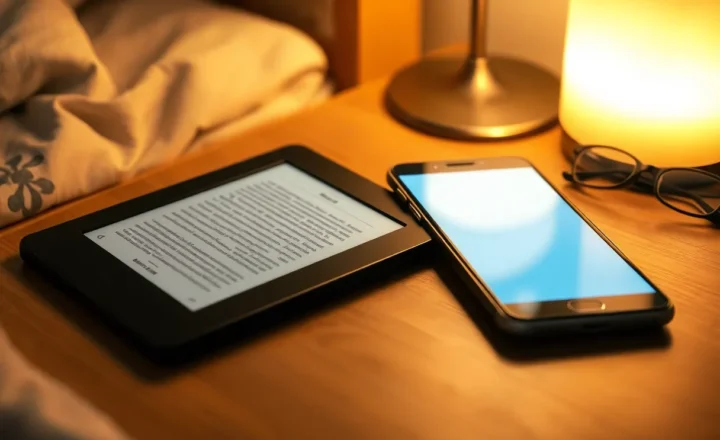
Long, mostly static text. A full-screen editor, light theme or a well-tuned inversion, typeface large enough that you are not hunting pixels. The Dasung and Mira class of screens can look like a printed proof if you stop treating them like a second desktop. I have drafted essays on one with the LCD lid closed or dark, and the lack of glow is real. After an hour the difference in eye strain is not marketing. It is why the category exists.
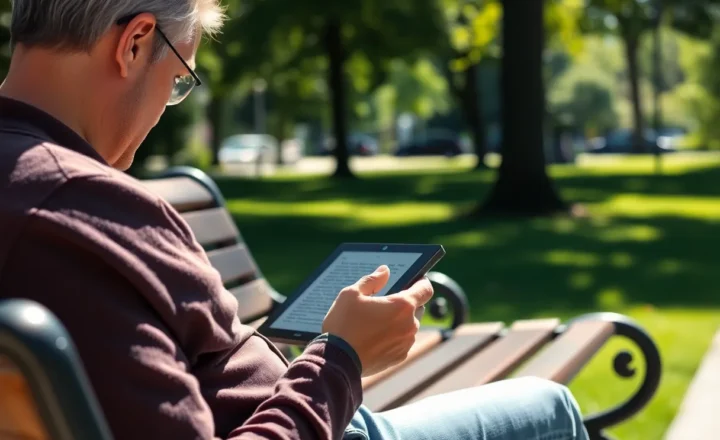
Sunlit rooms are the other win. An IPS washed out by a window is a worse writing tool than a 13-inch e-ink panel that is still readable. If you actually write near glass, that is a reason to spend the money. If you write in a cave with a bias light, you are buying philosophy.
The “second screen” pitch is a trap. These panels want to be the only thing you stare at for a stretch. Used as a sidebar for Slack and a music player, they are a slow LCD with a cult. Used as the page, they make sense.
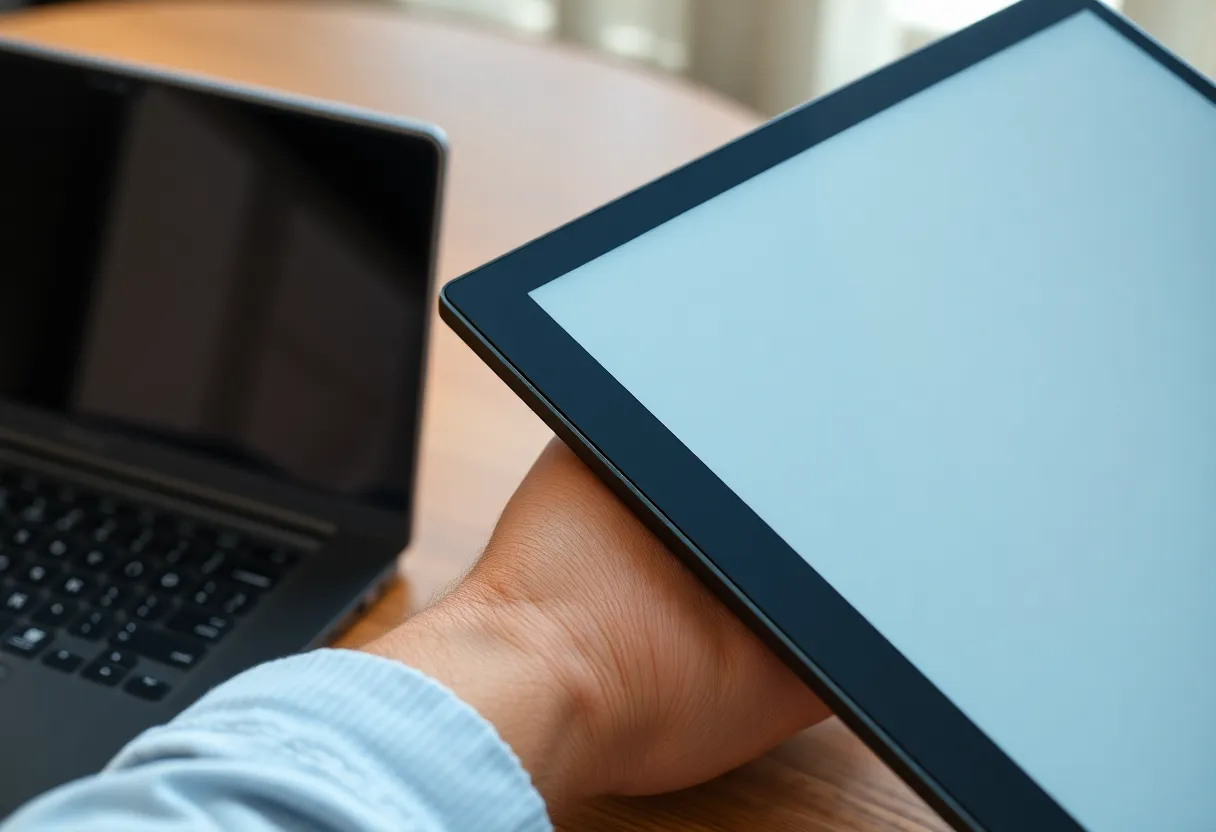
Where a cheap LCD is simply faster
Writing is not only typing. It is looking something up, comparing two PDFs, checking a quote, watching a two-minute clip of an interview, glancing at a style guide. Every one of those is a refresh-rate problem on e-ink.
Cursor lag is the first tax. Even on “fast” e-ink monitor firmware, the caret trails. I can live with that in prose. I cannot live with it in a sentence I am rearranging, or in a terminal where I am not writing at all but I told myself the monitor would be “for everything calm.” You start waiting for the ghost to catch the key. That wait is slower than a slightly glowy IPS.
Scrolling is the second tax. A long draft in Obsidian or Word, a web article you are stealing a structure from, a GitHub README. E-ink monitors offer speed modes that look like a dirty Xerox and quality modes that feel like a slideshow. You will flip modes all afternoon. An LCD does not ask you to pick a personality for each scroll.
Dark UI is the third. Many editors default to dark. On e-ink, dark is a flashing inversion or a grey soup. Light themes on the writing app help. The rest of the OS — window chrome, browser, system dialogs — will still strobe. People who live in dark IDEs buy an e-ink monitor and then spend a week fighting themes. The LCD did not require a theme project.
Video, color, and anything that moves are obvious losses. I mention them because “I only write” is a lie you tell in the store and then you take a call on the same desk. The paperlike panel cannot be the Zoom screen. Now you need the LCD anyway. The dual-monitor dream becomes “e-ink plus the LCD you already had,” which is fine, until the e-ink is the one you keep looking at for a notification that is still a grey rectangle.
The dual-setup that actually works
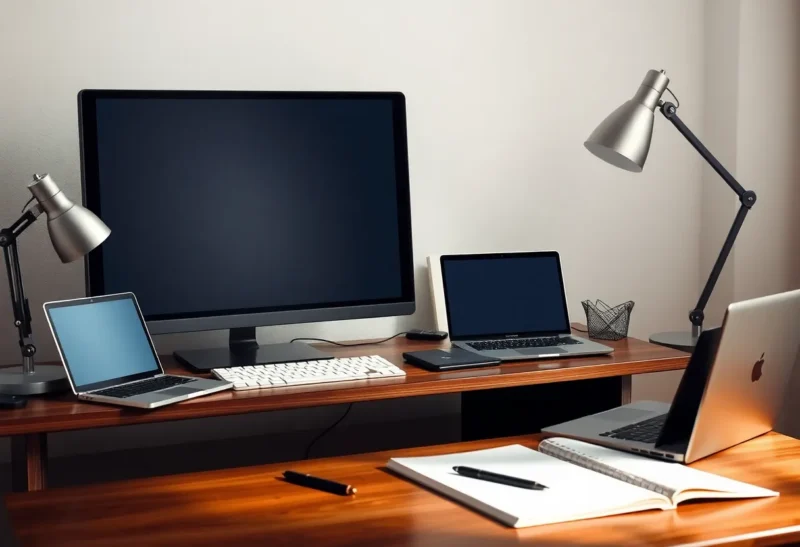
If I keep an e-ink monitor, the LCD is the reference plane: browser, mail, calendar, anything that paints. The e-ink is a full-screen writing app only. I do not tile Slack onto the paper. I do not put a video on it “just for audio.” I accept that switching to research means turning my head to the IPS, and I try not to bounce every thirty seconds. The panel trains you to batch lookups. That can be a feature. It is also why a deadline day with heavy citation work feels slower than writing on the laptop alone.
A second LCD next to a laptop is the opposite ergonomics: two fast surfaces, more glance, more split attention, less “this is the page.” If your problem is distraction, the e-ink helps because it is bad at the distractors. If your problem is throughput — two sources and a draft — the second IPS wins and it is not close.
I have measured people (and myself) on both. Word count per hour on a clean draft: e-ink is fine, sometimes better because I stop fidgeting with windows. Word count per hour on a piece that needs the web: LCD, every time. The title’s “slows you down” is that second day, not the first evening when the novelty is quiet.
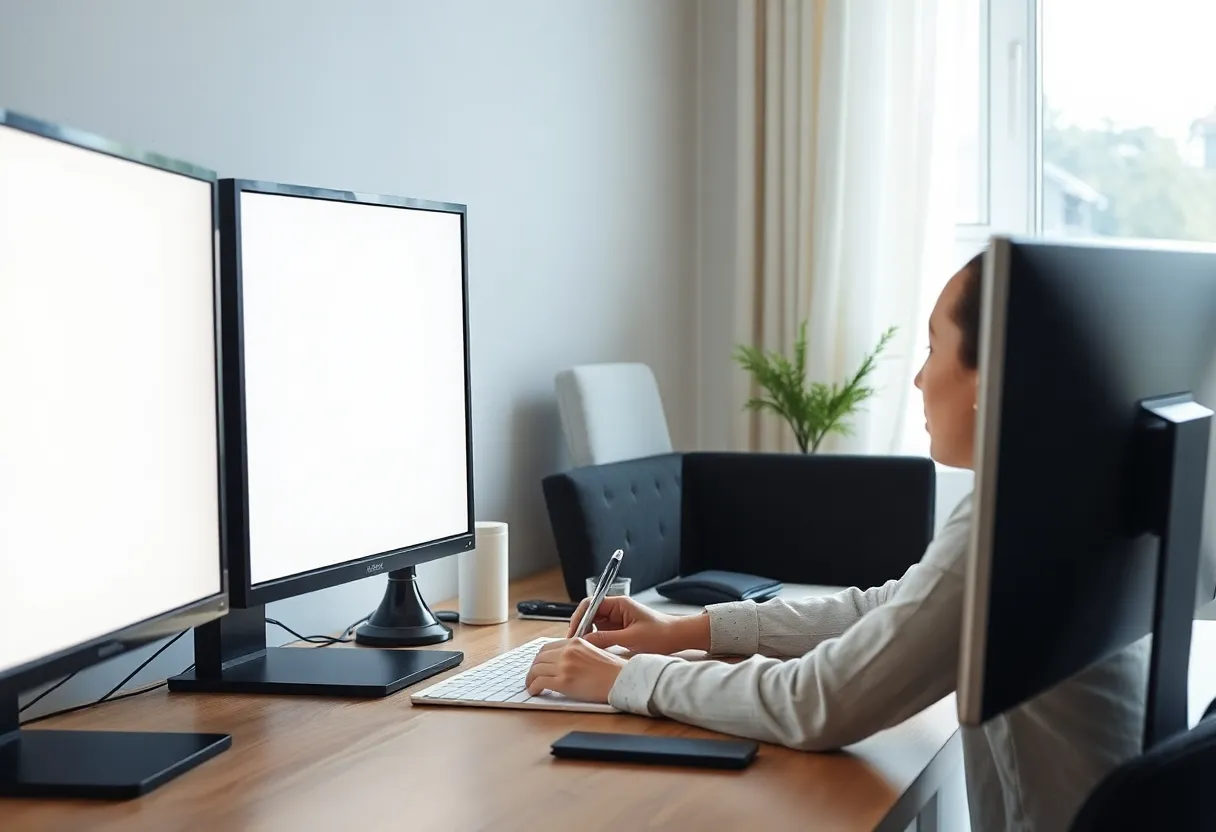
Hardware footnotes that eat the romance
Input lag is not only the film. It is HDMI versus USB-C, a docking station that renegotiates, a Windows scaling setting that makes the caret an odd size, a Mac that thinks the panel is a 4K TV. Dasung and Boox have improved this. They have not made it as boring as a Dell P-series. Budget an evening for EDID and “why is this 30 Hz.”
Ghosting cleanup flashes are a writing interruption. Full refresh on a timer is a strobe in the middle of a sentence. You will turn it down and live with residue, or turn it up and hate the blink. LCD: neither conversation.
Warm lighting and yellow front lights help at night. They also make “paper” look like a legal pad, which I like, until I put a screenshot on the screen and cannot read a diagram. The second LCD was always going to stay.
Price is the adult constraint. You can buy two excellent IPS monitors and a decent chair for one Mira. If the goal is “less eye strain,” start with an LCD’s brightness, a paper-white theme, and distance. If the goal is “I want an e-ink desk,” buy the panel knowing it is a specialty tool. I will not tell you the specialty tool is a waste. I will tell you it is not a drop-in second monitor.
When I tell people to stay on LCD
Stay on a second LCD if you write in an IDE, if you live in the browser while you draft, if you take video calls at the same desk, if you cannot stand cursor trail, or if the money is not sitting idle. Stay on LCD if you already dim the room and your eyes are fine. The paperlike marketing is aimed at a feeling. The feeling is real for continuous prose. It is expensive for everyone else.
A used 24-inch IPS, 120 nits, light editor theme, night-shift-off during the day so the white point stays stable — that setup has finished more of my deadlines than the e-ink arm. I still like the e-ink for a Sunday draft with the phone in another room. I do not pretend it is the faster tool.
When the panel is worth the slowdown
Buy it if you have a daily quota of long-form and a separate machine or screen for the noisy work. Buy it if sunlight is the actual enemy. Buy it if you already know you will not run YouTube on it and you will not be sad about that. Buy Dasung-class or Mira-class with a return window, because firmware and your eyes are personal.
Do not buy it to become a writer. A slow panel will not install discipline. It will install a refresh-mode menu. I have watched people spend the week they meant to write on Discord threads about ghosting. That is slower than a bright LCD and a closed door.
The honest second-screen decision
A second LCD extends a computer. An e-ink monitor replaces a pad of paper for the hours you can afford to be unavailable to moving pixels. When the work is paper, the panel is a gift. When the work is a desktop, the panel slows you down on purpose — and then, if you did not plan for that, it slows you down by accident.
I keep both on the desk some months and only the IPS on others. The months with only the IPS, the drafts still get out. The months with the paperlike, the drafts are calmer and the research is a chore I batch. If that trade is the one you want, the monitor is not a scam. If you wanted a calmer LCD, you wanted a dimmer LCD. The film is not a brightness slider. It is a different job, and it will charge you time whenever you ask it to be two jobs.