E-Ink vs OLED for Reading: Battery Life, Flicker, and What Eye Comfort Really Means

Mira Sandoval
September 27, 2026
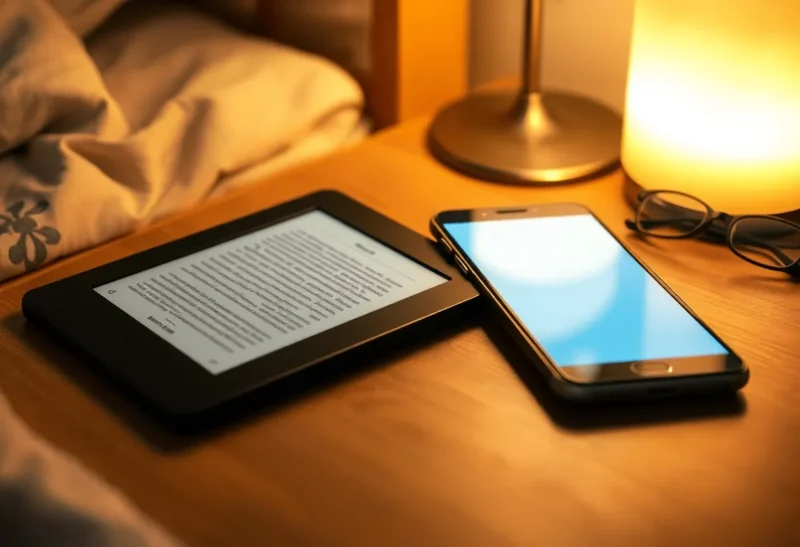
OLED phones got very good at being read. The panels are sharp, the contrast is perfect, and you can shrink the brightness down to almost nothing at night. So it is fair to ask whether a separate e-ink reader still earns a place in a bag, or whether “e-ink is easier on the eyes” is a story left over from the days of blurry LCDs.
I have spent a lot of time reading on both, and I have measured more battery drain than any reasonable person should. The short answer is that e-ink still wins on battery by a wide margin and wins on comfort for most people over long sessions, but the comfort story is more specific than the marketing suggests. It is less about “blue light” and more about brightness, flicker, and how light reaches your eyes. OLED has one particular weakness for night readers that is worth understanding even if you never buy an e-reader.
Two ways to make a page
Everything else in this comparison follows from one physical difference.
An OLED screen is emissive. Every pixel is a tiny light source. White text on a page means millions of pixels shining straight at your eyes. Black means those pixels are off, which is why OLED contrast in a dark room is effectively perfect.
An e-ink screen is reflective. It moves charged pigment particles to the surface to form an image, and then it stops. The image stays without power. You see it the same way you see paper: by ambient light bouncing off it. In the dark, a front light sits at the edge of the panel and shines across and onto the surface, so the light that reaches you is reflected rather than pointed at you.
That means OLED is at its best in dim rooms and at its worst in sunlight, where it has to out-shine the sun. E-ink is at its best in good ambient light and needs help in the dark. It also means the two technologies spend energy in completely different ways.
Battery life: not close
An e-ink panel uses power only when the image changes. Turning a page costs a small burst of energy. Holding the page costs essentially nothing. The front light, if you use it, is the other main draw.
An OLED phone spends energy on every frame, whether the page moves or not, plus the processor, radios, and operating system running underneath your book app.
Some rough, deliberately round numbers make the gap concrete. A typical 6 to 7-inch e-reader carries a battery in the region of 6 to 7 watt-hours and is rated for weeks of reading at half an hour a day, which works out to somewhere around 30 to 50 hours of reading per charge with the light on moderately. That is an average draw of well under a quarter of a watt.
A modern phone with a battery of roughly 17 to 19 watt-hours, reading a book at comfortable indoor brightness with the radios idling, commonly lands between half a watt and a watt for display plus system. That is something like 15 to 25 hours of pure reading if you did nothing else with the phone, which of course you do.
Per hour of reading, then, the e-reader is using several times less energy, often five to ten times less. And the phone’s battery is shared with everything else in your life, so an evening of reading comes directly out of tomorrow morning’s maps and messages.
There are ways to narrow the gap on OLED. Dark mode genuinely cuts display power on these panels, because black pixels are off. Lower brightness helps a lot. But even a phone in dark mode at minimum brightness is running an operating system and refreshing a display dozens of times a second. The e-reader is not.
E-ink can lose its advantage too. Large Android e-ink tablets with Wi-Fi on, background apps, and fast refresh modes drain much faster than a simple reader. Heavy PDF scrolling costs far more than turning novel pages. A front light at full brightness all night is the biggest single drain on most e-readers. Still, for books and articles, the e-reader’s battery lead is the least controversial fact in this whole debate.
Eye comfort: what the research actually supports
This is where claims get loose, so it is worth being careful.
Studies comparing reading on paper, e-ink, and backlit screens have generally found that e-ink behaves a lot like paper. Eye-tracking work in the early 2010s found reading behaviour on e-ink and on print to be very similar. A 2013 study published in PLOS ONE compared an e-ink reader, a backlit LCD tablet, and paper, and found more visual fatigue and a lower blink rate on the LCD than on the other two. Lower blinking dries the eyes, and dry eyes are one of the most common sources of the discomfort people describe as “screen strain.”
Other studies found backlit screens did no worse on reading speed or comprehension. That matters: e-ink does not make you read faster or understand more. The benefit shows up, when it shows up, as comfort over time.
Those studies mostly used LCD tablets, not OLED phones, but the relevant factor is shared. Both are emissive screens that people tend to run brighter than their surroundings. That brightness mismatch, a glowing rectangle in a dim room, makes your eyes keep adapting between the page and the space around it. A reflective page is, by definition, never much brighter than the room it is in.
What the research does not support is the idea that OLED screens damage your eyes, or that the blue portion of the light is the main problem. Typical screen blue-light exposure is far below daylight. The comfort gap is better explained by brightness, blinking, viewing distance, and the next issue on this list.
Flicker: OLED’s specific weakness for night readers
Most OLED phones dim the screen using pulse-width modulation, or PWM. Instead of lowering the current to each pixel, the panel switches pixels on and off very rapidly and varies how long they stay on. At high brightness the “off” portion is small. At low brightness, exactly where night readers live, the pixels spend much of each cycle off.
For many phones, the switching has historically been a few hundred times per second. Most people never notice. A meaningful minority report headaches, eye fatigue, or a vague discomfort they cannot place, and it tends to be worst at low brightness in the dark. Lighting engineers have published guidance on flicker risk for LED lighting, and low-frequency, deep-modulation flicker is the kind that guidance treats as higher risk.
Phone makers have responded. Many recent OLED phones use much higher PWM frequencies, sometimes well above 1,000 Hz, or offer a DC-like dimming option in settings. If you read on your phone at night and get headaches you cannot explain, it is worth checking what your model does and trying those options before blaming the book.
An e-ink page, lit by ambient light, does not flicker at all. Front lights are LEDs and can in principle be driven with PWM too, so it is not a guarantee, but the reflected, diffused light reaching your eyes is a very different experience from a panel of pulsing pixels pointed at you. For readers who are flicker-sensitive, this is the strongest comfort argument for e-ink, and it is more concrete than anything about blue light.

Reading before sleep
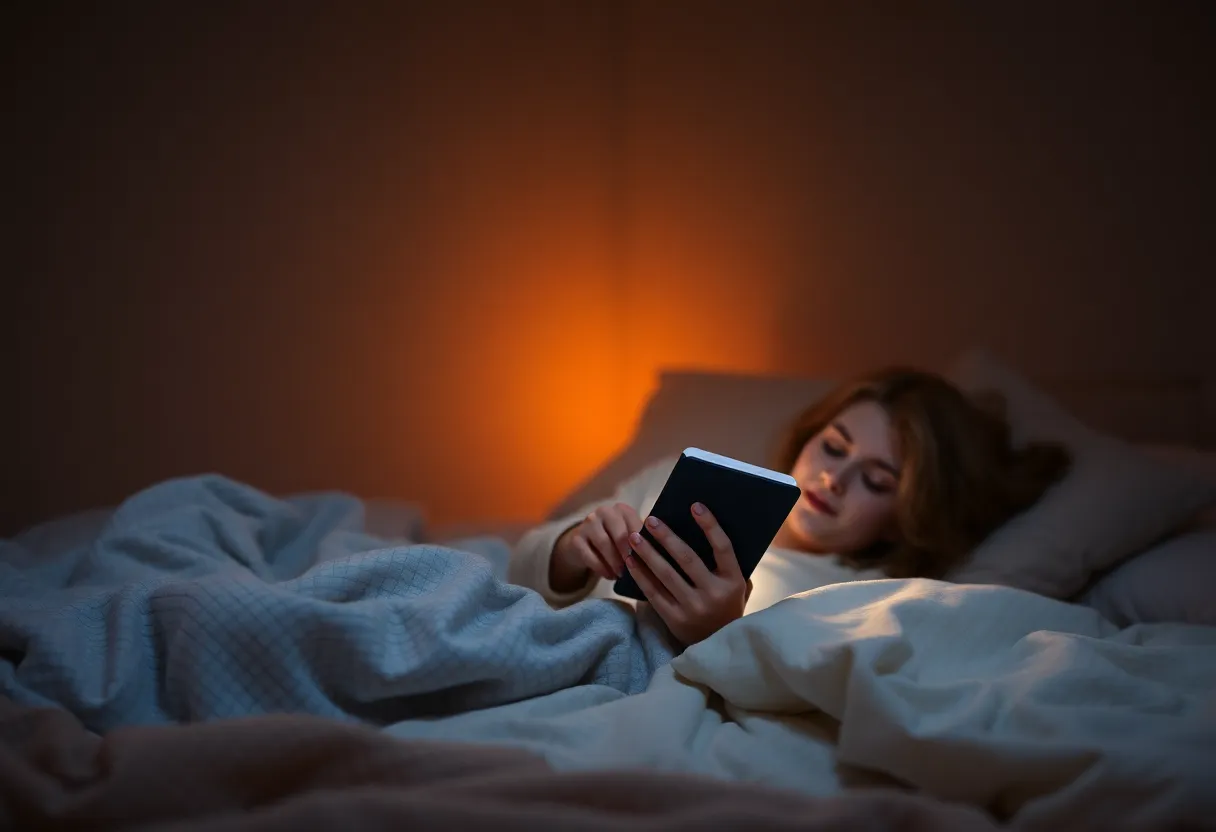
A well-known 2015 study had people read on a light-emitting tablet or a printed book for several hours before bed over multiple nights. The tablet readers took longer to fall asleep, had suppressed evening melatonin, and felt less alert the next morning. It was a small study with a lot of reading time, so the effect in real life is likely smaller, but the direction is consistent with what we know about light and circadian timing.
Both technologies can be tuned for night. OLED phones offer warm colour modes and very low brightness. E-readers offer warm front lights that shift toward amber. The differences that remain are the ones already covered: the phone is emissive and usually brighter than the room, it may flicker at low brightness, and it is a phone. The notification that arrives at 11:40 p.m. is not a display problem, but it is a sleep problem, and a dedicated reader simply does not have one.
Where OLED is genuinely the better screen
It would be dishonest to pretend e-ink wins everything.
- Contrast and sharpness. OLED text is crisper and the contrast is higher. Even a 300 ppi e-ink panel has greyer “white” and less inky black. In a dark room with a black background, OLED is gorgeous.
- Colour. Comics, magazines, cookbooks, and anything with photos look far better on OLED. Colour e-ink exists and has improved, but it is muted and lower resolution.
- Speed. Scrolling, zooming, and jumping around a long document are instant on OLED. E-ink page turns are quick for books but still slower, and it can leave faint ghosting on some content.
- It is already in your pocket. The best reading device is often the one you have when you have ten minutes to spare.
If you read in short bursts, read mostly visual material, or do not read in bright light, an OLED phone or tablet may be all you need.
Where e-ink keeps winning
- Long sessions. An hour or more of continuous reading is where the comfort difference becomes noticeable for most people.
- Bright light. Outdoors, on a train by the window, on a beach. Reflective screens get better as the light gets stronger.
- Flicker-sensitive readers. If low-brightness OLED gives you headaches, e-ink removes the cause.
- Battery independence. A reader that lasts weeks means your phone’s battery stays for everything else.
- Attention. Not a display property, but the reason many people finish more books on e-ink.
A practical way to decide
Track a normal week. Note how long each reading session lasts, where you read, and how your eyes feel afterwards. If most sessions are under fifteen minutes and indoors, OLED is fine, and it is worth tuning: warm colour at night, moderate brightness that roughly matches the room, and a high-frequency dimming option if your phone has one. Remember to blink, and hold the screen a little further away than feels natural.
If you have sessions longer than an hour, read outside, notice eye fatigue or headaches after phone reading, or find your phone dead by evening because of a book, a basic e-reader is one of the cheapest comfort upgrades in consumer tech. You do not need a large tablet or a stylus. A simple 6 or 7-inch reader with a warm front light covers everything this article has argued for.
OLED made phones good enough to read on. E-ink is still better to read on for hours, for reasons that are physical rather than mystical: it reflects light instead of emitting it, it does not flicker in the dark, and it sips power instead of drinking it.