Why High-Refresh-Rate Monitors Matter More for Gaming Than for Work
Lena Kovacs
July 7, 2026
Monitor refresh rates have become a significant marketing battleground over the past decade, with mainstream gaming monitors now routinely shipping at 144Hz, 165Hz, 240Hz, and even 360Hz—up from the 60Hz that was universal not long ago. The benefits of high refresh rates for gaming are real and measurable. The benefits for productivity work—document editing, coding, video calls, creative applications—are more modest and often overstated.
Understanding why this asymmetry exists requires understanding what refresh rate actually does, why it matters more in some use cases than others, and where the diminishing returns curve sits for different types of users.
What Refresh Rate Does and Doesn’t Do
Refresh rate is the number of times per second the display updates its image. A 60Hz monitor updates 60 times per second; a 240Hz monitor updates 240 times per second. The display refresh rate determines the maximum frame rate that can be shown without tearing or synchronisation artifacts—showing 240 unique frames per second requires a 240Hz display.
What refresh rate is not: a measure of display quality in any dimension other than temporal resolution. A 240Hz monitor can have worse colour accuracy, lower contrast ratio, worse viewing angles, and higher motion artefacts than a high-quality 60Hz display. Refresh rate is one specification among several, and in isolation it says nothing about whether a monitor is good for any particular use case.
The visual benefit of higher refresh rates is fundamentally about motion clarity—how smoothly and distinctly moving objects appear on screen. At 60Hz, each frame is displayed for approximately 16.7 milliseconds. At 240Hz, each frame is displayed for approximately 4.2 milliseconds. Faster frame presentation means less temporal blur on moving objects and faster screen-to-eye feedback when the user’s actions affect what’s displayed.
Why Gaming Benefits Substantially
Competitive gaming involves several specific characteristics that make high refresh rates genuinely performance-relevant:
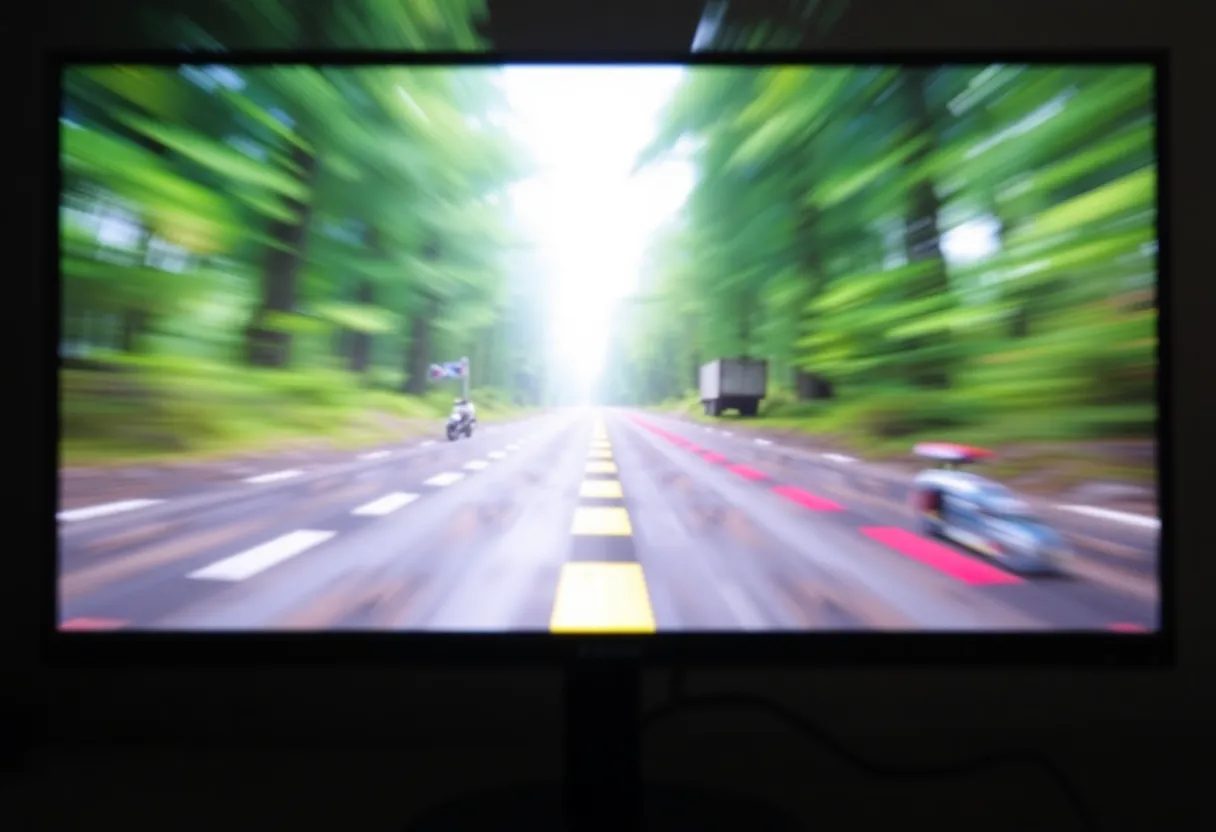
Fast-moving targets under conscious tracking. In first-person shooters, battle royale games, and other competitive titles, players are constantly tracking enemies that move quickly across the screen. At 60Hz, a moving target advances by a larger distance between each frame update than at 240Hz. This produces motion blur (from persistence across the display cycle) and makes precise target tracking harder at high movement speeds. Studies on competitive gaming performance have found measurable improvements in aiming accuracy at higher frame rates.
Input latency chain. The total latency from a mouse movement or button press to the display showing the result includes: processing the input, rendering the frame, and displaying it. At 60Hz, even if the rendering is instantaneous, the display can only show the result at the next 60Hz refresh—introducing up to 16.7ms of display latency. At 240Hz, this display-side latency ceiling is 4.2ms. For competitive players where every millisecond of latency matters, this is real.
Psychophysics of competitive play. Research on the perception of frame rates in competitive gaming contexts has found that players can distinguish between 60Hz, 120Hz, and 240Hz under gaming conditions, even when they claim they cannot—reaction times and accuracy improve measurably. The human visual system’s sensitivity to temporal information in the relevant frequency range is higher than the “film looks fine at 24fps” intuition suggests, particularly when the observer is actively engaged rather than passively watching.
The caveat is that the GPU must produce enough frames to feed the display. A 240Hz monitor showing a game running at 60 FPS shows 60 frames per second—the high refresh rate provides no benefit until the frame rate is high enough to utilise it. Building a PC for a 240Hz monitor requires a GPU capable of producing 200+ FPS in the target game at the target settings.
Why Productivity Work Benefits Less
Most productivity work involves content that changes slowly and is not being tracked in real time. Text in a document editor is stationary except when scrolling. Code in an IDE moves only when the programmer scrolls. Spreadsheet cells don’t move. Video calls run at 30 FPS at the sender’s end regardless of the display refresh rate. The mouse cursor moves, and UI animations occur, but neither involves the kind of fast-moving target tracking that makes high refresh rates performance-critical in gaming.
At 60Hz, productivity work looks fine. The limiting factor on text readability is resolution, colour accuracy, and display technology (IPS, OLED) rather than refresh rate. The limiting factor on working comfort over long sessions is panel brightness, colour temperature, glare, and physical ergonomics, not temporal resolution. The limiting factor on video editing precision is scrubbing responsiveness, colour accuracy, and calibration, not how many times per second the frame is redrawn.
There is a noticeable difference in UI smoothness between 60Hz and 120Hz that many users find pleasant, even in productivity contexts—scrolling looks smoother, window dragging feels more fluid, animations in the OS and applications are visually cleaner. Whether this translates into improved work output is more debatable. The perceptual pleasantness of smooth motion is real; the productivity benefit is largely subjective.
The diminishing returns above 120Hz for productivity use cases are steep. The difference between 60Hz and 120Hz is visible to most people in everyday use. The difference between 120Hz and 240Hz is visible under gaming conditions but difficult to perceive in productivity contexts without direct comparison. The difference between 240Hz and 360Hz is appreciable only in the most demanding competitive gaming scenarios.
The Panel Technology Trade-Off
The pursuit of high refresh rates has historically involved trade-offs with panel technology quality. TN (Twisted Nematic) panels have fast pixel response times suitable for high refresh rates but poor colour accuracy and limited viewing angles. IPS panels have excellent colour and viewing angles but historically slower pixel response. VA panels have high contrast ratios but can have ghosting artifacts at high refresh rates.
This trade-off has narrowed significantly in recent years. “Fast IPS” panels have achieved response times competitive with TN while maintaining IPS colour and viewing angles. OLED displays now reach 240Hz in gaming monitors with the near-instantaneous pixel response characteristic of OLED technology, potentially the best of both worlds—though OLED monitors carry burn-in concerns for static productivity content and are still premium-priced.
The practical consequence: a productivity-focused buyer who buys a high-quality IPS or OLED monitor at 60Hz or 120Hz will typically get better colour accuracy, better viewing angles, and better contrast than a buyer who prioritises the highest refresh rate on a budget. For mixed use—both gaming and productivity work on the same display—a high-quality IPS or fast IPS panel at 144-165Hz offers a reasonable compromise for most users.
Making the Decision
The refresh rate question for a new monitor purchase should be contextualised by use case. For competitive gaming, particularly first-person shooters and fast-paced multiplayer games, higher refresh rates provide real and measurable performance benefits, and investment in 144Hz or higher is justifiable.
For productivity-only use, 60Hz is entirely adequate and the refresh rate budget is better spent on panel quality, resolution, colour accuracy, and ergonomics. For casual gaming mixed with productivity work, 144Hz on a quality IPS panel is a reasonable choice that doesn’t sacrifice work quality for gaming performance.
What isn’t worth doing is buying a high-refresh-rate monitor and accepting lower colour accuracy, narrower viewing angles, or other panel quality compromises for use cases where those compromises hurt and the refresh rate benefit doesn’t apply. Refresh rate is one dimension of display quality; for most non-gaming use, it’s not the most important one.