What Modern OLED Displays Actually Do Better Than LED—And Where They Still Struggle

Ian Cross
July 7, 2026
OLED displays have been available in premium TVs since 2013 and in smartphones even earlier, yet the technology still commands a premium and the “OLED vs LED” question persists as one of the most common display purchase dilemmas. The reason is that OLED genuinely excels in specific dimensions while having real limitations in others—it’s not straightforwardly better than competing display technologies in all situations. Here’s what OLED actually does technically, what it’s better at, and where it falls short.
How OLED Works: No Backlight Required
Traditional LCD (Liquid Crystal Display) panels work by shining a backlight (typically LED) through a liquid crystal layer that acts as a shutter, blocking or allowing light to pass through on a pixel-by-pixel basis, with colour filters applied. The limitation: when a pixel needs to display pure black, the liquid crystal layer blocks the backlight light, but some light leaks through anyway—resulting in grey blacks rather than true black, and reduced contrast ratio.
OLED (Organic Light-Emitting Diode) panels work differently: each pixel is its own light source. When a pixel needs to display black, it turns completely off, emitting no light at all. The contrast ratio between a pixel displaying bright white and a pixel displaying black is effectively infinite—zero light versus maximum light—compared to an LCD’s limited contrast ratio constrained by backlight bleed.
This fundamental architecture difference is responsible for OLED’s primary display advantage: perfect blacks and, consequently, true HDR (High Dynamic Range). When displaying content with very dark and very bright elements in the same scene, an OLED panel can simultaneously show true black in the dark areas and full brightness in the bright areas—a contrast range that LCD simply cannot match, regardless of how good its local dimming is.
What OLED Does Better
Black levels and contrast: OLED’s infinite contrast ratio is genuinely visible in mixed dark-and-bright content. A night scene with bright headlights, a star field, cinema with letterbox bars, a UI with a dark background and bright elements—all look qualitatively better on OLED because the dark areas are truly dark.
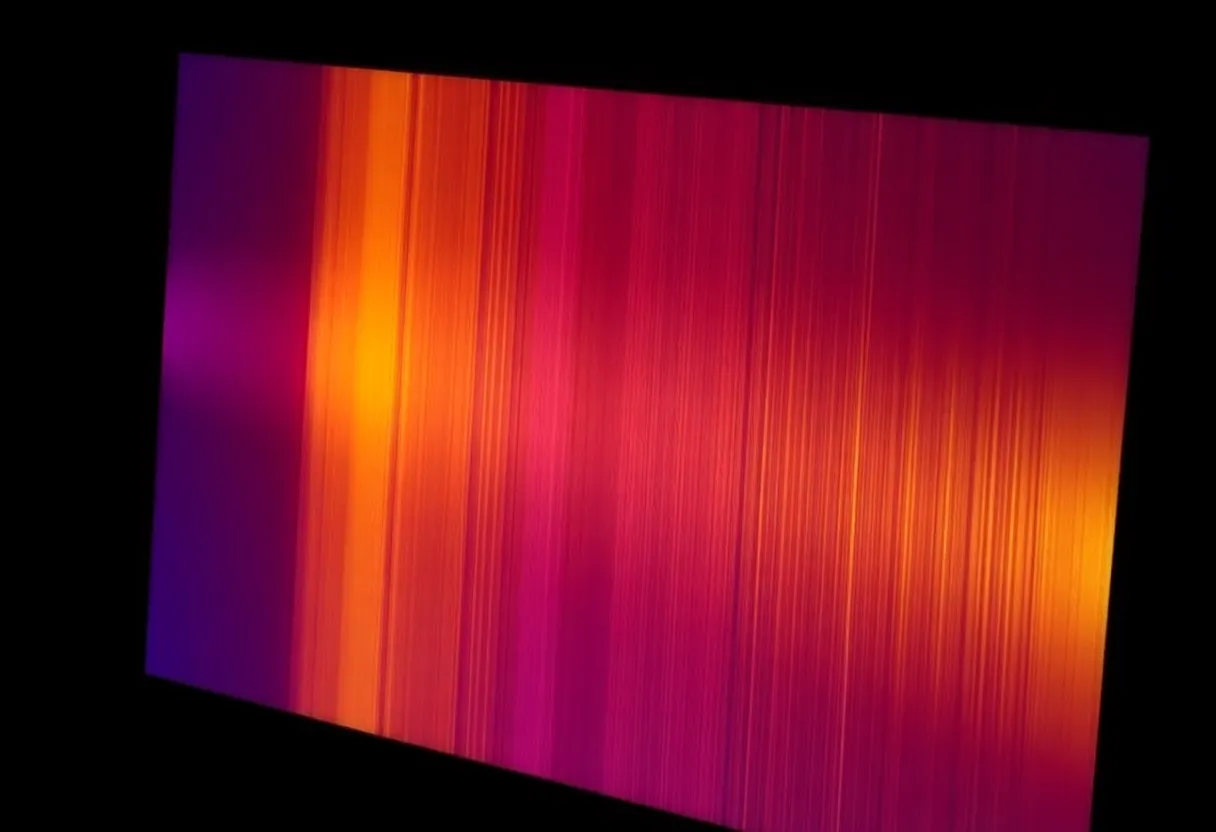
Viewing angles: OLED panels maintain consistent colour accuracy and contrast across a wide viewing angle. LCD panels exhibit colour shift and contrast degradation at off-axis viewing because the liquid crystal layer’s optical properties change with angle. For a living room TV watched from multiple positions, OLED maintains consistent image quality that LCD cannot.
Response time: OLED pixels switch between states in microseconds, compared to LCD pixels which take milliseconds. This produces cleaner motion rendering, sharper fast-moving images, and lower input lag—relevant for gaming. OLED monitors (LG UltraGear OLED, Samsung Odyssey OLED) have become preferred by competitive gamers partly for this reason.
Thinness and flexibility: Because there’s no backlight, OLED panels can be made extremely thin and can flex. Rollable OLED TVs (LG’s OLED R) and curved displays are enabled by this architecture.
Where OLED Struggles
Peak brightness: OLED panels generate light from organic material that degrades with use and heat. Sustained high brightness degrades the organic material faster, so OLED manufacturers limit sustained full-screen brightness to preserve panel longevity. OLED TVs typically achieve 500–800 nits peak brightness on small windows (small bright elements in a dark scene, where OLED excels at HDR). Mini-LED TVs (Samsung QN series, LG QNED, TCL QM8) can sustain 1,000–4,000 nits full-field brightness, making them dramatically more suitable for bright room viewing or SDR content.
If you watch TV in a bright room—afternoon daylight, no room darkening—OLED’s contrast advantage is largely washed out by ambient light reflection, and a high-brightness mini-LED TV will look better. OLED excels in controlled dark-room viewing.

Burn-in: OLED organic material degrades at different rates depending on how much that pixel is used. A pixel that displays a static bright element (a TV station logo, a taskbar, a video game HUD element, a news ticker) for thousands of hours will age faster than surrounding pixels, eventually producing a permanent ghost image visible when other content is displayed. This is “burn-in.”
Modern OLED panels include pixel shifting, orbiting, and logo luminance reduction features that significantly reduce burn-in risk in typical TV viewing. For most TV use cases (varied content, reasonable viewing hours), burn-in in modern OLED is uncommon. For static content—using an OLED as a PC monitor, running video games with persistent on-screen HUDs for hundreds of hours, or displaying news channels with persistent graphics—burn-in risk is real and relevant.
Price: OLED panels remain more expensive to manufacture than LCD panels of equivalent size. A 65-inch OLED TV is still priced significantly higher than a 65-inch mini-LED TV of comparable resolution, despite prices falling substantially since 2013.
Mini-LED: The LCD Response
Mini-LED is the incumbent technology’s most effective response to OLED. Mini-LED uses thousands of tiny LED elements as a backlight with fine-grained local dimming—separate LED zones that can be dimmed or brightened independently. This produces much better black levels than traditional edge-lit or standard LED-backlit displays, though not OLED quality. The advantage: mini-LED can achieve dramatically higher peak brightness than OLED, and it doesn’t have the burn-in vulnerability.
The current state: OLED is the better technology for dark-room, cinematic, and gaming use cases where contrast and response time matter most. Mini-LED is competitive or superior for bright-room viewing, content with large bright areas, and use cases with static elements. For monitors specifically, OLED has gained significant ground in the premium segment, though burn-in risk for PC desktop use (with persistent taskbars and UI elements) is higher than for TV use.
The Practical Decision
Choose OLED if: you primarily watch in a dark or dim room, you watch cinematic content (films, streaming drama) where HDR contrast matters, you want the best gaming response time, or you’re buying a smartphone (OLED is essentially standard in premium phones and produces better results than LCD at that form factor).
Choose mini-LED if: your room has significant ambient light, you watch a lot of SDR content that benefits from brightness, you have concern about burn-in for your specific use case (static UI elements, news channels), or you want the best price-to-performance ratio at larger screen sizes.