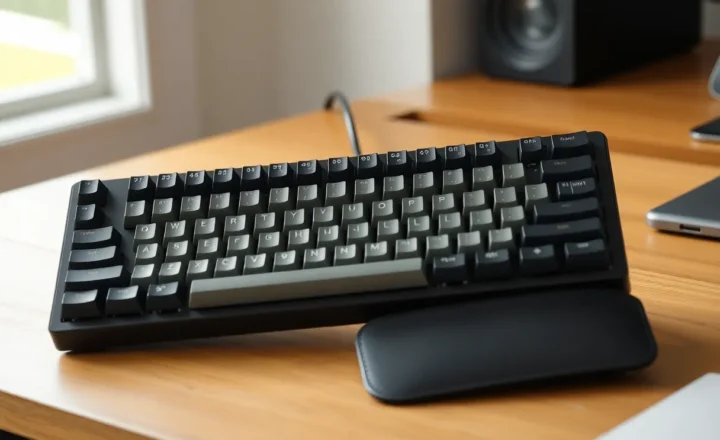
The Real Ergonomics of Mechanical Keyboards: What Science Says vs What Enthusiasts Claim

Nora Steinberg
July 7, 2026
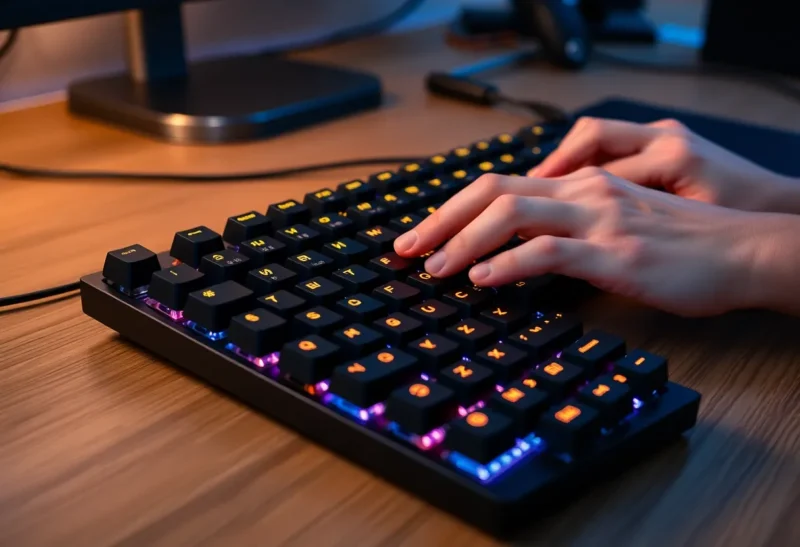
The mechanical keyboard community is enthusiastic, technically knowledgeable, and thoroughly convinced that the keyboards they use are superior in almost every measurable way to the membrane alternatives. The claims cover typing feel, typing speed, reduced fatigue, tactile feedback accuracy, and longevity. Many of these claims are either accurate, partially accurate, or more complicated than the community often presents them.
For someone trying to make a practical decision about keyboards—especially one motivated by ergonomic concerns, RSI prevention, or work performance—understanding where the enthusiast consensus is well-founded and where it drifts into preference masquerading as fact is genuinely useful.
What Mechanical Keyboards Are and What Makes Them Different
Mechanical keyboards use individual electromechanical switches for each key—a spring-loaded mechanism that actuates a electrical contact when the key is pressed to a certain point. The switches come in many variants (Cherry MX, Gateron, Kailh, and many others) with different tactile characteristics, actuation forces, and feedback types.
The main categories of switch feel are:
- Linear: Smooth keystroke with no tactile bump, consistent force throughout. Preferred by many gamers and touch typists who trained on typewriters.
- Tactile: A noticeable bump at the actuation point without an audible click. The bump provides feedback that the key has registered without bottoming out.
- Clicky: Audible click and tactile bump at actuation. High feedback; much disliked in shared offices.
Membrane keyboards, the dominant type in budget and office computing, use a pressure pad under all keys rather than individual switches. Scissor-switch keyboards (common in laptops and many office keyboards) use a stabilising scissor mechanism under each key with membrane actuation. These feel different from mechanical switches—generally with shorter travel, lower actuation force, and different tactile response.
The Claims and What Evidence Supports Them
Claim: Mechanical keyboards improve typing speed.
Partially supported. Several studies have looked at typing speed differences between keyboard types. The picture is not simple.
Tactile and clicky mechanical switches may support more accurate typing for some users through their feedback mechanism—you can feel or hear key registration without bottoming out, which allows you to lift the key earlier in its travel. For trained users who are actively leveraging this feedback, this can reduce key travel time and theoretically improve speed.
However, studies comparing typing speed on mechanical versus membrane keyboards have generally found modest or inconsistent differences across general populations, with large individual variation. Users who trained on membrane keyboards don’t automatically become faster on mechanical switches. The speed benefit, to the extent it exists, appears to be more pronounced for users who have specifically practiced not bottoming out—a skill that requires learning on mechanical keyboards to develop.
Laptop keyboards (scissor-switch with short travel) have consistently performed well in typing speed comparisons, including against full mechanical keyboards. Many professional typists achieve their personal best speeds on thin laptop keyboards. This undermines the strong claim that mechanical keyboards are objectively superior for speed.
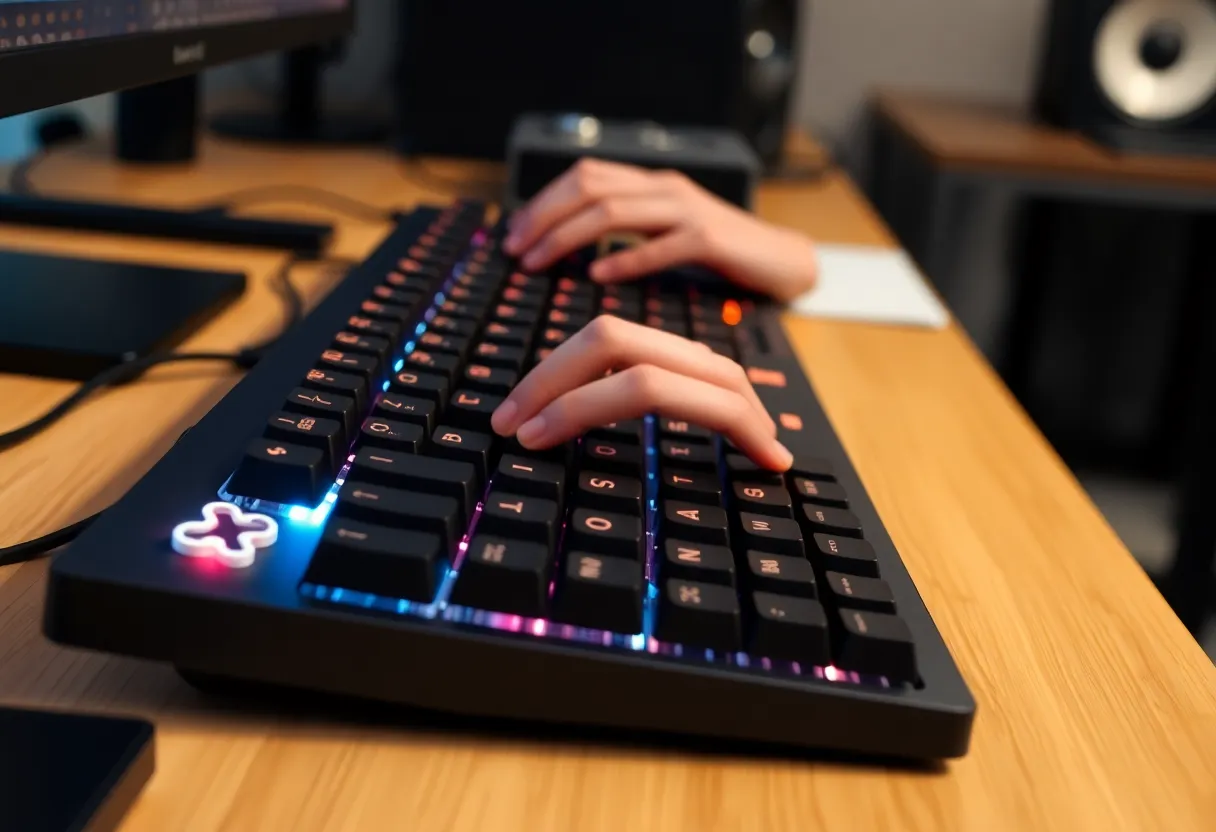
Claim: Mechanical keyboards reduce typing fatigue and RSI risk.
This is the most important ergonomic claim and the most complicated to evaluate.
The theoretical basis for the claim is that tactile feedback allows lighter keystrokes—you can release the key at the actuation point rather than bottoming out the full travel, reducing the impact force transmitted to fingers, hands, and wrists with each keystroke. Over thousands of keystrokes per hour, reduced impact force could plausibly reduce cumulative stress on soft tissues.
The problem is the research. Good controlled studies on typing injury risk and keyboard type are surprisingly scarce. The studies that exist generally have methodological limitations: small sample sizes, short durations, self-reported outcomes, or populations that aren’t representative of typical knowledge workers. The existing literature does not provide clear evidence that any specific keyboard type is substantially protective against RSI development.
What is much better established in the ergonomics literature is the importance of factors that are mostly orthogonal to keyboard switch type:
- Wrist position (neutral, not extended or flexed)
- Overall keyboard height and angle
- Regular breaks (the Pomodoro technique or similar)
- Mouse positioning and usage patterns
- Overall workstation setup including monitor height and seating
A mechanical keyboard used at the wrong height, with wrists extended, without adequate breaks is probably not better for injury risk than a membrane keyboard used correctly. The keyboard type choice is almost certainly less important than these environmental factors, which often go unaddressed while people spend considerable money on switches.
Claim: The tactile bump improves typing accuracy.
Reasonably well-supported for users who have learned to use it. Tactile feedback from a switch provides proprioceptive confirmation of keystroke registration that membrane keyboards generally don’t. For users who type primarily by feel and who have adapted to using the tactile bump as their cue to release and move to the next key, accuracy improvements are plausible and consistent with what users report.
The limitation is that this benefit is conditional on learning the skill of not bottoming out. Casual users who bottom out every keystroke regardless of switch type are not using the tactile feedback and would not be expected to show accuracy improvements versus membrane keyboards. Enthusiasts who are highly proficient with their switches are likely benefiting—but their improvements may be as much about intentional practice as about the switch type.
Claim: Mechanical keyboards last much longer than membrane keyboards.
Well-supported. Individual mechanical switches are rated for 50–100 million actuations depending on manufacturer and switch type. A keyboard used for 8 hours per day of intensive typing might see 5–10 million actuations per year; at that rate, the switches would last 10–20 years under normal use. Good mechanical keyboards are genuinely long-lived products when maintained.
Membrane keyboards are generally rated for lower cycle counts and are not typically replaceable at the individual key level. A membrane keyboard that wears out must be replaced entirely; a mechanical keyboard with a failing switch can often have that switch replaced.
The longevity claim is legitimate and is among the strongest objective arguments for mechanical keyboards for heavy users.
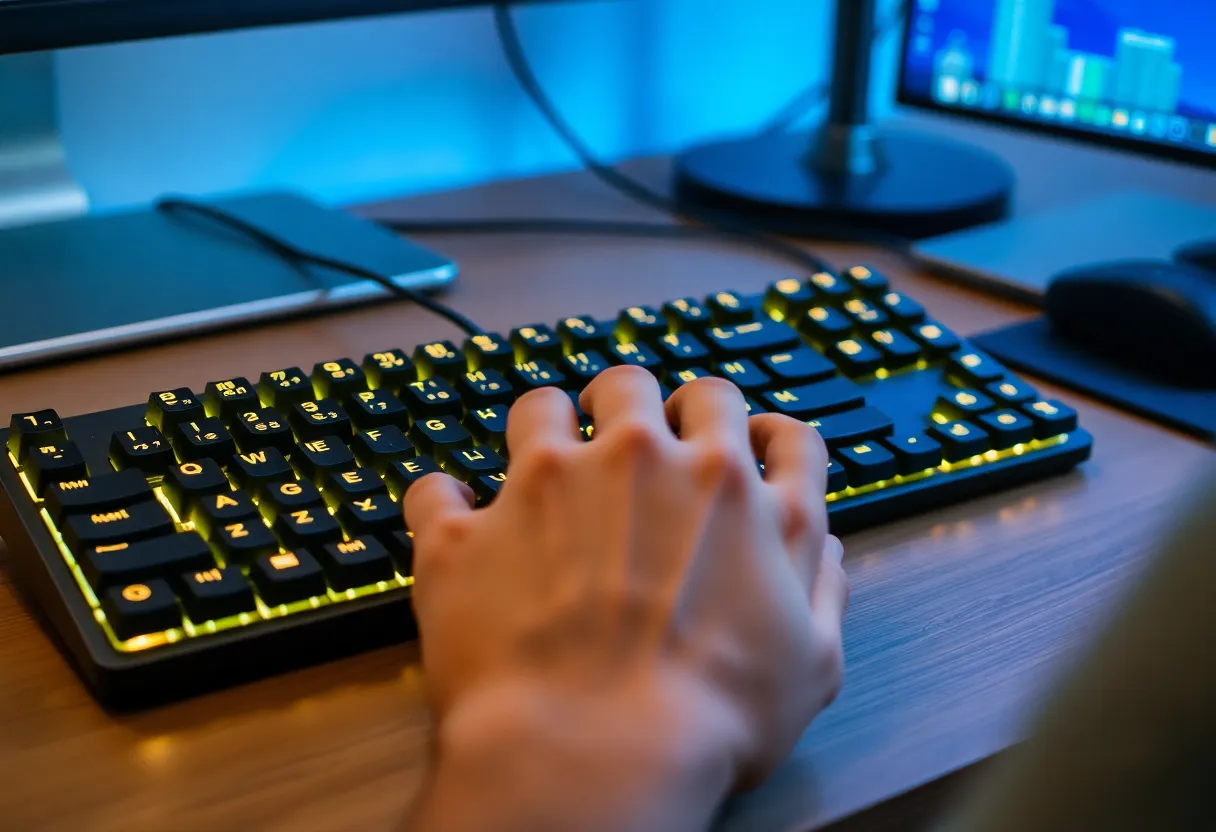
The Actual Ergonomics: What Matters More Than Switch Type
If the goal is reducing typing-related injury risk or fatigue, the research consistently points to these factors as more important than keyboard switch choice:
Split keyboards. Split keyboards—which place the two halves of the keyboard at shoulder width rather than compressed together—allow users to type with their hands shoulder-width apart and wrists in a more neutral position. This is one of the better-supported ergonomic keyboard interventions in the literature. The mechanism is clear: shoulder-width hand positioning reduces ulnar deviation (bending the wrist outward toward the pinky) which is associated with RSI.
Tenting (angling the keyboard). Most conventional keyboards lay flat, which requires some degree of forearm pronation (rotating the forearm palm-down). Tenting the keyboard—raising the inner edge so the keyboard slopes down from centre to sides—allows a more neutral forearm position. Ergonomic keyboards from Kinesis, Logitech MX, and others incorporate tenting, and adjustable tenting is available on many split keyboards.
Negative tilt. Sloping the keyboard away from you (rear of keyboard lower than front) is frequently recommended by occupational therapists for maintaining wrist neutrality during typing, particularly in seated postures. This is the opposite of the positive tilt that most keyboards’ fold-out feet produce.
Break frequency. The evidence for regular breaks in reducing repetitive strain injury is strong. Tools like workrave, manual Pomodoro timers, or OS-level break reminders can enforce minimum break intervals. No keyboard choice compensates for unbroken hours of high-volume typing.
Making a Practical Decision
For someone choosing a keyboard with ergonomic concerns in mind:
If injury prevention is the primary concern, the form factor and split/tenting options of the keyboard matter more than the switch type. A split ergonomic keyboard with decent membrane switches is likely better for injury risk than a high-end mechanical keyboard in a conventional compact layout.
If longevity and build quality matter—and they’re worth considering for a device you’ll use eight hours a day for years—mechanical keyboards have a real advantage.
If switch feel and typing satisfaction matter to you—which is a legitimate preference, not just enthusiasm—mechanical keyboards offer much more variety and customisation than membrane alternatives, and the subjective preference of liking your keyboard is not trivial when you’re using it for hours daily.
If you’re deciding based purely on objective performance claims from the enthusiast community, apply some scepticism: the speed and accuracy benefits are real for some users in specific conditions but not universal, and the ergonomic injury protection claims are considerably less well-established than they’re often presented.
Mechanical keyboards are good products that many people genuinely prefer. They’re not magic, and the enthusiasm of their community occasionally overruns what the evidence actually supports.