What Running Your Own Email Server Actually Takes in 2026

Eliot Vance
July 7, 2026
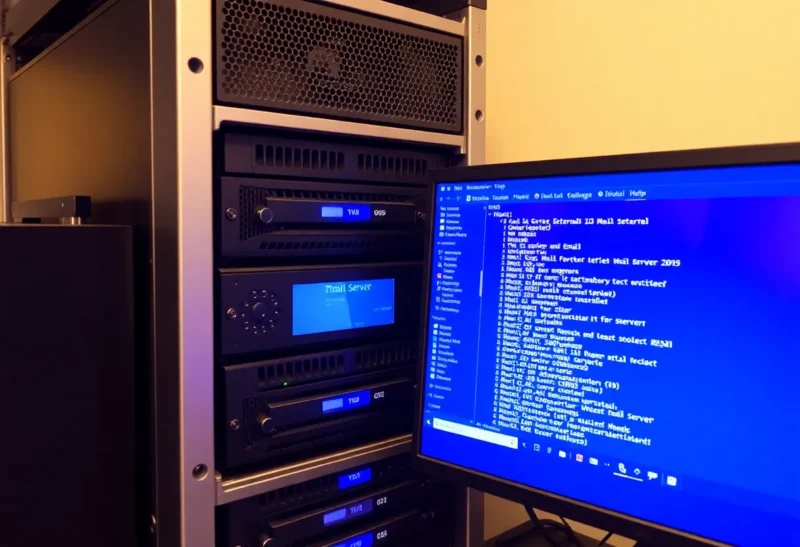
Self-hosting an email server is one of those technical projects that has a persistent appeal — it means full control over your email, no dependence on Google or Microsoft, and the satisfaction of running a core piece of internet infrastructure yourself. It’s also one of the most persistently difficult self-hosting projects, and the difficulty has not decreased with time. The ecosystem of tools has improved, but the fundamental challenges of email reputation, deliverability, and ongoing maintenance are at least as demanding in 2026 as they were a decade ago, and in some ways more so.
This is not an argument against self-hosting email. People do it successfully, maintain it reliably, and find value in it. But understanding what it actually requires — technically, operationally, and in terms of ongoing time commitment — before starting is essential to avoiding a common pattern: set up a beautiful mail server, discover deliverability problems, spend several weeks trying to fix them, give up and switch back to Gmail.
The Technical Stack Has Improved
The good news first: the tooling for self-hosted email has improved substantially. Projects like Mailcow, Mail-in-a-Box, and Docker Mailserver package the full email stack (Postfix for SMTP, Dovecot for IMAP, rspamd or SpamAssassin for spam filtering, Roundcube or SOGo for webmail) into configured, deployable units that handle most of the software configuration automatically. A decade ago, configuring all of these components and their interactions correctly was a multi-day project for someone with significant Linux administration experience. Mail-in-a-Box can be deployed on a fresh Ubuntu server in under an hour.
Modern email authentication — SPF, DKIM, and DMARC — is well-supported in all major self-hosted stacks. These records authenticate your mail server to receiving servers, proving that your domain authorized the server to send on its behalf. Getting these configured correctly is essential for deliverability and used to require careful manual DNS record management; current tooling generates the records and guides you through DNS setup automatically.
TLS certificate management is also largely automated via Let’s Encrypt integration in all major self-hosted stacks. Your server has a valid SSL certificate for encrypted SMTP and IMAP connections by default. A few years ago, this required manual certificate procurement or a paid certificate authority relationship.
The Deliverability Problem
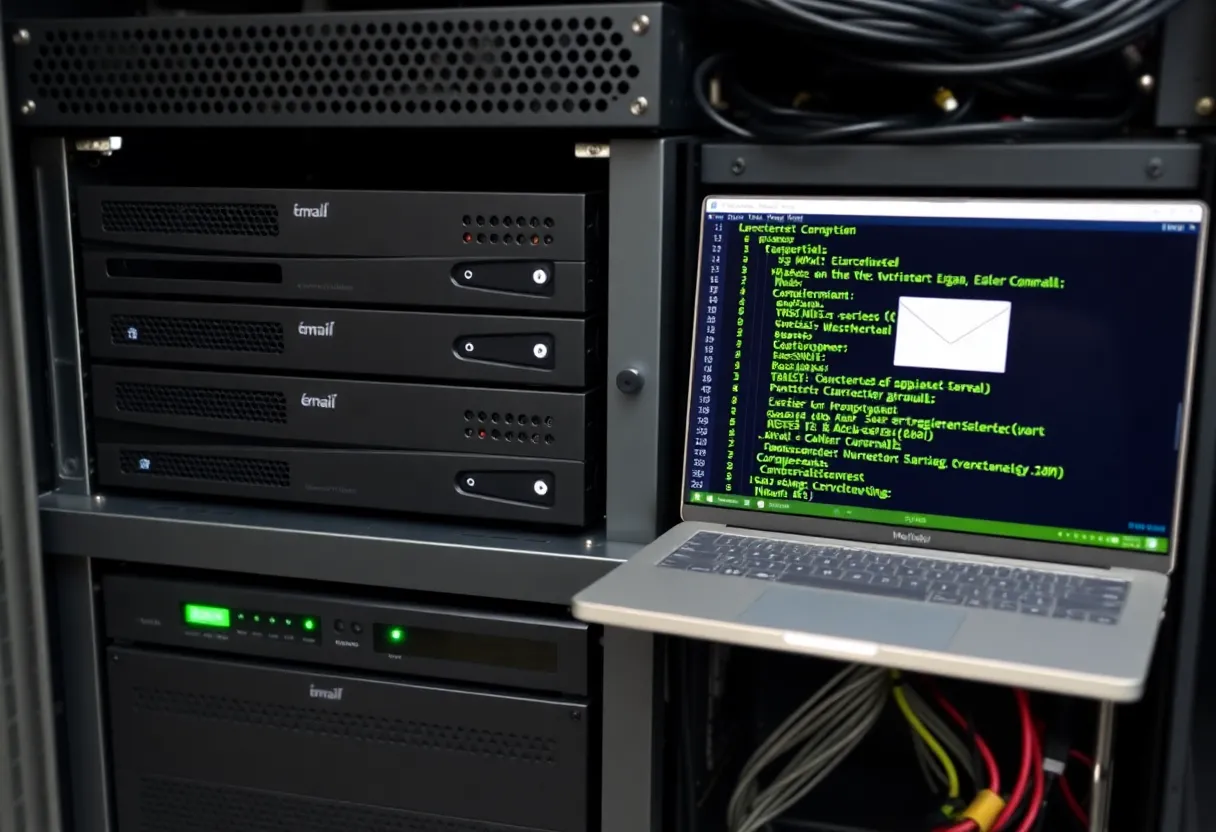
The deliverability challenge is where most self-hosted email projects encounter their hardest obstacles, and it’s fundamentally a trust problem that software configuration can only partially solve.
Gmail, Microsoft Outlook/Exchange Online, and Yahoo — the major mail receiving services that handle the majority of personal and business email — have built aggressive spam filtering systems that treat new sending IP addresses with significant suspicion. They’ve done this because the volume of spam and phishing sent through new, unestablished IP addresses is enormous. From their perspective, any new email server IP that suddenly starts sending email is probably spam until proven otherwise.
The reputation of your IP address matters enormously. Residential ISPs often block outbound port 25 (SMTP) entirely, making home-hosted email servers nonviable for sending in most cases. VPS providers’ IP ranges vary significantly in their reputation — some providers’ IP blocks have been heavily abused and are on blocklists that receiving servers check. A fresh VPS from a provider like Hetzner, Vultr, or Linode may have a clean IP, or it may be inheriting reputation from previous tenants who were spammers. Checking your IP against major blocklists (MXToolbox, MultiRBL) before investing significant setup time is essential.
Getting off blocklists — if you inherit one or end up on one — requires contacting the blocklist operator, demonstrating that the issue is resolved, and waiting for delisting, which can take days to weeks. This is not a one-time problem; reputation management is ongoing.
Microsoft’s deliverability to Outlook and Hotmail accounts is a specific well-documented challenge for new self-hosted servers. Microsoft’s SmartScreen filtering is aggressive, and new IPs frequently see messages silently dropped (not even delivered to spam) or sent to spam regardless of proper SPF/DKIM/DMARC configuration. The Junk Mail Reporting Program (JMRP) and Smart Network Data Services (SNDS) are Microsoft’s tools for senders to monitor their reputation with Microsoft’s systems, but the process of building sufficient reputation to reliably reach Outlook inboxes can take months of sending from a new IP.
What Ongoing Maintenance Looks Like
A self-hosted email server requires more ongoing attention than most other self-hosted services. The threat surface is active in a way that, say, a self-hosted photo gallery isn’t.
Spam filtering requires tuning. rspamd or SpamAssassin work reasonably well out of the box, but spam patterns evolve, and a filter that was well-configured six months ago may start letting more through or generating more false positives. Monitoring spam filter logs and periodically reviewing training data is part of the maintenance cycle.
Security patches matter more urgently for mail servers than for low-profile self-hosted services. Postfix and Dovecot have good security records, but a misconfigured or outdated mail server is an actively targeted attack surface for spammers trying to use it as a relay. Outbound spam from your server because a vulnerability was exploited means your IP gets blacklisted rapidly.
Backup and disaster recovery need careful planning. Email is high-stakes data; losing it is more consequential than losing, say, your Gitea instance. Off-server backups of mail data with regular testing are non-negotiable for anyone using their self-hosted server for important communications.
The operational time commitment for a well-run single-domain personal mail server is probably two to four hours per month on average for a competent Linux administrator who has gotten through initial setup and deliverability establishment. That hides significant variance: setup and initial deliverability can take a week or more of focused effort, and incidents (blocklisting, spam burst, certificate renewal failure) can spike the time requirement dramatically.
Alternatives Worth Considering
For people motivated by privacy and domain control rather than the technical challenge itself, several alternatives achieve most of the goal with much lower operational overhead. Managed email hosting with your own domain through Migadu, Fastmail, or Proton Mail for Business provides a custom domain address without running any infrastructure. Proton Mail specifically provides end-to-end encryption, meaningful privacy guarantees, and no advertising-driven business model, addressing the privacy concern that motivates many people toward self-hosting.
For people who want some self-hosting but not a full mail server, a simpler approach is using a managed transactional email provider (Postmark, SendGrid, Mailgun) for outbound sending while keeping inbound mail on a simple IMAP provider, or using a forwarder service (ImprovMX, Cloudflare Email Routing) to receive mail at a custom domain forwarded to an existing inbox. These hybrid approaches get you the custom domain without the full mail server complexity.
Self-hosted email is a legitimate and rewarding project for people who genuinely want the technical challenge and are committed to the ongoing maintenance. The tooling is better than ever, and a successful setup provides real satisfaction and real control. But it should be entered with clear eyes about the deliverability landscape, the ongoing time commitment, and the specific skills required — not as a one-time setup that can be left running without attention.