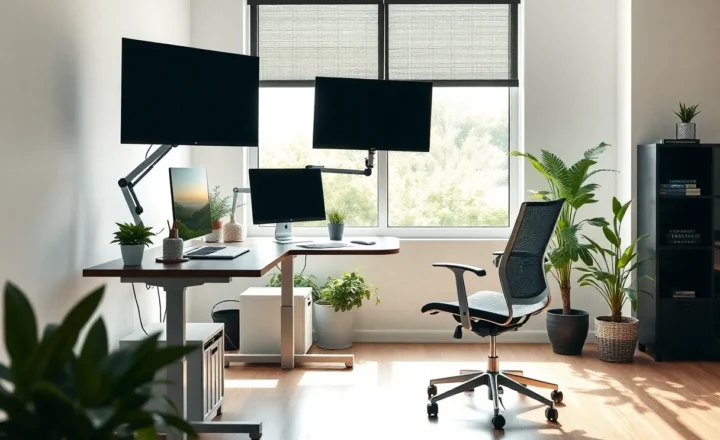
Why Your Next Upgrade Should Be Your Chair, Not Your Monitor

Amara Osei
March 15, 2026
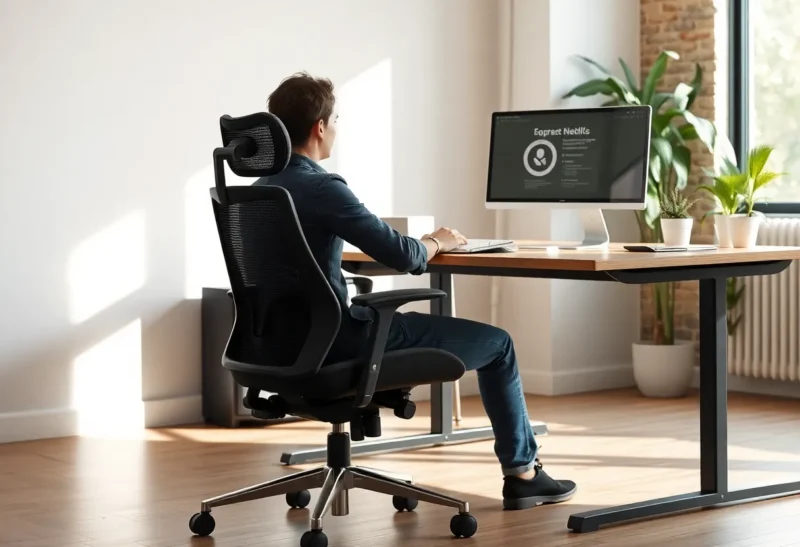
It’s easy to fixate on screens: a bigger monitor, higher refresh rate, or a second display. But if you work at a desk for hours, the upgrade that often pays off more is your chair. A good chair supports your back, reduces fatigue, and can prevent the kind of low-grade discomfort that drains focus and adds up over years. Your next upgrade should be your chair, not your monitor, because the chair affects how you feel for every hour you sit—and that compounds faster than a few extra pixels.
Why We Overlook the Chair
Monitors are visible and measurable. Resolution, colour accuracy, and refresh rate are easy to compare. Chairs are harder to evaluate from a spec sheet; you have to sit in them. And because we’re used to thinking of “tech” as screens and keyboards, the chair feels like furniture, not gear. So we keep the old office chair and chase the next display. The result is a great screen and a body that’s fighting the seat all day. The chair is the interface between you and the desk; if it’s wrong, nothing else is right.
What a Good Chair Actually Buys You
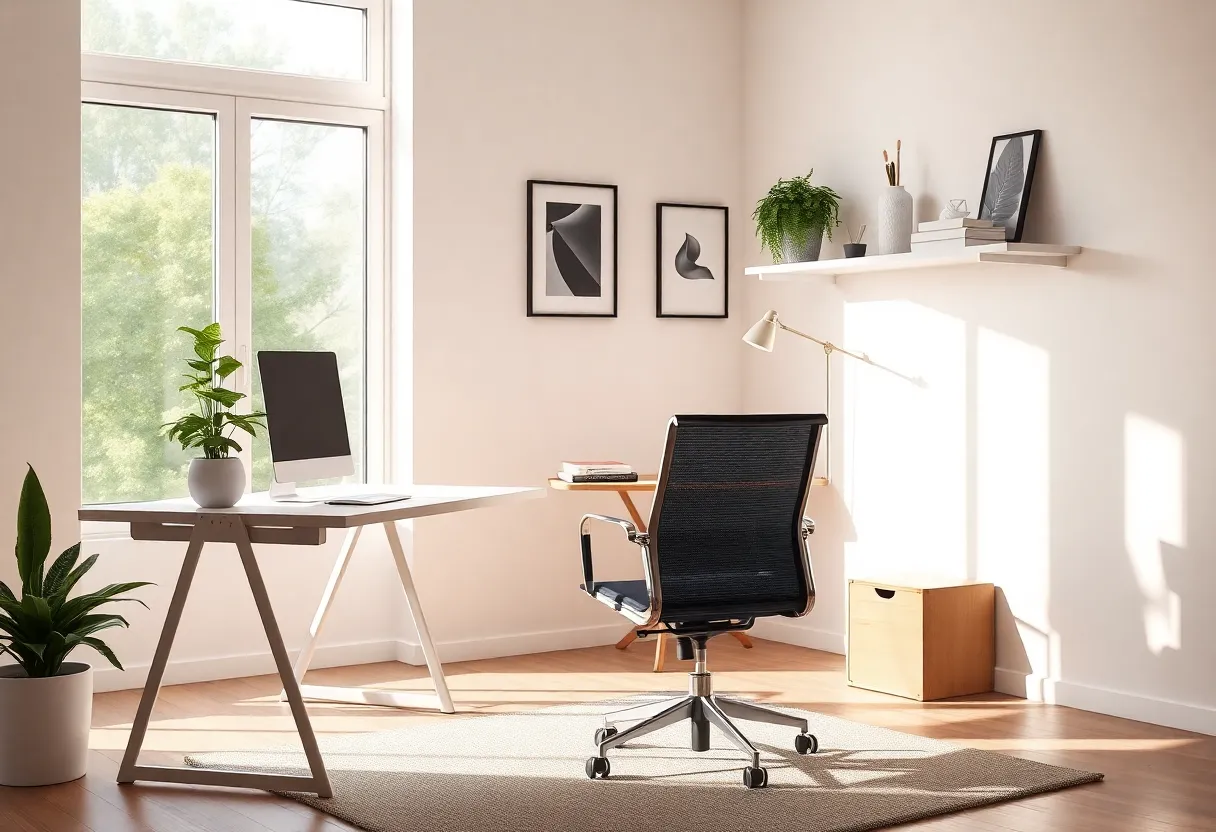
An ergonomic chair that fits your height and build keeps your spine in a neutral position, supports your lower back, and lets you adjust seat height, armrests, and recline. You’re not slouching or leaning forward to compensate. That reduces strain on your neck, shoulders, and lower back—the places that start to hurt after long sessions. You might not notice the difference in the first hour, but by the end of the day, or over months, the gap between a bad chair and a good one is huge. A monitor upgrade might make things look nicer; a chair upgrade makes you less tired and less sore. For productivity and long-term health, that’s the higher-leverage change.
When the Monitor Can Wait
If you’re already on a decent 1080p or 1440p display that’s the right size for your desk, another inch or a higher refresh rate is a marginal gain. If your chair is a dining chair, a cheap office chair with no lumbar support, or something that’s been sagging for years, fixing that will do more for your daily experience than a new panel. Prioritise the chair when your back or neck complain, when you find yourself shifting constantly, or when you know you’re going to be at that desk for the long haul. The monitor can wait; your posture can’t.
How to Choose (Without Obsessing)
You don’t need to spend a fortune. Look for adjustable height, lumbar support (or a cushion that gives it), and a seat that doesn’t dig into your thighs. Try before you buy if you can; if not, read reviews from people with a similar build and use case. Mesh or foam, arms or no arms—preferences vary. The goal is a chair you can sit in for hours without thinking about it. Once that’s sorted, by all means upgrade the monitor. But if you’re choosing one upgrade, make it the chair. Your back will thank you long after the novelty of the new screen has worn off.
Remote work made the home desk permanent for many people. If you’re going to sit there for years, the chair is one of the few pieces of gear that directly affects your body every day. Standing desks and monitor arms help too, but they don’t replace a chair that actually fits. Treat the chair as part of your setup—not an afterthought. Your next upgrade should be your chair, not your monitor, and once you’ve made that swap, you’ll feel the difference every time you sit down.
Your next upgrade should be your chair, not your monitor, because the chair is what you feel every minute you’re at the desk. Screens are easy to lust after; support and comfort are easy to ignore until they’re gone. Fix the foundation first.