How Game Engines Handle Thousands of Objects at Once

Lake Park
March 1, 2026
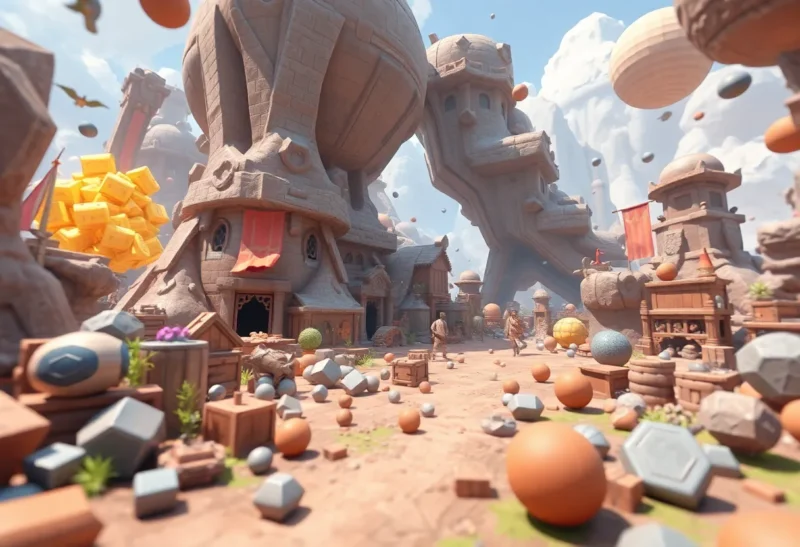
Open-world games render forests with thousands of trees, cities with millions of objects, and crowds that fill stadiums. Each object has geometry, textures, physics, and logic. How do game engines handle that without melting your GPU? The answer lies in culling, instancing, level-of-detail, and a lot of clever batching.
The Core Problem: Too Much to Draw
A single high-poly character might have 50,000 triangles. A forest with 10,000 trees at that density would be 500 million triangles per frame—impossible to render in real time. Game engines solve this by never drawing most of it. Culling removes what the camera can’t see. Level-of-detail (LOD) swaps in simpler meshes for distant objects. Instancing draws thousands of copies of the same object with one draw call.
These techniques compound. A tree 500 meters away might be a single quad with a texture—or not drawn at all if it’s behind a hill. The same tree model repeated 5,000 times becomes one instanced draw call. The GPU draws it once and reuses the geometry for every instance. Batching—combining multiple objects into a single draw call—reduces CPU overhead. The fewer draw calls, the better.
Culling: Don’t Draw What You Can’t See
Frustum culling removes objects outside the camera’s view. If a tree is behind you, it’s not in the view frustum—skip it. Occlusion culling goes further: if a tree is behind a building, don’t draw it even if it’s in the frustum. Engines use occlusion queries, pre-baked visibility data, or hierarchical structures like octrees to decide what’s visible. The goal is to submit as few draw calls as possible to the GPU.
Spatial partitioning—BSP trees, octrees, or grid-based systems—groups objects by location. When you cull a region, you cull everything in it. That reduces the number of visibility tests. Large outdoor scenes often use a hierarchical structure: coarse grid for broad culling, fine grid or per-object for close-up detail.
Instancing: One Model, Many Copies
Instancing lets you draw the same mesh many times with different positions, rotations, and scales—using a single draw call. A forest of 10,000 trees might be 10–20 tree models repeated thousands of times. The GPU receives one set of geometry and a buffer of transform data. It draws each instance with the appropriate transform. Instancing reduces CPU overhead and lets the GPU batch efficiently.
GPU instancing and indirect draw (DrawIndirect) push more work to the GPU. The GPU can decide how many instances to draw based on culling results computed on the GPU. That keeps the CPU from becoming the bottleneck. Modern engines use this for foliage, debris, crowds, and any repeated geometry.
Level of Detail: Simpler When Far Away
Objects far from the camera don’t need full detail. A character 100 meters away is a few pixels on screen—a 50,000-triangle mesh is wasted. LOD systems swap in simpler meshes as distance increases. LOD0 might be full detail; LOD1 half the triangles; LOD2 a billboard or impostor. The transition is often invisible if done well.
LOD selection can be distance-based, screen-space-based (how many pixels the object covers), or a combination. Some engines use continuous LOD—morphing between LOD levels to avoid popping. The key is to reduce triangle count for distant objects without visible artifacts.
Batching and Draw Calls
Each draw call has CPU overhead—state changes, validation, driver work. Batching combines multiple objects that share the same material and mesh into one draw call. Static batching pre-combines geometry at build time. Dynamic batching combines objects at runtime when possible. The fewer draw calls, the less CPU work and the more time the GPU has to render.
Instancing is a form of batching—one draw call for many instances. Material and texture atlasing let you batch objects that would otherwise need different draw calls. The goal is to minimize draw calls while maximizing GPU utilization.
The Big Picture
Game engines handle thousands of objects by culling most of them, instancing repeats, simplifying distant geometry with LOD, and batching draw calls. The techniques are decades old but constantly refined. New hardware—mesh shaders, ray tracing—adds more tools. The principle remains: don’t draw what you don’t need to see.