Why Face ID and Fingerprint Both Have Blind Spots

Sasha Reid
March 1, 2026
Face ID and fingerprint sensors feel seamless. You look at your phone, it unlocks. You touch the sensor, it unlocks. They’re faster than passwords and harder to forget. But they’re not perfect. Both have blind spots—edge cases where they fail, get bypassed, or leave you locked out. Understanding those limits matters. Here’s what Face ID and fingerprint actually do well, where they fall short, and what you should know before you rely on them for everything.
Face ID: What Works and What Doesn’t
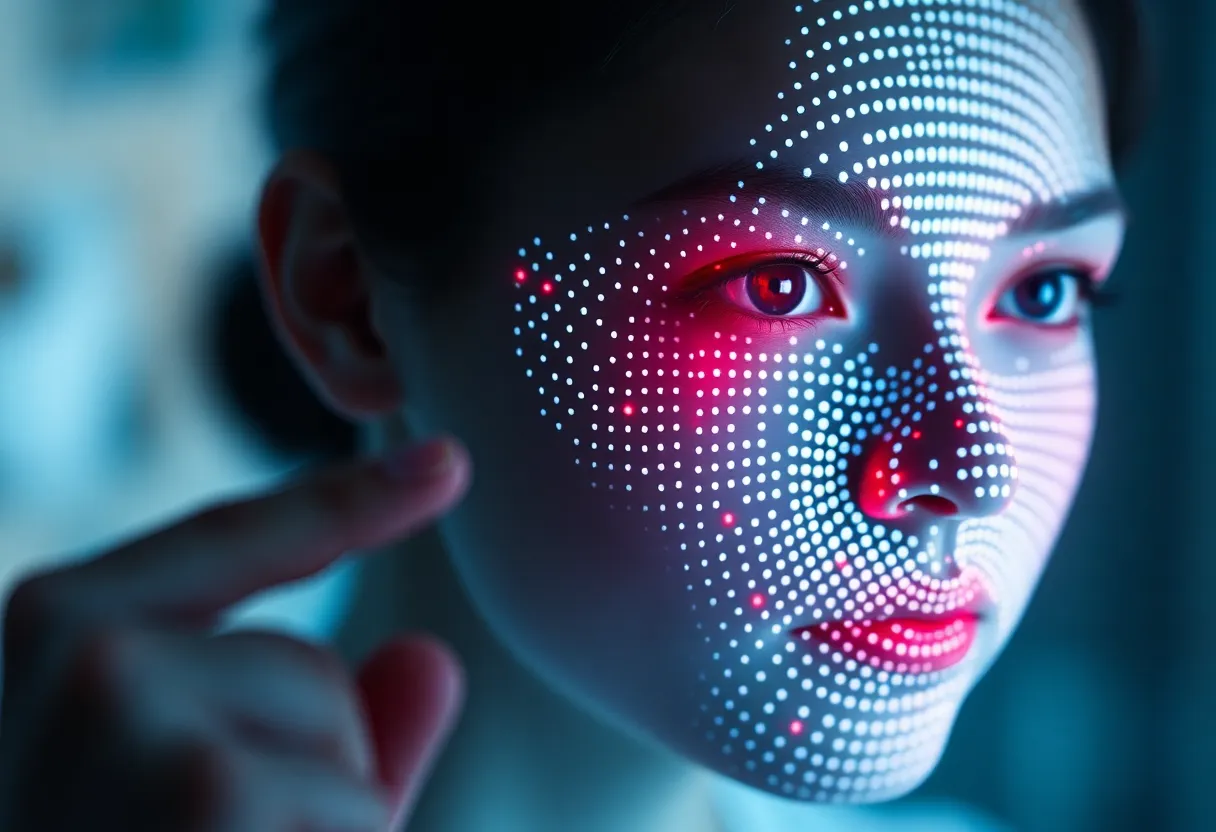
Face ID uses a dot projector and infrared camera to build a 3D map of your face. It’s designed to resist photos, masks, and even some 3D replicas. Apple claims a one-in-a-million false match rate. In practice, it works well for most people, most of the time. But it has limits.
First, angle and distance. Face ID needs a clear view of your face within a narrow range. If you’re lying in bed with the phone at a weird angle, or wearing a mask that obscures key features, it may fail. Sunglasses can block infrared; some styles work, others don’t. Hats and hoods that shadow your face can cause problems. It’s optimized for “phone in front of you, face straight on”—not for every real-world scenario.
Second, twins and lookalikes. Face ID can sometimes be fooled by siblings or close relatives. Apple has improved this over the years, but it’s a known limitation. If you have an identical twin, Face ID might not be sufficient for high-security use cases.
Third, forced authentication. Law enforcement can compel you to look at your phone. In many jurisdictions, biometrics are treated differently from passcodes—courts have ruled that you can be forced to provide your face or fingerprint, but not your passcode. That’s a legal, not technical, blind spot—but it matters for anyone concerned about compelled disclosure.
Fingerprint: What Works and What Doesn’t
Fingerprint sensors use capacitive or ultrasonic scanning to read the ridges and valleys of your finger. They’re fast, they work in the dark, and they don’t need a clear view of your face. But they have their own blind spots.
First, dirt and damage. Wet fingers, grease, cuts, or dry skin can cause failures. Construction workers, mechanics, and people who wash their hands constantly often struggle. Older adults with thinner skin or less distinct ridges may see higher failure rates. Fingerprint quality degrades with age and wear.
Second, spoofing. High-resolution fingerprints can be lifted from surfaces and used to create silicone or 3D-printed replicas. Researchers have demonstrated attacks that work against many consumer sensors. It’s not trivial—it requires physical access and some effort—but it’s possible. Face ID is generally harder to spoof with a simple replica; fingerprint sensors are more vulnerable to physical copy attacks.
Third, sensor placement. Under-display sensors can be slower and less accurate than dedicated capacitive sensors. They’re more sensitive to screen protectors and finger placement. Ultrasonic sensors are better than optical under-display options, but both trade some reliability for the clean look of no physical sensor.
What You Can Do
First, use both when possible. Many phones offer Face ID and fingerprint. Register both. If one fails—wet hands, bad angle, mask—you have a backup. It’s redundancy, not overkill.
Second, keep a strong passcode. Biometrics are convenient; they’re not a replacement for a good passcode in high-risk scenarios. If you’re crossing a border, attending a protest, or handling sensitive work, consider relying on passcode-only mode. Some phones offer a “Lockdown” or similar feature that disables biometrics until the passcode is entered.
Third, understand the legal landscape. In your jurisdiction, can you be compelled to provide your face or fingerprint? If so, biometrics may be weaker than a passcode for certain threat models. Know the rules.
Fourth, don’t over-trust. Biometrics are “something you are”—you can’t change your face or fingerprint if they’re compromised. A leaked fingerprint is forever. A leaked passcode can be changed. For the highest security, combine biometrics with a strong passcode and consider hardware security keys for critical accounts.
The Bottom Line
Face ID and fingerprint are convenient and generally secure. But they have blind spots—physical, environmental, legal, and technical. Use them for everyday unlock. Don’t assume they’re unbreakable. Keep a strong passcode. Know when to fall back. Biometrics are a layer, not a fortress.