Why Cable Management Matters More Than the Cables Themselves

Marcus Webb
July 7, 2026
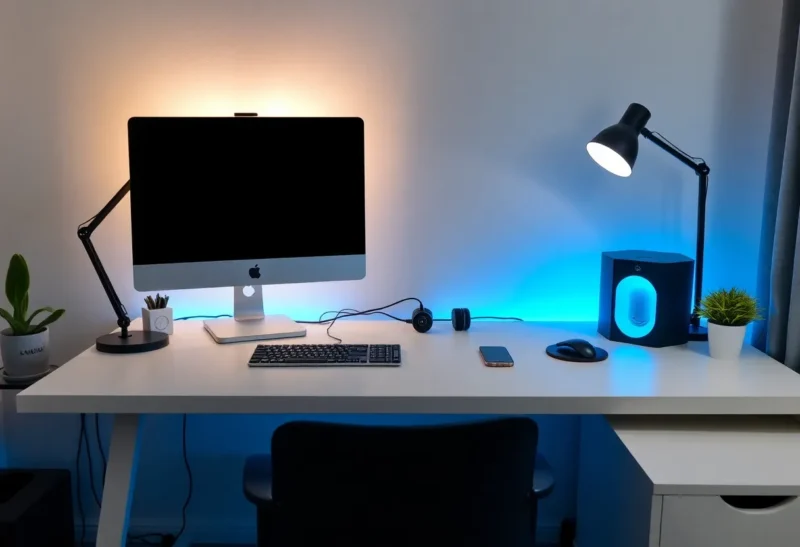
The home office and desk setup content ecosystem has produced an entire subculture of immaculate workspace photography, where cable-free surfaces and hidden wire routing are as central to the aesthetic as the monitor choice or the desk material. This obsession with cable management is occasionally dismissed as purely cosmetic, but the arguments for it extend well beyond appearance. Properly managed cables reduce physical and cognitive friction in ways that are quantifiable even if they’re usually framed in terms of aesthetics.
The Functional Arguments for Cable Management
Airflow and heat management is the most concrete functional argument for managing cables inside computer cases. Bundled cables that block airflow in PC cases prevent fans from moving air efficiently, which increases operating temperatures and can trigger thermal throttling or reduce component lifespan. A case with cables routed tidily through cable management channels behind the motherboard tray, away from fan paths, demonstrates measurably better temperatures under load than the same hardware with cables strewn across the case interior. For PC builders, cable management is a functional step, not an optional aesthetic one.
Troubleshooting speed is a practical benefit for any environment where cables are managed consistently. An organized wiring setup where each cable’s path is clear and labeled (or at least predictable) makes diagnosing connection issues significantly faster. “Which cable goes from the monitor to the GPU?” is easy to answer when cables are routed clearly and labeled; it’s a process of tracing and guessing when cables are tangled. In home office setups with multiple monitors, speakers, cameras, microphones, and peripherals, the number of cables is high enough that ad-hoc untangling on every troubleshooting occasion adds up to meaningful time. One-time investment in organized routing reduces every future troubleshooting event.
Physical safety is the most obviously practical concern: loose cables on the floor in high-traffic areas are a trip hazard. Extension cords and power strips with cables running across walking paths, under doors, or around furniture introduce both trip risk and damage risk (cables that are stepped on or run under chair wheels degrade faster). Floor cable covers, wall routing, and desk cable trays remove cables from foot traffic paths and reduce both safety incidents and cable wear.
The Cognitive Environment Argument
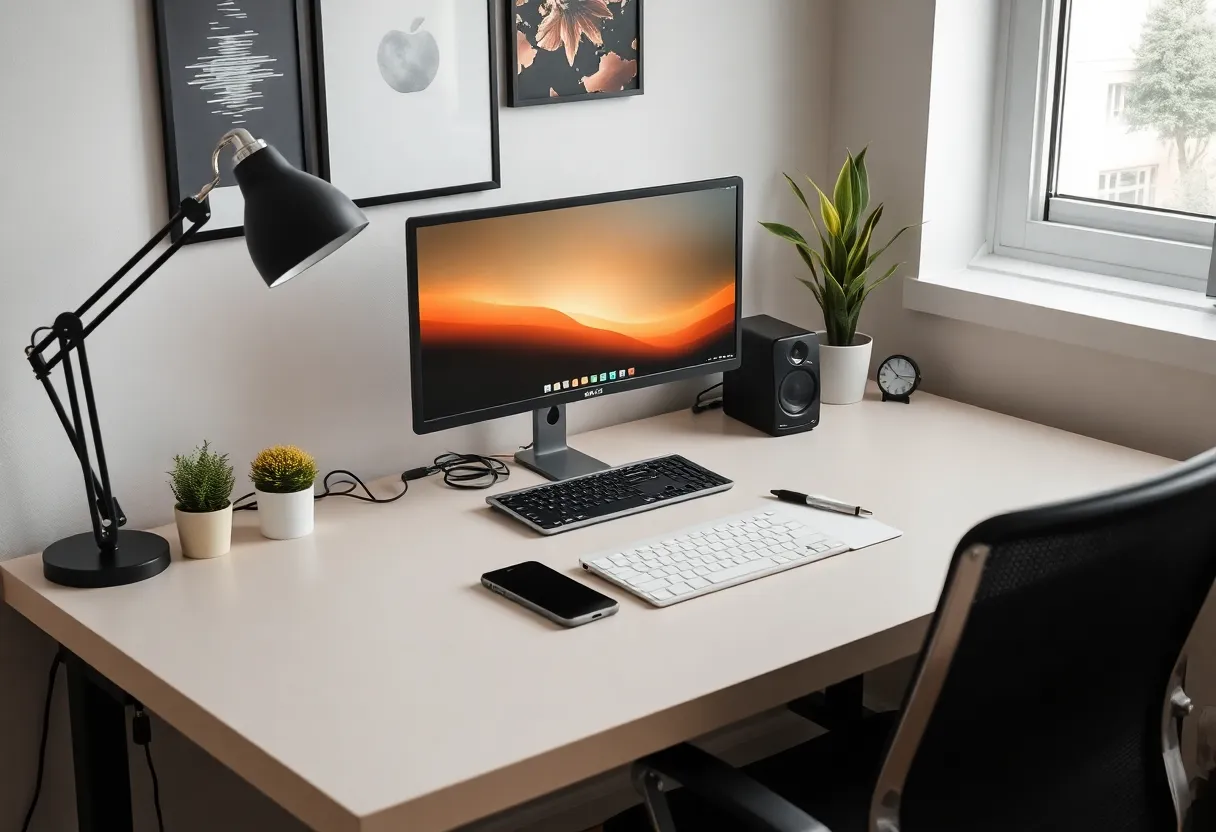
The aesthetic case for cable management has more substance than pure vanity. Research on environmental clutter and cognitive function consistently shows that cluttered physical environments increase background cognitive load — the brain’s attentional resources process visible disorganization even when not consciously focused on it. This is the same mechanism behind “environmental priming”: spaces that signal organization and control promote focused, methodical thinking; spaces that signal chaos promote distracted, reactive thinking.
Applying this to desk environments: a workspace with visible cable tangle, objects occupying every surface, and general visible disorder creates a different working environment than a workspace that appears controlled and organized — even when the actual work being done is identical. The research support for this isn’t specific to cables (it’s primarily about general visual clutter), but cables are one of the most visually salient forms of desk disorganization and one of the easiest to address systematically.
The Cost of Good Cable Management Is Low
The appeal-to-cost ratio of basic cable management is high because the materials are cheap. Cable management trays ($15–30) that mount under the desk hide power strips and cable excess. Cable clips ($5–15) that attach to desk edges or walls route cables along predictable paths. Velcro cable ties (the reusable alternative to zip ties, which are permanent) bundle cables for $5–10. Cable sleeves ($10–20) group multiple cables into a single sleeve that looks clean from the outside. A complete cable management kit for a home office setup costs under $50 and takes two to four hours to implement.
The comparison to cable upgrades is instructive: a $50 “premium” HDMI cable provides zero functional improvement over a $10 cable for most home use cases (HDMI is a digital protocol; either it works or it doesn’t, and the differences in material quality that separate $10 from $50 cables don’t affect signal quality for standard home use). The $50 spent on cable management infrastructure produces functional and aesthetic improvements that actually change the experience of using the space; the $50 spent on premium cables produces none. Cable management matters more than the cables themselves because the organization produces value that the cables’ electrical properties don’t.

Practical Approach: Starting with the Worst Offenders
Full cable management — labeling every cable, routing everything through walls, hiding the power strip completely — is a worthwhile long-term project but doesn’t need to happen at once. The highest-leverage first steps: floor cables (route anything currently running across the floor, either to walls or through a floor cable cover); power strip (mount it under the desk or in a cable management box rather than leaving it on the floor); the most visible cables on the desk surface (use cable clips to route monitor, keyboard, and mouse cables along the desk edge rather than across the surface). These three interventions remove the most visually prominent sources of cable clutter without requiring systematic total organization.
For PC builders, routing cables behind the motherboard tray during the initial build costs 20–30 extra minutes and produces better thermal performance and a dramatically better-looking build. For those who didn’t manage cables during initial assembly, re-routing is a several-hour project that’s worth doing once. The investment compounds: subsequent hardware upgrades and troubleshooting are faster in a well-managed build, making the initial investment recover over time.