Why Bidirectional USB-C Power Delivery Still Confuses Laptop Buyers in 2026

Futurion Editorial
July 9, 2026
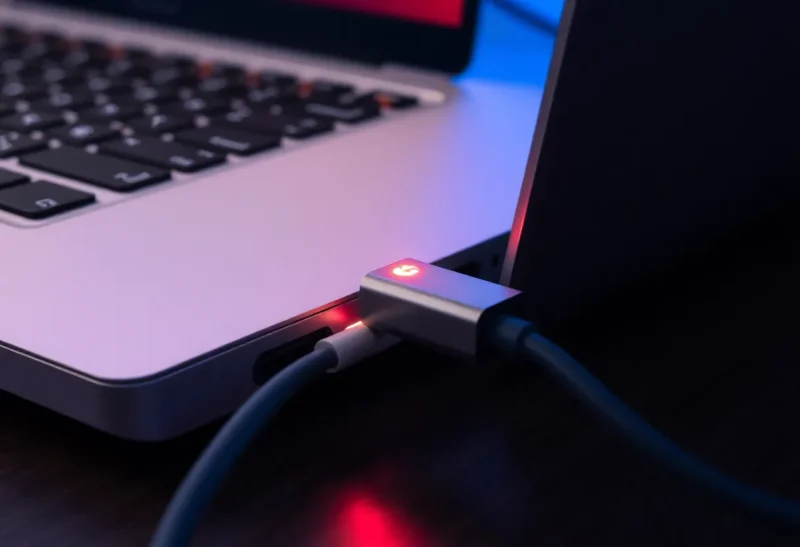
Buy a new laptop in 2026 and you will almost certainly charge it over USB-C. That much has finally settled. What hasn’t settled is a much stranger question that trips up otherwise careful shoppers: which of your USB-C ports can send power, which can only receive it, and which can do both depending on what you plug in. The port looks identical from the outside. The behavior underneath is not.
This isn’t a niche complaint from cable enthusiasts. It shows up the first time someone tries to charge a phone from their laptop on a flight and finds the laptop’s battery draining faster than the phone charges, or the reverse — a laptop that refuses to charge at all because it’s plugged into “the wrong” port on a dock. The physical connector promised one universal standard. The power behavior underneath kept the chaos.
The Part USB-C Actually Standardized
USB-C standardized the plug. Before it, laptops charged over proprietary barrel connectors, phones charged over Micro-USB or Lightning, and the two systems never touched. USB-C’s reversible, symmetrical connector meant one physical shape could carry data, video, and power simultaneously, and manufacturers happily consolidated everything onto it.
What it did not standardize, at least not rigidly, is who gets to decide the direction of power flow. USB Power Delivery (USB PD) is the protocol that governs this, and it works through negotiation: when two USB-C devices connect, they exchange messages about how much power each can supply or wants to draw, and they agree on a role — source or sink — before any real current flows. That negotiation is elegant in theory. In practice, it depends on both devices implementing the optional parts of the spec well, and plenty of hardware doesn’t.
Why “Bidirectional” Doesn’t Mean “Automatic”
A genuinely bidirectional USB-C port can act as either a power source or a power sink, switching roles based on what’s plugged in and what both sides negotiate. Most modern laptops have at least one port like this. The confusion starts because manufacturers are inconsistent about which ports get this capability, how much wattage they support in each direction, and whether they document it anywhere a normal buyer would look.

A thin-and-light laptop might ship with two USB-C ports on the left side and one on the right, and only the left two support the full charging wattage the laptop needs. Plug the charger into the right-side port and the laptop might still run, but it will slowly lose battery under load because that port can only accept a fraction of the power the system needs. Nothing tells you this at the point of sale. It’s buried in a support document, if it’s documented at all.
Then there’s the question of what happens when you connect two power-capable devices to each other — say, a laptop and a portable monitor that also has its own power brick. USB PD includes a “power role swap” mechanism specifically for this, letting either side become the source mid-connection without unplugging anything. Support for power role swap is technically optional in the spec, which means some devices simply don’t bother implementing it, and the result is a connection that either refuses to charge either device or picks a direction seemingly at random.
The Dock and Monitor Problem
Docking stations and USB-C monitors make this worse because they introduce a third power source into the equation. A typical setup: laptop connects to a USB-C dock, the dock connects to its own power supply, and the dock is supposed to pass power upstream to charge the laptop while also driving external displays and peripherals downstream.
This works when everyone agrees on roles, but three things commonly break it. First, the dock’s power supply might not have enough headroom left over for laptop charging once displays and peripherals draw their share — a 96W dock powering two 4K monitors, a keyboard, a mouse, and an external SSD might have almost nothing left to send to your laptop, even though the dock’s charging port is technically bidirectional. Second, some docks explicitly cap upstream charging at a lower wattage than the laptop wants, meaning your laptop trickle-charges or slowly discharges under heavy use even while “charging.” Third, and most commonly reported by IT departments managing fleets of laptops, some dock and laptop firmware combinations simply negotiate badly together, defaulting to a low power contract that neither side actually needs to use.
What the Labeling Should Tell You (and Usually Doesn’t)
The USB-IF, the industry body that maintains the USB specifications, has pushed for clearer labeling for years — wattage icons next to ports, “SS” markings for SuperSpeed data, lightning bolt icons for charging-capable ports. Compliance is inconsistent across manufacturers, and even when a port is labeled with a wattage, that number usually describes the maximum the port can receive, not necessarily what it can output when used to charge another device.
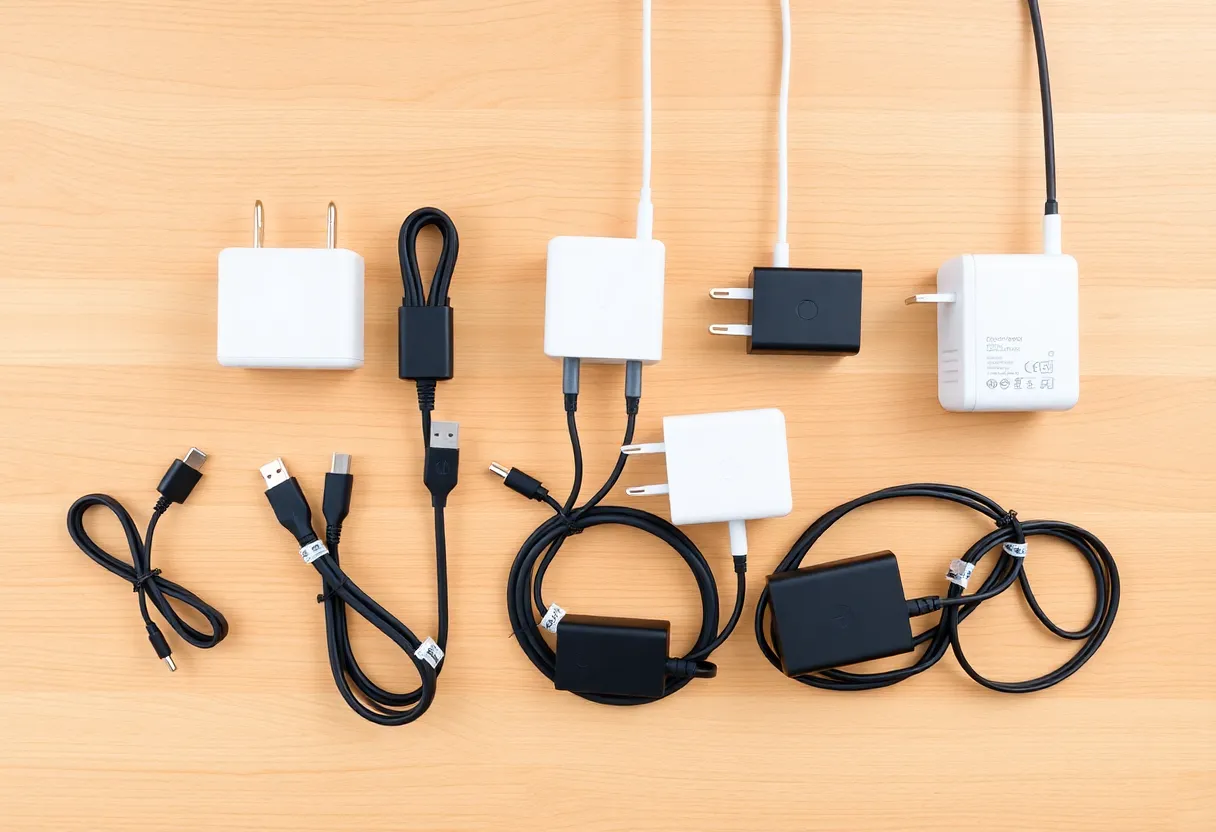
Cables complicate things further. A USB-C cable rated for basic charging might only support 60W, while a full-featured cable with the embedded e-marker chip required for higher wattages can carry up to 240W under the newer USB PD 3.1 Extended Power Range spec. Two devices that are perfectly capable of a fast, bidirectional 100W connection will silently fall back to a much slower charge rate if the cable between them can’t identify itself as capable of more — and most cables give you no visual way to tell the difference beyond a barely-visible printed code on the jacket, if that.
Where This Actually Matters for Buyers
If you’re shopping for a laptop in 2026, the practical questions worth asking before you buy — not after — are narrower than the marketing copy suggests:
- Which specific ports charge the laptop at full speed? Not “does it have USB-C charging,” but which physical port, because manufacturers frequently limit full-speed charging to one or two of several visually identical ports.
- Can this laptop charge a phone or accessory from its battery? Useful for travel, and increasingly common, but far from universal — some laptops explicitly disable output power delivery to protect battery health or thermal limits.
- What’s the dock or monitor’s actual pass-through wattage, and does it change under load? A spec sheet number measured with nothing else connected isn’t the number you’ll get in real use.
- Do you need a specific cable rating? If your setup exceeds 60W in either direction, verify the cable is rated for it, because most bundled cables are not.
None of this is exotic engineering knowledge — it’s closer to the kind of thing that used to be obvious when every device had its own dedicated charger. USB-C’s flexibility is real and valuable; laptops genuinely can share power with monitors, docks, and phones in ways that were physically impossible a decade ago. But flexibility that depends on invisible negotiation between two black boxes, with no reliable labeling and inconsistent implementation across manufacturers, produces exactly the kind of confusion buyers are running into.
What Would Actually Fix It
The fix isn’t more engineering — the USB PD protocol already supports almost everything buyers want. It’s disclosure. A simple, mandatory, standardized icon set showing input wattage, output wattage, and data speed per port, printed next to the port itself rather than buried in a manual, would resolve most of the day-to-day confusion. The EU’s push for common charging standards nudged manufacturers toward USB-C as the physical connector; a similar regulatory push toward standardized power labeling would do more for buyers than any new connector spec ever could.
Until that happens, the honest advice is unglamorous: check the actual port diagram in the manual before assuming any USB-C port on a laptop behaves like any other, keep at least one cable rated for your highest wattage need, and don’t trust a dock’s advertised wattage to reflect what’s left over once your monitors and peripherals take their share. USB-C solved the connector problem. It never fully solved the power problem, and in 2026, that’s still the buyer’s job to work around.