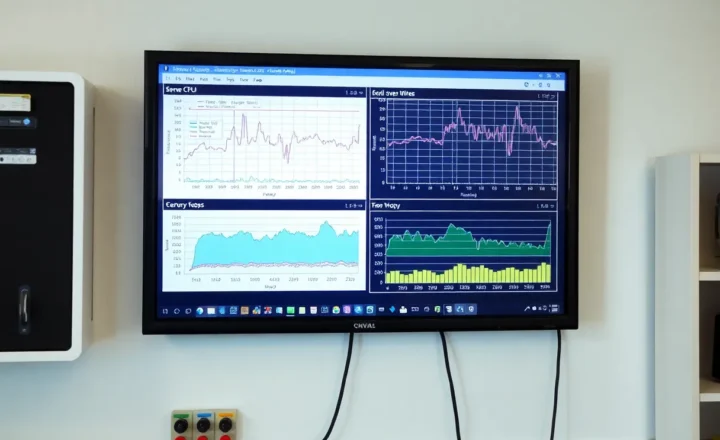
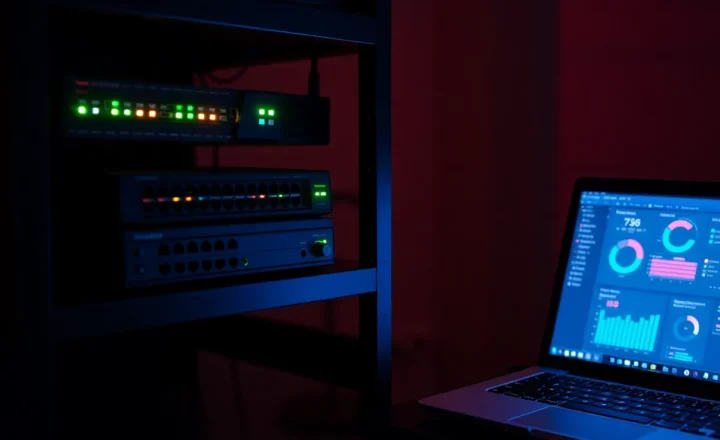
Which monitor has to live on a different machine than the service it watches?

Jonah Hale
October 7, 2026

The one that is supposed to notice the machine is down. A ping or a TCP check of the host, and a heartbeat that must arrive somewhere else if the monitor process dies, cannot run on the box they describe. Uptime Kuma watching a container on the same Docker host will go silent in the same power cut. Healthchecks.io, a second Kuma, or any pull checker on a different machine is the one that still has a mouth. Everything else, certificate dates, disk smart, a single container’s HTTP, is allowed to live next to the service.
People install one dashboard and point it at everything, including itself. The dashboard is green until the evening the closet trips a breaker, and then it is not green and not red. It is off. The phone never buzzes. That missing buzz is the monitor that was in the wrong room.
The check that shares a fate with the target
A monitor fails open, in the bad sense, when it needs the thing it watches in order to tell you the thing is dead. Uptime Kuma inside Docker on the mini PC, with a monitor of type HTTP pointed at a container on that same Docker, is a good check of the app. It is not a check of the mini PC. When the mini PC loses power, Kuma’s sqlite, Kuma’s process, and the notification job stop together. There is no last gasp. The notification would have had to leave the building before the building went dark, or be generated by someone standing outside.
The outside check is small on purpose. Ping the host. Open TCP 443 on the reverse proxy. Expect a push from a cron job every five minutes and alarm when the push does not come. That push is the important shape, because a dead machine cannot send “I am dead,” and it also cannot send the heartbeat. Healthchecks.io, or a Kuma push monitor running on a VPS or on a second Pi that is not on the same UPS, turns silence into an alert. A pull from outside does the same job if the network path still exists. If the outage is the ISP, an outside pull of your public name fails even though the house is fine, which is a different page. For “the closet is off,” the watcher has to have power the closet does not share.

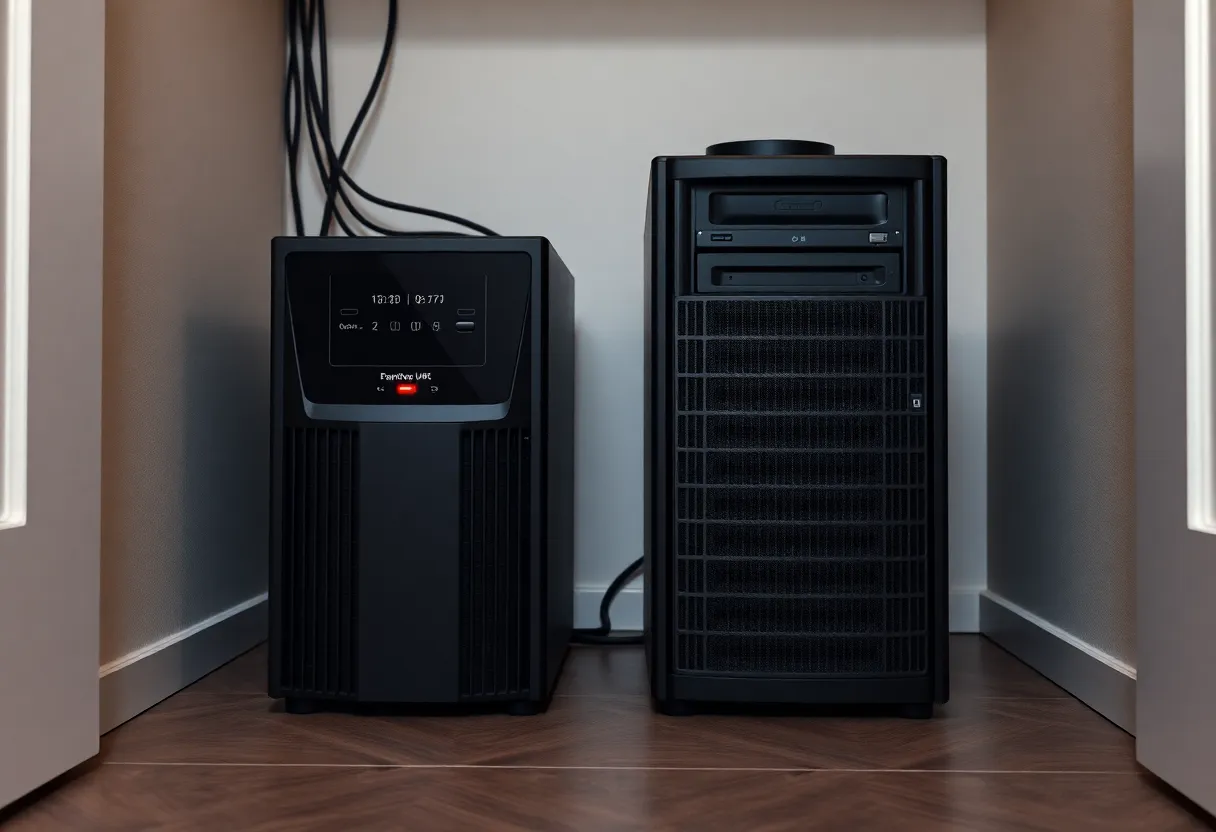
Same UPS counts as the same machine. A NUT client on the server can see the battery and can send a shutdown. It cannot email you after the battery is empty and the server is gone, unless the notification already went out while the battery was still up. Configure that early warning on the way down. Do not expect a dashboard in the closet to describe the closet after the fact. The UPS and the host are one failure domain with a short delay in the middle.
What is allowed to sit next to the app
A check that the app answers HTTP, from a monitor on the same host, is still worth having. It catches a crashed container, a bad deploy, a process that is up and returning 500, while the machine is fine. You want that one close, because it can see the internal port and it does not depend on the router. It will not save you in a power cut, and it does not have to. Pair it with the one outside check of the host, and you have both stories: the app died, or the box died. One tool trying to be both stories on one motherboard only tells the first.
Certificate expiry, disk percentage, and “last backup was recent” can live on the box too, with the same limit. They are useless once the box is gone, and they are exactly the checks you want while it is still here. A backup age check that only runs on the NAS will not tell you the NAS is on fire. It will tell you the restic job did not finish, which is the question it was asked. Ask the host-down question somewhere else. Do not delete the local checks because you added an outside ping. They fail differently, and the local one is the one that catches a single container.

Hairpin checks are a special kind of same-box lie. Kuma on the mini PC, checking https://cloud.example.com, which hairpins through the router back to the same Caddy, fails whenever the router or the public path fails, and also fails to tell you about an outage that never left the building. Check the internal URL for “is the app up” and let the outside monitor check the public URL. If both use the public name, you have two checks of the ISP and none of the container.
Where the outside watcher should actually sit
A second machine in the same closet on the same power strip is not outside. A Pi in another room, on a different breaker, watching the closet, is outside enough for a tripped breaker and not enough for a house-wide power cut. A VPS, or a hosted checker, is outside the house. That is the one that still runs when the street goes dark, and it is also the one that cannot see 192.168.1.20 unless you give it a path. Uptime Kuma and a hosted watcher split that job: Kuma sees the private ports, the hosted side sees that Kuma’s machine stopped answering. You do not need both products for every URL. You need one watcher that does not share a PSU with the service whose silence matters.
The heartbeat is the version that works without opening a port. A cron on the homelab curls a unique URL every few minutes. The receiver lives on the VPS or at Healthchecks.io. When the curl stops, the receiver alerts. The homelab does not accept inbound monitoring traffic. The only secret is that URL, which you do not paste into a screenshot. If the cron and the app are on the same box, the heartbeat covers the box, not each container. Add a local check for the container. Do not add ten heartbeats that all die together and page you ten times for one power cut. One silence for the host is the page. The rest is detail you read after you are in the room.
The notifier is part of the monitor
A correct check on a second machine still fails if the only way it can speak is a notifier that lives on the dead box. Uptime Kuma on a VPS, configured to send through an ntfy container on the homelab, is an outside eye with an inside mouth. The eye sees the outage and the mouth is in the outage. The page never arrives. The notification path has to be up when the homelab is not: a hosted push service, email that is not your self-hosted mail, or ntfy on the same VPS as the watcher. Self-hosted email as the alert channel is a classic loop. The mail server is down, the alert is the mail, the alert does not send, and the logs that would explain it are on the machine you cannot reach.
Test the channel with the homelab unplugged, not with a test button. The test button runs while everything is up, so it proves the API key works and nothing else. Pull the ethernet from the closet, or block the host at the router, and wait for the heartbeat interval plus a minute. If the phone buzzes, the watcher and the notifier are both outside the failure. If it does not, walk the path until you find the hop that still depends on the closet. That hop is the monitor that has to move, even if the dashboard you like is already on a VPS.
Disk full is the in-between case. A monitor on the same disk as a database that fills the volume can fail to write its own queue and fail to notify, while the machine still pings. An outside ping stays green. A heartbeat that cannot be sent because the disk is full goes red, which is what you want. This is another vote for the push that leaves the box, not for moving every chart to a second computer. The heartbeat stops for a full disk, a dead Docker daemon, and a power cut. One signal, three causes, all of them worth a page, all of them invisible to a checker that died the same way.
Who can keep a single dashboard
Keep a single on-box dashboard if you truly do not care that it will be mute during the only outage that takes the dashboard with it. Some people want a screen for deploys and will notice a dead closet because the lights are off. Lucky them. Everyone else needs one check, of the host or of the monitor, living on power and a disk the host does not use. Name that check in a sentence: “page me if this machine stops heartbeating.” Put that sentence on a different computer. Leave the pretty per-service monitors where they are. The one that has to move is the one that would have to announce its own funeral.