UniFi vs TP-Link Omada for a Home Network: Access Points, Controllers and Lock-In

Helena Voss
October 14, 2026
There is a moment in many homes when the Wi-Fi stops being good enough and the usual fixes run out. The ISP router has been moved, a mesh kit has been tried, and the bedroom at the end of the hall still drops video calls. At that point, people start reading about “prosumer” networking: ceiling-mounted access points, a proper switch, and a controller that manages it all from one screen.
Two brands dominate that conversation: Ubiquiti’s UniFi, the long-time favourite of home-network enthusiasts, and TP-Link’s Omada, the cheaper challenger that has won a lot of them over. I spent years as an ISP field technician walking through homes with a signal meter, and I have installed both. They solve the same problem in very similar ways. The decision mostly comes down to price, polish, and how you feel about the controller that runs the show.
A typical house, and what it actually needs
Picture a common setup: a two-storey house, with the internet connection arriving in the living room, a home office upstairs, and a few rooms where coverage is weak. A sensible prosumer network for that house looks like this:
- Two or three ceiling- or wall-mounted access points, one per floor or area, connected by Ethernet cable.
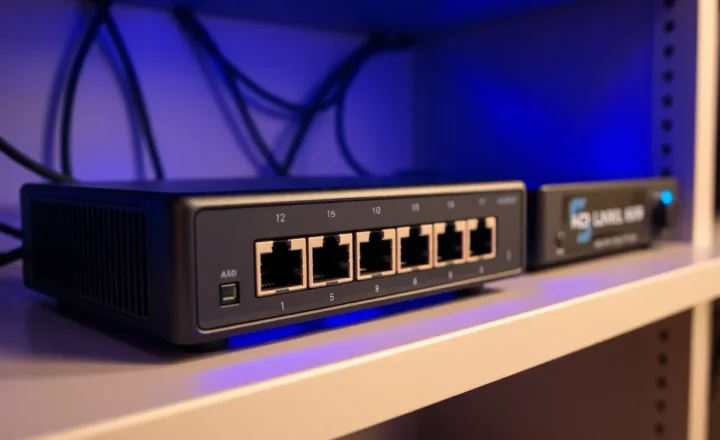
- A small PoE switch, which powers the access points over the same cables, so they need no power sockets.
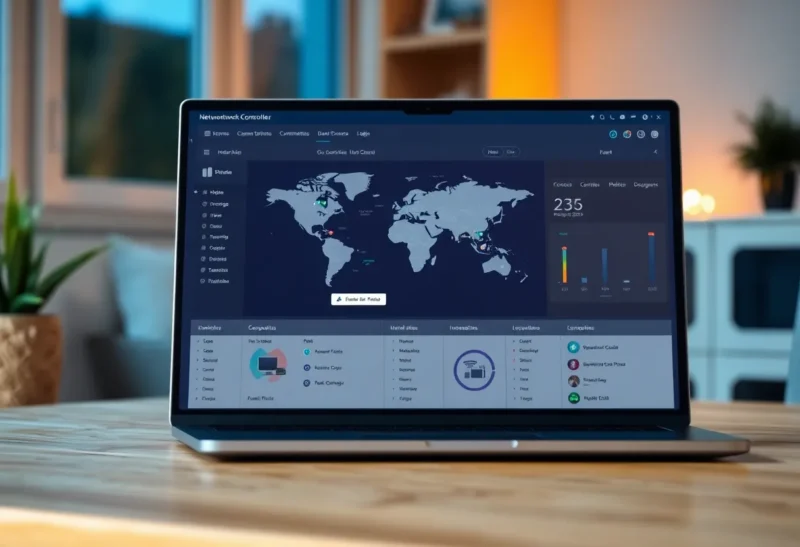
- A controller, which configures everything centrally: networks, passwords, guest Wi-Fi, firmware updates.
- Optionally, the brand’s own router (gateway), replacing the ISP’s, so firewall, VLANs and Wi-Fi are all managed in one place.
The key ingredient is the Ethernet cable to each access point. Wired access points are what make this approach more reliable than mesh, which has to carry traffic between nodes over the air. If cables cannot be run, the comparison of mesh routers and wired access points is the more important decision. Both UniFi and Omada can do wireless mesh between access points, but they are at their best wired.
Controllers: where the two ecosystems differ
Both systems are built around a controller that manages every device. How you run that controller is the biggest practical difference.
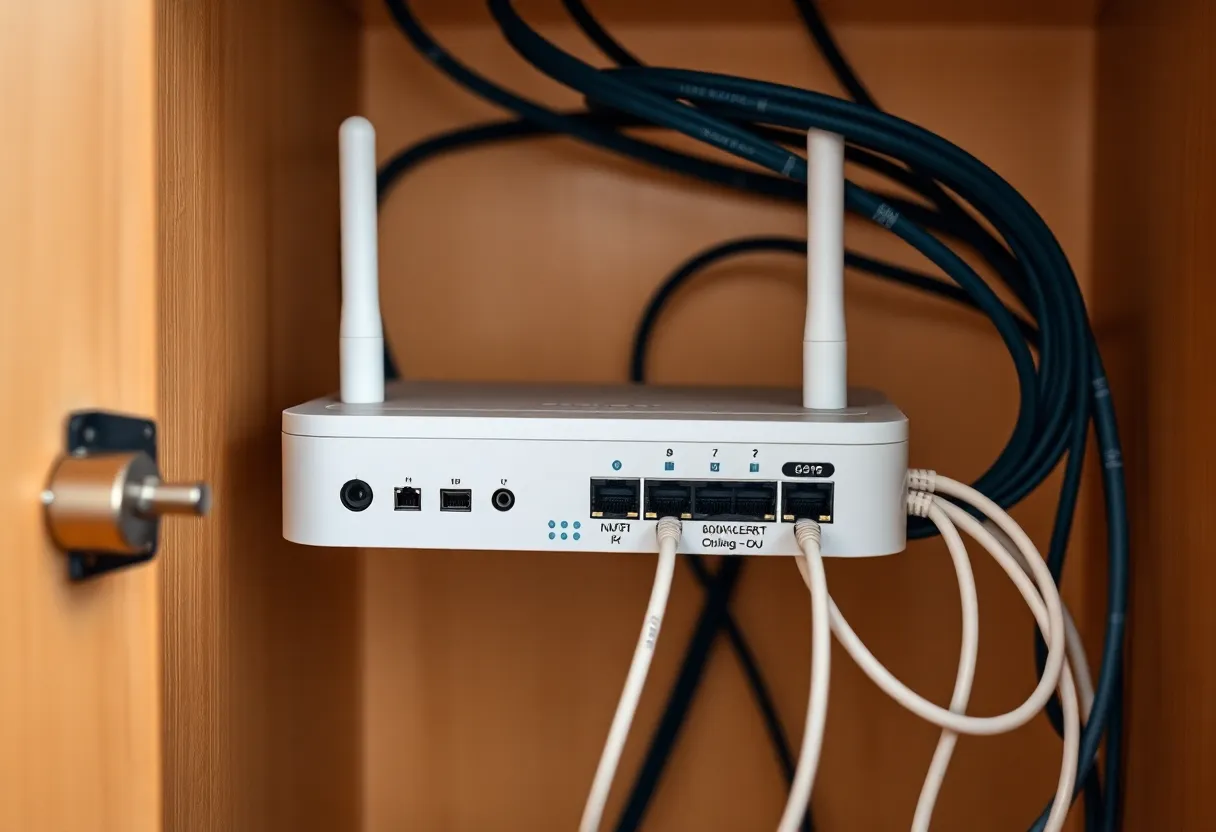
UniFi runs its Network application on a UniFi OS console: a UniFi gateway with the controller built in, such as the compact Cloud Gateway models, or a dedicated Cloud Key. The controller can also be self-hosted on your own server. There are no licence fees. Remote management works through a Ubiquiti account, which some people like for convenience and others avoid on principle. UniFi access points are designed to be adopted and managed by a controller, so plan to run one.
Omada offers more ways to run its controller: a free software controller you can install on a PC or home server, small hardware controllers, or a controller built into some Omada gateways. There is also a hosted cloud controller aimed at businesses, with per-device licensing for its paid tiers. Usefully for small homes, Omada access points can also run standalone, with their own web interface or app, with no controller at all. You lose central management, but it is handy if you start with a single access point.
If you already run a home server, both controllers can live on it in Docker, which keeps everything local. If you do not, the simplest route on either side is the brand’s gateway with the controller built in.
Day-to-day experience
UniFi’s main attraction is polish. Its interface is clean and consistent, its mobile app is excellent, and features such as client insights, a visual map of your network and traffic statistics feel finished. Its ecosystem extends beyond networking, to cameras, door access and phones, all managed from the same console, which appeals if you want one vendor for everything.
Omada’s interface is functional and thorough, and it has improved a lot, but it feels more like business software: more settings, denser screens, less visual flair. Most people who switch from UniFi say Omada does everything they need, just with less charm.
Both cover the features a demanding home needs: multiple Wi-Fi networks, VLANs to separate devices, guest networks with isolation, band steering, fast roaming between access points, scheduling, and per-client controls. A common use is keeping smart-home gadgets on their own network, away from laptops and phones, which is the idea behind putting guest and IoT devices on a separate VLAN. Either system makes that straightforward once the network is under one controller.
Price
This is Omada’s strongest argument. For comparable access points, switches and gateways, Omada hardware usually costs noticeably less than UniFi. Across a whole house with two or three access points, a PoE switch and a gateway, the savings add up to a meaningful amount, often enough to buy an extra access point.
UniFi’s counterpoint is that its higher prices buy the more polished software and a broader ecosystem. Prices on both sides move with sales and new hardware generations, so compare complete setups for your own house rather than single devices.
Where the access points go matters more than the logo
In my years of home visits, the most common cause of bad Wi-Fi was never the brand. It was placement. A few rules apply to UniFi and Omada alike:
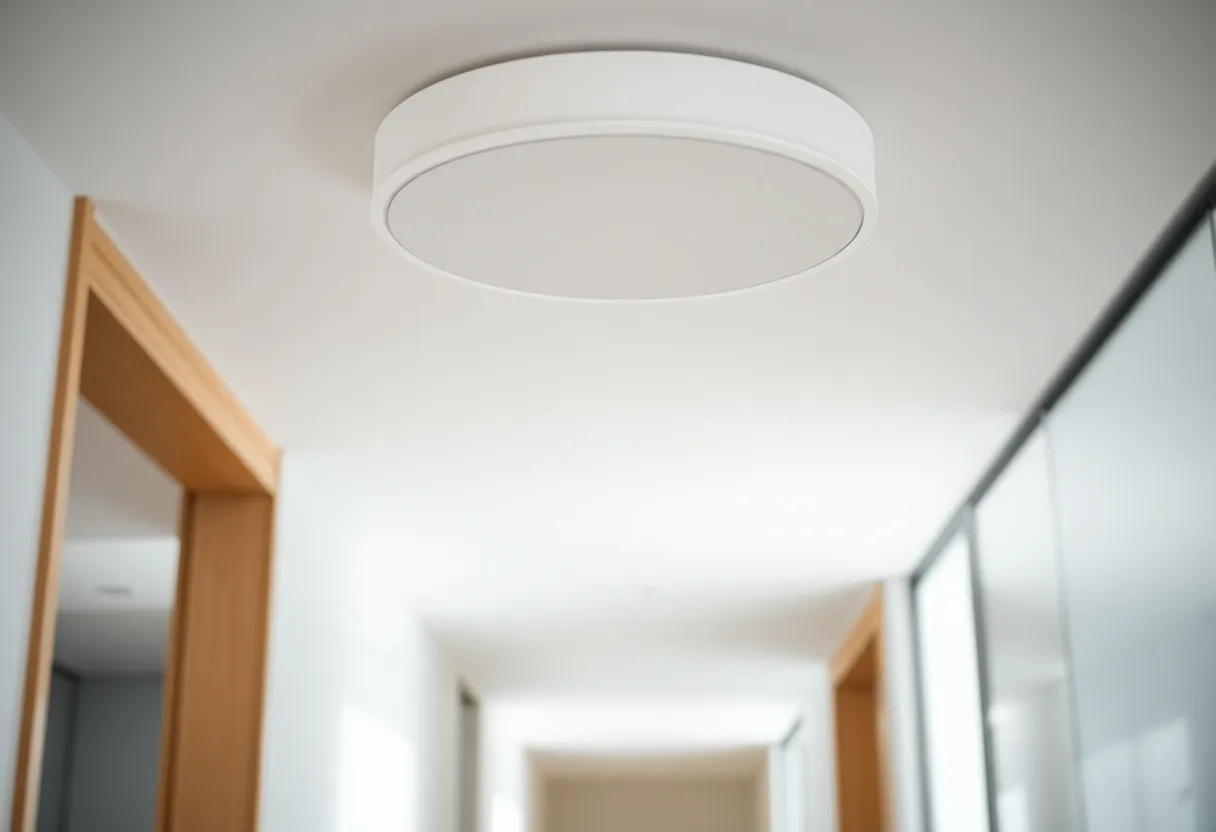
- Mount high and in the open. Ceiling-mounted access points are designed to radiate downwards and outwards. Inside a cupboard, behind a TV or on the floor, they lose much of their range.
- Put them where people use devices, not where the cable happens to be convenient. The home office and the living room matter more than the hallway.
- Turn transmit power down, not up. When access points shout at full power, phones cling to a distant one instead of moving to the closer one. Medium power often roams better.
- Use the controller’s survey tools. Both systems can show signal strength and interference from neighbours, which helps you choose channels and spot dead zones.
Phones that refuse to switch to the nearest access point are a classic complaint with any multi-access-point network, and why phones hold on to the wrong access point explains what both systems can and cannot do about it.
Firmware and reliability
Both companies ship frequent firmware updates, and both have had releases that introduced bugs: dropped clients, roaming glitches, features that broke for a version. That is normal for networking gear, but it means a few habits matter more than brand:
- Do not auto-update everything the day a release comes out. Wait a week or two and read what other users report.
- Back up the controller configuration before updates, and regularly. Both controllers can schedule automatic backups.
- Update access points one at a time if you can, so the house never loses all coverage at once.
Hardware quality is good on both sides for home use. The access points that fail in practice are usually the ones mounted in hot lofts or powered by marginal PoE supplies, whatever the brand.
Lock-in and mixing brands
Choosing either one is choosing an ecosystem. UniFi access points cannot be managed by an Omada controller, and vice versa. You can mix brands at the edges, for example a third-party switch, or your existing router with only the access points from one brand, but you lose the single-screen management that makes these systems attractive. Plan on staying with your choice for the life of the hardware, typically five years or more.
If you want to avoid vendor lock-in entirely, there is a third path: ordinary access points running OpenWrt, managed one by one. It costs the least and gives you full control, but it takes far more effort to configure and keep consistent. The trade-offs of OpenWrt access points versus mesh nodes cover that route.
Starting small and growing
You do not have to buy a whole system on day one. A common, low-risk path is to keep your ISP’s router for now, turn off its Wi-Fi, and add one or two access points plus a small PoE switch. That alone fixes most coverage problems. Later, if you want VLANs, better firewall control or everything on one screen, you replace the ISP router with the brand’s own gateway.
Omada makes the first step especially easy, since a single access point can run standalone without a controller. With UniFi, you will want a controller from the start, which can be a small console or a self-hosted instance on a computer you already have. Either way, buy the access points first: they are where the Wi-Fi improvement comes from, and they stay useful whatever you decide about the router.
Which ecosystem to build on
For most homes, both will make the Wi-Fi dramatically better than an ISP router or a consumer mesh kit, because the real upgrade is wired access points placed where people actually use the internet. Between the two, the choice is mostly about what you value.
Choose UniFi if you want the most polished experience, a mobile app you will enjoy using, and the option to add cameras or door access from the same vendor later, and if the higher price does not bother you. Choose Omada if you want the same core capabilities for less money, prefer running your own controller on your own hardware without a cloud account, or want to start small with a single access point running standalone and grow into a managed network later.
Whichever you pick, spend the effort where it matters: run cables to good access point locations, place access points in the open, near the ceiling, rather than in cupboards, and resist adding more access points than you need. Two well-placed access points beat four badly placed ones, in any brand.