The Real Difference Between 2.4 GHz and 5 GHz Wi-Fi (And When It Matters)

Helena Voss
July 7, 2026
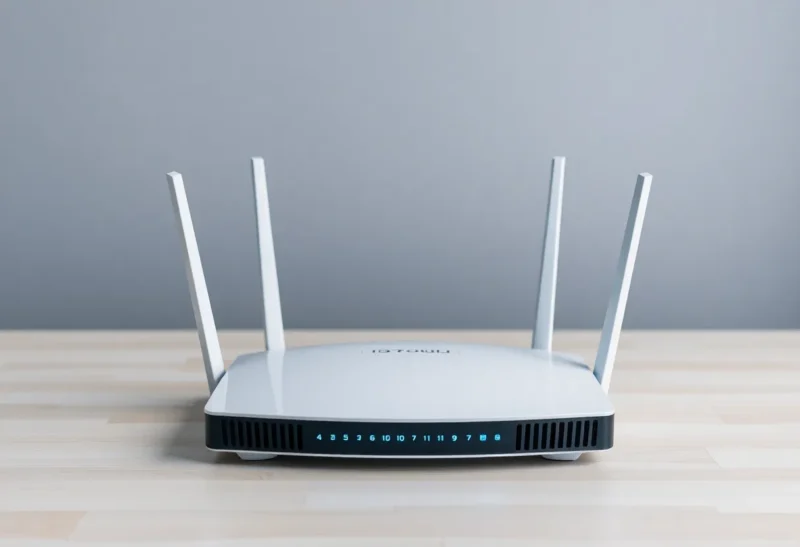
Most modern routers broadcast on both 2.4 GHz and 5 GHz simultaneously. Most devices can connect to either. The choice the device makes—or that you make for it by selecting a specific network—affects real-world performance in ways that router settings menus and Wi-Fi spec sheets rarely explain clearly. Understanding the underlying physics makes the trade-offs obvious and the decision straightforward.
What the Frequency Numbers Actually Mean
Wireless signals propagate through the air as electromagnetic waves, and frequency determines the wavelength of those waves. 2.4 GHz signals have a wavelength of approximately 12.5 centimetres; 5 GHz signals have a wavelength of approximately 6 centimetres. This difference in wavelength drives the most significant practical performance differences between the two bands.
Higher-frequency signals carry more data per unit time—the 5 GHz band supports wider channel widths and higher throughput in ideal conditions. But higher-frequency signals also attenuate more quickly over distance and are absorbed more strongly by obstacles. The relationship is governed by physics, not by router manufacturers’ choices: 5 GHz signals lose energy faster as they travel through air and lose substantially more energy passing through materials like walls, floors, and furniture.
2.4 GHz signals travel farther and penetrate obstacles better, making them more reliable at distance and through walls. Their practical throughput is lower, but that throughput is available across a wider area. 5 GHz signals deliver more speed in close proximity with clear line of sight, but the signal weakens more sharply with distance and can be reduced to an unreliable trickle by a few walls.
The Throughput Comparison
The theoretical maximum throughput numbers associated with Wi-Fi standards are often misleading without understanding what conditions they assume. Wi-Fi 6 (802.11ax) supports a theoretical maximum of 9.6 Gbps across all channels, combined—but a single device on a single band will never see this.
In practice, real-world 5 GHz throughput in good conditions (close proximity, clear line of sight, few competing devices) typically ranges from 300–600 Mbps on Wi-Fi 5 hardware and 600–1200+ Mbps on Wi-Fi 6 hardware. Real-world 2.4 GHz throughput typically ranges from 100–300 Mbps on the same hardware.
For context: a 1 Gbps internet connection is currently among the fastest consumer services available. A streaming 4K video stream requires roughly 15–25 Mbps. Even 2.4 GHz’s lower throughput ceiling far exceeds the bandwidth requirements of most consumer internet applications—the bandwidth difference between 2.4 GHz and 5 GHz is not the constraint for most households. Coverage and reliability are more often the practical concern.
The Interference Problem with 2.4 GHz
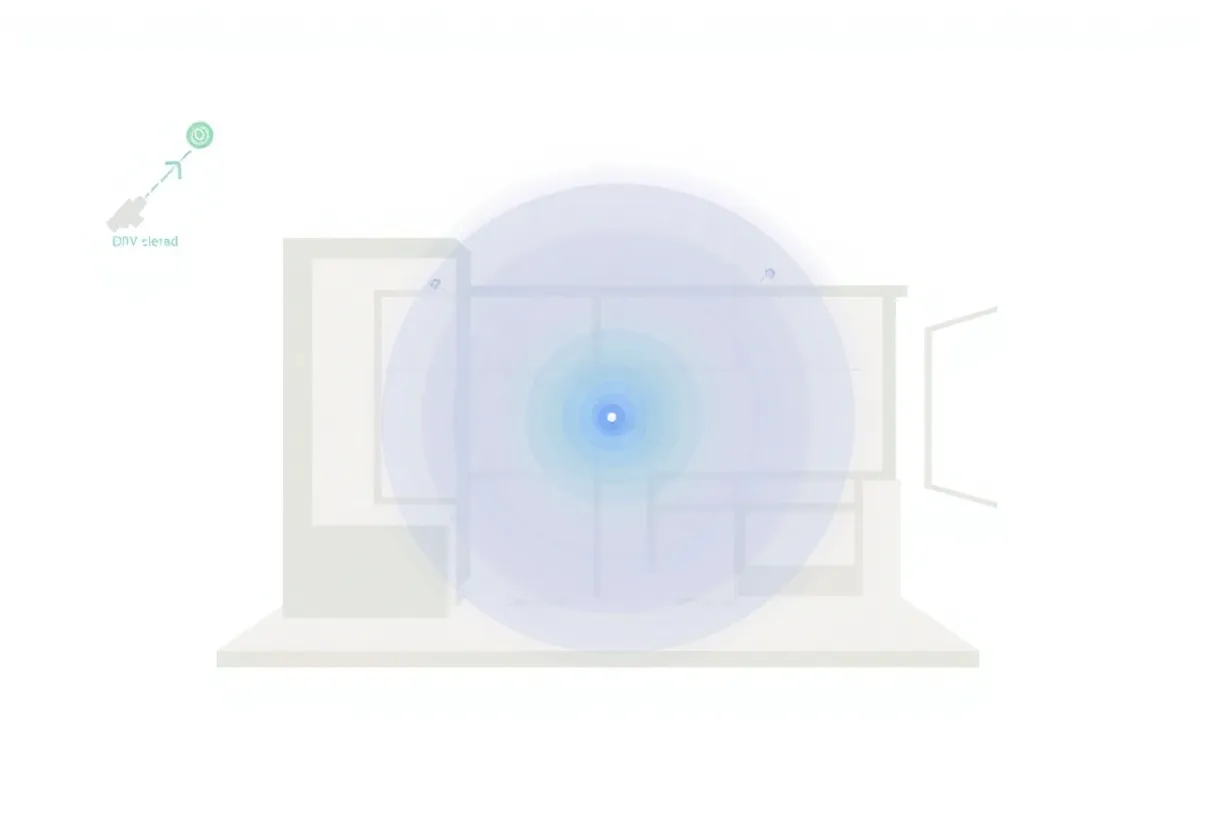
The 2.4 GHz band has a more serious practical problem than limited throughput: it’s crowded. The band has only three non-overlapping channels in most regulatory regions (channels 1, 6, and 11 in the US), and it’s shared with Bluetooth devices, microwave ovens, baby monitors, older cordless phones, and every neighbour’s router within range. In dense urban environments—apartments, offices in commercial buildings, university campuses—the 2.4 GHz band can be so congested with overlapping networks that throughput and reliability degrade substantially regardless of your router’s capability.
The 5 GHz band has many more non-overlapping channels—25 in the US regulatory region—which means less interference from neighbouring networks. In congested environments, 5 GHz often produces better real-world throughput than 2.4 GHz despite the higher per-obstacle attenuation, simply because it can operate without being clobbered by interference from adjacent networks.
Wi-Fi 6E and Wi-Fi 7 introduced a third band at 6 GHz, which has even more available channels and essentially no legacy device interference because it’s new enough that the band isn’t yet congested. 6 GHz shares the higher-frequency attenuation characteristics of 5 GHz—it doesn’t penetrate obstacles as well as 2.4 GHz—but in supported environments it provides the cleanest spectrum of the three bands.
When 2.4 GHz Is the Right Choice
2.4 GHz is the better choice in specific, well-defined scenarios.
Devices at long range or separated from the router by multiple walls are better served on 2.4 GHz. A smart thermostat in a far room, a IoT sensor in a garage, or a device in a basement where the router is on the ground floor will typically connect more reliably at lower data rates on 2.4 GHz than intermittently at higher rates on 5 GHz. For devices that send small amounts of data infrequently—smart home sensors, leak detectors, smart plugs—the bandwidth limitation of 2.4 GHz is irrelevant and the coverage advantage is significant.
Devices that don’t support 5 GHz—most smart home IoT devices and older hardware—have no choice. The Zigbee and Z-Wave protocols used by many smart home devices operate in the 2.4 GHz ISM band entirely (though they don’t share channels with Wi-Fi directly). Many inexpensive smart home Wi-Fi devices support only 2.4 GHz, which is why router configuration often requires enabling or preserving the 2.4 GHz network even if higher-performance devices use 5 GHz.
When 5 GHz Is the Right Choice
5 GHz is the right choice for bandwidth-intensive applications in close proximity to the router.
Gaming, video streaming on large displays, video calls, and fast file transfers all benefit from 5 GHz’s higher throughput when the device is within a few rooms of the router. The lower latency characteristic of 5 GHz (slightly lower overhead per packet) also slightly benefits gaming and real-time applications. In practice, the latency difference is small—typically a few milliseconds—but in a congested environment, reduced interference also reduces the packet retransmission that causes variable latency spikes.
For a laptop used in the same room as the router, or a desktop connected to a Wi-Fi adapter, 5 GHz provides meaningfully better performance in congested environments and is rarely significantly worse than 2.4 GHz in uncongested ones. Modern routers with band steering—a feature that automatically pushes devices toward their optimal band based on signal strength and throughput—typically assign close devices to 5 GHz automatically.
The Mesh Router Answer to Coverage Problems
The limitation of 5 GHz—its reduced range and wall penetration—drove the rise of mesh networking systems. A mesh network distributes multiple access points throughout a home, each providing local 5 GHz coverage, and the access points backhaul traffic between themselves (either over a dedicated wireless backhaul band or over Ethernet). A device in any room connects to the nearest access point rather than reaching across the house for the router.
Systems like Eero, Google Nest WiFi, Ubiquiti UniFi, and similar products address the coverage-versus-throughput trade-off by simply providing more access points rather than relying on 2.4 GHz’s range. A well-placed mesh network delivers 5 GHz performance throughout a home by reducing the physical distance between devices and access points, rather than extending 2.4 GHz’s coverage.
For multi-story homes or homes with thick concrete or brick walls, Ethernet-backhaul mesh systems (where the access points connect to the main router via cable rather than wirelessly) provide the most reliable performance. Wireless backhaul uses bandwidth for the inter-node link; Ethernet backhaul does not.
The Practical Decision
The decision framework is straightforward once the physics is understood:
Devices that move around the home, devices far from the router, and devices that support only 2.4 GHz: use 2.4 GHz or rely on band steering to manage the choice.
Devices near the router that transfer significant data: 5 GHz. If you live in a dense apartment building with many neighbouring networks, 5 GHz is often better even at moderate distances because of interference reduction.
Homes with coverage problems: address them with an additional access point or mesh node rather than relying on 2.4 GHz to extend range. 2.4 GHz provides more range, but it’s also more likely to be congested in environments where you need the extra range.
The band selection itself is less important than ensuring the router and access points are placed well, operating on uncongested channels, and—for best performance—connected to client devices that support the latest Wi-Fi generation their budget allows. The underlying physics don’t change, but working with them rather than against them makes the difference between a network that works and one that merely exists.