The Real Cost of Building a Homelab That Actually Stays Up

Jesse Cole
February 25, 2026

Building a homelab is cheap if you only count the hardware. Keeping it running—reliable, backed up, and maintainable—is where the real cost shows up. The first server is exciting; the ongoing cost of making sure it doesn’t die at 2 a.m. is what most people underestimate.
Hardware Is the Entry Fee, Not the Total
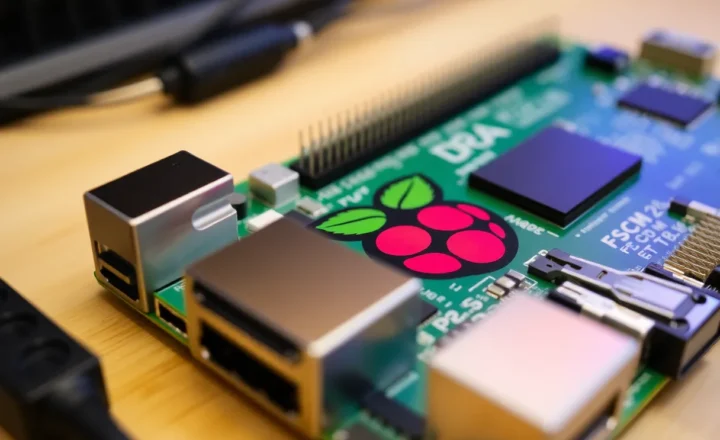
You can get a used mini PC or a Raspberry Pi and call it a homelab. That’s fine for learning. But “stays up” means different things. If you’re running a few containers for fun, a power outage or a failed SD card is an inconvenience. If you’re running your email, file storage, or home automation, downtime is real pain. The real cost of a homelab that actually stays up includes power, cooling, redundancy, and backups—none of which show up in the initial hardware price.
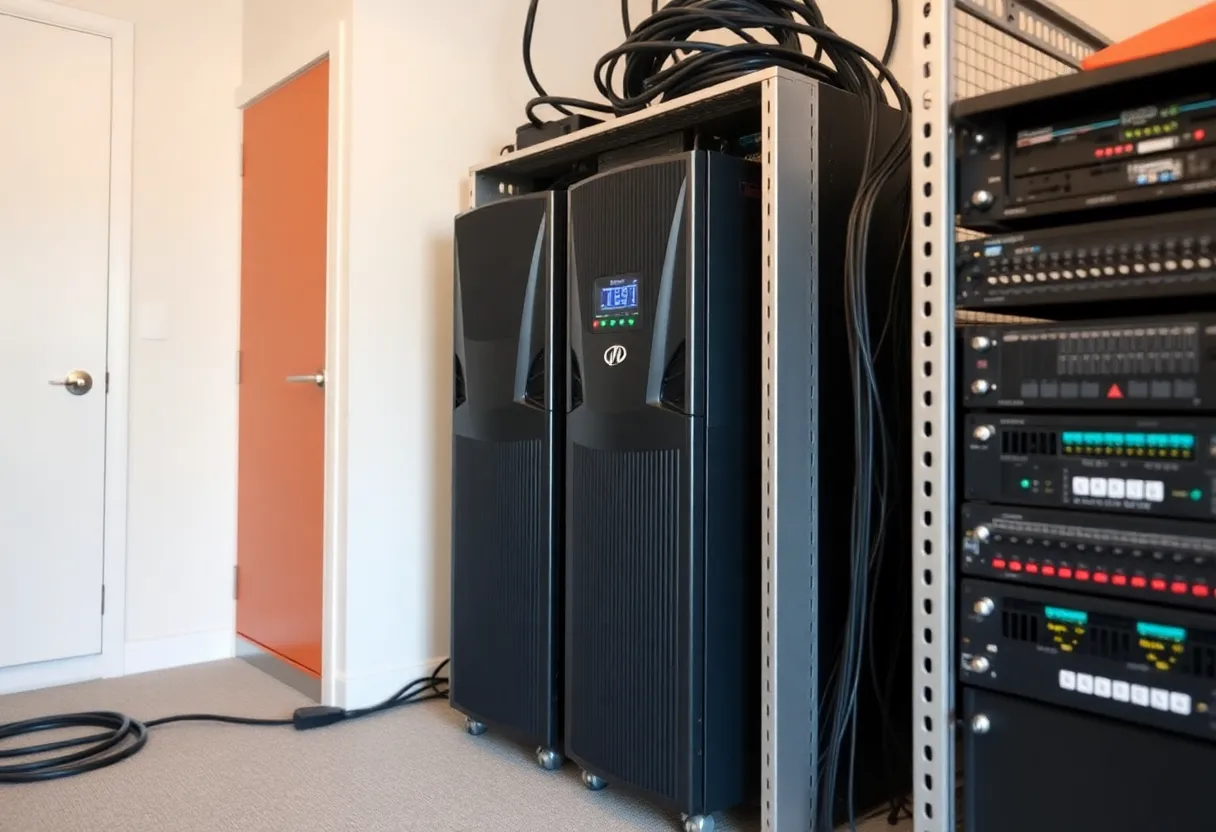
Power adds up. A modest server drawing 30 watts 24/7 costs roughly $30–40 a year in electricity at typical rates. A small rack with a few machines can easily hit $200–400 a year. That’s before you add a UPS so a brownout doesn’t kill your array or corrupt your database. A decent UPS for a homelab is another $100–300 upfront and a battery replacement every few years. If you skip it, you’re betting that the power never flickers—and when it does, you learn the hard way.
Backups and Redundancy Aren’t Optional
If your data matters, you need backups—and backups have a cost. Local backup to a second disk or NAS is the first step; that’s more hardware. Off-site or cloud backup is the only way to survive a fire, flood, or theft. Backing up terabytes costs money, whether it’s cloud storage or a drive you rotate to another location. A homelab that “stays up” also means you’ve tested restores. If you’ve never restored from backup, you don’t have a backup; you have a hope.
Redundancy—a second disk, a second node, or a failover setup—costs more hardware and more complexity. It’s the difference between “my server died and I’m restoring from backup” and “something failed and the other one took over.” Not every homelab needs that, but if you’re running services you depend on, the real cost includes the peace of mind of not being a single point of failure.
Time Is the Hidden Cost
The biggest cost is often time. Updates, security patches, monitoring, and debugging don’t show up on a receipt. A homelab that stays up needs someone who checks on it: disk health, logs, failed cron jobs, and the occasional “why is this slow?” investigation. You can automate a lot of that, but automation itself takes time to build and maintain. If you’re doing it right, you’re learning constantly—and that learning has value, but it’s not free.
So the real cost of a homelab that actually stays up isn’t just the box. It’s the hardware plus power plus UPS plus backups plus the hours you put into keeping it reliable. For some people that’s a hobby worth every penny. For others, cloud or a managed service would be cheaper and calmer. The trick is going in with your eyes open: the real cost is what it takes to keep it up, not just what it takes to turn it on.