The Case for Running Your Own Git Server When GitHub Feels Heavy

Sam Chen
March 7, 2026

GitHub has won. For most developers, it’s the default place to put code, collaborate, and discover projects. But “default” isn’t always “right.” Sometimes GitHub feels heavy—the acquisition anxiety, the feature creep, the lock-in, the sense that your repos live on someone else’s terms. If that nagging feeling won’t go away, running your own Git server is worth considering.
It’s not for everyone. Self-hosting means you own the infrastructure, the backups, and the uptime. But for side projects, personal work, or small teams that value control over convenience, a private Git server can be surprisingly straightforward. The tools have matured, the hardware is cheap, and the workflow is the same Git you already use.
Why You Might Want Your Own Git Server
Three reasons keep coming up: control, privacy, and simplicity.
Control: Your repos live on hardware you control. No acquisitions, no policy changes, no sudden deprecations. You decide when to upgrade, when to back up, and when to migrate. For projects that matter to you but don’t need GitHub’s social layer, that’s a real benefit.
Privacy: Sensitive code—proprietary logic, credentials, internal tools—stays off third-party servers. Even private repos on GitHub are data you’re handing to someone else. A self-hosted server keeps everything local. Compliance and paranoia both favor it.
Simplicity: Git itself is simple. A Git server is just a place that speaks the Git protocol. You don’t need issues, pull requests, Actions, or Dependabot to use Git. If your workflow is “push, pull, maybe branch,” a bare Git server is enough. No dashboard, no notifications, no cognitive load.

What You Actually Need
Git speaks SSH and HTTP. For a basic self-hosted setup, SSH is the path of least resistance. You run a server (could be a Raspberry Pi, a VPS, or a box under your desk), install Git, create a bare repo, and push over SSH. No web interface required.
A bare repo is a repo without a working tree—just the Git database. You create it with git init --bare. Your clients clone, push, and pull against it. That’s it. The server doesn’t need a GUI, a web app, or even a domain. An IP address and an SSH key are enough.
If you want a web layer—browsing repos, basic auth over HTTP—Gitea and Forgejo are lightweight, single-binary options. They give you a GitHub-like interface without the GitHub footprint. Gitea runs happily on a Raspberry Pi 4; Forgejo is a community fork with a focus on independence. Both speak Git over SSH and HTTP, and both are trivial to back up (copy the data directory).
Hardware and Setup
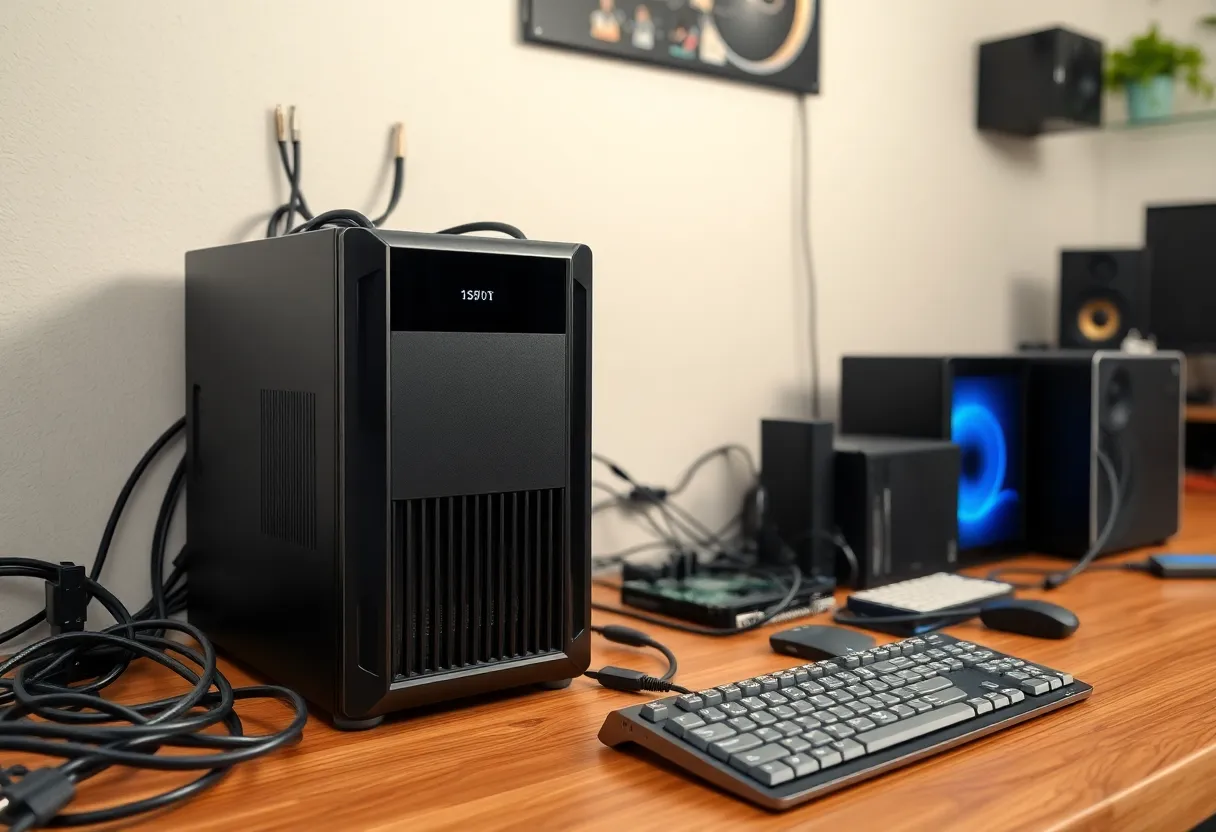
Hardware requirements are modest. A Raspberry Pi 4 with 4GB RAM handles a small team’s worth of repos with headroom. A cheap VPS ($5–10/month) works if you’d rather not run hardware at home. For solo use, even an older machine or a container on your NAS is fine.
Storage matters more than CPU. Git repos compress well, but active histories grow. Plan for backups too—rsync to another machine, or a cloud sync for the data directory. Git’s data model is friendly to replication: you can push the same repo to a backup remote and recover easily if the primary fails.
The Trade-offs
You lose GitHub’s ecosystem. No Actions, no Dependabot, no easy OAuth for third-party apps. If your workflow depends on GitHub Actions or tight integration with other SaaS, self-hosting will feel like a step backward.
You also lose discoverability. GitHub is where people find projects. If you’re building something you want the world to see, GitHub (or GitLab, or Codeberg) is the better home. Self-hosting makes sense for private work, internal tools, or projects where you don’t care about stars and forks.
Uptime is on you. If your server goes down, your Git access goes with it. For a solo dev or small team, that’s usually acceptable—you can push to a backup remote, or tolerate a few hours of downtime. For anything mission-critical, you’d want redundancy and monitoring anyway.
When It Makes Sense
Self-hosted Git shines for: personal projects you don’t want on GitHub, internal tooling, sensitive code, learning how Git servers work, or simply wanting one less dependency on a big tech platform.
It doesn’t make sense for: open-source projects that need visibility, teams that rely heavily on GitHub Actions or integrations, or anyone who doesn’t want to think about backups and uptime. There’s no shame in using GitHub. The point is choice.
Gitea and Forgejo: When You Want a Web UI
If a bare Git repo over SSH feels too minimal, Gitea and Forgejo fill the gap. Both are single-binary web apps that provide a GitHub-like interface: repo browsing, user management, pull requests, and issue tracking. Gitea started as a lightweight fork of Gogs; Forgejo branched from Gitea in 2022 with an emphasis on community governance and independence.
Installation is straightforward. Download the binary, run it, point a reverse proxy at it, and you’re done. Configuration lives in a single file. Backups are a matter of stopping the service and copying the data directory. No database to manage—they use SQLite by default—and resource usage is low. A Raspberry Pi 4 runs Gitea comfortably for dozens of repos and a handful of users.
The web interface isn’t GitHub. It’s simpler, faster, and less feature-rich. That’s often an advantage. You get the essentials: clone URLs, basic auth over HTTP, pull requests, and issues. You don’t get Actions, Dependabot, or GitHub’s discovery algorithms. For many projects, that’s exactly enough.
The Migration Path
If you’re already on GitHub and curious, you don’t have to commit fully. Add your self-hosted server as a second remote. Push to both. Use GitHub for collaboration and discovery, your server for backup and control. Git’s distributed nature means you can have multiple origins. Over time, you might find yourself pushing to your own server first and GitHub second—or not. The flexibility is the point.
Bottom Line
Running your own Git server isn’t for everyone, but it’s easier than it used to be. The software is mature, the hardware is cheap, and the mental model is straightforward: Git is decentralized by design; you’re just choosing where one of your nodes lives. If GitHub feels heavy, a Raspberry Pi and an afternoon might be all you need to lighten the load.