The Overlooked Ergonomics of a Good Desk Chair vs. an Expensive One

Dana Kelley
July 7, 2026
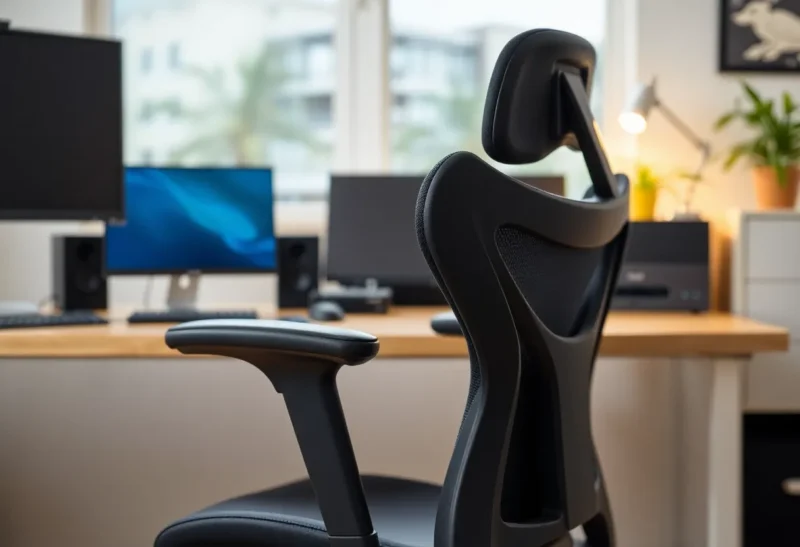
Office chair pricing spans a range that’s difficult to rationalize without understanding what you’re actually buying. A basic task chair from a big-box furniture store runs $50–150. A mid-range ergonomic chair from brands like HON, Humanscale, or Autonomous runs $300–600. A Herman Miller Aeron, Steelcase Leap, or similar upper-tier ergonomic chair runs $1,000–2,000. The price difference between the cheapest and most expensive is a factor of twenty or more. Whether that price difference corresponds to a proportional difference in ergonomic benefit — or even a meaningful one — is worth examining honestly, because the marketing around premium office chairs often conflates “expensive” with “ergonomically correct.”
What Ergonomic Chair Design Actually Addresses
Ergonomic chair design targets the physical stresses that sustained sitting imposes on the body: lumbar spine compression and posterior tilt of the pelvis, which flattens the lumbar curve and loads intervertebral discs unevenly; shoulder and neck tension from reaching forward toward keyboards; hip flexor shortening from sustained hip flexion; and restricted blood flow to the lower legs from seat pan pressure. The chair features that address these stresses are specific and knowable.
Lumbar support — a shaped support that maintains the natural inward curve of the lower back — prevents the posterior pelvic tilt that causes lumbar flexion and disc loading. Effective lumbar support is adjustable in height (to position it at the correct level for your spine’s lumbar region) and ideally in depth (to provide more or less force into the lower back depending on your natural curve). A chair with non-adjustable lumbar support positioned at the wrong height provides no benefit — it’s supporting the wrong part of the spine — and may cause discomfort.
Seat depth adjustment — the ability to change how much of your thighs are supported by the seat pan — prevents both insufficient thigh support (which shifts weight onto the lower back) and excessive seat pan depth that compresses the back of the knees and restricts blood flow. Proper seat depth leaves about three fingers of clearance between the seat edge and the back of the knees. This adjustment is frequently omitted from lower-priced chairs and is one of the adjustments that most affects fit for people with shorter or longer legs.
Armrest height, width, and pivot are relevant because armrests that don’t align with the user’s desk height create either hunched shoulders (armrests too high, forcing shoulders up) or a lack of forearm support (armrests too low or absent, leaving arms unsupported). Most people using computers benefit from armrests at approximately desk height, allowing forearms to rest comfortably rather than hanging unsupported from the shoulders.
What You’re Paying for at Each Price Tier
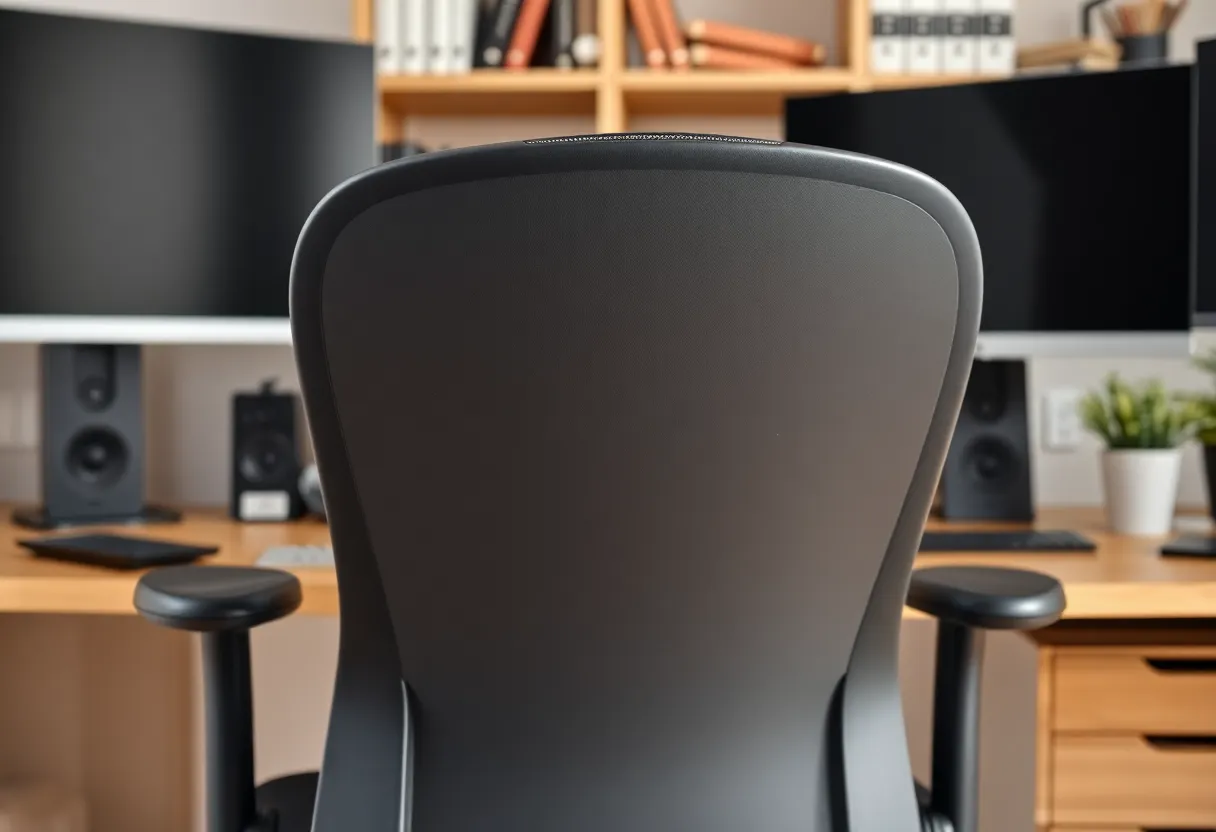
At the $50–150 tier, you’re paying for a chair that holds a person in a seated position. These chairs typically have basic height adjustment, no lumbar support or non-adjustable fixed lumbar, no seat depth adjustment, and limited or fixed armrests. For short-duration sitting (under two hours), they’re adequate. For eight-hour workdays, they don’t provide the adjustability needed to fit the chair to the person rather than the person adapting to the chair.
At the $300–600 mid-range ergonomic tier — chairs like the Autonomous ErgoChair Pro, Branch Ergonomic Chair, Humanscale Freedom, or HON Ignition — you typically get height-adjustable lumbar support, seat depth adjustment, adjustable armrests, adjustable recline tension, and better-quality materials than budget chairs. These chairs provide the core ergonomic adjustments for most people and are demonstrably more configurable than budget chairs. The quality of materials and mechanisms is meaningfully better than budget chairs, and long-term durability is typically good.
The $1,000–2,000 tier — Herman Miller Aeron, Steelcase Leap, Haworth Fern, Humanscale Diffrient World — offers additional engineering depth. The Aeron’s PostureFit SL supports both the sacrum and lumbar spine, which some users find superior to standard lumbar support alone. The Steelcase Leap’s LiveBack technology flexes with the spine’s natural movement. The Haworth Fern has a flexible back that distributes load dynamically. These are genuine engineering innovations that go beyond the adjustable-lumbar standard. They also come with 12-year warranties (Herman Miller, Steelcase) that reflect confidence in long-term durability — and these chairs do typically last 15+ years of heavy use.
Whether the engineering innovations at the top tier are worth 3–4x the mid-range price depends on several factors. For people who sit eight-plus hours per day with a history of back pain or specific ergonomic needs, the additional adjustability and engineering at the top tier may meaningfully reduce discomfort. For people with no back issues who need basic ergonomic adjustments covered, a good mid-range chair provides most of the functional benefit at a third of the price. The marginal ergonomic benefit per dollar decreases sharply above $600 for most users without specific needs.
The Often-Overlooked Non-Chair Variables
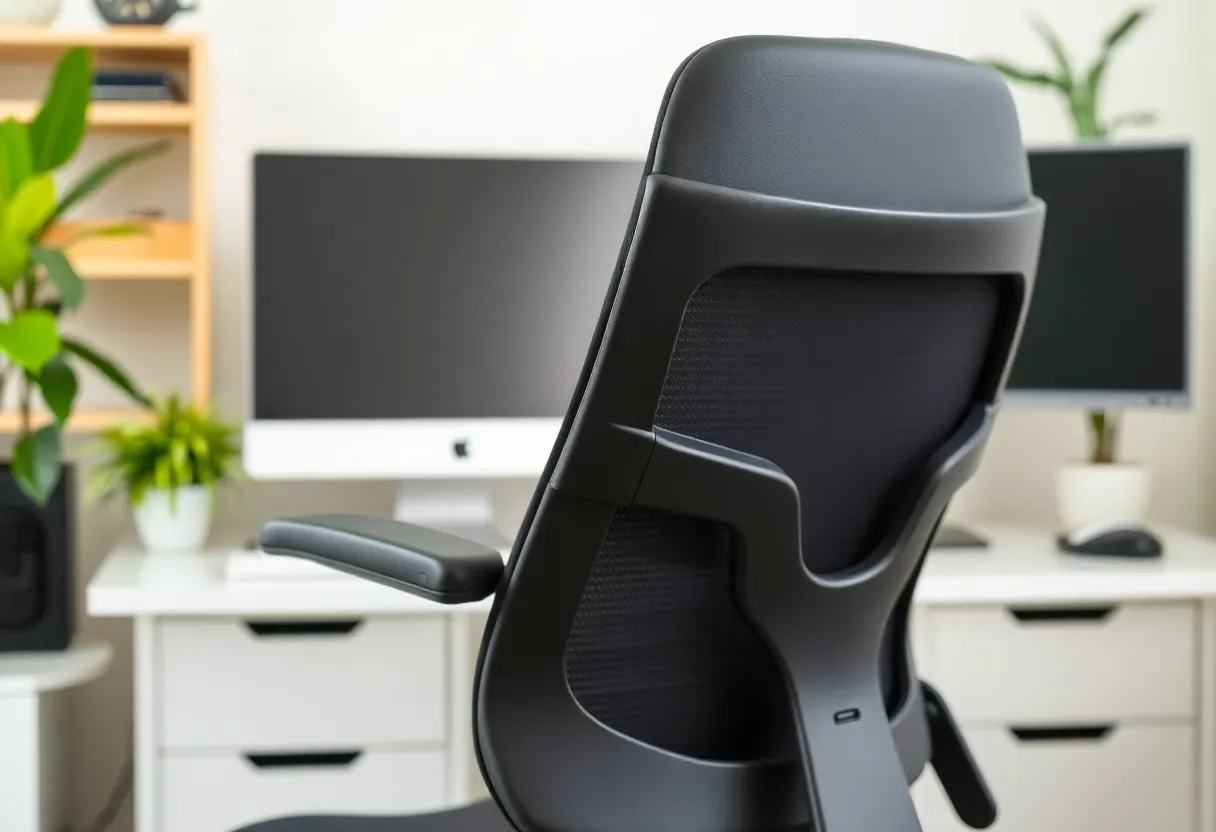
The chair is one variable in a larger ergonomic system, and it’s often not the most important one. Desk height is at least as important as chair quality — a desk that’s too high forces the shoulders up regardless of how well the chair is configured, and a desk at correct height makes almost any chair with basic adjustments work adequately. Monitor height and distance affect neck posture independently of the chair. Keyboard and mouse placement affects wrist posture and shoulder loading. A $200 mid-range ergonomic chair at a correctly configured workstation outperforms a $1,500 Aeron at a poorly configured workstation.
Movement matters more than any chair feature. Sustained static posture is the root cause of most sitting-related discomfort and health effects, not the specific posture being held. The best ergonomic advice most people receive — and most consistently ignore — is to change positions frequently, stand and move regularly, and avoid sustained static loading of any body region. Chair recline (the ability to tilt back and vary the sitting angle) reduces intervertebral disc pressure compared to upright sitting and reduces sustained static muscle loading in the back. Any chair that allows comfortable recline and encourages position variation provides significant ergonomic value.
The Practical Buying Recommendation
For most people spending significant hours at a desk: a mid-range ergonomic chair with height-adjustable lumbar support, seat depth adjustment, and adjustable armrests covers the core ergonomic needs without paying for the premium engineering of the top tier. The Branch Ergonomic Chair, Autonomous ErgoChair Pro, and similar offerings at $300–500 provide these adjustments at a price that’s justifiable for everyday home office use. If budget allows the $1,000+ tier and you have specific needs (back problems, very long seated workdays), the Steelcase Leap or Herman Miller Aeron are genuinely the products of serious ergonomic engineering — but they’re not necessary for most users, and the price premium is as much about quality of materials, longevity, and brand as about ergonomic superiority at moderate sitting durations.
The most cost-effective ergonomic improvements for many home office workers are: getting the desk height right, positioning the monitor at eye level and arm’s length, and setting a reminder to stand up and move every 45–60 minutes. These changes cost nothing and address the underlying problem — sustained static posture — more directly than any chair feature.