The Best E-Ink Devices That Don’t Require a Subscription (and How to Check Before You Buy)

Lena Hartwell
September 27, 2026
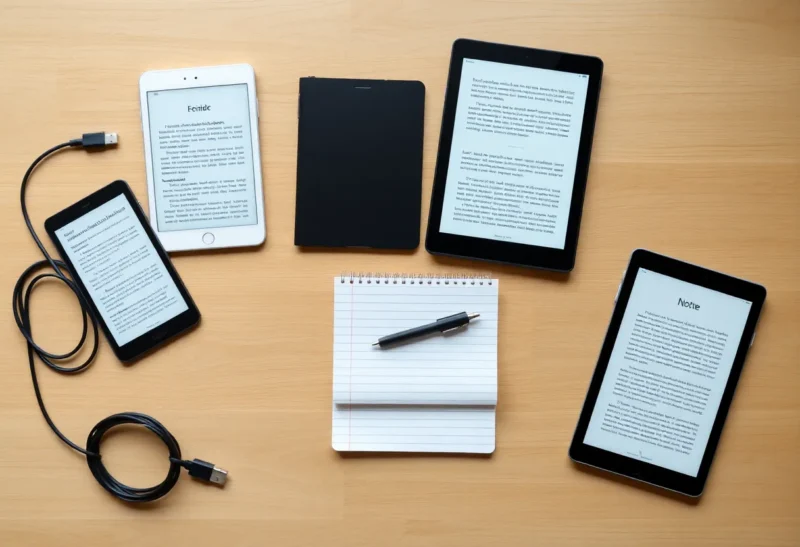
E-ink hardware is expensive enough that a monthly fee on top feels like being charged twice. Most e-ink devices do not demand one. But “no subscription required” on a product page can mean anything from “everything works forever without an account” to “the device turns on, and the features in the ad cost extra.” I have moved notebooks and libraries across most of the major brands, and the honest picture is less about which company is virtuous and more about which features live on the device and which live on someone else’s server.
This guide does two things. First, it gives you a simple way to tell whether a device is really subscription-free for the way you will use it. Second, it walks through the devices that pass that test, grouped by the job you are buying them for.
What “doesn’t require a subscription” should actually mean
I use three tests. A device that passes all three is subscription-free in any sense that matters.
- The airplane mode test. With Wi-Fi off, can you read your own books and PDFs, write notes, convert handwriting if the device offers it, and organise everything? If core features stop working offline, they depend on a server, and servers eventually get billed.
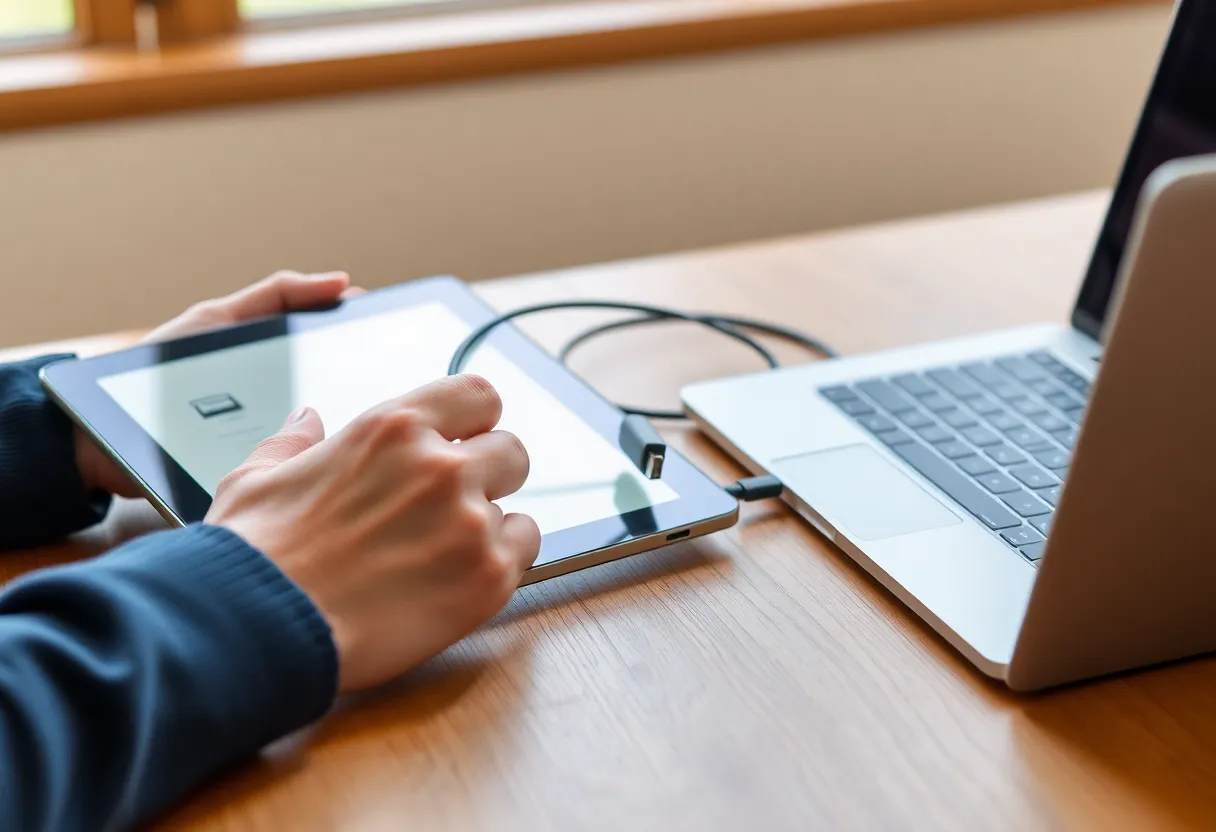
- The USB test. Can you plug the device into a computer, or use a free sync option, and get your notes and documents out as ordinary files like PDF, PNG, EPUB, or plain text? If the only exit is the company’s cloud, the cloud is the product.
- The bring-your-own-cloud test. If you want wireless sync, can you point the device at storage you already have, like Dropbox, Google Drive, or a WebDAV server, instead of the vendor’s own service?
Passing the first two is the minimum. Passing the third is what makes a device pleasant to live with long term without paying anyone monthly.
Where subscriptions hide in e-ink
Before the device list, it helps to know where the fees usually sit, because they rarely sit on the hardware itself.
- Cloud sync and storage. The most common one. Some companies give generous free sync; one major brand puts full cloud features behind a plan.
- AI features. Summaries, handwriting clean-up, and assistants are the newest line items. Several are free at launch. Treat “free for now” as a phrase with a date attached.
- Content libraries. Kindle Unlimited and Kobo Plus are subscriptions, but they are optional reading services, not device requirements. You can ignore them entirely.
- Ads. Not a subscription, but a cost. Some readers are cheaper with lock-screen ads and charge a one-time fee to remove them.
With that map in mind, here are the devices I would recommend to someone who never wants a recurring bill.
Best subscription-free notebook: Supernote
Supernote is the cleanest answer if handwriting is the main job. Its devices, the 10.7-inch Manta and the 7.8-inch Nomad, do everything on the device: writing, layers, headings, links, handwriting recognition, and PDF markup. None of it needs an account.
Supernote’s own cloud sync is free, and you can skip it and use Dropbox, Google Drive, or other supported storage instead. The companion apps are free. You can also connect over USB or use Supernote’s local browser-based transfer on your home network. Notebooks export as PDF, PNG, or text. On every one of my three tests, Supernote passes without an asterisk.
The trade-off is that Supernote is a focused notebook. It is not a general-purpose reader for store-bought ebooks, and it does not run apps. If that is fine, it is the easiest subscription-free recommendation in the category.
Most flexible: Boox, with your own cloud
Boox tablets run Android, which changes the subscription question completely. Boox has its own cloud service and file-transfer tools, and the basics of those are free. But you do not have to use any of them. You can install Dropbox, Google Drive, Syncthing, or whatever you already use, and treat the tablet like any other Android device.
That flexibility means Boox passes all three tests easily. Its Notes app works offline, handwriting recognition is available on the device, and exports come out as PDFs and images. You can read ebooks from any store that has an Android app, or sideload your own EPUB and PDF files.
Two cautions. First, newer AI features on Boox and other Android e-ink devices are an area to watch; check whether anything you care about has usage limits. Second, Android flexibility comes with the usual Android chores: app updates, settings, and the discipline not to turn your notebook into a phone. If you are comfortable with that, a Boox Note Air or Go-series tablet is the most capable device you can own without a monthly bill.
Best subscription-free e-reader: Kobo
For reading, Kobo is my default recommendation for subscription-averse buyers. Kobo readers handle EPUB natively, so books you buy from most non-Amazon stores, or DRM-free books from publishers, just work. OverDrive is built in, which means you can borrow library ebooks directly on the device with a library card and no fee.
Recent Kobo models support Dropbox, and some support Google Drive, for sending your own files to the device wirelessly. USB transfer works for everything else, and the files on the device are ordinary files. Kobo Plus exists, but it is an optional reading subscription, like a streaming library for books. Nothing on the device requires it.
Kobo’s note-taking models, like the Elipsa and the Libra Colour with a stylus, add handwriting without adding a fee. Their notebook tools are simpler than Supernote’s or Boox’s, but they are more than enough for margin notes and a reading journal.
One small wrinkle: Kobo asks for an account during setup. You can create one without buying anything, and after that the device works with sideloaded books, but it is worth knowing going in.
Best for open formats: PocketBook
PocketBook is less well-known in some markets, but it is quietly one of the most subscription-free companies in e-ink. Its readers support a very wide range of formats out of the box, including EPUB, PDF, DjVu, and comic formats. PocketBook’s own cloud is free, Dropbox support is available on many models, and USB transfer is simple.
The software is less polished than Kobo’s and the hardware lineup changes often, but if you have a large personal library in odd formats and want a reader that simply opens everything without an account or a fee, PocketBook deserves a look.
Fine without a subscription, with caveats: Kindle
Kindles do not require a subscription. You can buy books, read them, send personal documents, and take notes on a Kindle Scribe without paying Amazon monthly. Kindle Unlimited is optional.
The caveats are about lock-in rather than fees. Amazon wants you to register the device, your purchased books are licences tied to your account, and getting notes and highlights out as clean, portable files has been inconsistent over the years. Cheaper Kindle models show lock-screen ads unless you pay once to remove them. AI features on the Scribe are free at the time of writing, which is not the same thing as a promise.
If you already live in Amazon’s bookstore, a Kindle is a perfectly good subscription-free device. If avoiding recurring costs is really about avoiding dependency, Kobo or PocketBook fit the spirit better.

Usable without one, but know what you give up: reMarkable
reMarkable is the brand most people are thinking of when they search for “e-ink without a subscription,” because its Connect plan is the most visible fee in the category. The tablets do work without it. You can write, read PDFs, organise notebooks, and transfer files over USB.
What you give up without Connect is the part that makes reMarkable feel like a finished system: full cloud storage beyond a limited free tier that keeps only recently used files, and the richer phone and desktop features. If your plan is to use a reMarkable as a standalone notebook and export PDFs over USB, it is a lovely device and costs nothing monthly. If you already know you will want the phone app as an inbox and seamless sync, budget for Connect honestly rather than hoping you will not need it.
Android alternatives: Bigme, Meebook, and others
Smaller Android e-ink brands have the same basic subscription profile as Boox: no required service, and you bring your own apps and cloud. They are often cheaper and sometimes offer features like colour screens or phone-sized formats earlier than the big names. The trade-offs are software polish, update frequency, and support. For a buyer whose priority is “no subscriptions,” they pass. For a buyer whose priority is “still getting updates in four years,” check the brand’s track record first.
The subscription-creep check before you buy
Business models change. A device that is subscription-free today can grow a paid tier next year, usually by adding new features behind a plan rather than taking away old ones. You cannot predict that, but you can limit your exposure:
- Buy for features that work offline. If the reason you want a device is a cloud or AI feature, you are buying into whatever pricing that feature has in the future.
- Test the export on day one. Export a real notebook and a marked-up PDF over USB, open them on a computer, and make sure they are complete. If that works, a future subscription is an inconvenience, not a hostage situation.
- Prefer standard formats. EPUB and PDF books, PDF and PNG notes, and plain text from handwriting conversion will open in something for decades.
- Read the fine print on “free.” Some services describe features as included “for a limited time” or “during early access.” Those phrases are the warning label.
Quick picks
Handwritten notes, zero fees, zero fuss: Supernote Manta or Nomad.
One device for notes, PDFs, and every ebook store: A Boox Note Air or Go-series tablet with your own cloud app.
Reading, library books, and your own EPUBs: A Kobo, from the Clara up to the Libra Colour.
Huge personal library in unusual formats: PocketBook.
You already buy from Amazon and just want a reader: A Kindle, with the ads removed.
You love reMarkable’s pen and are happy with USB: A reMarkable without Connect, eyes open.
None of these require you to pay anyone every month. The difference between them is how much of your reading and writing stays on the device and in files you control, and that, more than the price tag, is what decides whether a device stays subscription-free for as long as you own it.